English
IP Camera Pro brings flexible camera monitoring to Android devices, letting users connect, view, and record streams from networked cameras with minimal setup. The app supports live viewing, motion alerts, recording schedules, and remote PTZ control, packaged in a clean interface geared for both home and small business use.
IP Camera Pro is designed to turn a smartphone or tablet into a powerful surveillance console. It consolidates multiple camera feeds, provides real-time notifications, and stores footage either locally or to cloud services. The design emphasizes speed and reliability so users can focus on monitoring rather than configuration headaches.
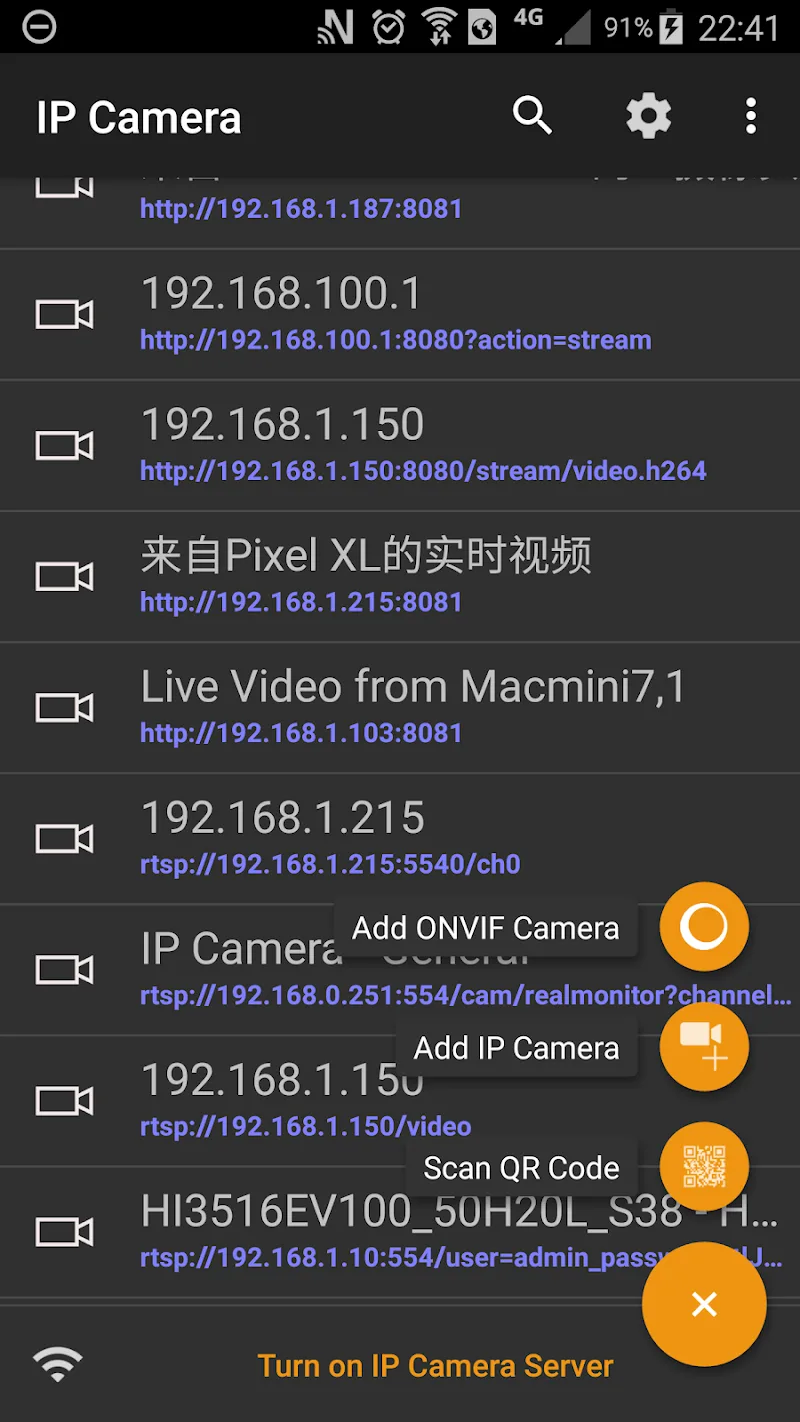
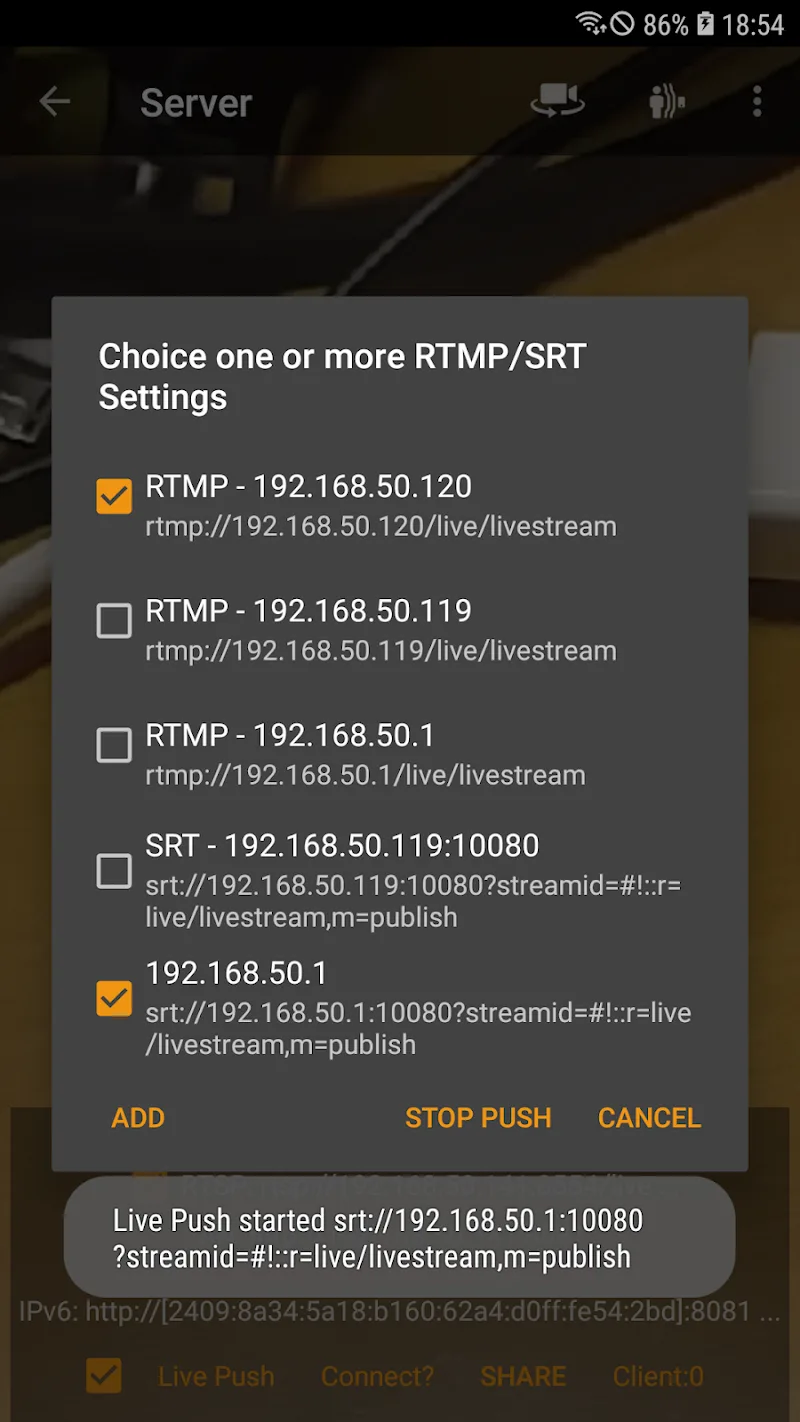
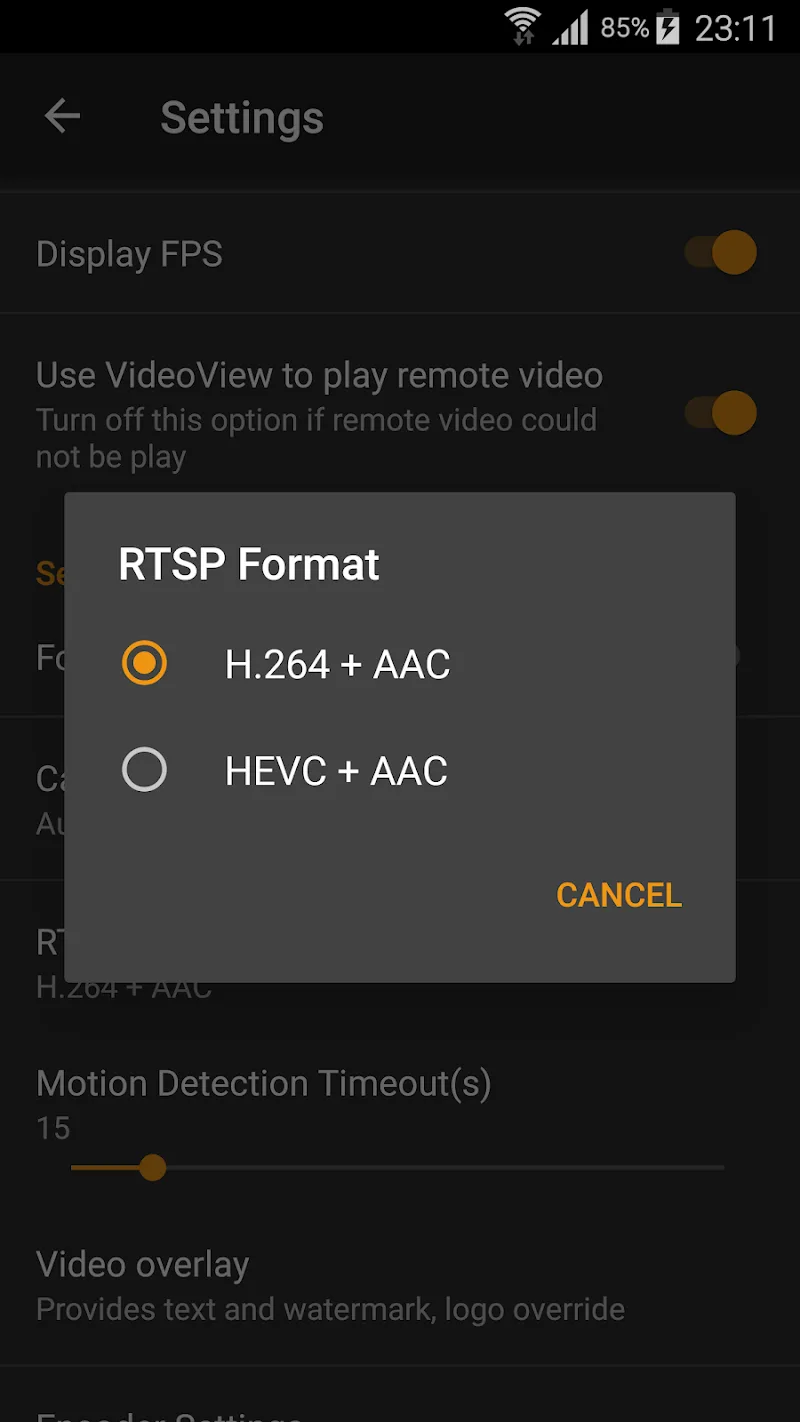
Getting cameras connected is straightforward. IP Camera Pro can auto-discover devices on the same network or accept manual entries for IP, port, username, and password. For advanced deployments, users can paste RTSP or camera stream URLs directly, or enable ONVIF discovery to pull device models and capabilities automatically.
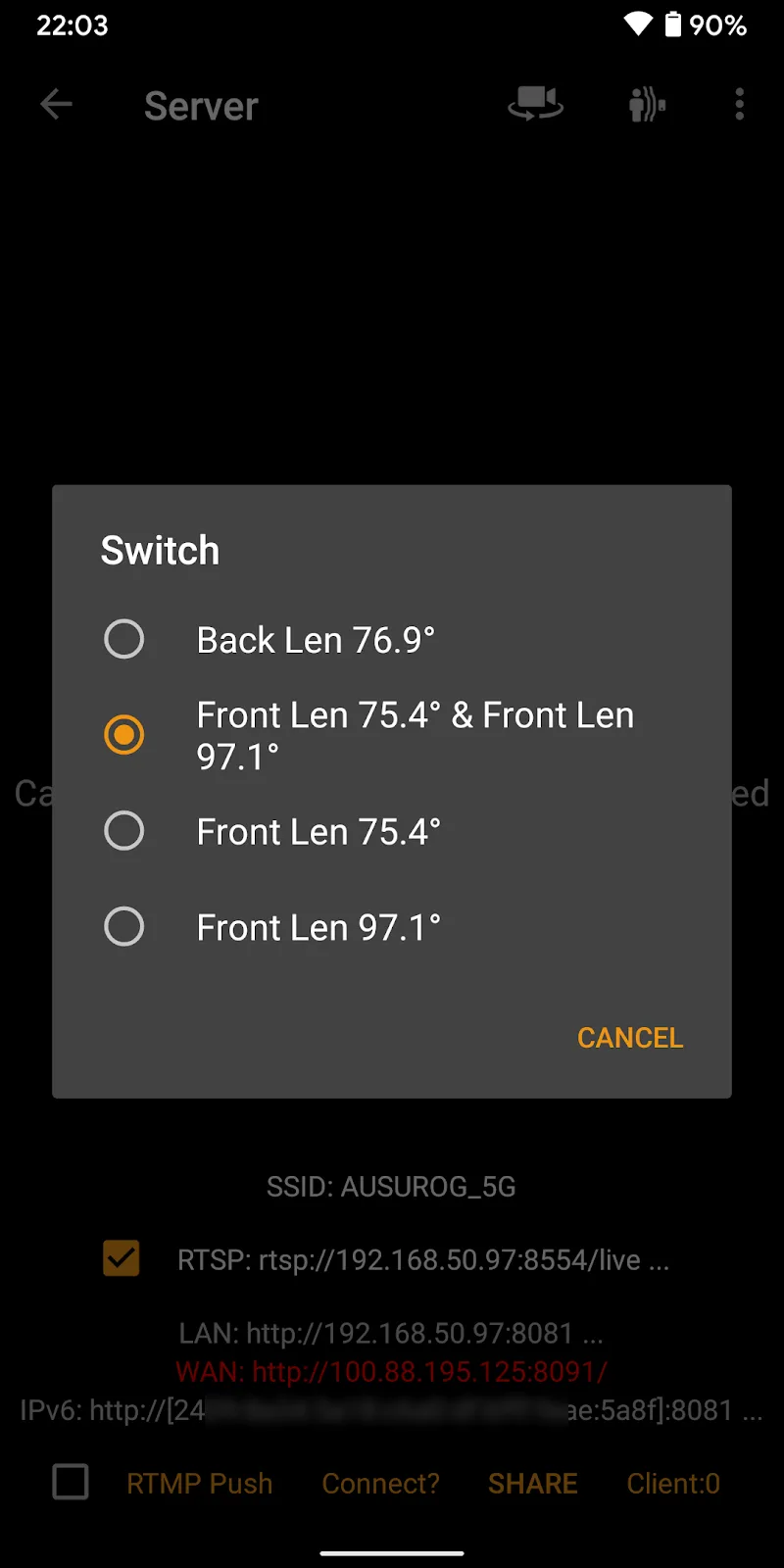
The interface emphasizes clarity: live feeds are accessible from a single dashboard, and tapping any feed opens a full-screen view with playback, snapshot, and control buttons. Common tasks such as switching layouts, adjusting stream quality, and marking event clips are reachable within two taps. For administrators, camera lists and groupings help keep large installations tidy.
IP Camera Pro gives flexible storage choices. Choose continuous recording for archival needs, schedule recordings during specific hours, or let motion events trigger short clips. Alerts can be routed as push notifications, email, or local alarms. Clips are time-stamped and searchable, and the app supports simple export options for sharing or evidence preservation.
The app balances video quality with resource use. Adjustable stream resolution and frame rate let you reduce bandwidth on slower connections while prioritizing clarity where needed. Background monitoring and low-power modes help limit battery drain when using mobile data. For optimum performance, connecting to a stable Wi‑Fi network and enabling hardware decoding on the device are recommended.
IP Camera Pro supports a wide range of Android versions and hardware, and its compatibility with standard protocols means it pairs easily with many camera brands. Security features include encrypted credentials, local password protection, and the option to restrict access to specific networks or IP ranges. Regular updates address new camera models and security patches.
For installers and small IT teams, the app includes exportable logs, batch device configuration, and customizable event rules. Integration with network storage through SMB or FTP allows offloading of recorded footage to a central server. Developers can use stream URLs with third-party tools for custom workflows.
This app suits homeowners wanting remote peace of mind, small businesses needing 24/7 monitoring, and installers managing multiple client sites. IP Camera Pro scales from a single front-door camera to multi-site setups while keeping core functions accessible for less technical users.
Install the app, run the device discovery or enter your camera credentials, then set recording and alert preferences. Spend a few minutes configuring detection zones and stream settings to match your environment. Once configured, IP Camera Pro runs continuously in the background so you can monitor, review, and respond from anywhere.
smartChord vV MOD Premium Unlocked
Size:7.00M Media & VideoJukeBox MOD Premium Unlocked
Size:17.99M Media & VideotTorrent MOD Paid/Optimized
Size:46.52M Media & VideoIP Camera Pro
Size:49.27M Media & VideoUSB Camera Pro
Size:80.36M Media & VideotTorrent Lite + MOD Remove ADS
Size:11.04M Media & VideoBinaural Beats Brainwaves MOD Premium Unlocked
Size:42.56M Media & VideoDjay MOD Premium Unlocked
Size:326.62M Media & VideoMusic Player by Inshot MOD VIP Unlocked
Size:24.20M Media & VideoPi Music Player MOD Premium Unlocked
Size:14.70M Media & VideoHungama OTT MOD Premium Unlocked
Size:29.30M Media & VideoReal Percussion
Size:18.20M Media & VideoApril 2024 Clash of Clans Update: Unveiling a Fresh Companion, Enhanced Levels, Chat Tagging, and Be
2024-04-16Arrival of Genshin Impact 4.6 Update: 'Embers of Two Realms, Twilight of Crimson'
2024-04-16V2.2 of the Farlight 84 update introduces an overhauled Season structure, fresh in-game currency, an
2024-04-16Monster Never Cry is now accessible on both Android and iOS mobile devices.
2024-04-18PUBG Mobile Teams Up with Bentley Motors: Luxury Cars, Exclusive Collectibles, and Beyond
2024-04-18March 2024 Free Redemption Codes for Honkai: Star Rail
2024-04-18