English
tTorrent MOD Paid/Optimized is a compact torrent download manager designed to bring background transfers, torrent creation and built-in file extraction into a single Android utility. From handling magnet links and .torrent files to queuing multiple transfers and showing progress through system notifications, tTorrent MOD Paid/Optimized focuses on predictable download behavior and straightforward file organization for users who want more control than a simple browser download. The app blends essential torrent client functions with an integrated archiver so you can manage compressed content without switching tools.
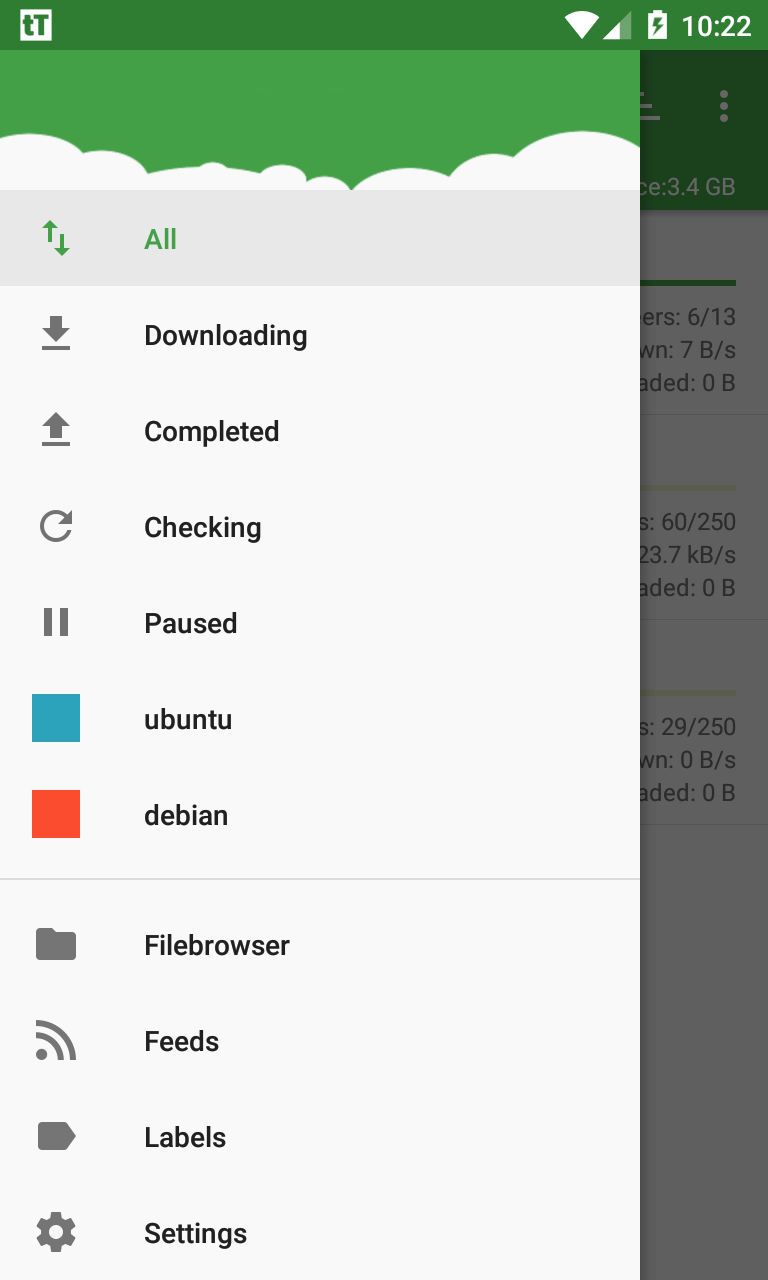
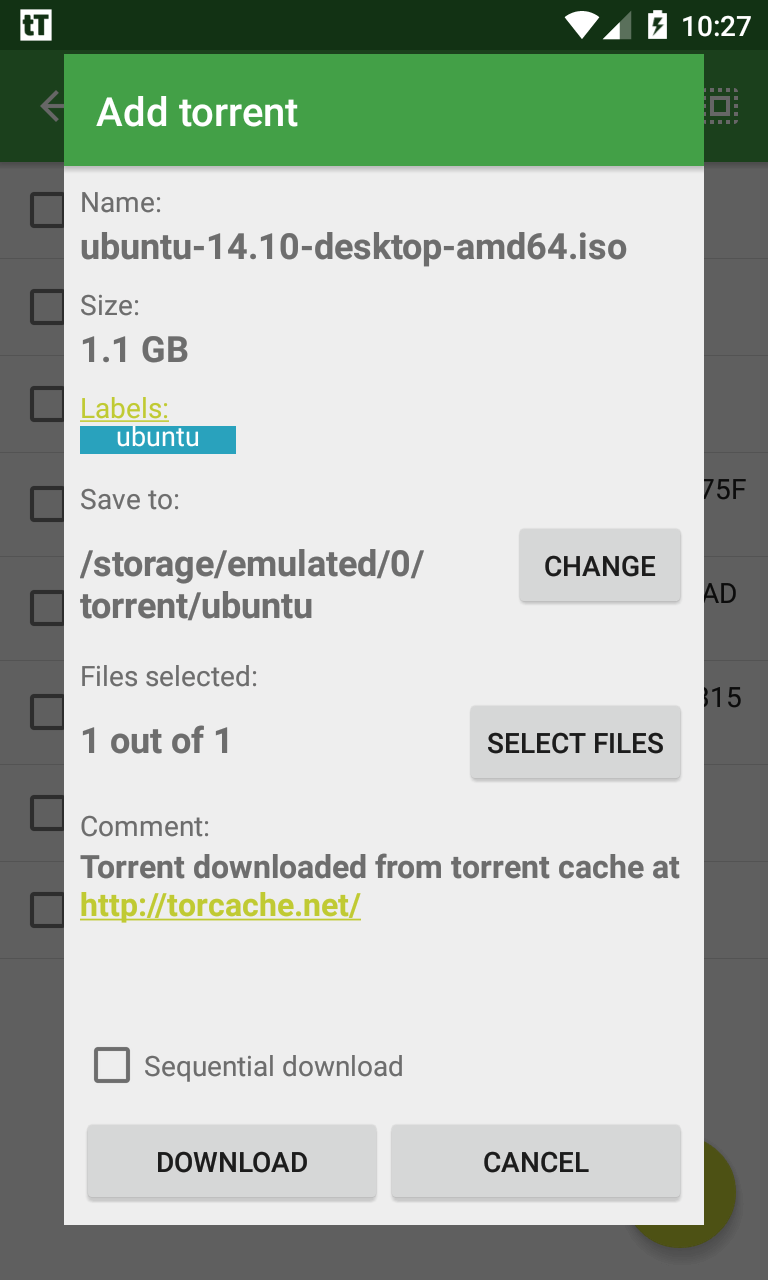
tTorrent MOD Paid/Optimized supports magnet links and traditional .torrent files, with options to create and seed new torrents for sharing content either publicly or with a limited set of peers. Background downloads continue while you use other apps and progress appears in notifications so you can monitor activity quickly. The built-in compressor and extractor let you inspect, extract or create archives directly from the app, reducing the need for separate file utilities. Multiple transfer modes — including Wi‑Fi only and standard torrent transfers — let you adapt behavior to your connection and data plan. Repair and resume tools attempt to recover interrupted or partially corrupted transfers when possible, and save-location controls let you route downloads to internal storage, SD cards, or specific folders for better organization.
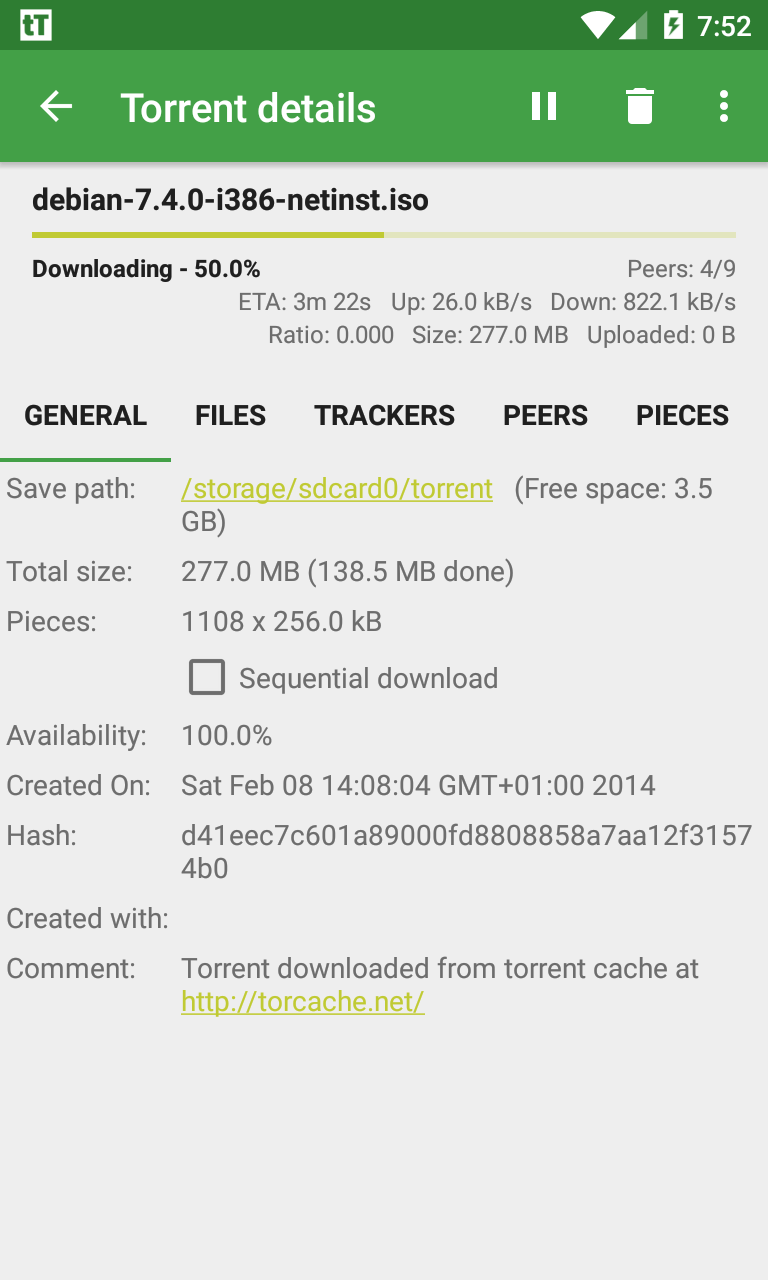
The interface emphasizes touch-driven controls and simple gestures: tap a transfer to see details, long-press to change priority or remove an item, and use the settings panel to set global limits such as maximum simultaneous downloads and per-download speed caps. Folder selection is direct and persistent, so new torrents can default to a chosen directory. Customization options include compact versus detailed list views, notification behavior, and whether completed downloads should be auto-archived or left in place. These controls are designed to be discoverable rather than buried, helping users move from basic download tasks to more advanced queue management as they become comfortable.
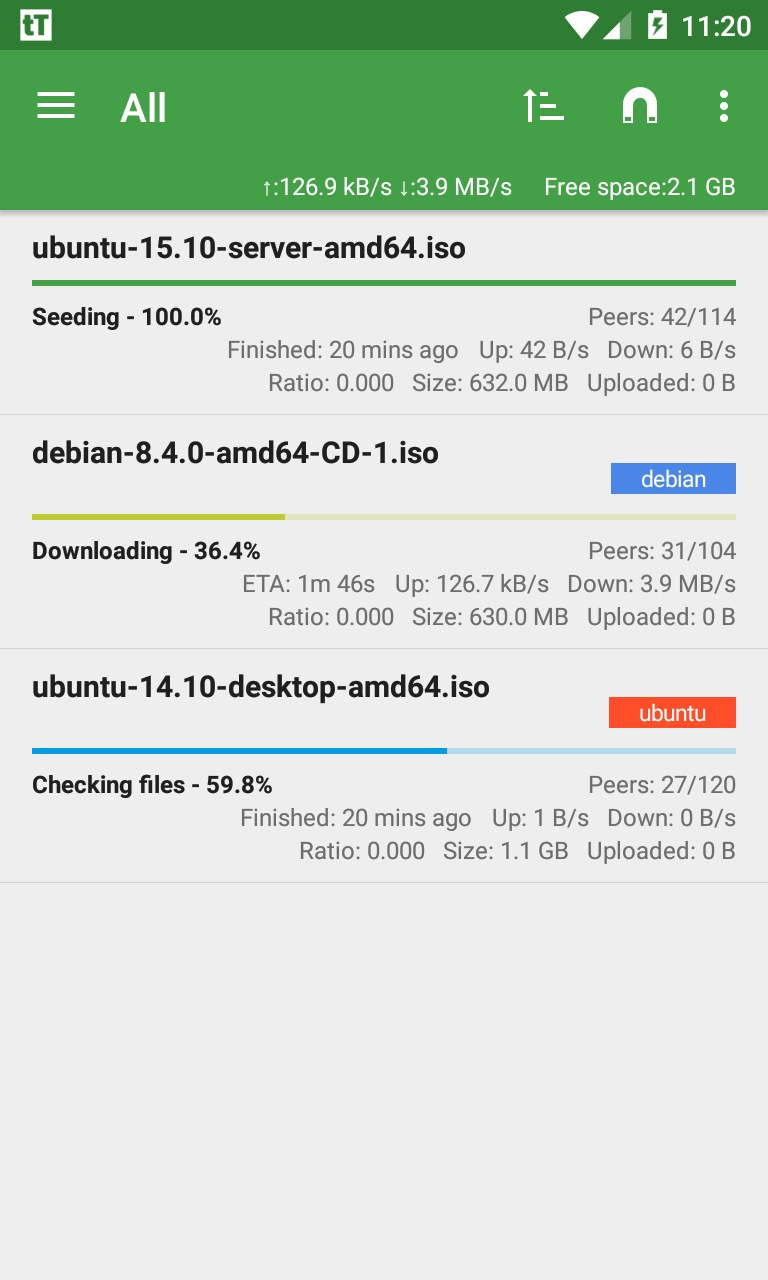
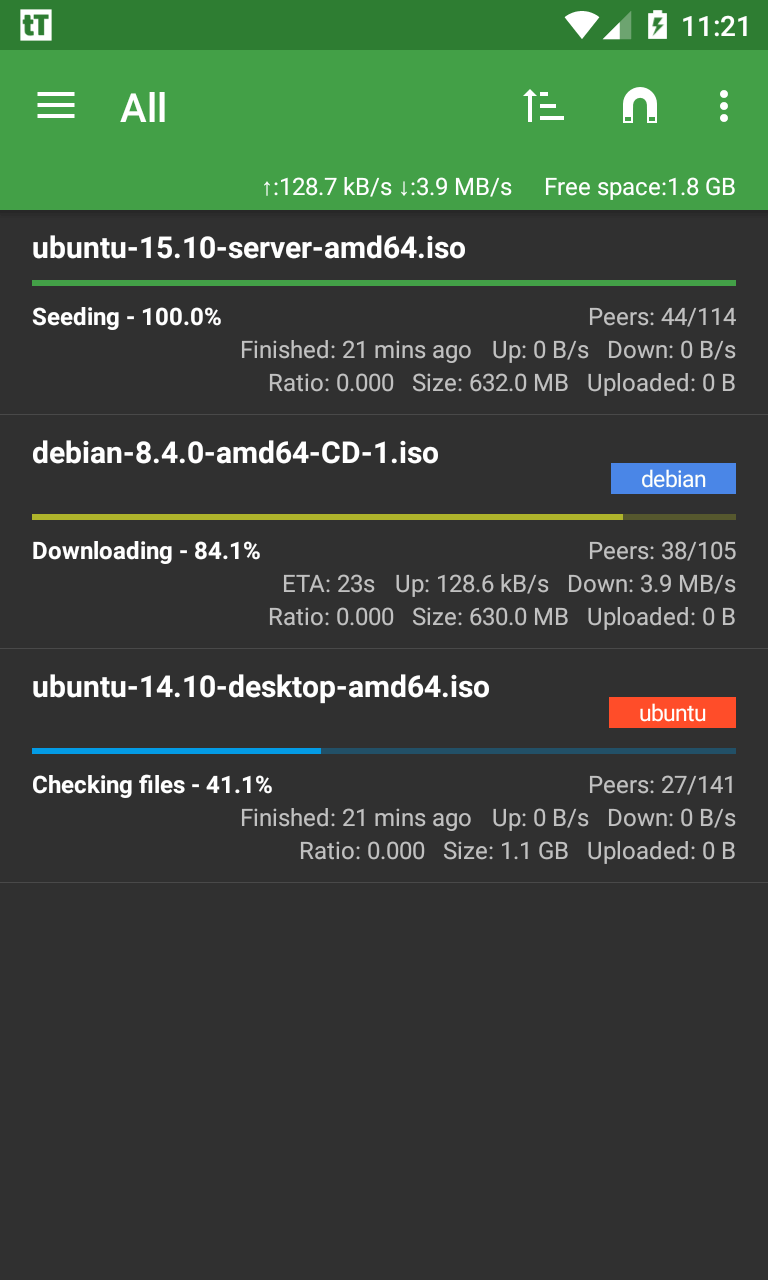
Download progression is visible in both the app and through Android notifications, showing bytes transferred, percentage complete and estimated time remaining. The queue system allows you to prioritize critical transfers, pause low-priority items, and resume specific downloads manually. Scheduling options let you restrict activity to certain network conditions or times of day, which is useful for conserving mobile data or avoiding interference during work hours. Automatic resume attempts and integrity checks help maintain reliable transfers, but the app also exposes log details and error messages so you can diagnose why a transfer stalled or failed.
Files downloaded with tTorrent MOD Paid/Optimized are stored in user-specified folders and can be opened with other apps on the device, shared, or archived using the integrated extractor/compressor. Viewing archived content without a separate tool simplifies inspection of compressed packages before extraction. Since the app operates locally on the device, content saved for offline use remains accessible without network access, which is convenient for reading, media playback with external players, or transferring files to a computer later. The app respects Android storage access patterns and prompts appropriately for permissions required to read and write files.
Performance is influenced by the quality and availability of peers, so transfer rates vary and are not guaranteed; the app provides settings to limit bandwidth and manage resource use during low-power conditions. Accessibility is supported through clear notification text, readable list layouts and configurable notification controls, making it easier for users with different needs to monitor transfers. Advanced features such as creating and seeding torrents assume some familiarity with torrent concepts; for new users, recommended default settings are provided. Some repair attempts may not succeed if necessary pieces are no longer available from connected peers, and the app does not modify external network infrastructure or provide delivery guarantees.
tTorrent MOD Paid/Optimized requests only the permissions needed to save and manage downloaded files and to access network connections for transfers. Creating and seeding torrents makes content available to others, so users should consider copyright and distribution rules in their region before sharing files. The app does not require account sign-in and operates locally on your device, but standard network monitoring and local storage permissions are required for full functionality.
smartChord vV MOD Premium Unlocked
Size:7.00M Media & VideoJukeBox MOD Premium Unlocked
Size:17.99M Media & VideotTorrent MOD Paid/Optimized
Size:46.52M Media & VideoIP Camera Pro
Size:49.27M Media & VideoUSB Camera Pro
Size:80.36M Media & VideotTorrent Lite + MOD Remove ADS
Size:11.04M Media & VideoBinaural Beats Brainwaves MOD Premium Unlocked
Size:42.56M Media & VideoDjay MOD Premium Unlocked
Size:326.62M Media & VideoMusic Player by Inshot MOD VIP Unlocked
Size:24.20M Media & VideoPi Music Player MOD Premium Unlocked
Size:14.70M Media & VideoHungama OTT MOD Premium Unlocked
Size:29.30M Media & VideoReal Percussion
Size:18.20M Media & VideoApril 2024 Clash of Clans Update: Unveiling a Fresh Companion, Enhanced Levels, Chat Tagging, and Be
2024-04-16Arrival of Genshin Impact 4.6 Update: 'Embers of Two Realms, Twilight of Crimson'
2024-04-16V2.2 of the Farlight 84 update introduces an overhauled Season structure, fresh in-game currency, an
2024-04-16Monster Never Cry is now accessible on both Android and iOS mobile devices.
2024-04-18PUBG Mobile Teams Up with Bentley Motors: Luxury Cars, Exclusive Collectibles, and Beyond
2024-04-18March 2024 Free Redemption Codes for Honkai: Star Rail
2024-04-18