English
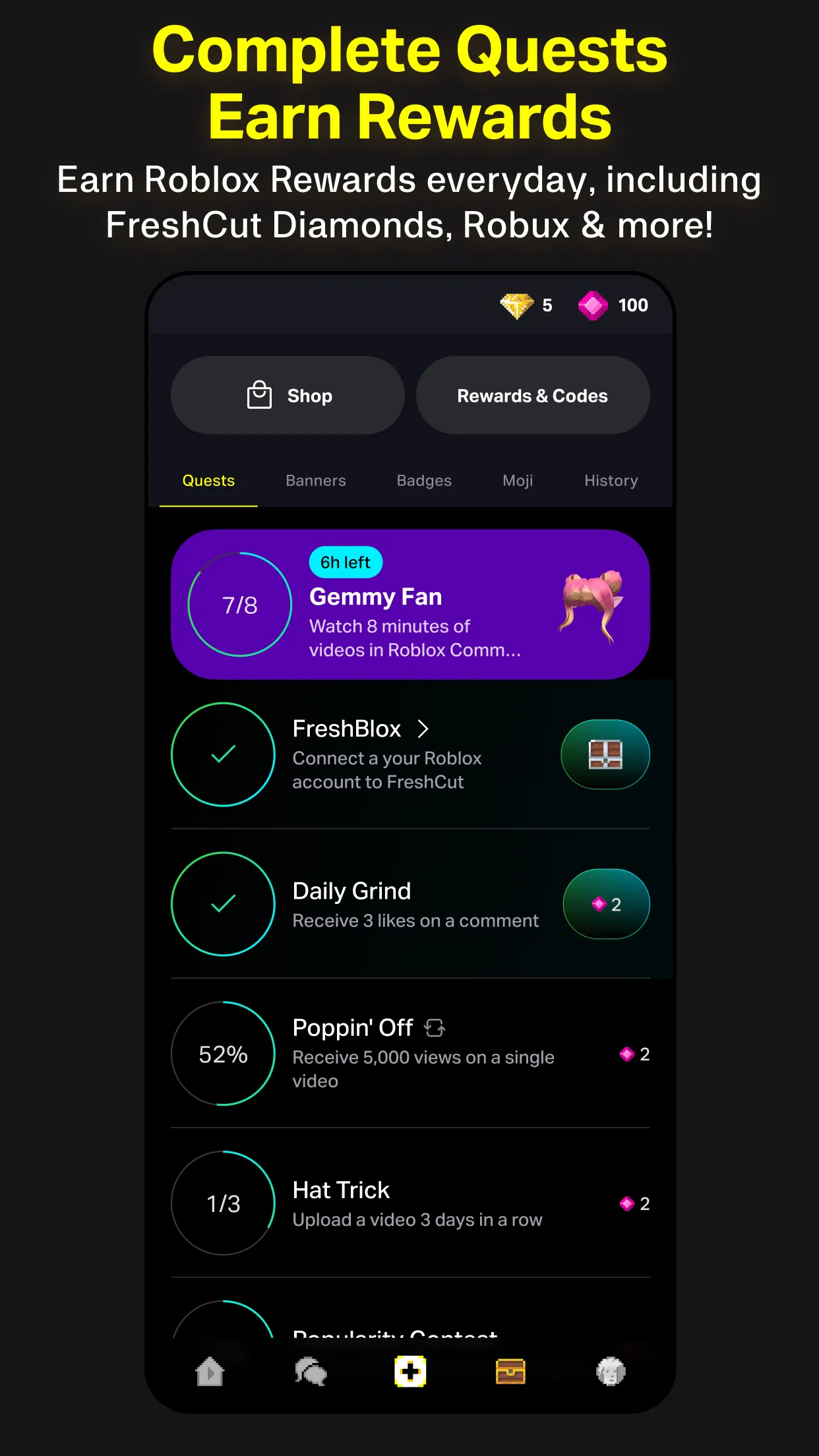
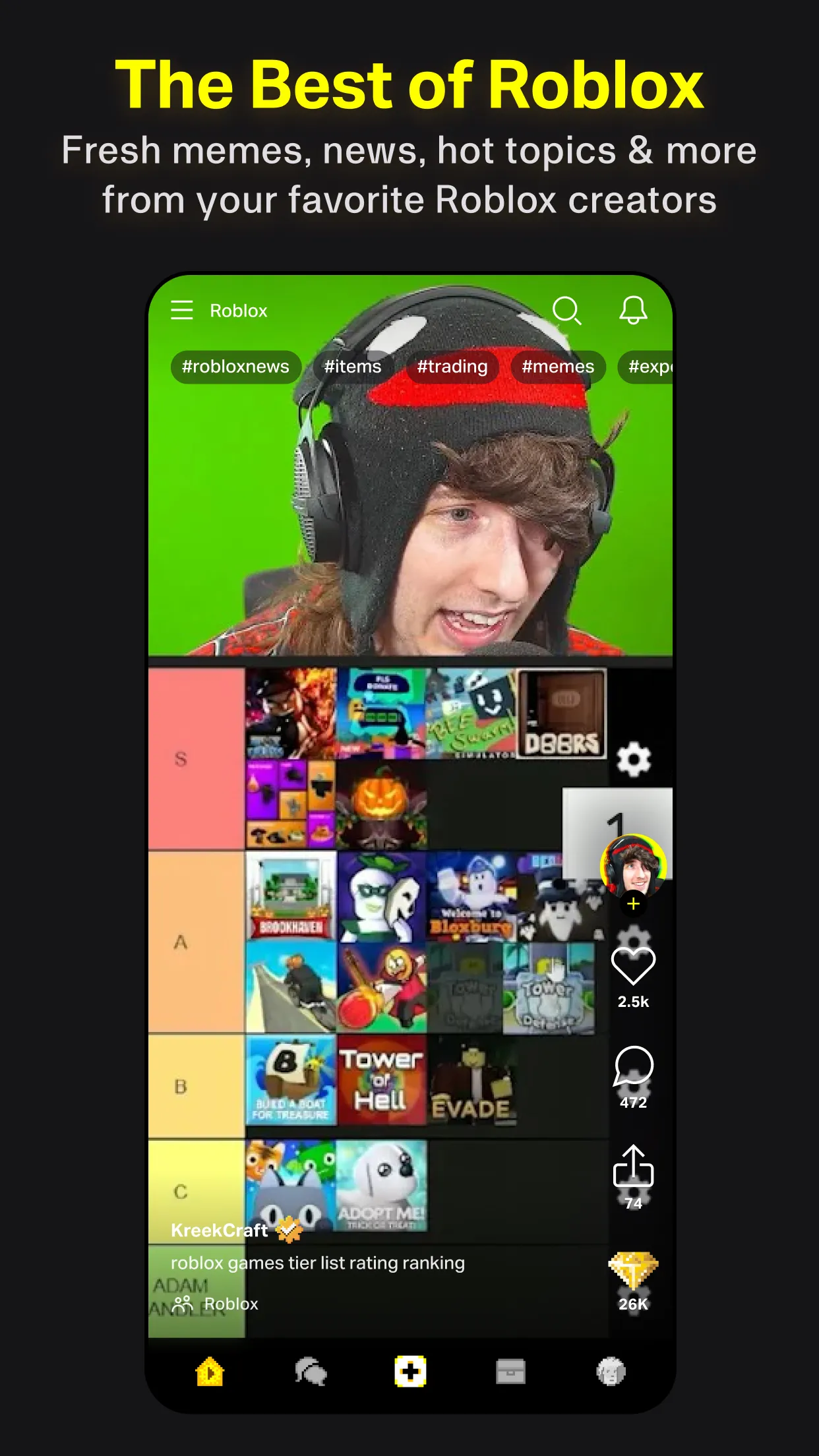
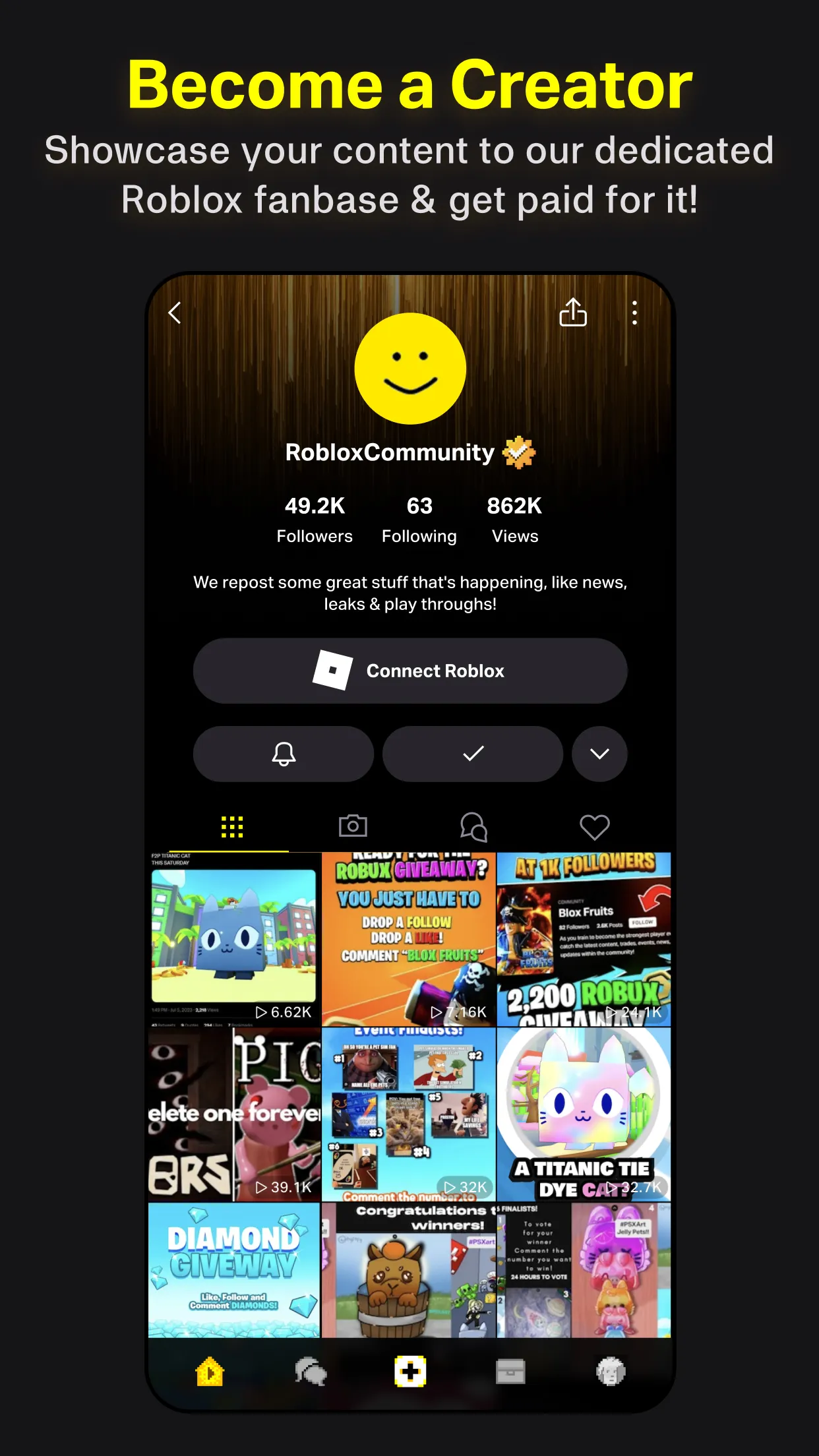
FreshCut is a lightweight video and photo editing app designed for quick trims, color corrections, and social-ready exports. Built for mobile creators, it combines an intuitive timeline, fast trimming tools, and one-tap filters so users can edit short clips or photos and publish polished content in minutes.
FreshCut positions itself as a practical toolkit for storytellers who value speed without sacrificing control. The interface keeps common tools within thumb reach, while more advanced controls remain accessible for fine-tuning. Whether you’re cutting clips for social posts or adjusting a batch of photos, FreshCut balances immediacy and precision.
The app streamlines common editing flows into a few predictable steps: import media, arrange clips or photos, apply corrections or effects, then export. Drag-and-drop trimming reduces friction when you need to test alternate cuts quickly. For creators juggling tight deadlines, FreshCut minimizes menu diving and keeps the active project visible at all times.
FreshCut supports basic layering for overlays and titles, along with a selection of transitions designed to be subtle rather than flashy. The transition library is compact but useful—dissolves, wipes and speed ramps are present and configurable. Speed controls allow short slow motion or speed-up segments to help shape narrative pacing.
Beyond one-tap looks, you’ll find per-clip grading and selective tools. Curves and color wheels let experienced users push tones where they need to, while masking tools enable isolated corrections. Saved custom presets are convenient if you want consistent aesthetics across videos or photo sets.
FreshCut is optimized for mid-range Android devices, focusing on smooth scrubbing and responsive controls. The editor caches thumbnails to reduce lag when scrolling through long clips. The layout adapts to both portrait and landscape editing, and button grouping follows common mobile ergonomics so tasks require minimal reach.
Many users choose FreshCut for its sensible mix of speed and functionality. It doesn’t overwhelm with feature bloat, yet it offers enough depth for finishing short projects on-device. The app’s export options and preset systems support frequent posting schedules without requiring a desktop workstation.
Installation is straightforward from the app store: grant media access, import your project files, and you’re ready to edit. The included tutorial covers timeline basics and export settings in a few short steps. For power users, project backup and simple versioning are handy safeguards when experimenting with different edits.
As a mobile editor focused on practical output, FreshCut suits content creators who need reliable, fast tools for everyday production. It’s especially useful for social-first workflows where turnaround speed and consistent visual identity matter the most.

BBM Enterprise
Size:22.50M CommunicationKosmi
Size:25.03M CommunicationHarry Potter Fan Club
Size:108.33M CommunicationJTInstagram
Size:274.39M CommunicationFreshCut
Size:58.09M CommunicationQuetta MOD Premium Unlocked
Size:127.08M CommunicationSKOUT MOD Premium Unlocked
Size:148.50M CommunicationOpera Mini MOD VPN Unlocked
Size:45.50M CommunicationNicegram: Secure AI Messenger
Size:98.20M CommunicationTellonym
Size:24.70M CommunicationDaRemote
Size:25.95M CommunicationPhoenix Browser
Size:28.30M CommunicationApril 2024 Clash of Clans Update: Unveiling a Fresh Companion, Enhanced Levels, Chat Tagging, and Be
2024-04-16Arrival of Genshin Impact 4.6 Update: 'Embers of Two Realms, Twilight of Crimson'
2024-04-16V2.2 of the Farlight 84 update introduces an overhauled Season structure, fresh in-game currency, an
2024-04-16Monster Never Cry is now accessible on both Android and iOS mobile devices.
2024-04-18PUBG Mobile Teams Up with Bentley Motors: Luxury Cars, Exclusive Collectibles, and Beyond
2024-04-18March 2024 Free Redemption Codes for Honkai: Star Rail
2024-04-18