English
Fake GPS Location Spoofer Go is a compact Android utility that lets you simulate your device's location for testing apps, protecting privacy, or previewing location-based services. It offers simple controls, a map interface, and quick location presets so users can change coordinates without complex configuration.
Fake GPS Location Spoofer Go targets developers, privacy-conscious users, and anyone who needs to evaluate geofenced features on Android devices. The app focuses on ease of use: a clear map view, a search box for addresses, and one-tap position setting. It avoids clutter while offering the essentials expected from a location spoofer.
After granting developer permissions and enabling mock locations, Fake GPS Location Spoofer Go intercepts the location API calls and substitutes the selected coordinates. The app maps the chosen point to Android’s location services so other apps read the spoofed position as if it were real. The process is straightforward: pick a spot, activate spoofing, and the device reports the new coordinates to location-aware apps.
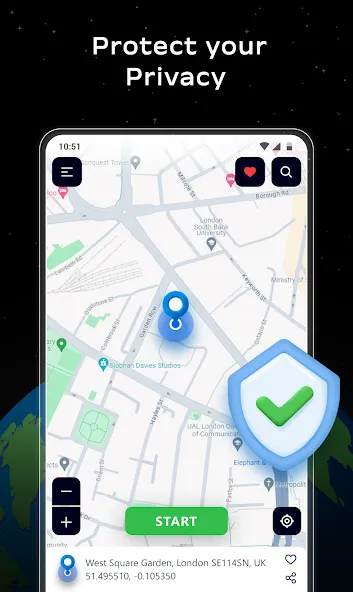
The interface emphasizes quick actions. A central map window fills the screen; search and coordinate input are accessible from the top. Buttons to start and stop spoofing remain visible without jumping through menus. Animation and map redraws are kept to a minimum, helping the app run smoothly on a range of hardware from entry-level phones to higher-end devices.
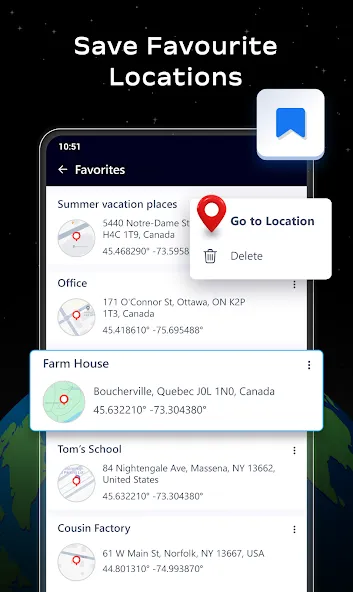
For app developers, Fake GPS Location Spoofer Go simplifies testing of geofencing and location triggers. QA testers can verify how an application behaves when a device enters or leaves a zone. Casual users can preview location-based content or set a stable location for apps that mistakenly drift. The saved presets feature speeds repeated checks and demonstrations.
Fake GPS Location Spoofer Go provides a legitimate tool for development and privacy tasks, but it should be used responsibly. Avoid using the app to circumvent terms of service, commit fraud, or mislead others. Always respect app policies and local laws when altering reported location data.
The app is designed to be lightweight but the overall experience can depend on device firmware, Android version, and other apps interacting with location services. If you encounter inconsistent readings, restart the target app or toggle the mock location service. Keeping the spoofer updated ensures compatibility with the latest Android builds.
Installation is quick from an app store: grant the requested permissions, enable mock locations in system settings, and then choose a location on the map. The learning curve is short—most users will be able to spoof their device position within minutes of opening Fake GPS Location Spoofer Go.
For professionals and hobbyists alike, this app offers a practical mix of features without overwhelming complexity. Its focus on usability makes it a convenient choice for anyone needing reliable, repeatable location simulation on Android devices.
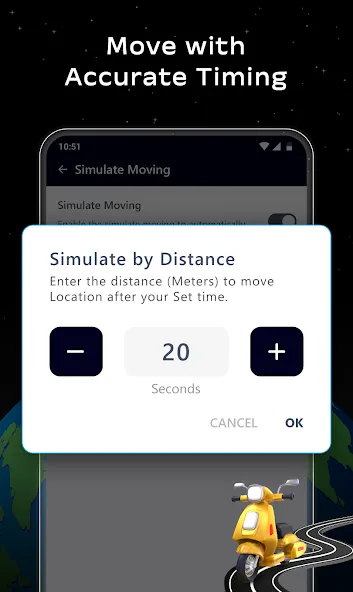
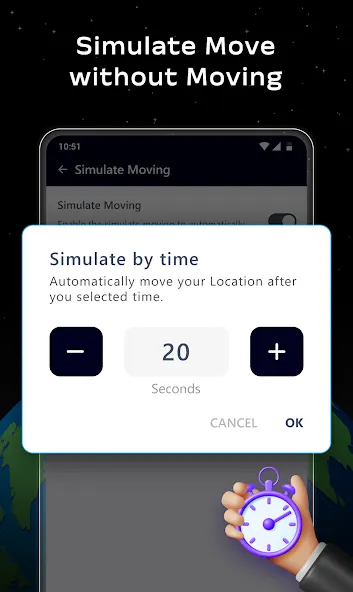
Fake GPS Location Spoofer Go
Size:13.92M LifestyleW Connect By Walgreens
Size:29.88M LifestyleSomaShare
Size:49.92M LifestyleZoom Earth
Size:26.11M LifestyleMaxNote
Size:12.60M LifestyleRegain
Size:49.83M LifestyleV-App
Size:310.43M LifestyleSkyclock
Size:7.22M LifestyleMAWAQIT for TV
Size:95.07M LifestyleSpirit Talker
Size:14.30M LifestyleAdobe Photo Lightroom
Size:129.60M LifestyleLa Pulce fumetti
Size:5.80M LifestyleApril 2024 Clash of Clans Update: Unveiling a Fresh Companion, Enhanced Levels, Chat Tagging, and Be
2024-04-16Arrival of Genshin Impact 4.6 Update: 'Embers of Two Realms, Twilight of Crimson'
2024-04-16V2.2 of the Farlight 84 update introduces an overhauled Season structure, fresh in-game currency, an
2024-04-16Monster Never Cry is now accessible on both Android and iOS mobile devices.
2024-04-18PUBG Mobile Teams Up with Bentley Motors: Luxury Cars, Exclusive Collectibles, and Beyond
2024-04-18March 2024 Free Redemption Codes for Honkai: Star Rail
2024-04-18