English
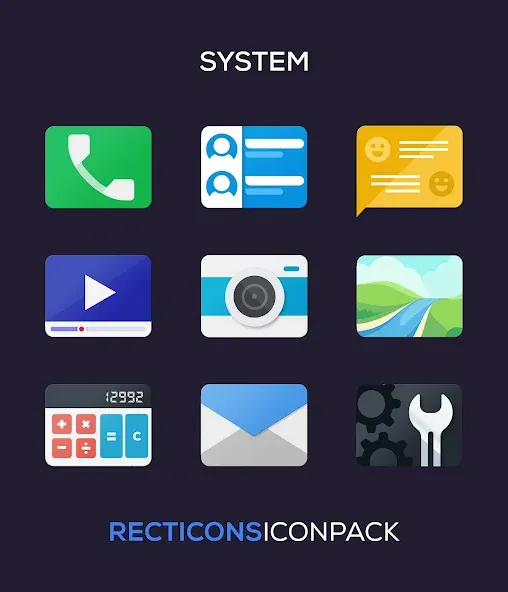
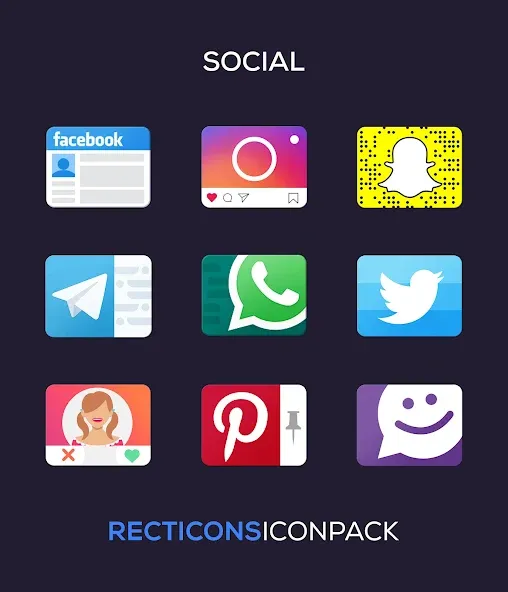
Customize and apply - Recticons offers a straightforward way to refresh your Android home screen with a cohesive, rectangular icon set and curated wallpapers. The app combines an expansive icon library with masking technology so even apps without themed art get a matching look. You can mix palettes, swap between custom folder icons and an alternate app drawer, and save presets for fast switching. Recticons aims for visual consistency while giving you flexible control over colors and icon alternatives so your launcher feels intentional rather than piecemeal.
Install and open: Download the APK and launch the app to land on a clean, material-style dashboard that guides you through core options.
Pick a launcher: Apply the pack from a supported launcher like Nova or Lawnchair; if your launcher isn't listed, use its theme or icon settings to apply the pack.
Search and preview: Use the built-in search and preview tools to find icons quickly and check how replacements will look on your home screen before you apply them.
Save favorites and presets: Create custom folder icons and save theme presets so you can switch between looks — for example, a work-focused set and a relaxed weekend set — without rebuilding layouts.
Large handcrafted library: Over five thousand icons are included, covering popular apps and many niche tools with high-resolution, vector-based artwork.
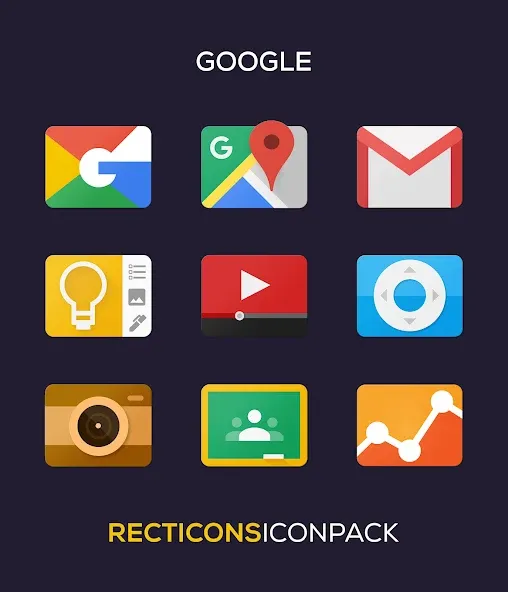
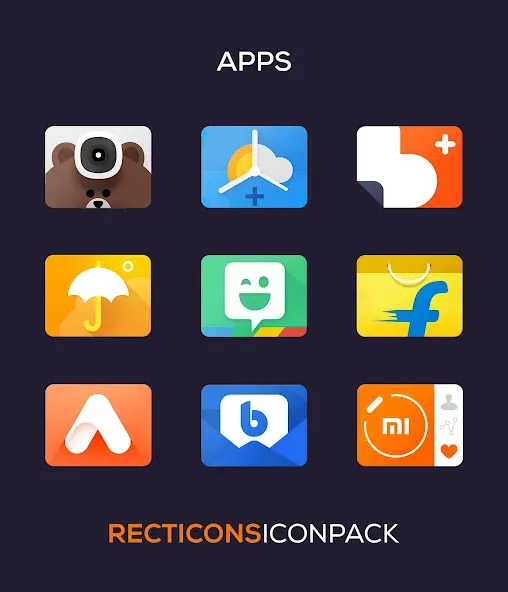
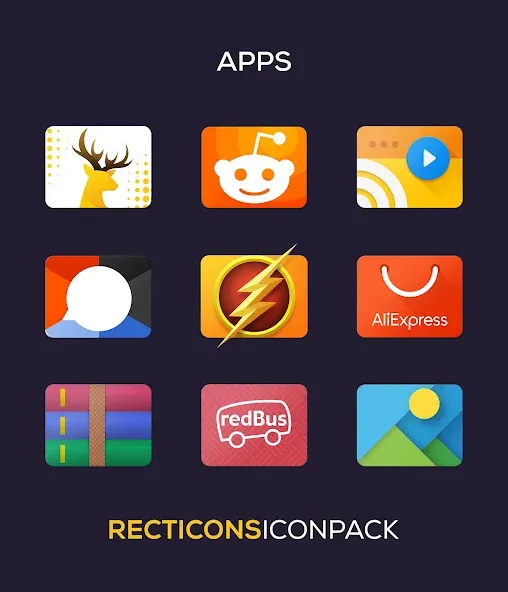
Distinct rectangular style: The pack replaces the usual circle and square with a vertical rectangle that brings a modern, uniform look across your app grid.
Automatic icon masking: An intelligent mask system themes unthemed apps so stray icons match your chosen aesthetic instead of standing out.
Dynamic calendars and cloud wallpapers: Date-aware calendar icons update daily, and a selection of Ultra HD wallpapers is matched to the color palettes for a polished finish.
Create a meeting-ready layout: Build a minimalist preset with essential productivity apps and a muted wallpaper to launch before presentations or client calls for a distraction-free display.
Use category grids: Browse icons by category to assemble consistent folders — social, tools, media — which speeds up the customization process when you want a specific vibe.
Request missing icons: Open the quick request tool to submit unthemed app icons; developers add icons with updates so your most-used apps stay polished.
Do I need a launcher to apply these icons?
A compatible launcher is required to apply the icon pack directly; however, some launchers can accept icon packs through their theme settings even if not listed.
How often are icon sets updated?
New icons and wallpapers arrive with app updates, so the collection grows over time and your requests can influence future additions.
Will dynamic calendar icons work on my device?
Dynamic calendar support depends on launcher compatibility; many mainstream launchers support updating calendar icons automatically.
Can I preview how an icon will look before applying it?
Yes, the app includes an icon preview feature and a search function to check alternatives before making changes to your home screen.
Recticons provides a clean, consistent rectangular icon system and useful tools for organizing and saving looks, making it easy to refresh your phone's appearance. Keep in mind that the exact behavior of dynamic icons and masking can vary by launcher and Android version, so some options may look slightly different across devices.
Recticons
Size:70.99M PersonalizationTrue Liquid Glass
Size:56.80M PersonalizationCUTE Iconpack
Size:46.64M PersonalizationThemeApp
Size:60.25M PersonalizationUnlock 120/144FPS booster
Size:46.43M PersonalizationDark Mode
Size:32.35M PersonalizationPastelLine IconPack
Size:44.19M PersonalizationMiX Launcher
Size:27.90M PersonalizationMoxy Icon Pack
Size:128.98M PersonalizationAurora - Poweramp Skin
Size:9.68M PersonalizationStarlight Widgets
Size:63.02M PersonalizationLuminous Black - Poweramp Skin
Size:9.18M PersonalizationApril 2024 Clash of Clans Update: Unveiling a Fresh Companion, Enhanced Levels, Chat Tagging, and Be
2024-04-16Arrival of Genshin Impact 4.6 Update: 'Embers of Two Realms, Twilight of Crimson'
2024-04-16V2.2 of the Farlight 84 update introduces an overhauled Season structure, fresh in-game currency, an
2024-04-16Monster Never Cry is now accessible on both Android and iOS mobile devices.
2024-04-18PUBG Mobile Teams Up with Bentley Motors: Luxury Cars, Exclusive Collectibles, and Beyond
2024-04-18March 2024 Free Redemption Codes for Honkai: Star Rail
2024-04-18