English
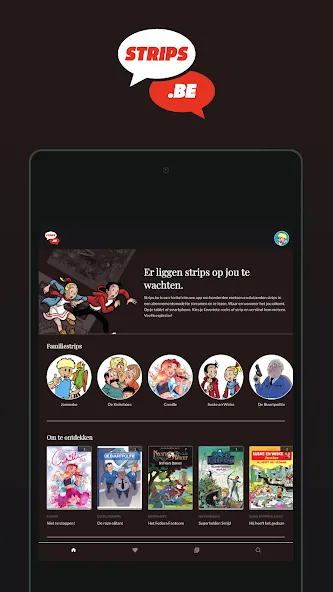
During a slow train delay or a long wait at the station, pulling up a good comic can turn idle minutes into something entertaining and absorbing. Strips.be aims to be that pocket library: a mobile app that gives you access to a large collection of albums and series, tuned for reading on phones and tablets. The app focuses on readable layouts, quick navigation and family-friendly controls so you can browse, stream or download stories and pick up exactly where you left off without fuss.
Install and sign in: Download the app from your usual store and create an account or sign in with the provider credentials to unlock the catalog and subscription options.
Browse the catalog: Browse by series, author or genre to find new albums or return to old favourites; the library includes classic and contemporary titles organized for easy discovery.
Download for offline reading: Tap the download button on any album to store it locally so you can read without a connection — ideal before flights or long commutes.
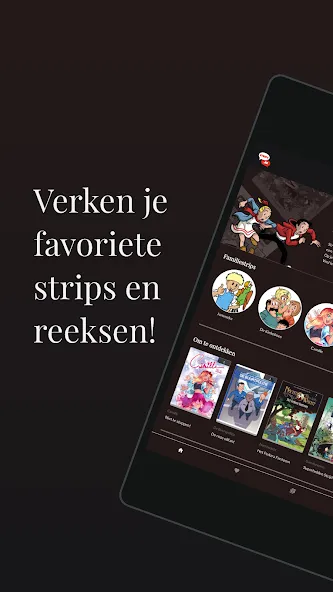
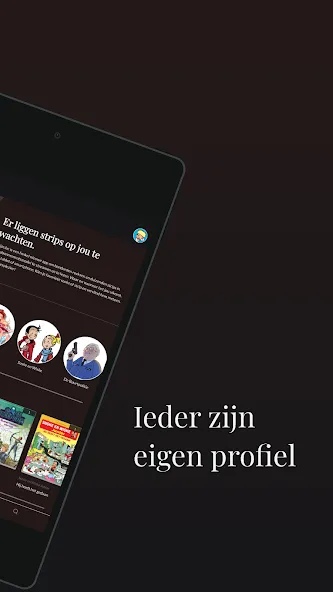
Set up profiles: Add family members to your subscription so each person keeps their reading progress and personalized recommendations separate; parental settings restrict content for younger readers.
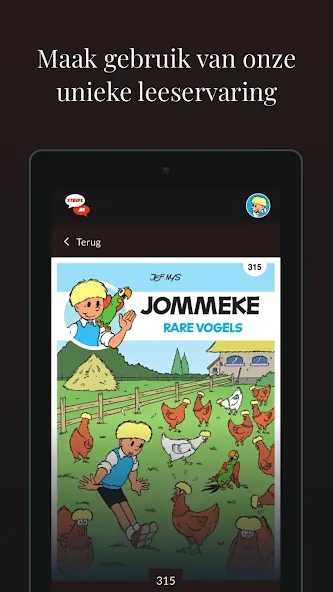
Multiple reading modes: Choose between full-page scrolling, panel-by-panel navigation or a movie-style horizontal view so the layout fits your device and reading style.
Auto-page and manual control: Let pages auto-advance if you prefer a hands-free flow, or swipe and tap to move at your own pace for close study of the art and dialogue.
Resume where you left off: The app tracks your last page for every album, so you can jump back into the same spot on any synced device within the mobile environment.
Family subscriptions: Create separate profiles under one plan so up to six people can keep independent libraries and reading histories.
Stable rendering and updates: Recent updates improve page loading and memory handling so images render smoothly during longer sessions and large albums behave reliably.
Adjust display settings: Experiment with background color, brightness and font size for dialogue captions to reduce eye strain in low light or outdoors.
Use panel-by-panel on phones: If you read on a small screen, switch to panel-by-panel navigation — it often makes conversations and action clearer without constant zooming.
Manage downloads and storage: Download only what you plan to read during a trip and remove completed albums afterward to free space; this keeps the app responsive and avoids bloating your device memory.
Strips.be is a solid choice if you want a mobile-first comics service with multiple reading modes and family support, but keep in mind it focuses on smartphone and tablet use and does not offer a desktop client at this time.
Teneriffa News
Size:16.91M News & MagazinesHoga Toga
Size:35.83M News & MagazinesStrips.be
Size:32.23M News & MagazinesGlobalComix
Size:6.26M News & MagazinesTuMangaOnline
Size:11.50M News & MagazinesDashtoon
Size:60.63M News & MagazinesWebtoon XYZ
Size:141.00M News & MagazinesManganelo
Size:8.40M News & MagazinesYitake
Size:12.65M News & MagazinesDutafilm App Guide
Size:56.77M News & MagazinesIltalehti
Size:94.33M News & MagazinesPaperEarn
Size:26.25M News & MagazinesApril 2024 Clash of Clans Update: Unveiling a Fresh Companion, Enhanced Levels, Chat Tagging, and Be
2024-04-16Arrival of Genshin Impact 4.6 Update: 'Embers of Two Realms, Twilight of Crimson'
2024-04-16V2.2 of the Farlight 84 update introduces an overhauled Season structure, fresh in-game currency, an
2024-04-16Monster Never Cry is now accessible on both Android and iOS mobile devices.
2024-04-18PUBG Mobile Teams Up with Bentley Motors: Luxury Cars, Exclusive Collectibles, and Beyond
2024-04-18March 2024 Free Redemption Codes for Honkai: Star Rail
2024-04-18