English
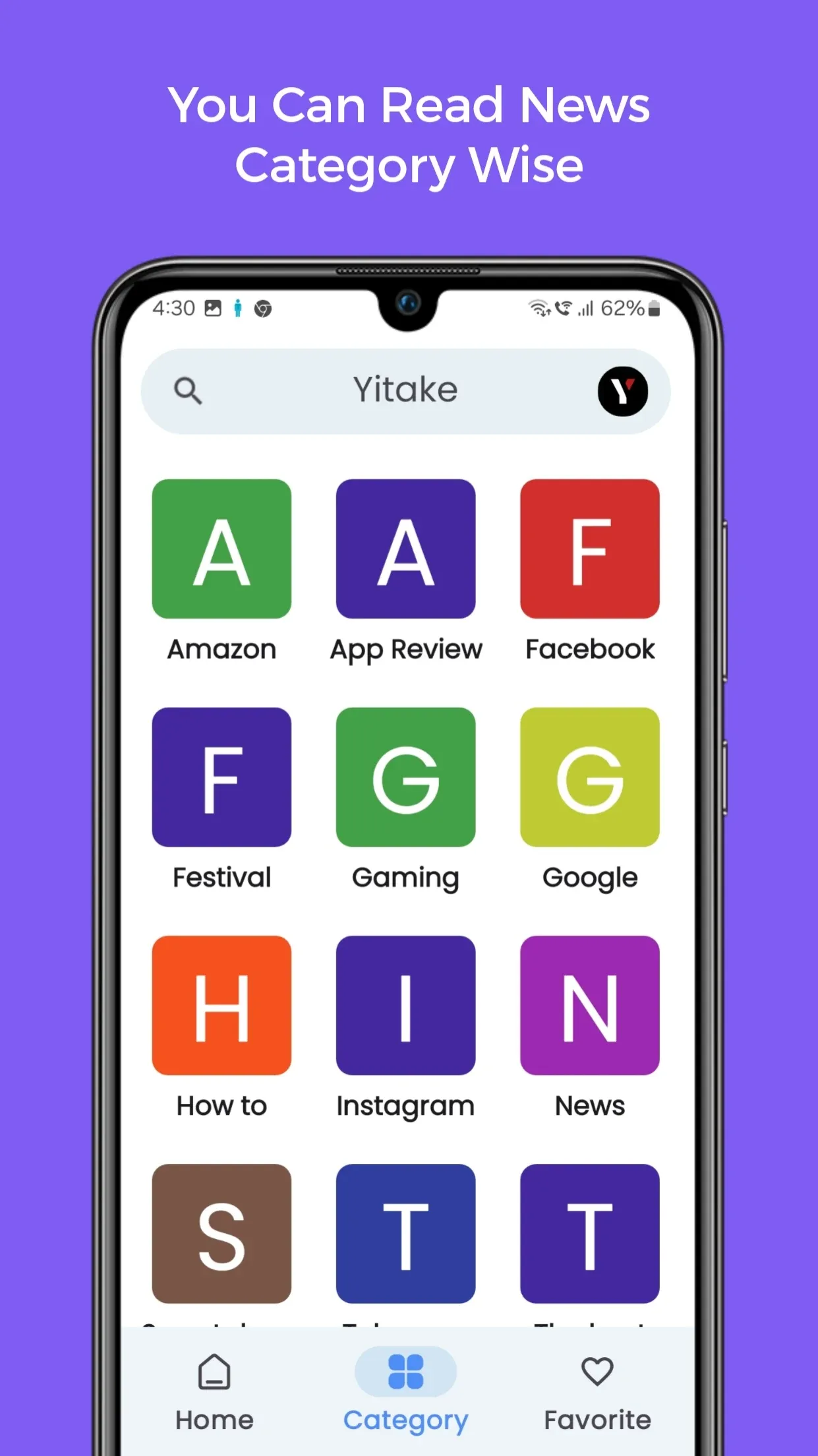
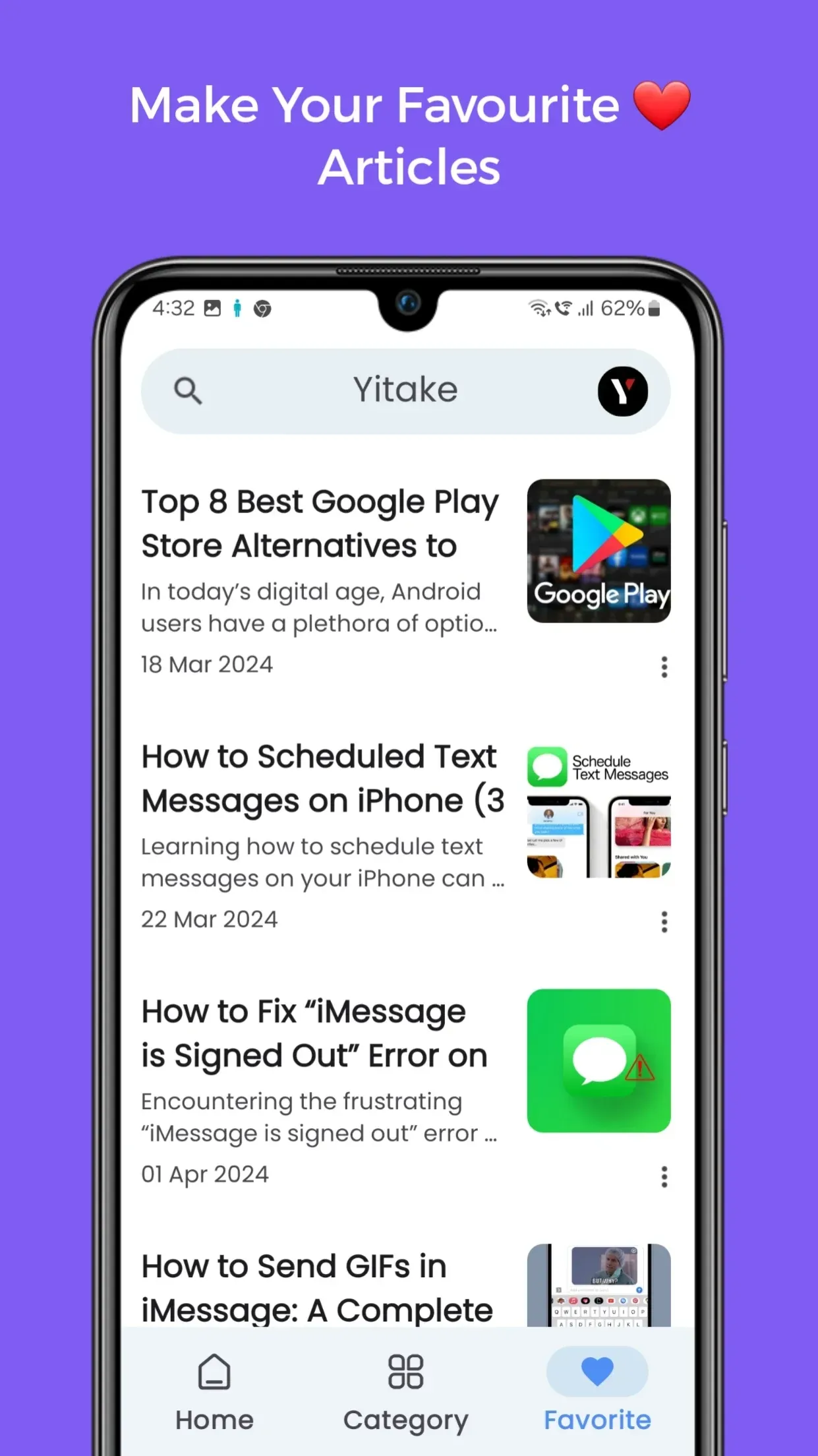
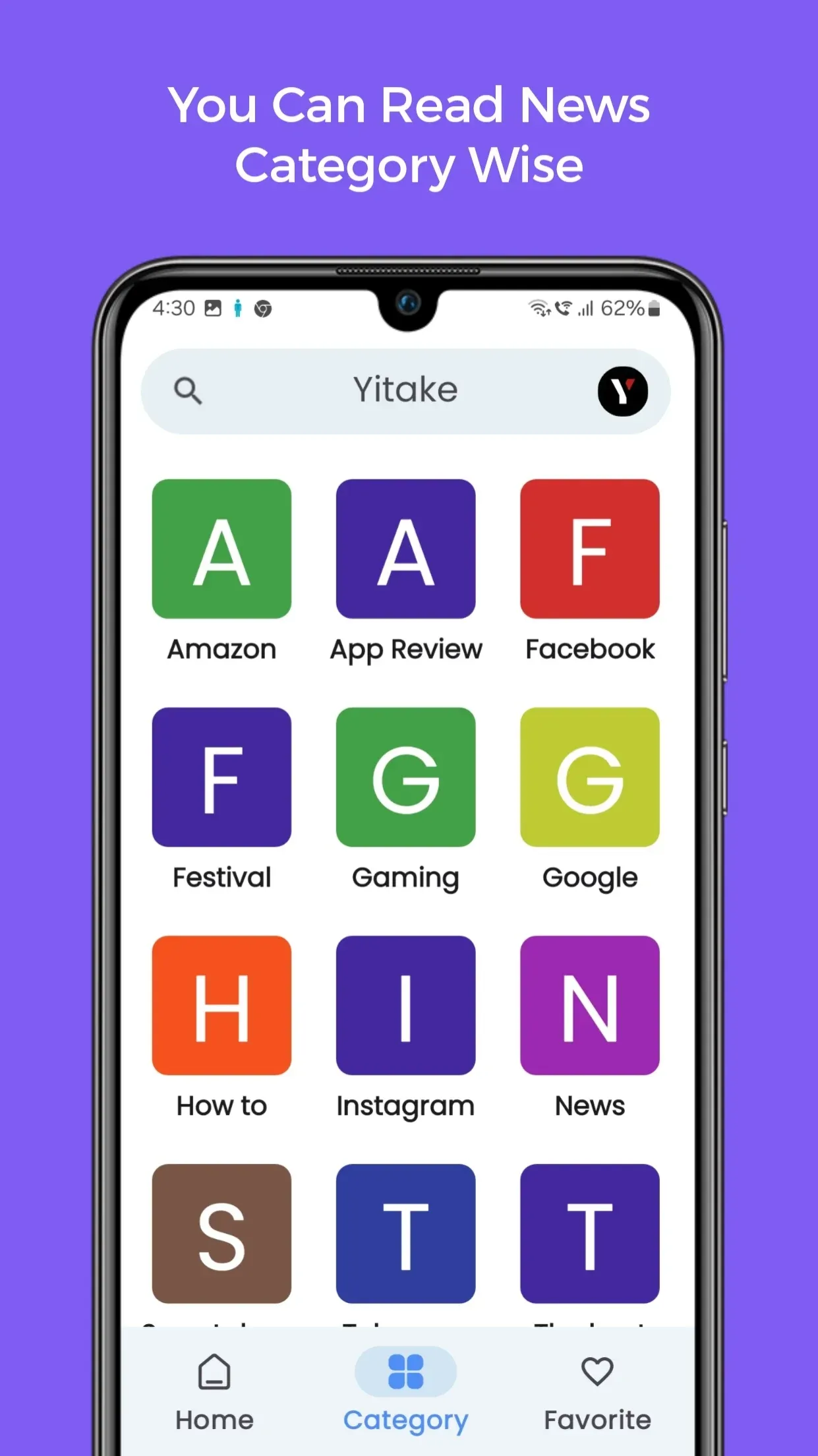
Yitake is a compact productivity app designed to organize tasks, notes, and quick reminders with a minimal interface and powerful automation tools. It puts essential workflow features into a single mobile hub, letting users capture ideas, schedule follow-ups, and synchronize across devices without clutter or steep learning curves.
The strength of Yitake lies in combining utility with simplicity. Core functions are immediately accessible from the home screen so you can add tasks, jot notes, or create events in a few taps. Smart reminders, tagging, and search let you retrieve information quickly, while lightweight automation rules reduce repetitive steps.
Yitake is designed to reduce the friction between having an idea and taking action. The app minimizes the steps required to capture information, ensuring nothing slips through the cracks. Its lightweight automation can tag items based on keywords, set reminders when you add a meeting, or push follow-ups for tasks that linger past their due date. This makes it easy to maintain momentum on projects without spending time on manual upkeep.
The interface favors clarity over complexity. A single bottom navigation bar provides access to Tasks, Notes, Calendar, and Settings. Each section uses consistent gestures: swipe to complete or archive, long-press to edit, and pull-to-refresh for instant updates. Color-coded tags and an adaptive search bar speed up item retrieval while keeping the layout uncluttered.
Performance is a priority for Yitake on both older and newer Android devices. The app is optimized to keep background battery consumption low while maintaining real-time sync. Local caching ensures your data remains available offline and updates quickly when a connection returns. Compatibility extends across recent Android versions and commonly used device sizes, with a responsive layout for tablets and foldables.
For users concerned about data safety, Yitake offers end-to-end syncing options and encrypted local storage. Permission requests are limited to essential features like calendar access and microphone usage for voice notes; these are scoped to minimize exposure. A built-in backup and export tool allows you to archive your data in standard formats, giving control over your information and making migrations straightforward.
Yitake adapts to different working styles through themes, custom tag colors, and configurable reminder rules. Power users can create nested projects, set repeating task patterns, and apply bulk actions to update multiple items at once. For lighter use, default presets provide quick starts for shopping lists, daily planning, or meeting notes without needing any setup.
New users will find onboarding straightforward: a short tutorial introduces basic gestures and core screens, and templates offer ready-made structures for common use cases. Import tools allow migration from other apps by bringing in CSV or plain-text exports. After setup, spend a few minutes defining your top three tags and a daily review reminder; those small steps pay off immediately in organization.
Yitake blends a clean interface with practical automation to support varied productivity needs. Whether you need a lightweight day planner, a reliable note-taking tool, or a centralized task manager, it provides focused features that scale with your workflow while keeping performance and privacy in mind.

Yitake
Size:12.65M News & MagazinesDutafilm App Guide
Size:56.77M News & MagazinesIltalehti
Size:94.33M News & MagazinesPaperEarn
Size:26.25M News & MagazinesPollar News
Size:8.70M News & MagazinesMangasusu
Size:25.97M News & MagazinesPdf Drive
Size:6.47M News & MagazinesKomik Bahagia
Size:13.61M News & MagazinesThe News Brief
Size:48.58M News & MagazinesMara Akụkọ
Size:46.74M News & MagazinesRedReader
Size:9.11M News & MagazinesNovelah Lite
Size:65.04M News & MagazinesApril 2024 Clash of Clans Update: Unveiling a Fresh Companion, Enhanced Levels, Chat Tagging, and Be
2024-04-16Arrival of Genshin Impact 4.6 Update: 'Embers of Two Realms, Twilight of Crimson'
2024-04-16V2.2 of the Farlight 84 update introduces an overhauled Season structure, fresh in-game currency, an
2024-04-16Monster Never Cry is now accessible on both Android and iOS mobile devices.
2024-04-18PUBG Mobile Teams Up with Bentley Motors: Luxury Cars, Exclusive Collectibles, and Beyond
2024-04-18March 2024 Free Redemption Codes for Honkai: Star Rail
2024-04-18