English
Presets & Filters is a mobile toolkit for quick photo enhancement that bundles curated presets, adjustable filters, and precise controls into a clean interface. Designed for hobbyists and content creators, it streamlines color grading, mood setting, and batch editing to make polished images fast without sacrificing creative control.
The focus of Presets & Filters is simple: let users apply professional-looking color and style adjustments with minimal effort. Rather than replacing a full-featured editor, it complements existing workflows by providing ready-made looks and fine-tuning sliders that work across portraits, landscapes, and social media formats.
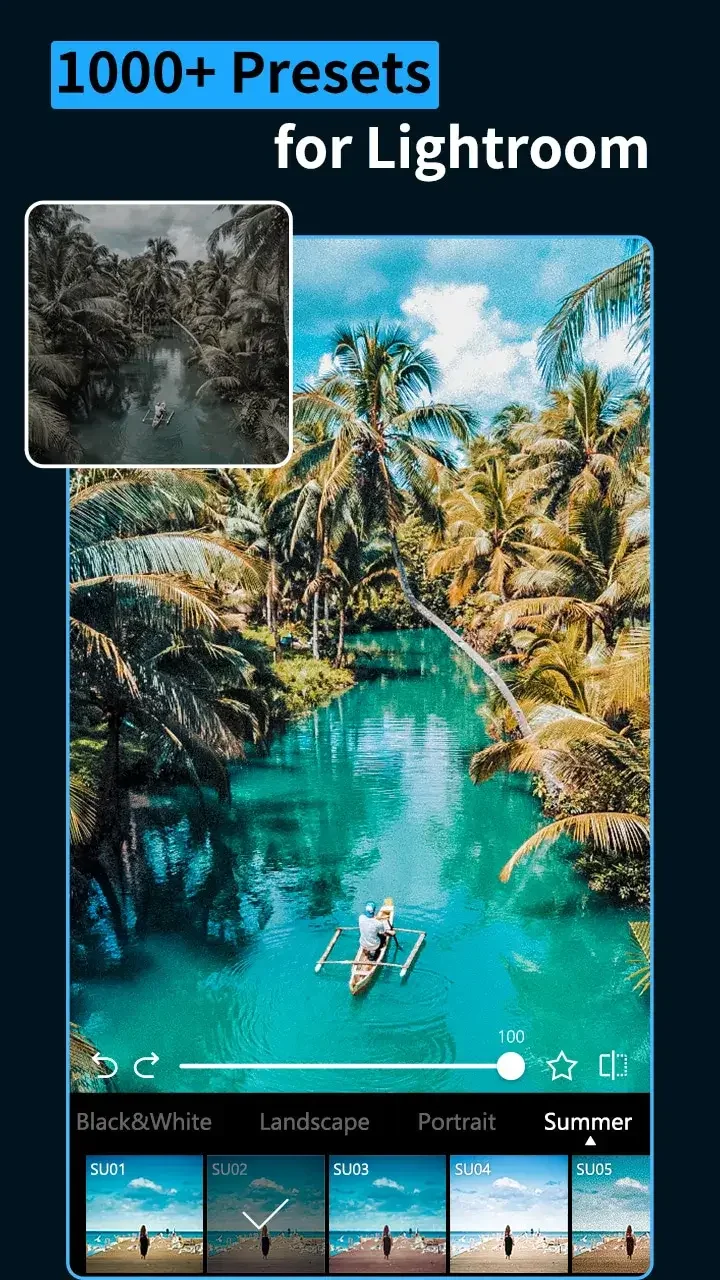
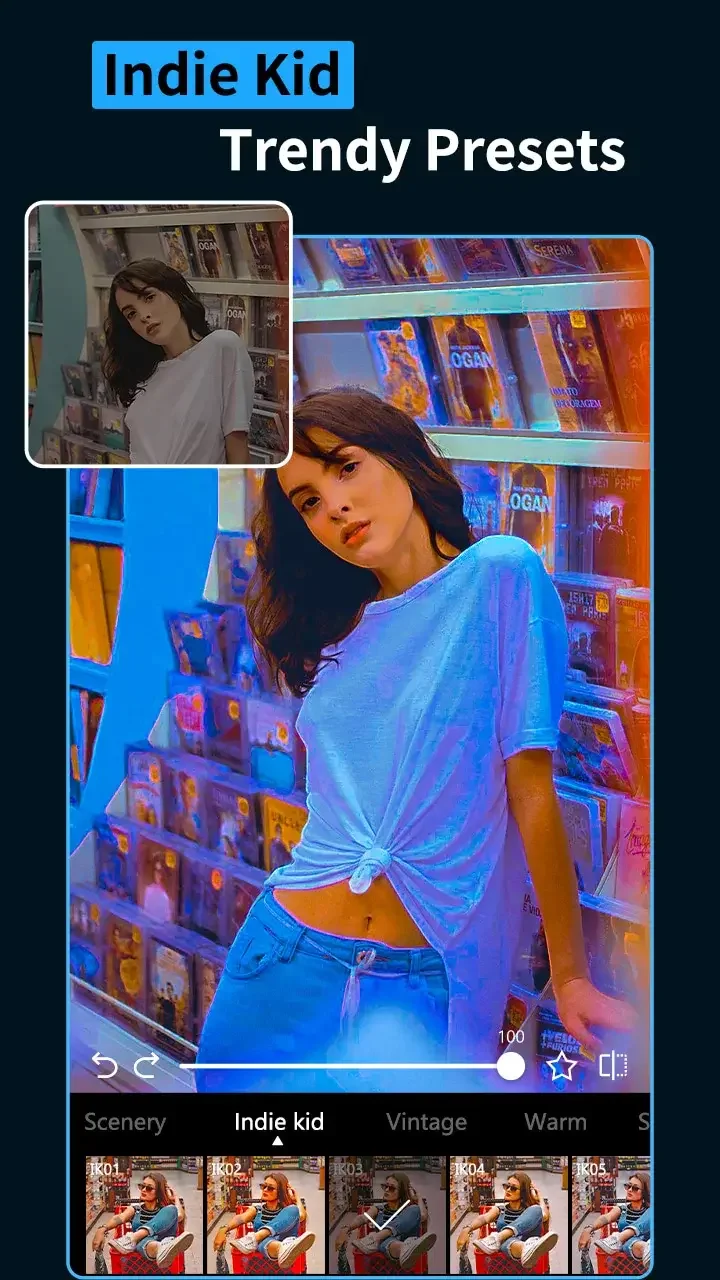
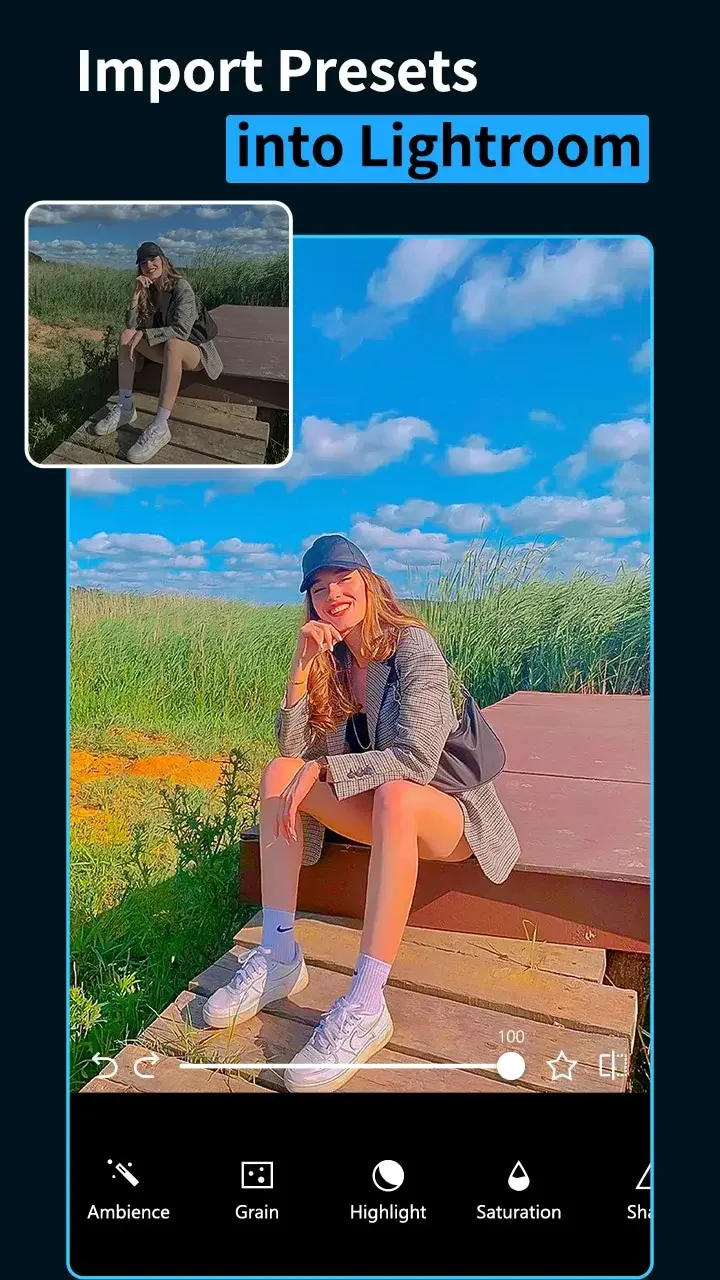
The interface is intentionally uncluttered: thumbnails for presets along the bottom, a preview pane above, and expandable adjustment panels. Presets render quickly on modern devices, and the GPU-accelerated filters keep interactions snappy. Memory usage is moderate during batch operations; larger batches may slow older hardware.
Changes are non-destructive within the app session, meaning sliders can be reset or tweaked without permanently altering the original file. Exports produce flattened images in common formats and resolutions, and you can preview file size and quality before saving to manage storage efficiently.
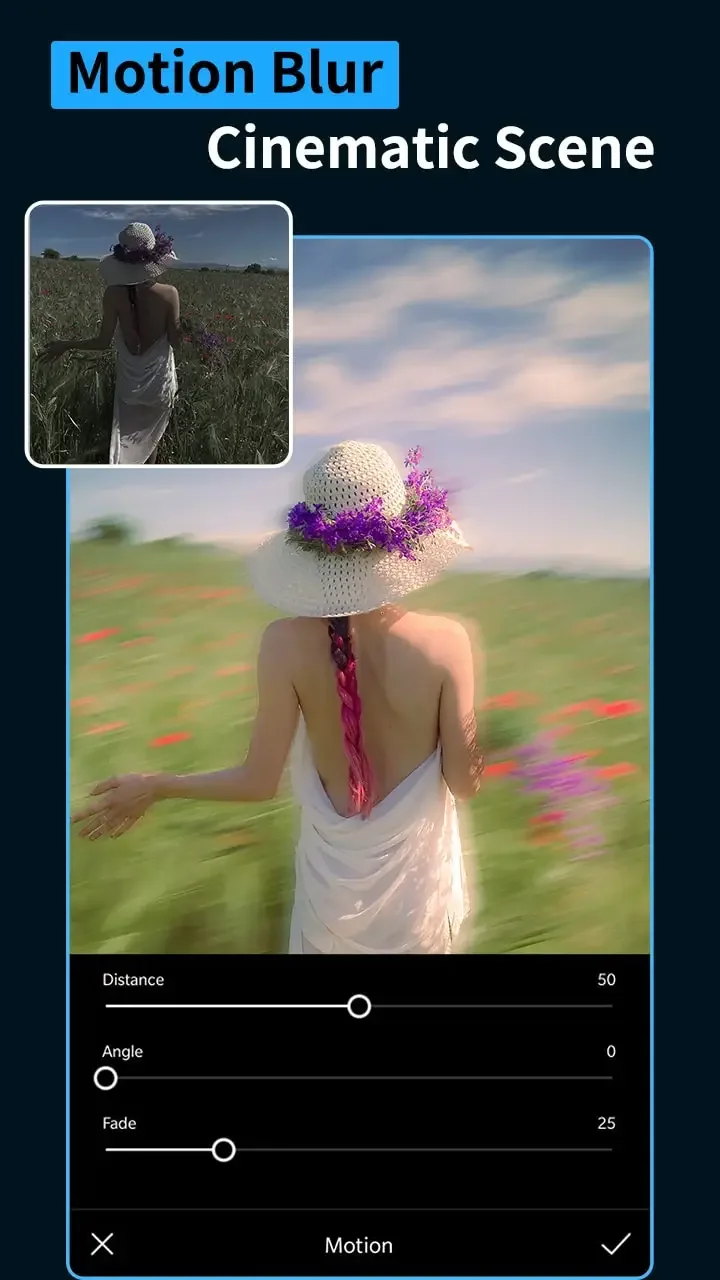
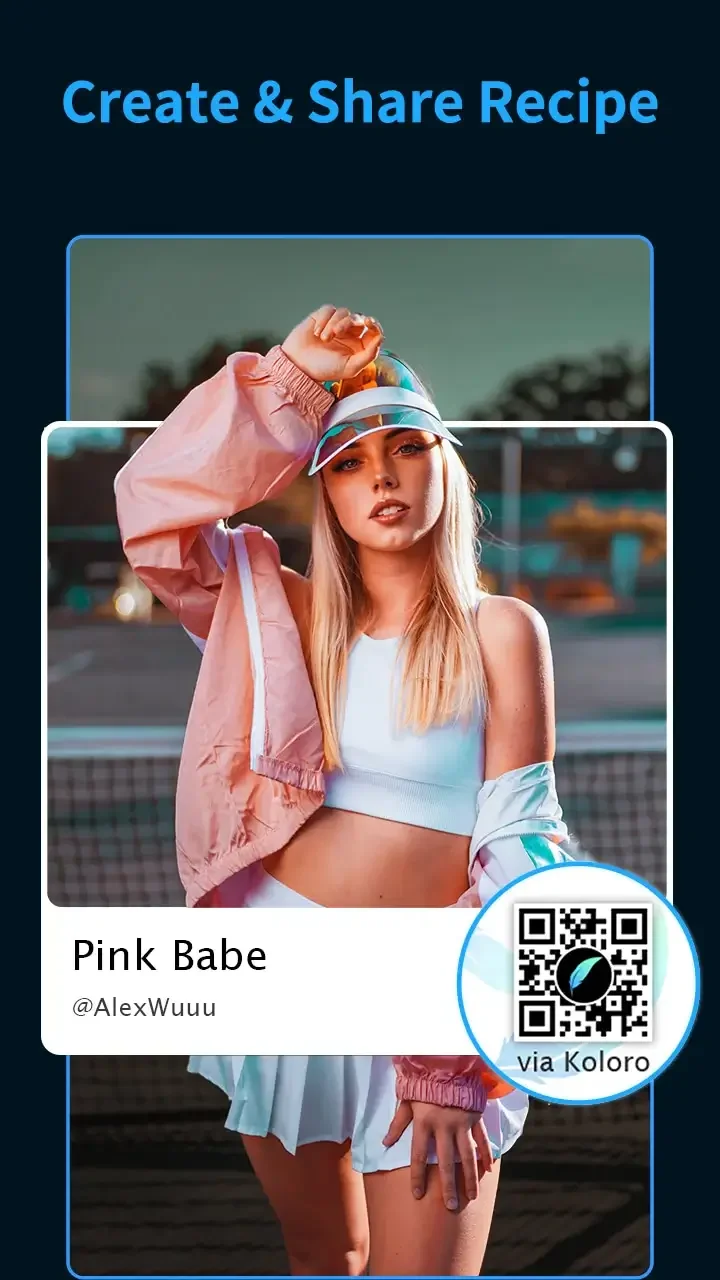
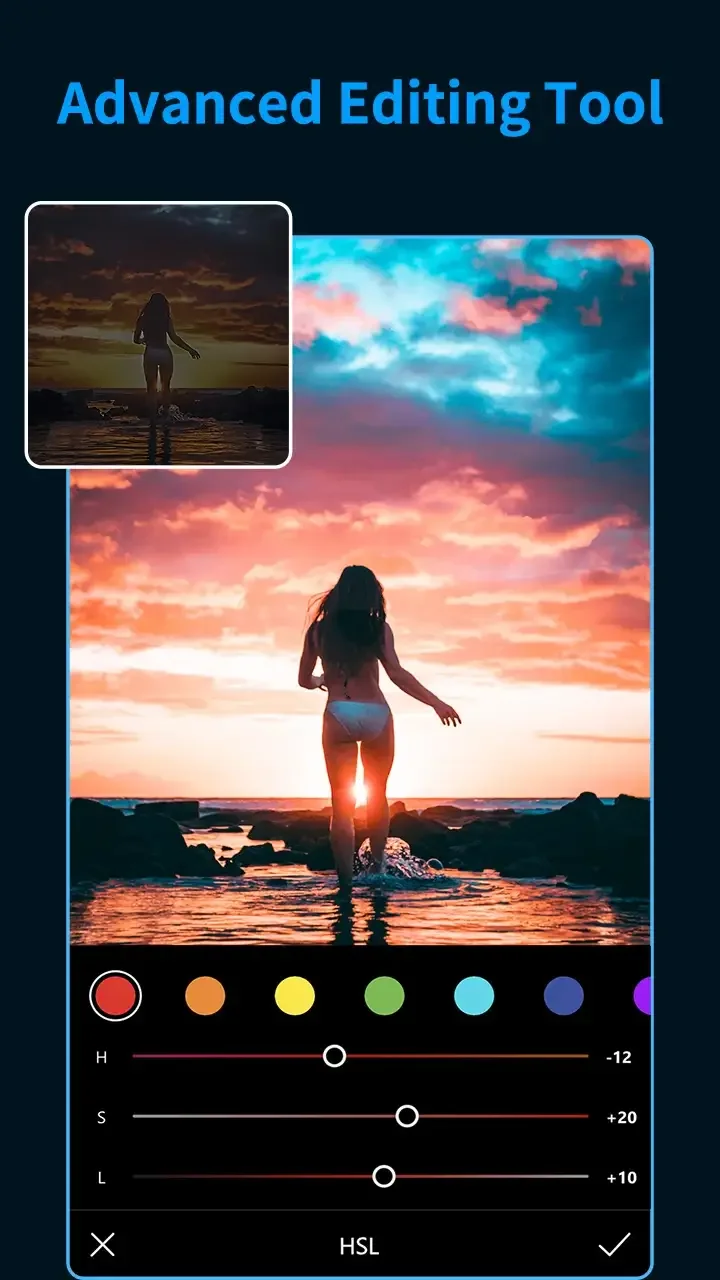
Presets & Filters balances one-tap convenience with deeper control. Each preset can be used as a starting point; then users can fine-tune curve adjustments, split toning, and local vignette effects. A simple save-as feature creates custom presets from your edits, letting you build a personal library for consistent branding.
Export options include high-resolution files suitable for printing and optimized versions for Instagram and other social platforms. The app supports basic sharing intents so you can send images directly to messaging apps, cloud storage, or third-party editors without manual file management.
If you plan to use Presets & Filters for client work or social campaigns, export a few test images at your target resolution and review them on different devices. Color and contrast can look different on various screens, so a quick check prevents surprises after posting or printing.
Stability is solid in routine use, though major updates occasionally introduce new presets and UI tweaks that change the placement of tools. Update notes are generally clear about features and fixes. If you rely on a specific workflow, check release notes before upgrading to avoid interruptions.
Users appreciate how Presets & Filters reduces repetitive work while maintaining aesthetic flexibility. The balance between quick presets and editable parameters makes it suitable for social creators, travel photographers, and anyone who needs consistent results without heavy manual editing.
Installation is straightforward from app stores: allow storage permissions for import/export, then load a few sample images to explore presets. Spend ten minutes creating one custom preset—this small investment speeds up future sessions and demonstrates how the app fits into your editing routine.
MARCA
Size:28.50M OtherHesGoal
Size:6.00M OtherSoccerbite Live Score
Size:7.61M OtherLauncher iOS 16
Size:14.00M OtherFabulous Daily Routine Planner
Size:89.75M OtherMagic Fluids MOD
Size:17.57M OtherXOS Launcher
Size:53.04M OtherPresets & Filters
Size:69.70M OtherPrank Meme Sounds Soundboard
Size:46.27M OtherCricHeroes-Cricket Scoring App
Size:40.11M OtherGoMovies
Size:48.27M OtherSmartcric Live Cricket
Size:12.10M OtherApril 2024 Clash of Clans Update: Unveiling a Fresh Companion, Enhanced Levels, Chat Tagging, and Be
2024-04-16Arrival of Genshin Impact 4.6 Update: 'Embers of Two Realms, Twilight of Crimson'
2024-04-16V2.2 of the Farlight 84 update introduces an overhauled Season structure, fresh in-game currency, an
2024-04-16Monster Never Cry is now accessible on both Android and iOS mobile devices.
2024-04-18PUBG Mobile Teams Up with Bentley Motors: Luxury Cars, Exclusive Collectibles, and Beyond
2024-04-18March 2024 Free Redemption Codes for Honkai: Star Rail
2024-04-18