English
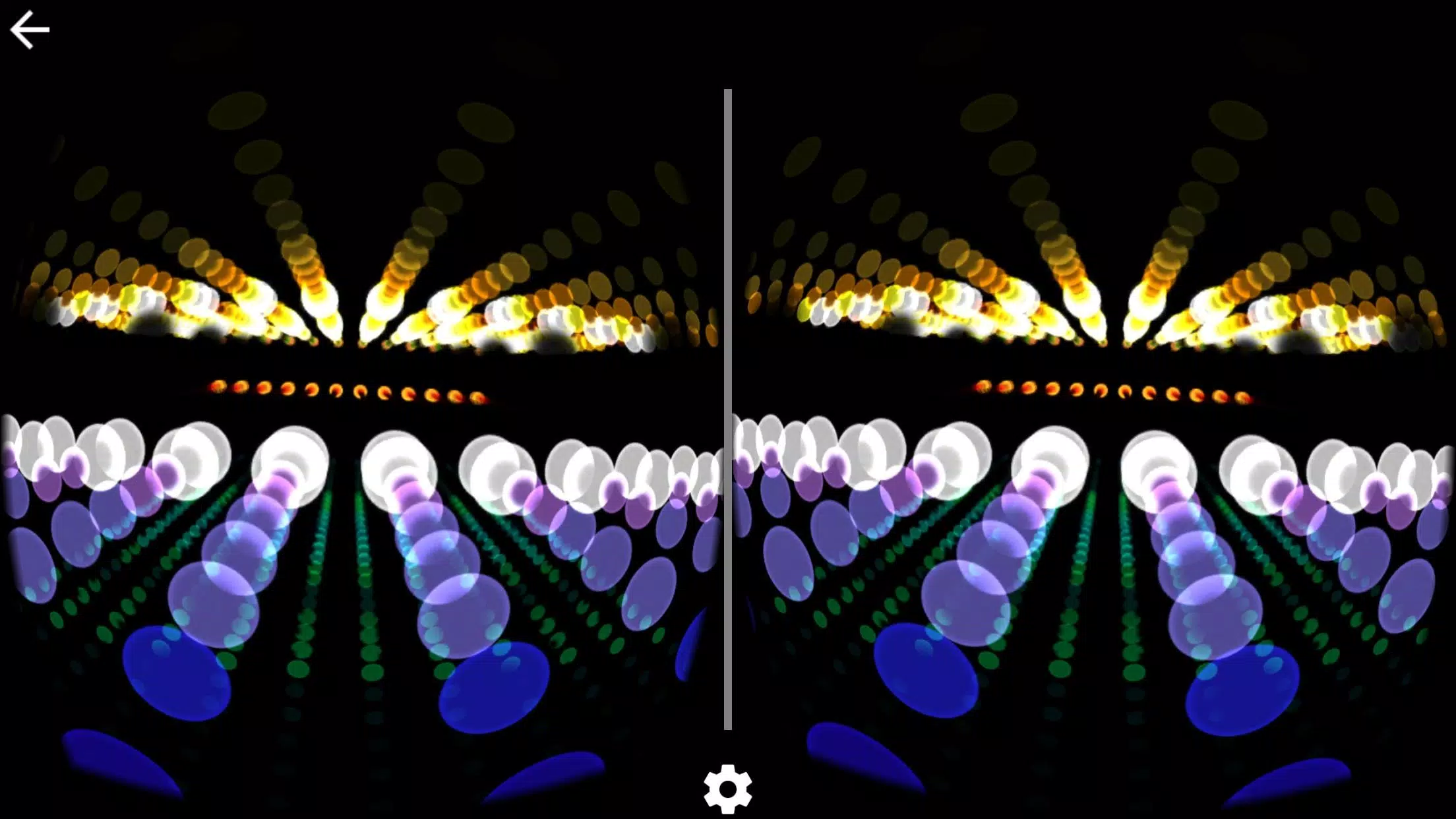
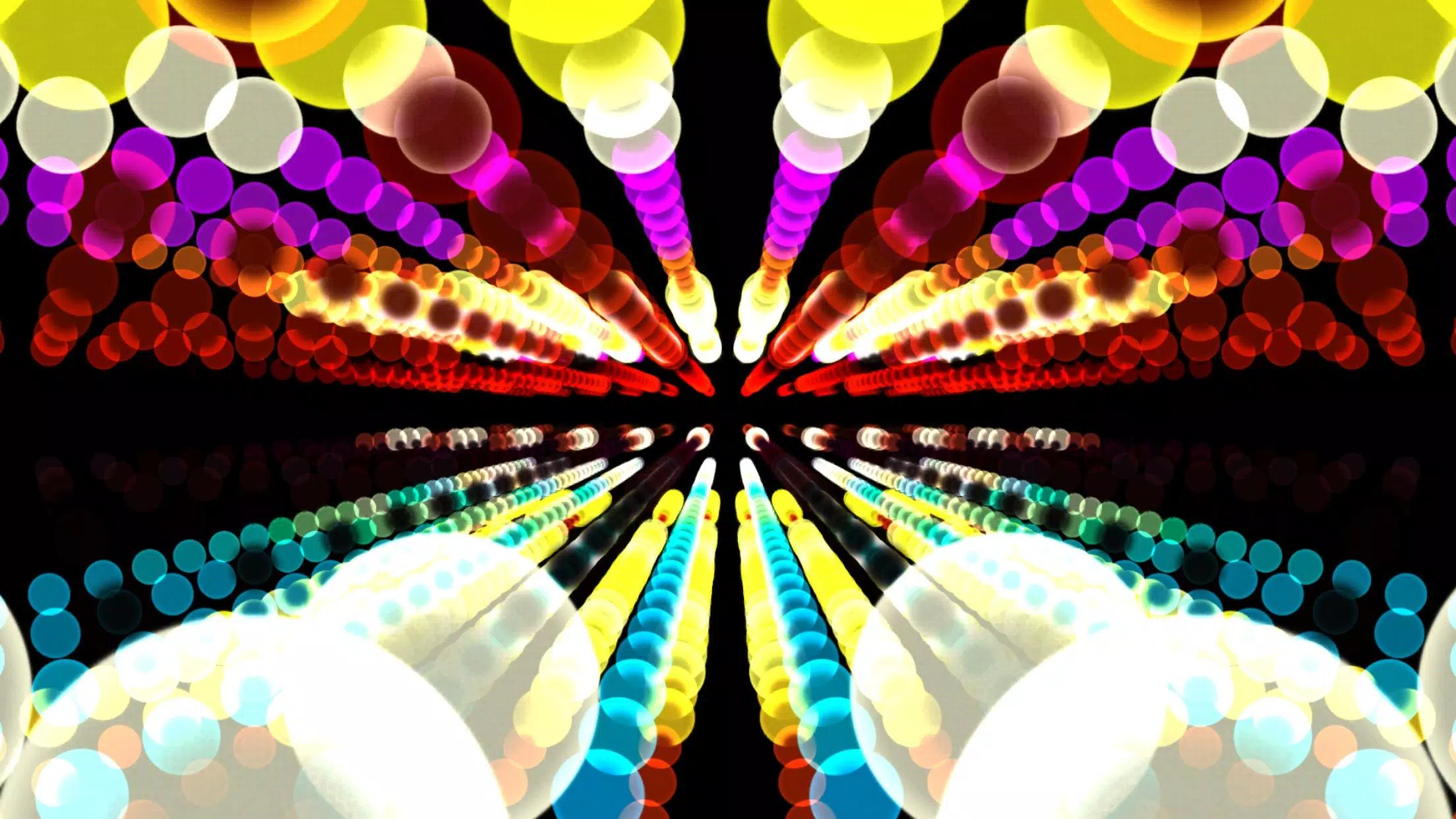
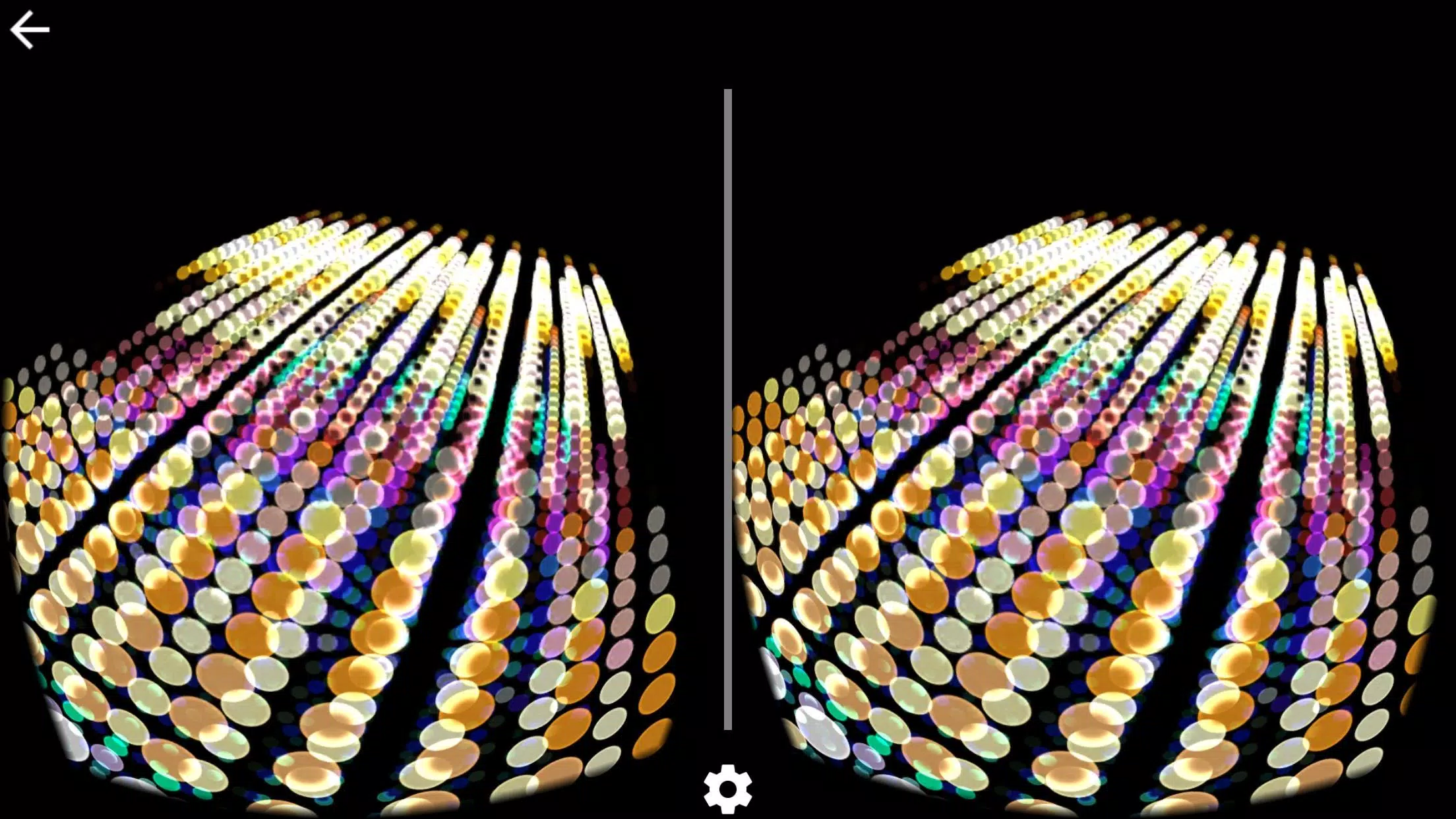
Spectrum Music Visualizer VR transforms any audio into immersive virtual-reality lightscapes with real-time spectrum analysis and spatial effects. Designed for headsets, the app delivers synchronized visuals responsive to beats, frequencies and dynamics, making it a powerful tool for DJs, home listeners and creators who want vivid, reactive environments.
Spectrum Music Visualizer VR is a VR utility that converts sound input into animated visuals you can explore in three dimensions. It pairs frequency analysis with customizable shaders, particle systems and room presets so music becomes an environment rather than just audio. The emphasis is on responsiveness and clarity, with minimal setup for casual users and depth for power users.
Once you launch the app and put on a compatible headset, the interface guides you through selecting an audio source. The engine analyzes incoming audio across several bands, then maps amplitude and spectral content to visual parameters such as color, intensity, particle count and motion vectors. Users can lock a camera, roam freely, or let the app drive cinematic sweeps that match the song’s structure.
Spectrum Music Visualizer VR gives fine-grained control over appearance and behavior. Controls are grouped by function: color & palette, motion & responsiveness, particle behavior and environment settings. A visual node editor simplifies complex mappings, so you can route a bass band to a pulsing floor or a hi-hat transient to sparkling particles near the listener.
The user interface balances simplicity with power. Primary controls are accessible from an in-VR dashboard while more advanced options are available in a desktop companion for fine-tuning. Performance is optimized for modern headsets; adaptive quality scaling ensures stable frame rates by adjusting particle density and shader complexity based on GPU load.
Low audio-to-visual latency is a priority. The app uses buffered analysis and predictive smoothing to prevent jitter while keeping visuals tightly synced to transient events. On mid-range devices you can expect consistent frame rates and accurate beat alignment; on higher-end hardware the experience becomes richer with denser effects.
Musicians and live performers will appreciate the app’s ability to turn sets into immersive visual shows. Home listeners and VR enthusiasts get an engaging way to re-experience playlists, and content creators can record or stream scenes to accompany their videos. The learning curve is gentle, but creative depth rewards experimentation.
Installation is straightforward: download the APK, enable installation from unknown sources, and follow setup prompts. Connect your headset, choose the preferred audio path and calibrate tracking if required. Spectrum Music Visualizer VR includes short onboarding tutorials that walk through presets, recording, and sharing features.
For anyone exploring the intersection of sound and visual design, Spectrum Music Visualizer VR provides a clean, responsive platform with meaningful customization. It works well as a performance companion and a personal listening enhancement, and the balance between usability and depth makes it a noteworthy addition to any VR toolkit.




Real Bass
Size:18.20M MusicPiano Companion
Size:16.66M MusicBest Piano
Size:0.00M MusicFriday Funny mod Selever vs Ruv
Size:40.35M MusicEasy Chords
Size:10.00M MusicPiano Magic Star 4: Music Game
Size:98.20M Music東方ピアノゲームタイル - Touhou Piano
Size:42.00M MusicTouchdown!
Size:46.30M MusicPiano Kids: Musical Journey
Size:73.68M MusicReal Piano
Size:34.43M MusicLyrics Star・Song Lyrics Tiles
Size:0.00M Musicヤダヤダ
Size:0.00M MusicApril 2024 Clash of Clans Update: Unveiling a Fresh Companion, Enhanced Levels, Chat Tagging, and Be
2024-04-16Arrival of Genshin Impact 4.6 Update: 'Embers of Two Realms, Twilight of Crimson'
2024-04-16V2.2 of the Farlight 84 update introduces an overhauled Season structure, fresh in-game currency, an
2024-04-16Monster Never Cry is now accessible on both Android and iOS mobile devices.
2024-04-18PUBG Mobile Teams Up with Bentley Motors: Luxury Cars, Exclusive Collectibles, and Beyond
2024-04-18March 2024 Free Redemption Codes for Honkai: Star Rail
2024-04-18