English
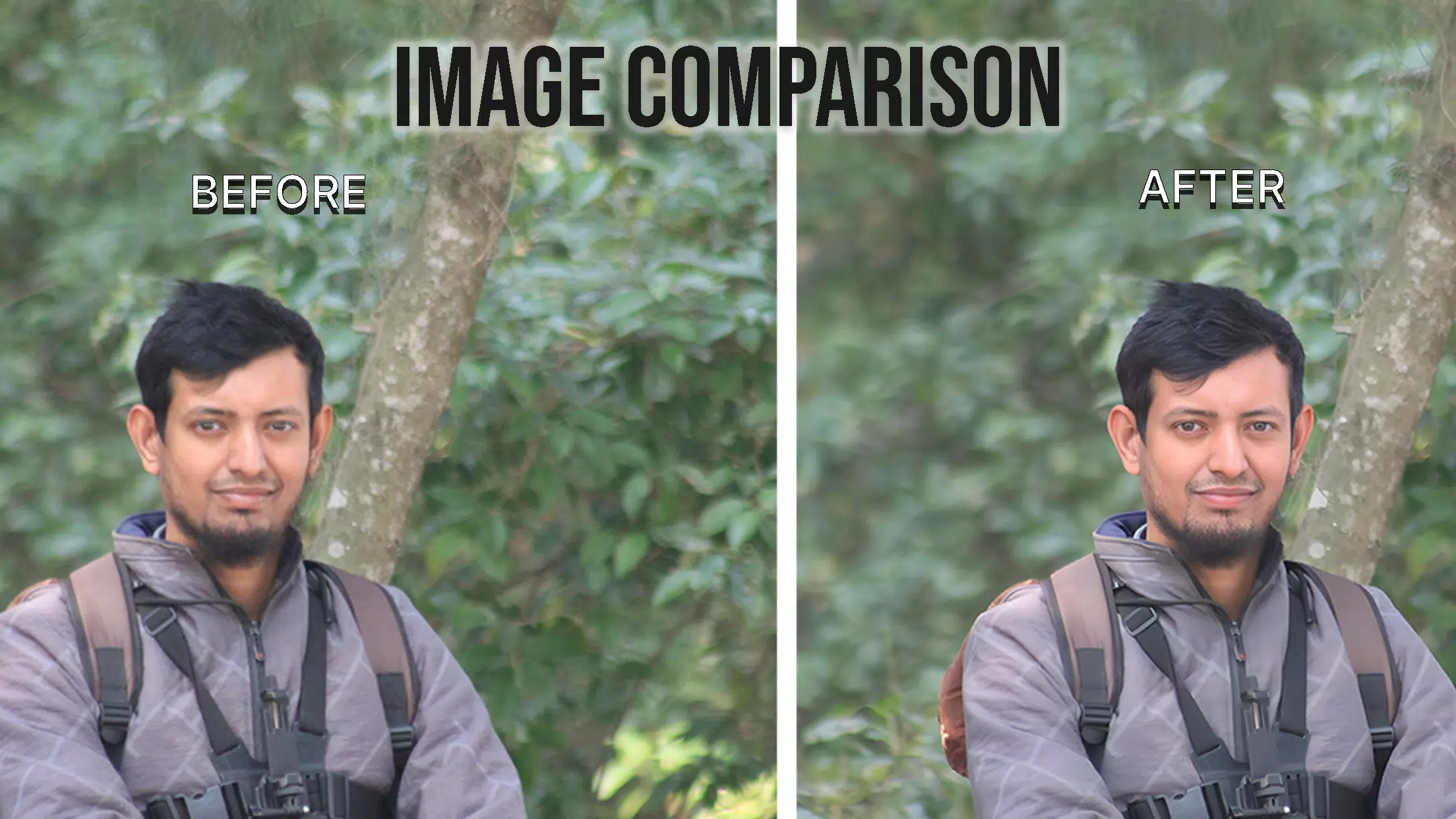
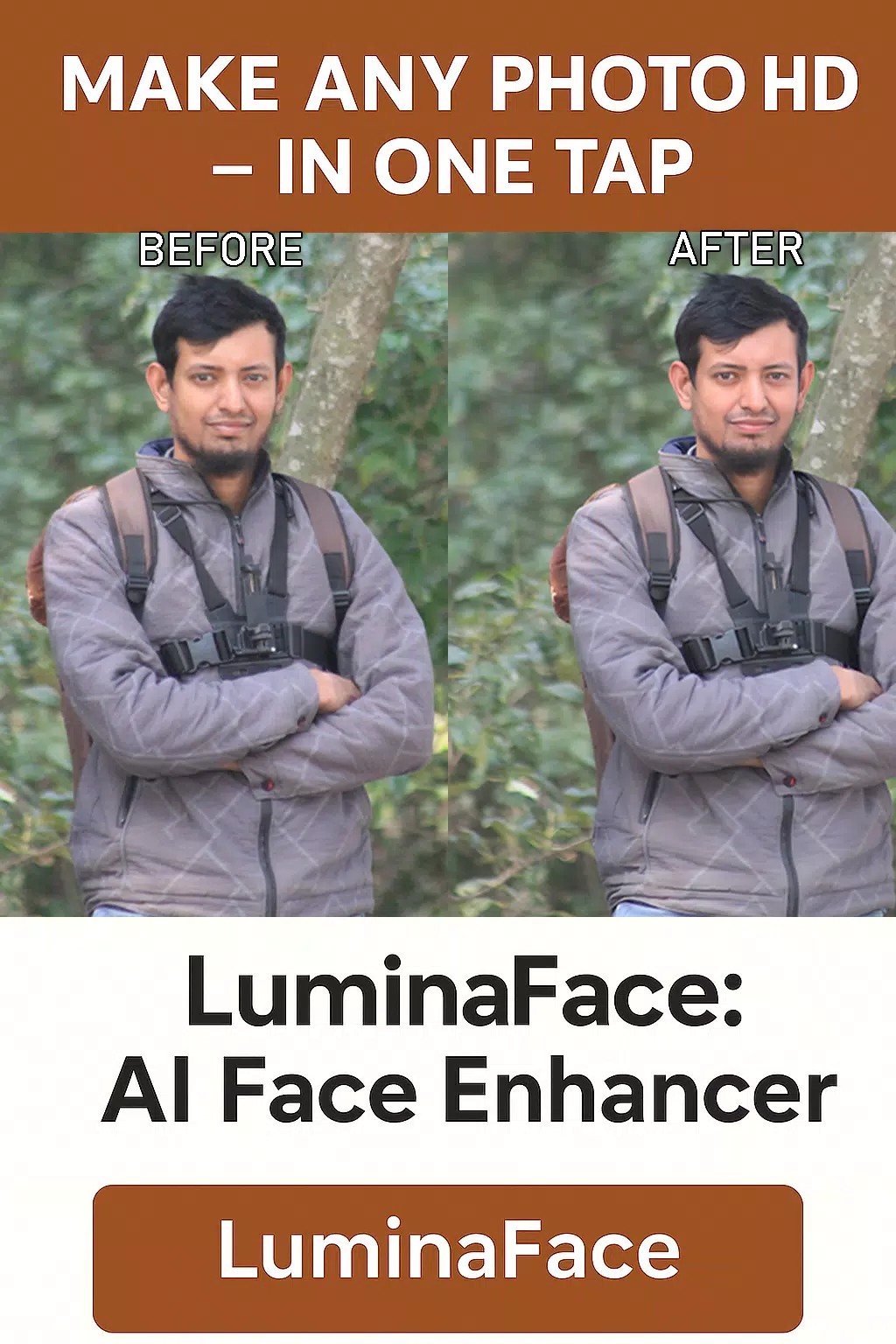
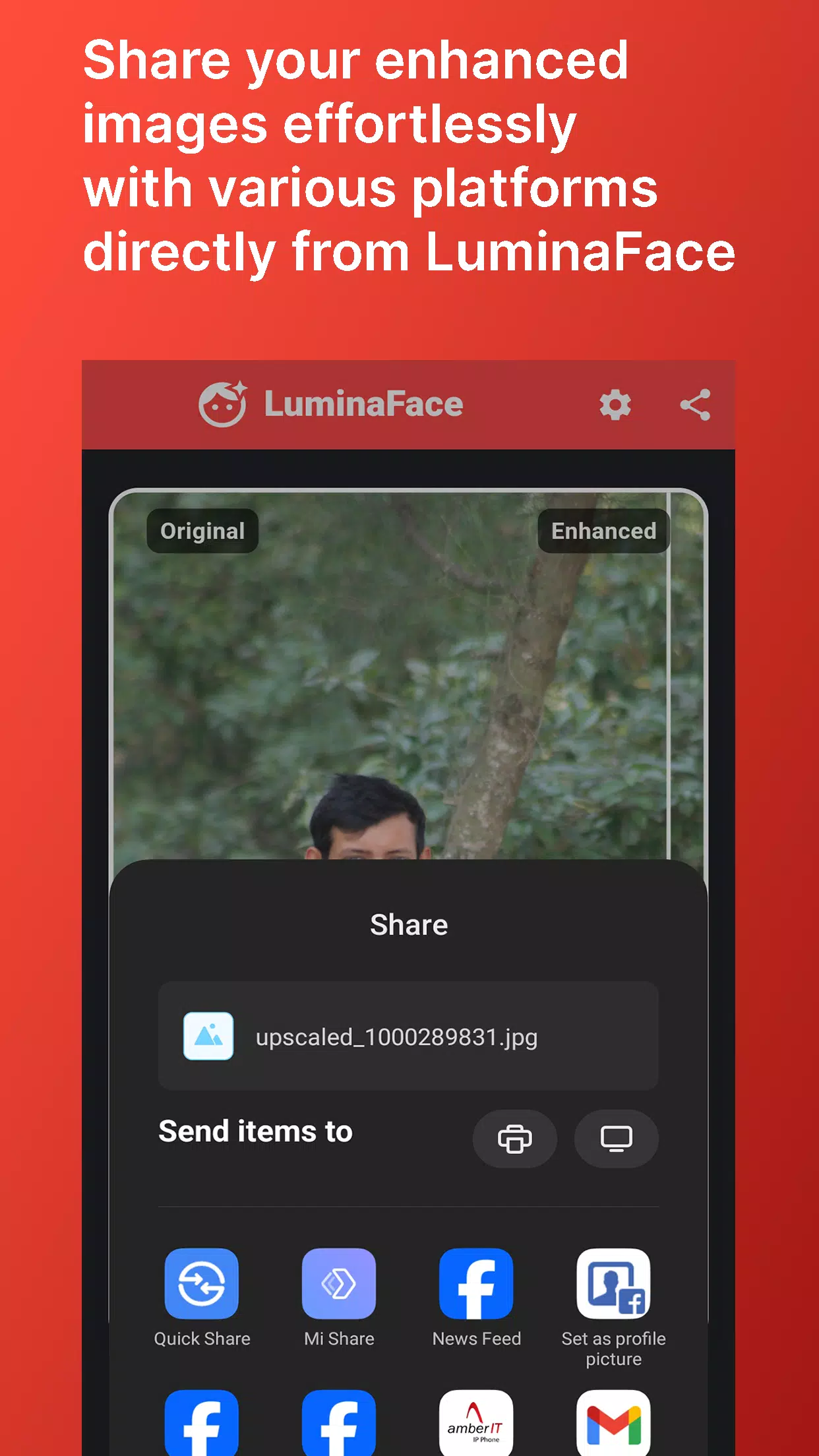
LuminaFace is an advanced mobile app for enhancing portraits with AI-powered lighting, retouching, and background tools. It streamlines face editing with intuitive sliders, live camera filters, and automatic skin-tone preservation, letting users create professional-looking images quickly without a steep learning curve.
LuminaFace focuses on delivering fast, high-quality portrait editing on Android devices. The app combines automatic detection of facial features with manual controls, giving users the option to apply one-tap fixes or fine-tune details like highlights, shadows, and texture. It supports both single-photo touch-ups and batch processing for social content creators.
The toolset mixes AI-driven automation with precise manual adjustments, making it suitable for casual users and creators who need consistent results.
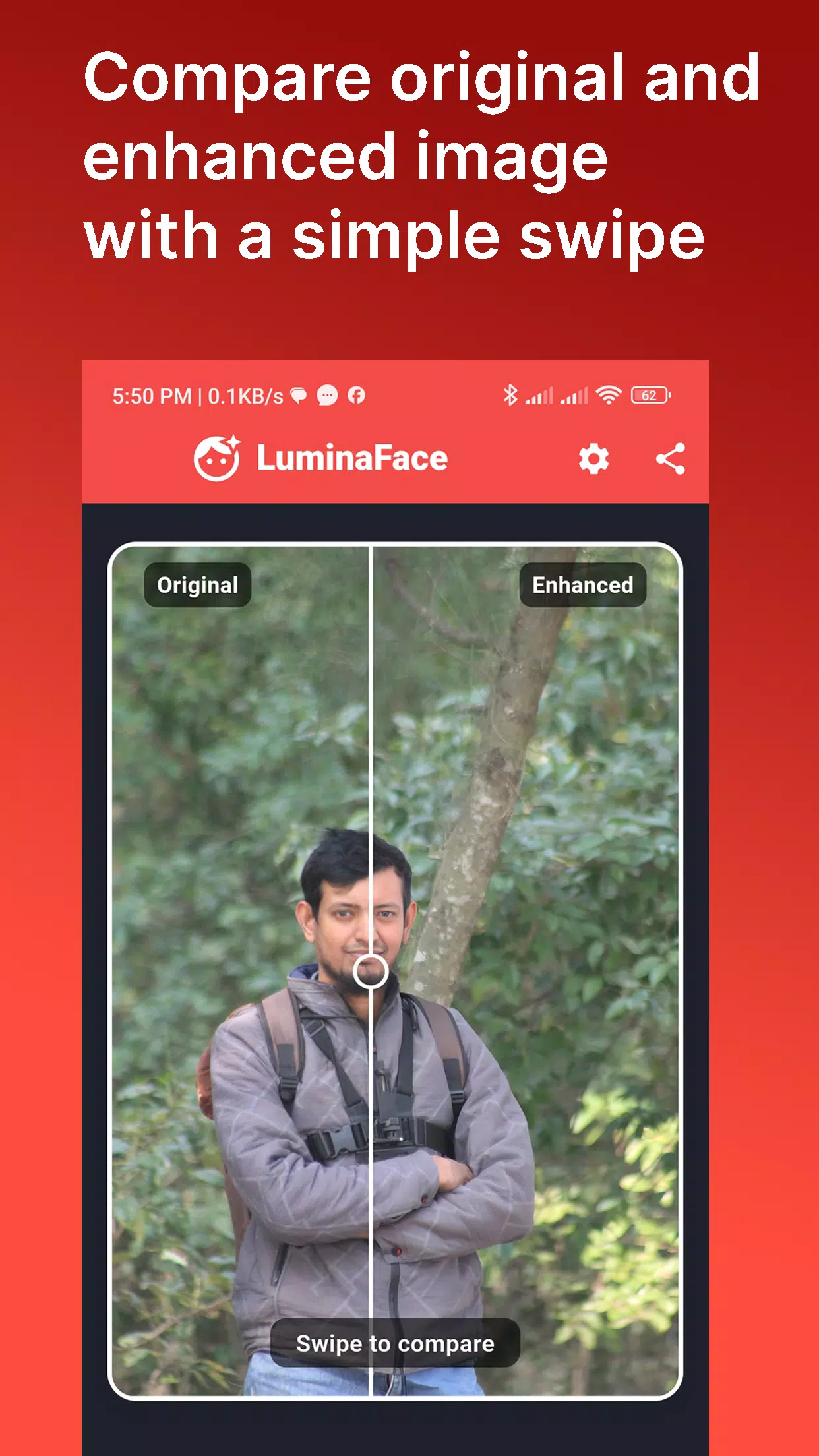
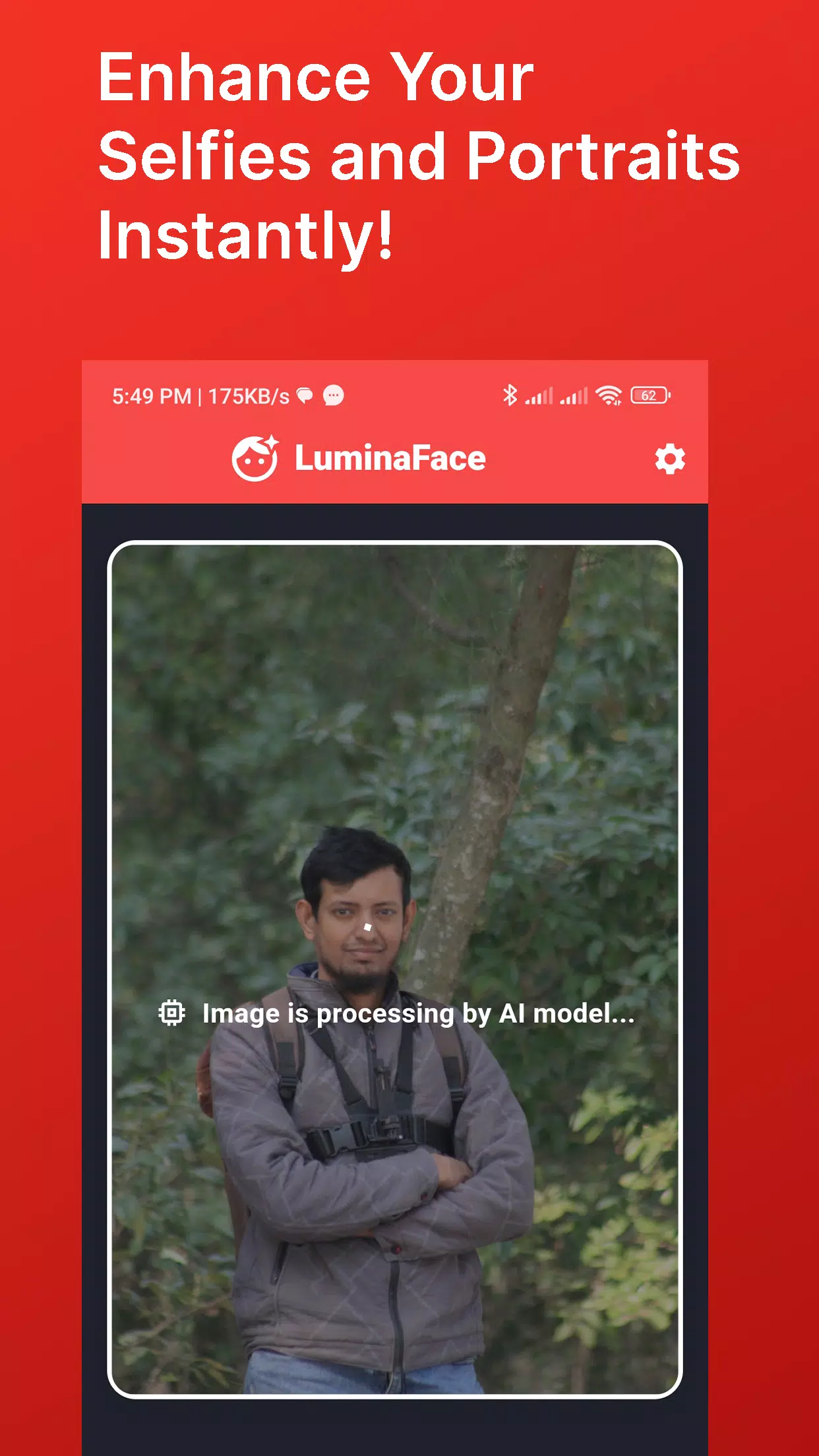
LuminaFace opens with an efficient workflow designed for speed. Import images from the gallery or capture directly with the in-app camera. The app proposes an automatic enhancement based on face detection; from there, use the editing rails to adjust intensity or open the full toolset for targeted corrections. Changes are non-destructive, and you can save multiple versions.
Custom presets let users save specific combinations of lighting, color grading, and retouch settings for consistent branding. LuminaFace ships with a variety of presets tuned for social profiles, product imagery, and professional headshots. Users can also share custom presets across devices or with collaborators, simplifying batch work for teams.
The interface prioritizes clarity: large thumbnails, contextual tooltips, and gesture-based controls reduce the learning curve. Sliders offer micro-adjustments while single-tap quick fixes speed up repetitive tasks. For pro users, LuminaFace provides advanced curves, selective color tools, and layered adjustments to refine results precisely.
LuminaFace is optimized to run on a wide range of Android devices. On modern phones with dedicated AI or neural processing units, tasks like background replacement and batch edits process faster and with lower battery drain. The app supports high-resolution exports and preserves EXIF metadata. Minimal storage footprint and an option to keep edits locally help manage device resources.
Privacy controls are built into the app. Image processing can occur fully on-device, depending on the chosen settings, so users can avoid cloud uploads. When cloud features are used, LuminaFace provides clear consent prompts and encrypted transfer. There are options to disable face recognition storage and to purge temporary files manually.
Content creators, photographers, and professionals benefit from LuminaFace because it reduces editing time while maintaining high image quality. The app is useful for quick social posts, updating profile photos, preparing headshots, and streamlining product photography edits. Batch processing combined with preset workflows makes it practical for daily publishing schedules.
Begin by importing a few test photos and applying the auto-enhance to see baseline improvements. Create a custom preset that matches your aesthetic, then use batch export for rapid output. Experiment with live camera modes to capture images that require minimal post-processing. Regularly clear the cache and review privacy settings to keep performance optimal.
LuminaFace aims to balance powerful editing capabilities with an approachable interface so users can produce polished portraits without extensive training. Whether updating a profile photo or preparing images for publication, the app delivers targeted tools to refine faces, control lighting, and export professional results quickly.


Super 16
Size:58.78M PhotographyPhotographers Companion Pro
Size:5.20M PhotographyText Art
Size:32.00M PhotographyPixiz - Collage Maker
Size:2.69M PhotographyPerfect365
Size:138.02M PhotographyProCCD
Size:95.50M PhotographyFaceShow
Size:115.60M PhotographyPhoto Lab
Size:48.20M PhotographyReNew Old Photo
Size:82.00M PhotographyImage Crop - (Photo Resizer)
Size:13.00M PhotographyTime stamp photos: Photo Proof
Size:99.00M PhotographyWater Photo Frames and Editor
Size:72.00M PhotographyApril 2024 Clash of Clans Update: Unveiling a Fresh Companion, Enhanced Levels, Chat Tagging, and Be
2024-04-16Arrival of Genshin Impact 4.6 Update: 'Embers of Two Realms, Twilight of Crimson'
2024-04-16V2.2 of the Farlight 84 update introduces an overhauled Season structure, fresh in-game currency, an
2024-04-16Monster Never Cry is now accessible on both Android and iOS mobile devices.
2024-04-18PUBG Mobile Teams Up with Bentley Motors: Luxury Cars, Exclusive Collectibles, and Beyond
2024-04-18March 2024 Free Redemption Codes for Honkai: Star Rail
2024-04-18