English
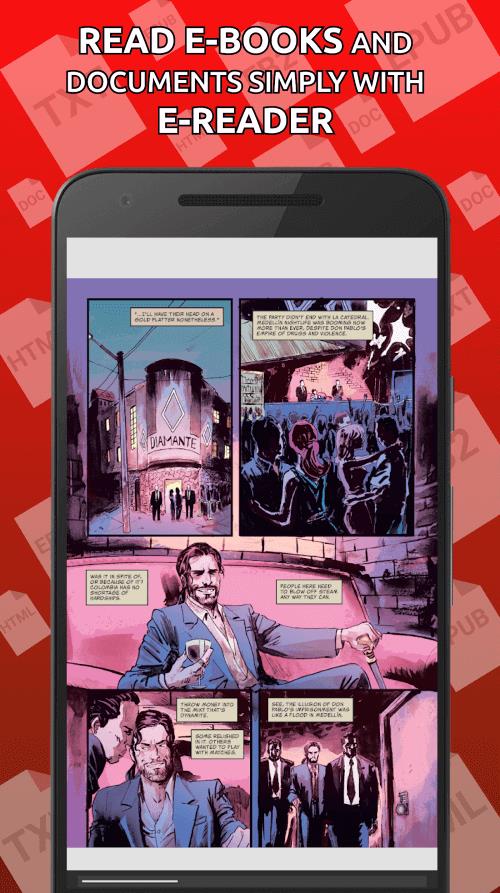
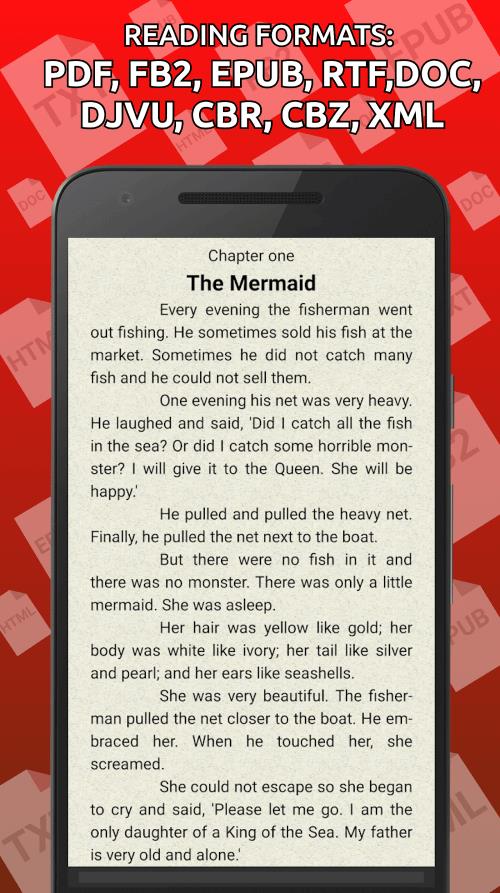
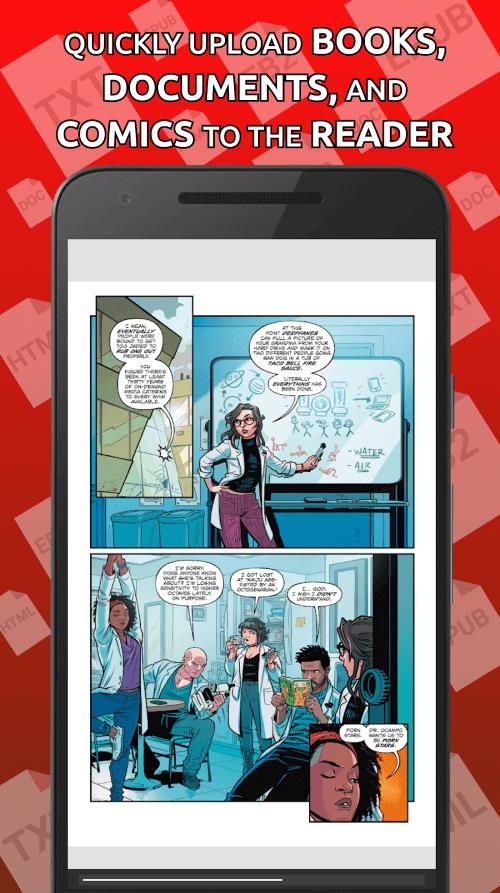
eReader turns your Android device into a flexible digital bookshelf, letting you open and manage novels, documents and textbooks in PDF, FB2, EPUB and other widely used ebook formats. The app launches downloaded files directly from the built-in file browser so you can start reading immediately and it keeps local copies so content remains available offline. Designed for people who prefer a straightforward, format-friendly reading experience, eReader scans storage for readable files, detects duplicates and presents titles in a clear list that’s easy to browse.
This reader focuses on the essentials: wide format compatibility, a fast local scanner and a compact library view that avoids unnecessary cloud dependencies. The file browser will open downloads directly inside the app, and the automatic scanning finds books across folders so you do not have to import each file manually. Reading progress is preserved per title so you can resume where you left off, and the app minimizes loading times for common document types while maintaining accurate rendering of text and images for PDFs and other formats.
Controls are intentionally simple to reduce friction: swipe or tap to change pages, pinch to zoom on PDF pages, and use on-screen gestures to reveal the library or quick settings. The reader stores the last-read position and displays a progress indicator for each title so you can judge how far you’ve come. Bookmarks and a basic recent-items list let you return to specific passages quickly. These lightweight navigation tools create a predictable progression through long documents and multi-chapter books without adding clutter.
Instead of complex metadata-driven cataloguing, the app uses folder scanning and a flat library view that groups files by folder and detects duplicate file names to reduce clutter. You can rely on this simple level structure to organize collections by genre, source or folder path on your device. The library interface emphasizes fast browsing and sorting by title, file type and last opened date, which helps when managing a large personal archive of textbooks, novels or work documents.
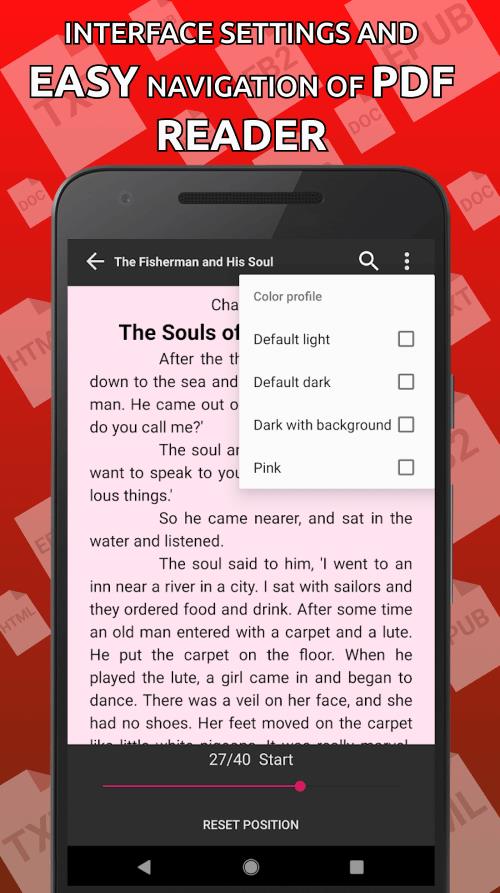
eReader provides basic visual adjustments that improve readability for different situations: change font size and line spacing for body text, select a compact or relaxed layout, and choose between light and dark background themes for day or night reading. Page rendering aims to be consistent across formats so typography and margins stay predictable. The app supports larger text sizes and high-contrast themes to benefit users with visual preferences, and interface elements remain large enough for reliable touch control.
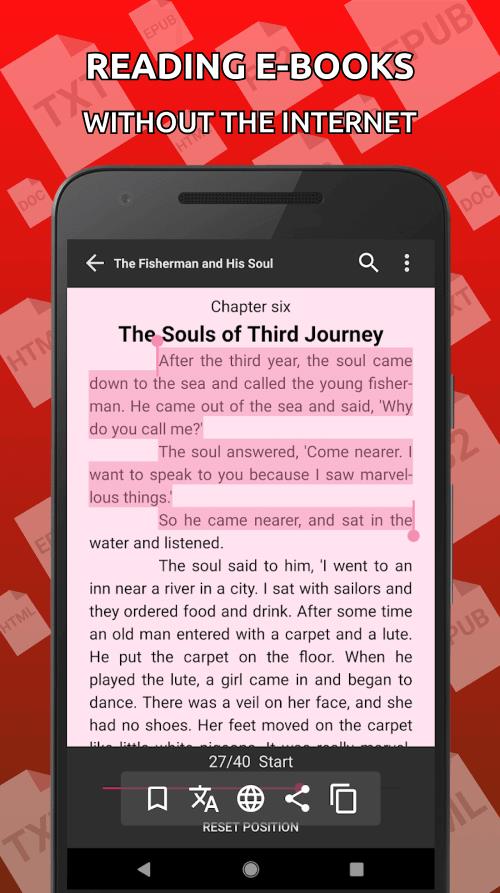
Because the app stores and reads files locally, you can carry an entire library without depending on an internet connection. Offline reading is a core element: once a file is on your device it will open immediately from the built-in browser and retain reading progress without external services. This local-first approach reduces background network activity, preserves battery life, and keeps personal collections private on the device unless you choose to move files elsewhere.
No single reader supports every proprietary or obscure ebook format, and while the app covers the most common types it may not render specialized DRM-protected or highly formatted publisher files perfectly. Automated scanning and organization help a lot, but some manual folder management may still be necessary for complex archives. When a particular file does not display as expected, checking the original file format or using a dedicated conversion tool is recommended. Overall, eReader aims to be a dependable, low-friction companion for everyday reading and document access on Android.
Tracker Detect Pro
Size:10.39M ToolsWiFi Speed Test Pro
Size:8.11M ToolsGG Mouse Pro 2
Size:45.82M ToolsResource Monitor Mini Pro
Size:3.19M ToolsSmart Keyboard Pro
Size:23.22M ToolsMyScript Math: Solve & Plot
Size:108.76M ToolsText Repeater
Size:11.73M Tools3Dcalc+
Size:12.59M ToolsMyScoreTracker
Size:80.28M ToolsPanda Touch Pro
Size:18.13M ToolsDual Space : Multi App
Size:7.23M ToolsSound Recorder Plus: Voice Rec
Size:20.50M ToolsApril 2024 Clash of Clans Update: Unveiling a Fresh Companion, Enhanced Levels, Chat Tagging, and Be
2024-04-16Arrival of Genshin Impact 4.6 Update: 'Embers of Two Realms, Twilight of Crimson'
2024-04-16V2.2 of the Farlight 84 update introduces an overhauled Season structure, fresh in-game currency, an
2024-04-16Monster Never Cry is now accessible on both Android and iOS mobile devices.
2024-04-18PUBG Mobile Teams Up with Bentley Motors: Luxury Cars, Exclusive Collectibles, and Beyond
2024-04-18March 2024 Free Redemption Codes for Honkai: Star Rail
2024-04-18