English
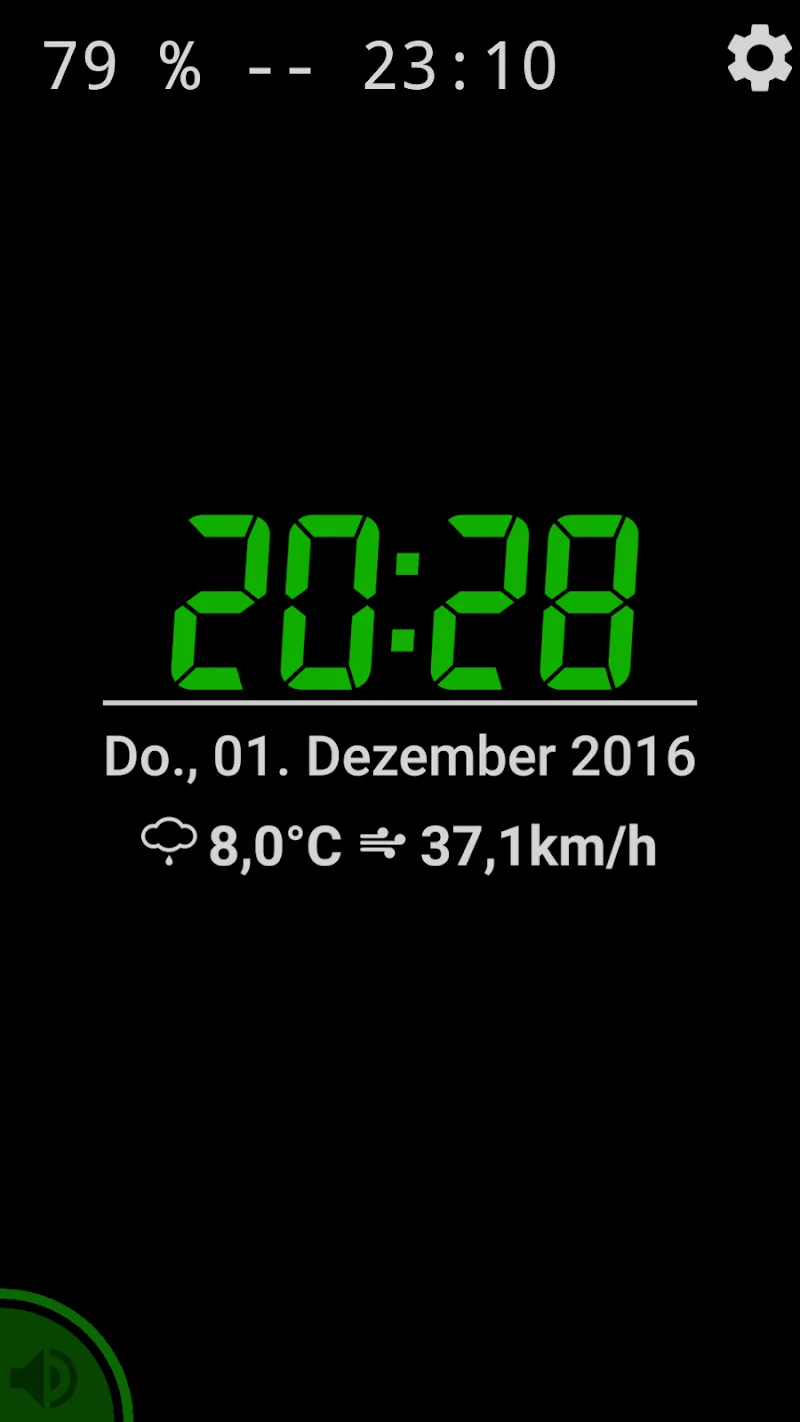
Night Clock & Digital Clock provides a clear, customizable bedside clock and alarm solution for Android users, combining a readable digital display with adjustable brightness, color themes, and sleep-friendly features. It transforms any device into a reliable nightstand clock while keeping controls simple and accessible.
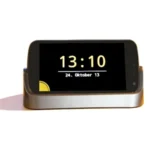
Designed for people who want a dependable, easy to read time display at night, Night Clock & Digital Clock focuses on visibility and minimal distraction. The app converts a phone or tablet into a bedside display with large digits, optional dimming, and a choice of 12 or 24 hour formats. Alarms, timers, and ambient options are included to cover common nightly needs.
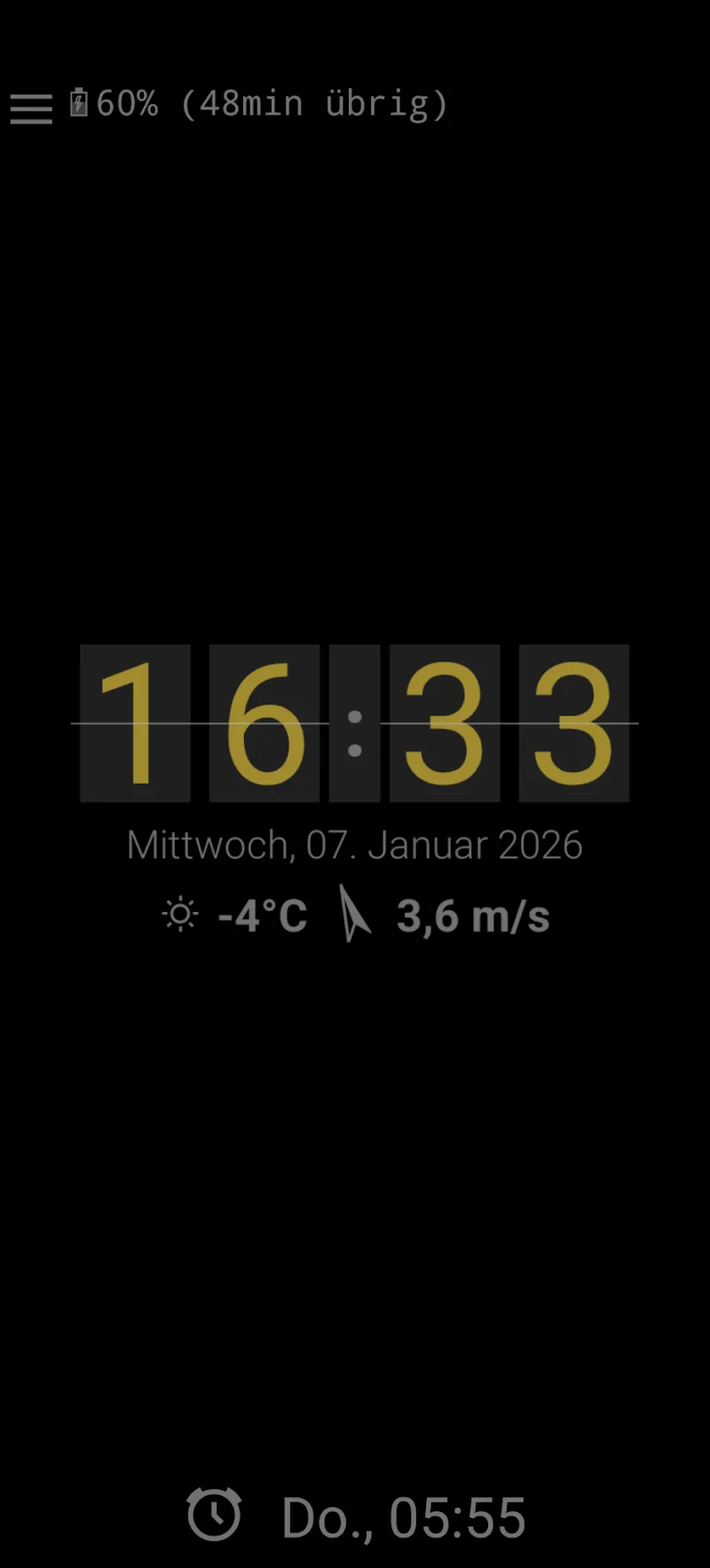
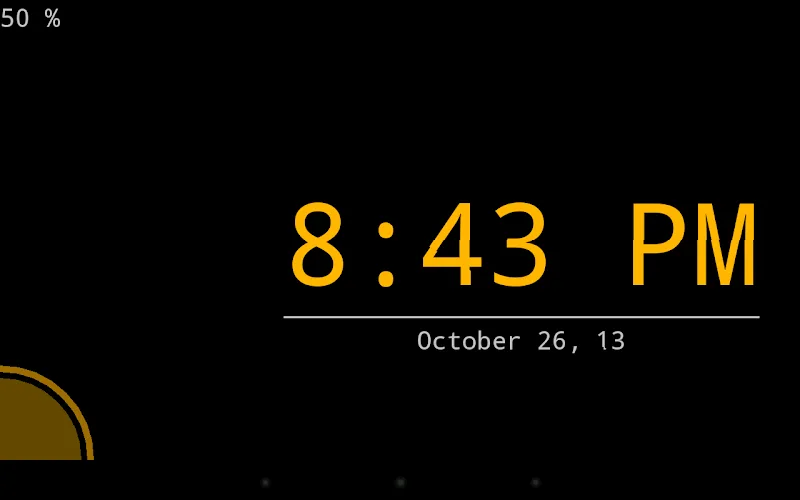
The interface emphasizes clarity and one-handed control. A full-screen clock mode presents only the essential information: time, date, and battery status if desired. Settings are grouped logically so users can switch color palettes, edit alarm schedules or toggle brightness behavior without digging through nested menus. The layout adapts to portrait and landscape orientations smoothly.
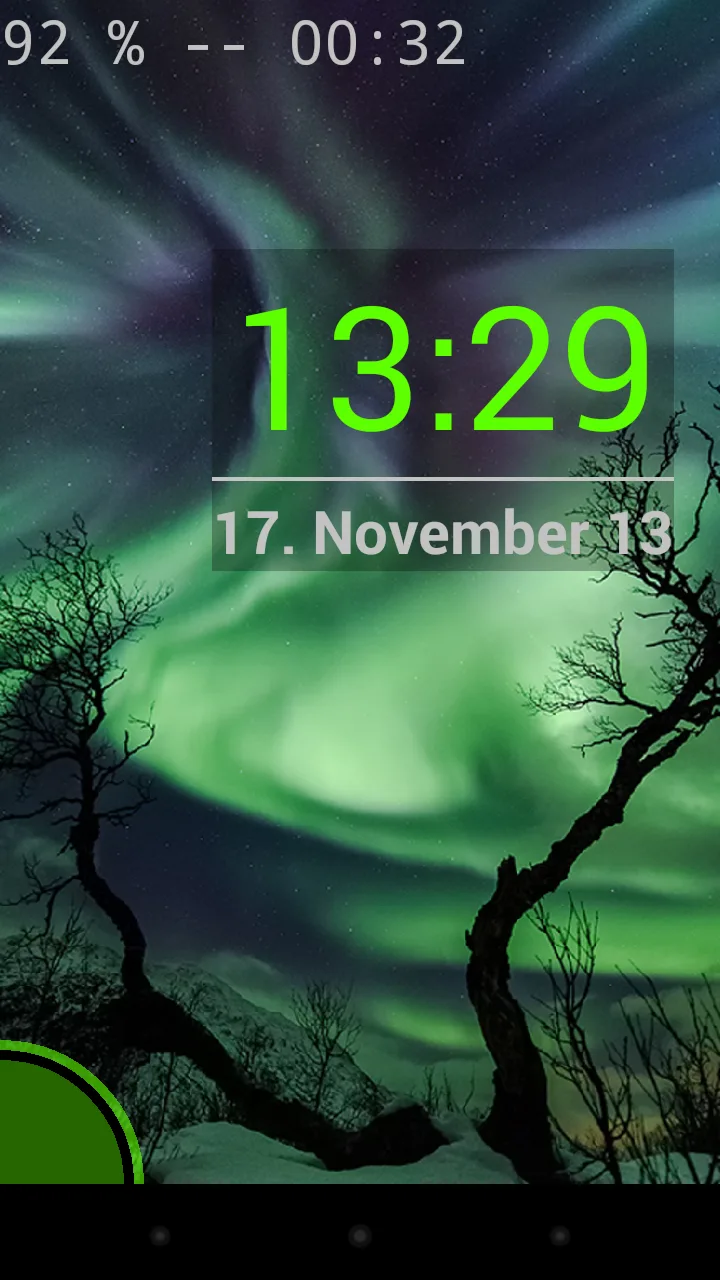
Night Clock & Digital Clock includes a range of personalization choices. Users can select from preset themes or create a custom palette for digits and background. Font size and style are adjustable to suit different viewing distances. There is also a dimming curve option that gradually reduces brightness over a set interval, creating a gentler transition for falling asleep.
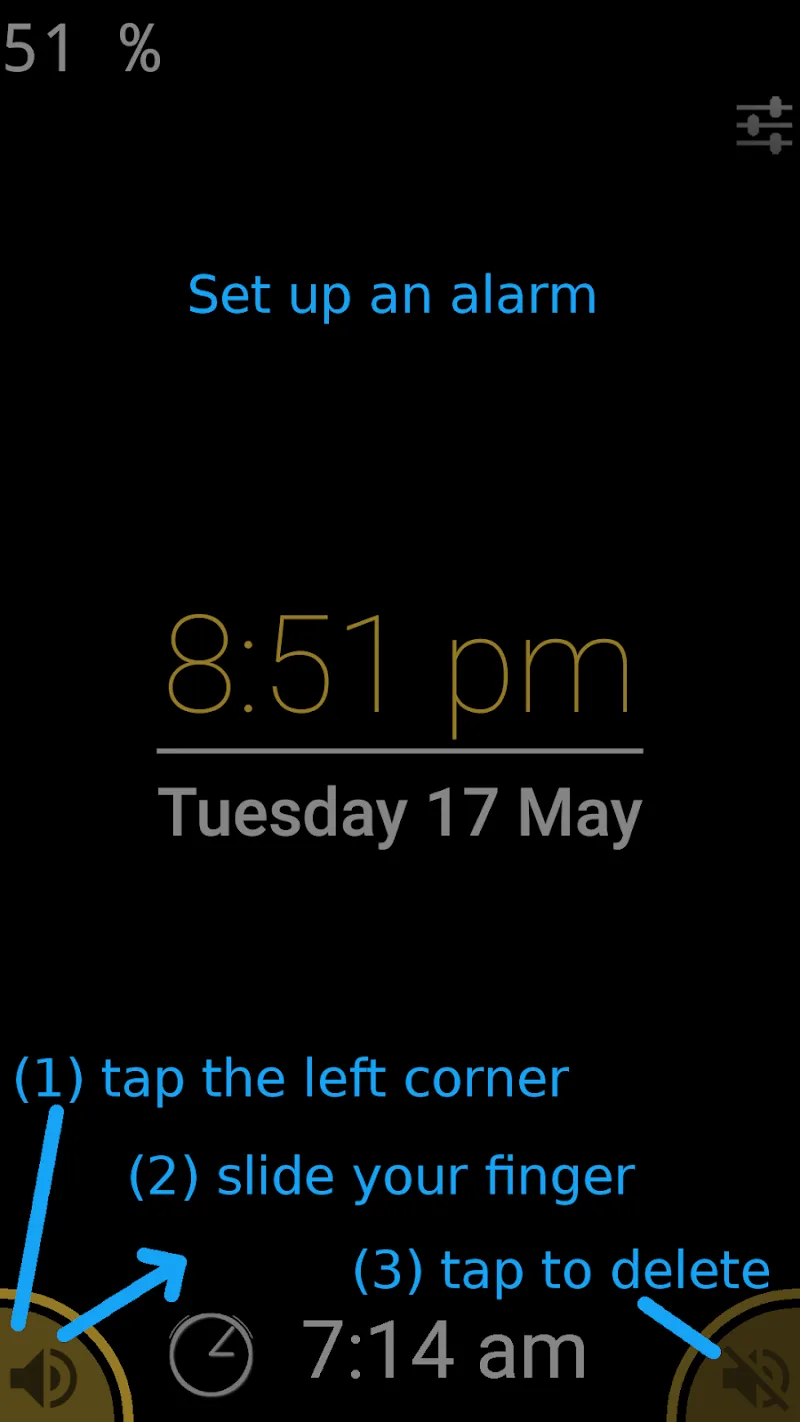
Beyond telling time, the app handles common bedside tasks. A simple alarm editor supports repeated weekdays, progressive volume increase, and multiple alarm profiles for different routines. The timer and stopwatch tools are accessible from the main screen, making it quick to track short activities without leaving the clock view.
The app is engineered to be lightweight and efficient. Built-in power management reduces CPU and screen usage when the device is idle, and an optional low-power mode disables animations to preserve battery life during overnight use. Users can choose whether the display keeps the screen awake or allows the device to dim according to system settings.
Night Clock & Digital Clock runs on a wide range of Android devices, resizing intelligently for phones and tablets. It detects device orientation and provides a stable full-screen mode for docked or charging phones. Common Android features such as Do Not Disturb and notification access are supported so alarms can be managed alongside system rules.
Setting up the app takes only a few taps. After installation, open the app and choose the preferred time format and theme. Set alarms from the alarm tab and test sound and vibration levels. If you plan to use the app overnight, enable the auto-dim and low-power options to avoid unnecessary battery drain while keeping the display readable.
People select Night Clock & Digital Clock for its simplicity and practical focus. The app provides a robust set of bedside features without bloated extras. Clear visuals, efficient operation, and straightforward customization make it a strong choice for anyone who wants a dependable nightstand clock that adapts to personal habits.
Pixly Dark 3D - Icon Pack
Size:106.58M PersonalizationLena Black - Glyph Icon Pack
Size:17.59M PersonalizationFluffy 3D - Icon Pack
Size:129.39M PersonalizationRad Pack Pro
Size:103.35M PersonalizationBlack Pie - Icon Pack
Size:37.33M PersonalizationEmui - Icon Pack
Size:111.40M PersonalizationAline Yellow: linear icon pack
Size:35.40M PersonalizationFlux for KWGT
Size:36.35M PersonalizationAI Home Design: Interior DecAI
Size:30.61M PersonalizationOxigen McLaren 3D - Icon Pack
Size:120.02M PersonalizationOxigen McLaren - Icon Pack
Size:97.25M PersonalizationThemely
Size:39.96M PersonalizationApril 2024 Clash of Clans Update: Unveiling a Fresh Companion, Enhanced Levels, Chat Tagging, and Be
2024-04-16Arrival of Genshin Impact 4.6 Update: 'Embers of Two Realms, Twilight of Crimson'
2024-04-16V2.2 of the Farlight 84 update introduces an overhauled Season structure, fresh in-game currency, an
2024-04-16Monster Never Cry is now accessible on both Android and iOS mobile devices.
2024-04-18PUBG Mobile Teams Up with Bentley Motors: Luxury Cars, Exclusive Collectibles, and Beyond
2024-04-18March 2024 Free Redemption Codes for Honkai: Star Rail
2024-04-18