English
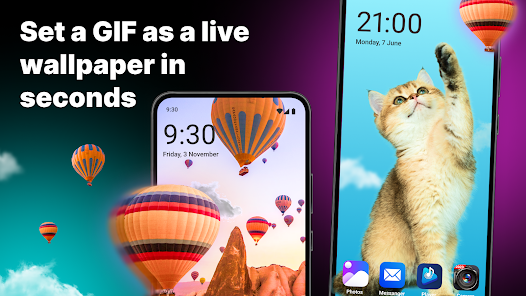
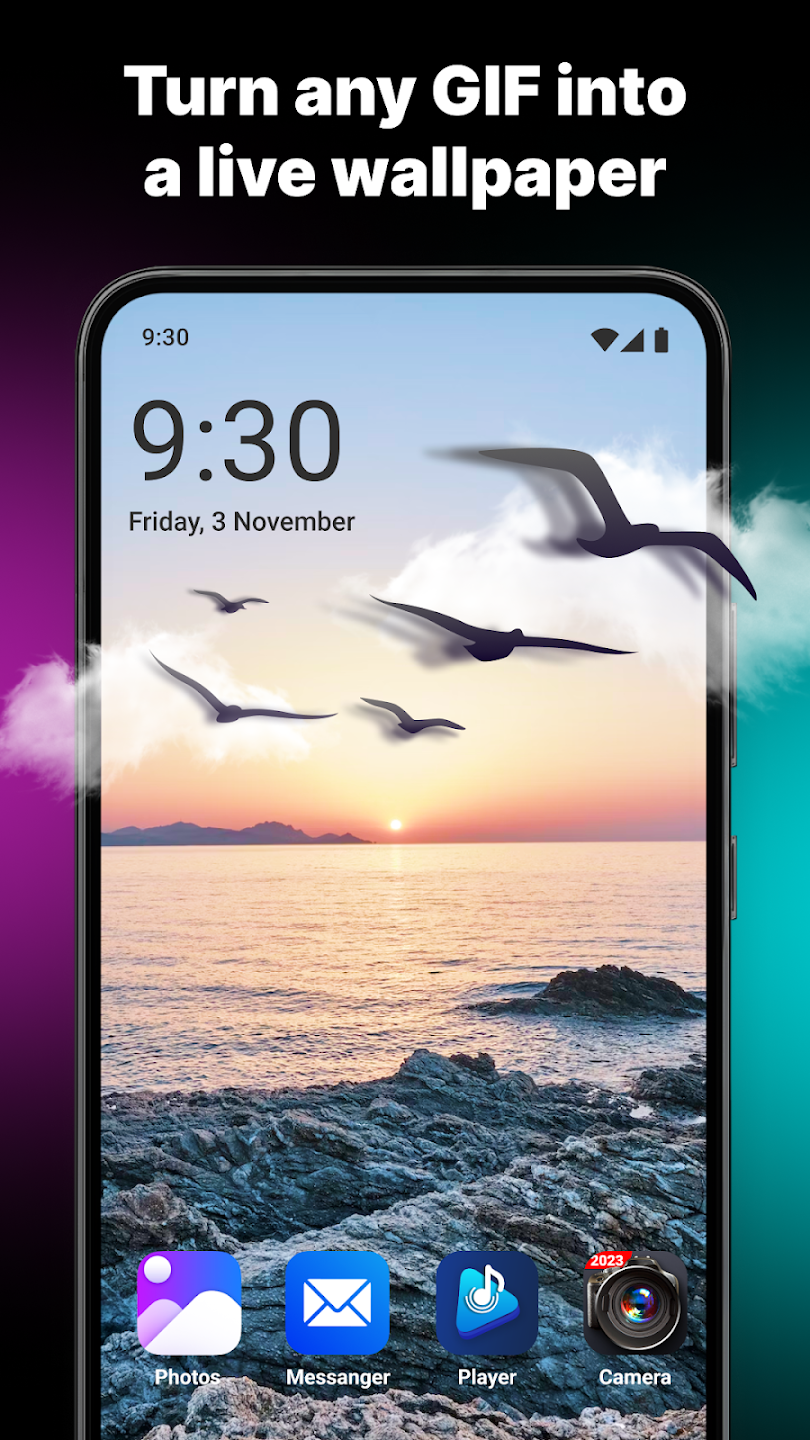
GIF Live Wallpaper transforms your Android home screen into a lively animated display by letting you set animated GIFs as live backgrounds and apply themed templates in seconds. The GIF Live Wallpaper app bundles a large, searchable selection of ready-made GIF wallpapers across categories such as animals, art and lifestyle, and also includes simple editing tools to cut, trim or automatically generate new GIFs from photos and short clips on your device. Designed for quick previews and fast apply, GIF Live Wallpaper makes it easy to personalize the look of your phone without complex editing software.
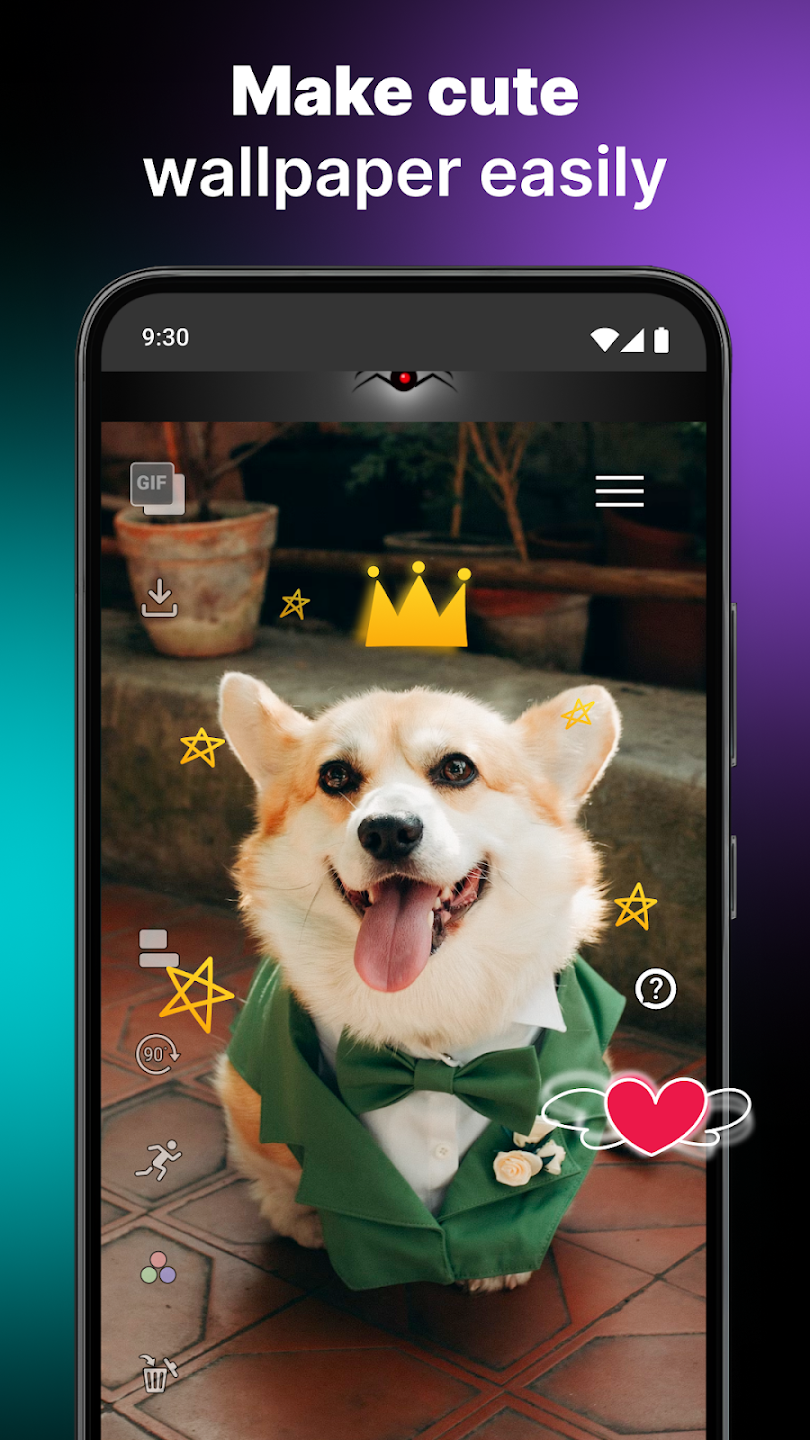
Explore an organized library of animated backgrounds with keyword search and themed collections that help you find the right style for any mood. Built-in editing tools are kept intentionally simple: trim length, crop framing and preview edits before you apply them to your home screen. Ready-made templates provide layout options and visual accents you can add in one tap, while album rotation lets the app switch between multiple GIFs on a schedule or each time you unlock the device. Sharing tools integrate with your contacts and the system share menu so you can send favorites to friends, and multilingual support makes the app accessible to a wide audience.
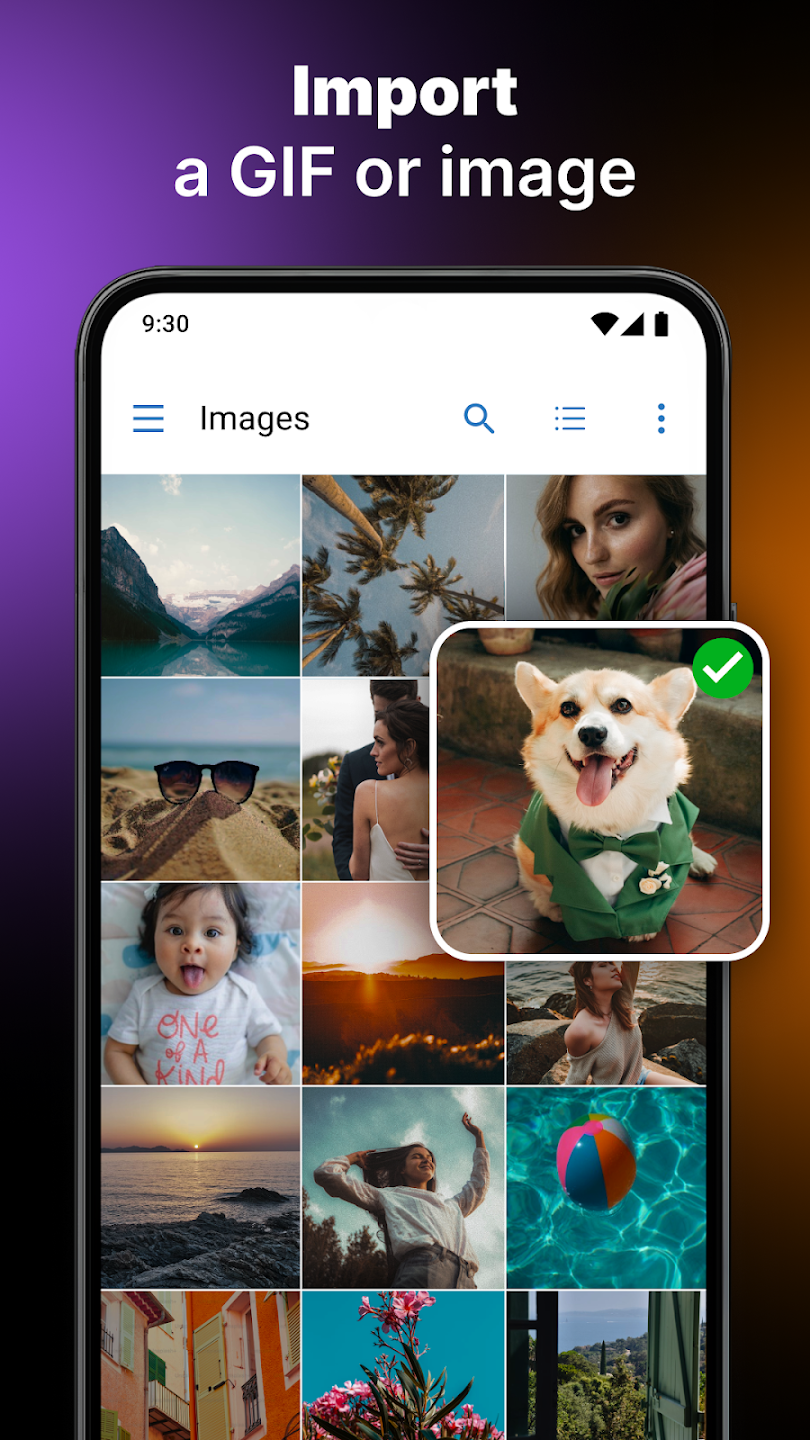
Using GIF Live Wallpaper is straightforward. Browse or search the library, tap a GIF to open a preview, make light edits such as trimming or cropping, and use the apply control to set the GIF as your background. The preview shows exactly how the animation will behave on your home screen so you can make adjustments before committing. Album rotation and quick apply are controlled from the app's main screen, where you can enable automatic switching between selected GIFs or keep a single favorite active. Editing controls are intentionally compact and focused on the most common tasks, so applying an updated wallpaper often takes just a few seconds.
Customization centers on collections and personal albums rather than complicated progression systems. You build a rotating playlist of wallpapers by adding GIFs to an album and ordering them to suit daily routines or seasonal themes. Progression in this context means discovering new styles over time, refining your favorite collections and using templates to evolve a static GIF into something more polished. The app supports local content too, so you can import personal GIFs and include them in rotation alongside supplied wallpapers, giving a simple but meaningful sense of progression as your home screen aesthetic grows and changes.
Visual options range from subtle motion backgrounds to bold animated scenes depending on the collections you explore. Templates help integrate animated GIFs into consistent layouts, making it easier to match a wallpaper to your icon pack or widget arrangement. Replay value comes from frequent library updates, easy creation of new GIFs from your media, and the album rotation feature that keeps the same device feeling fresh without manual switching. Lighter, palette-friendly GIFs are useful for users who prefer minimal distraction, while more detailed animations suit devices and users who enjoy a dynamic look.
The interface emphasizes clarity: large thumbnails, readable labels and direct controls for preview, edit and apply. Multilingual support covers common languages to help international users navigate features, and the app keeps settings and permissions transparent so you can control access to storage or contacts for sharing. Accessibility considerations include clear contrast between controls and backgrounds and a simplified editing workflow that avoids precise, tiny interactions, making it usable across a broad range of devices and hands-on abilities.
Many functions of GIF Live Wallpaper work offline with GIFs stored on your device, including trimming, cropping and setting a local GIF as your background. Browsing the in-app library or downloading new packs requires network access. Storage permission is necessary to import and save GIFs locally, and sharing features request contact access only when you choose to exchange GIFs with others. Users should be aware that the app focuses on GIF format, so other animated formats may not be supported, and large or high-frame-rate GIFs can increase battery and memory use on older devices.
GIF Live Wallpaper offers a balanced set of tools for anyone who wants more movement and personality on their Android device without a steep learning curve. With straightforward controls, editable previews, album rotation and a curated collection of themed wallpapers, the app is a practical choice for customizing a phone or tablet and maintaining a fresh visual style over time.
Pixly Dark 3D - Icon Pack
Size:106.58M PersonalizationLena Black - Glyph Icon Pack
Size:17.59M PersonalizationFluffy 3D - Icon Pack
Size:129.39M PersonalizationRad Pack Pro
Size:103.35M PersonalizationBlack Pie - Icon Pack
Size:37.33M PersonalizationEmui - Icon Pack
Size:111.40M PersonalizationAline Yellow: linear icon pack
Size:35.40M PersonalizationFlux for KWGT
Size:36.35M PersonalizationAI Home Design: Interior DecAI
Size:30.61M PersonalizationOxigen McLaren 3D - Icon Pack
Size:120.02M PersonalizationOxigen McLaren - Icon Pack
Size:97.25M PersonalizationThemely
Size:39.96M PersonalizationApril 2024 Clash of Clans Update: Unveiling a Fresh Companion, Enhanced Levels, Chat Tagging, and Be
2024-04-16Arrival of Genshin Impact 4.6 Update: 'Embers of Two Realms, Twilight of Crimson'
2024-04-16V2.2 of the Farlight 84 update introduces an overhauled Season structure, fresh in-game currency, an
2024-04-16Monster Never Cry is now accessible on both Android and iOS mobile devices.
2024-04-18PUBG Mobile Teams Up with Bentley Motors: Luxury Cars, Exclusive Collectibles, and Beyond
2024-04-18March 2024 Free Redemption Codes for Honkai: Star Rail
2024-04-18