English
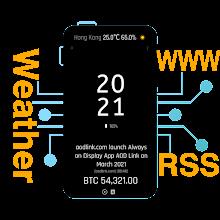
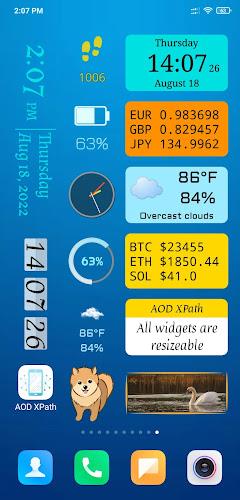
Always on Display XPath keeps your screen alive with practical, low-power widgets that show time, notifications and shortcuts without unlocking the phone. Designed for efficiency, the app balances battery use and visibility, offering a customizable ambient screen that looks polished on OLED and LCD panels while staying discreet.
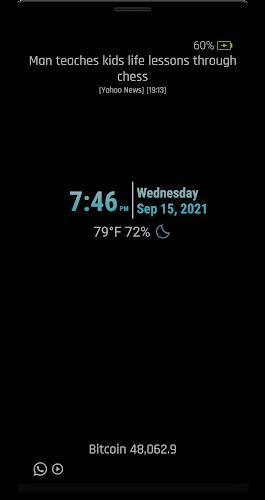
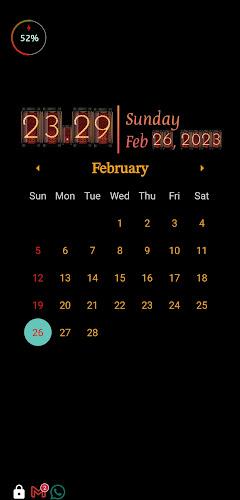
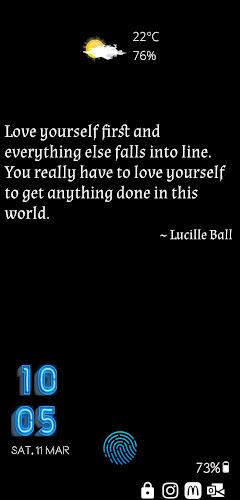
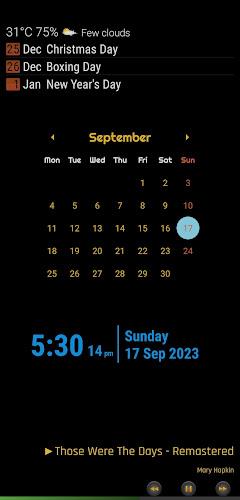
Always on Display XPath brings a modern take on ambient screens for Android devices. The app focuses on showing essential information—time, date, unread messages and media controls—while the phone is idle. Its goal is to reduce taps and unlocks by surfacing glanceable data, and it does so with a minimal visual footprint that’s adjustable by the user.
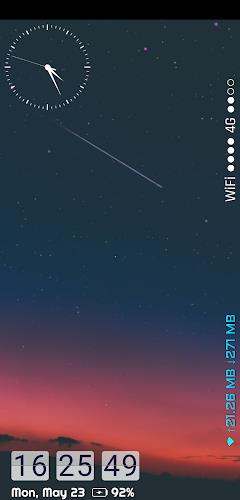
The app leverages Android’s display and sensor APIs to stay visible while minimizing battery impact. You can configure time windows when the ambient screen is enabled, or let motion sensors decide when to show information. On devices with OLED panels, pixel-aware black themes reduce energy consumption by keeping unused pixels off. The app also offers Do Not Disturb-aware behavior so notifications respect your current profile.
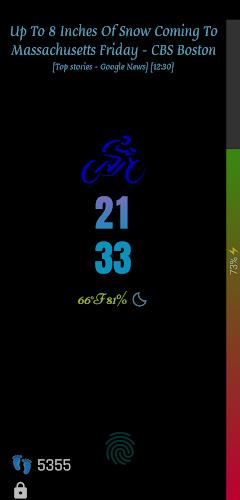
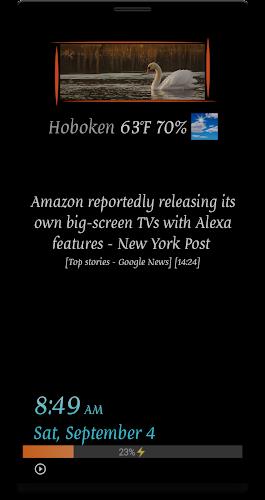
Personalization is a strong point. Choose from a selection of themes, arrange widgets in different layouts, and pick fonts and sizes that match your style. Always on Display XPath supports custom images for backgrounds, but it encourages high-contrast and black backgrounds for the best battery economy. Developers included a preview editor to see changes in real time before saving the configuration.
The interface is straightforward and oriented toward quick adjustments. Settings are grouped into clear sections—Display, Notifications, Shortcuts and Power—so it’s easy to find the option you need. Animations are kept minimal; transitions focus on clarity rather than flair, which helps maintain performance on mid-range phones. Battery tests in the app’s diagnostics section give an estimate of expected drain under different modes.
After setup, the workflow is simple: glance to check time or messages, use swipe gestures to reveal additional controls, or tap a shortcut for instant access. The app supports scheduled activation (for example, at night or during work hours) and integrates well with launcher apps so the ambient display feels like part of the device rather than an add-on.
Install the app from the Play Store, grant the requested permissions for notifications and display overlays, then follow the guided setup. Always on Display XPath walks you through enabling power-saving defaults and offers a one-minute tour of core features. The initial setup is quick, making it easy to adopt the ambient screen as part of your daily routine.
Tracker Detect Pro
Size:10.39M ToolsWiFi Speed Test Pro
Size:8.11M ToolsGG Mouse Pro 2
Size:45.82M ToolsResource Monitor Mini Pro
Size:3.19M ToolsSmart Keyboard Pro
Size:23.22M ToolsMyScript Math: Solve & Plot
Size:108.76M ToolsText Repeater
Size:11.73M Tools3Dcalc+
Size:12.59M ToolsMyScoreTracker
Size:80.28M ToolsPanda Touch Pro
Size:18.13M ToolsDual Space : Multi App
Size:7.23M ToolsSound Recorder Plus: Voice Rec
Size:20.50M ToolsApril 2024 Clash of Clans Update: Unveiling a Fresh Companion, Enhanced Levels, Chat Tagging, and Be
2024-04-16Arrival of Genshin Impact 4.6 Update: 'Embers of Two Realms, Twilight of Crimson'
2024-04-16V2.2 of the Farlight 84 update introduces an overhauled Season structure, fresh in-game currency, an
2024-04-16Monster Never Cry is now accessible on both Android and iOS mobile devices.
2024-04-18PUBG Mobile Teams Up with Bentley Motors: Luxury Cars, Exclusive Collectibles, and Beyond
2024-04-18March 2024 Free Redemption Codes for Honkai: Star Rail
2024-04-18