English
Audio Cues is a lightweight Android utility that turns sounds into actionable notifications and ambient reminders. Designed for accessibility and productivity, it routes audio alerts, custom tones, and spoken prompts to the parts of your workflow that need attention without interrupting focus.
This app focuses on making audio information more useful and less intrusive. Rather than a single notification stream, Audio Cues separates audio signals into categories, assigns priorities, and offers context-aware delivery. The result is a tailored listening experience for professionals, commuters, and users with sensory or attention needs.
Audio Cues intercepts system and app notifications, analyzes metadata, and applies rules you define. You can set filters that detect keywords, originating apps, or urgency flags. When a rule triggers, the app either plays an immediate audible signal, whispers a short phrase, defers the sound until a quieter time, or routes it to a paired device such as a Bluetooth headset.
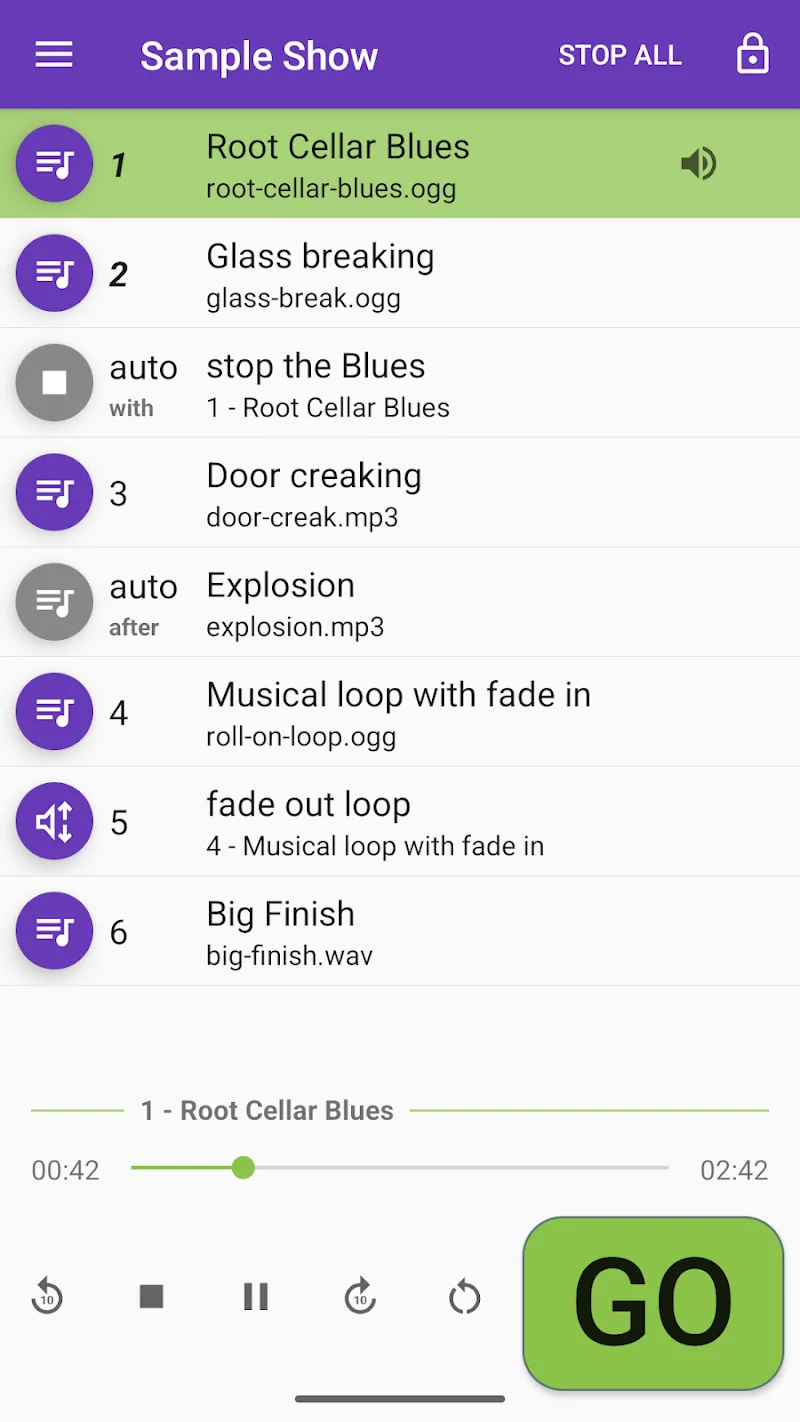
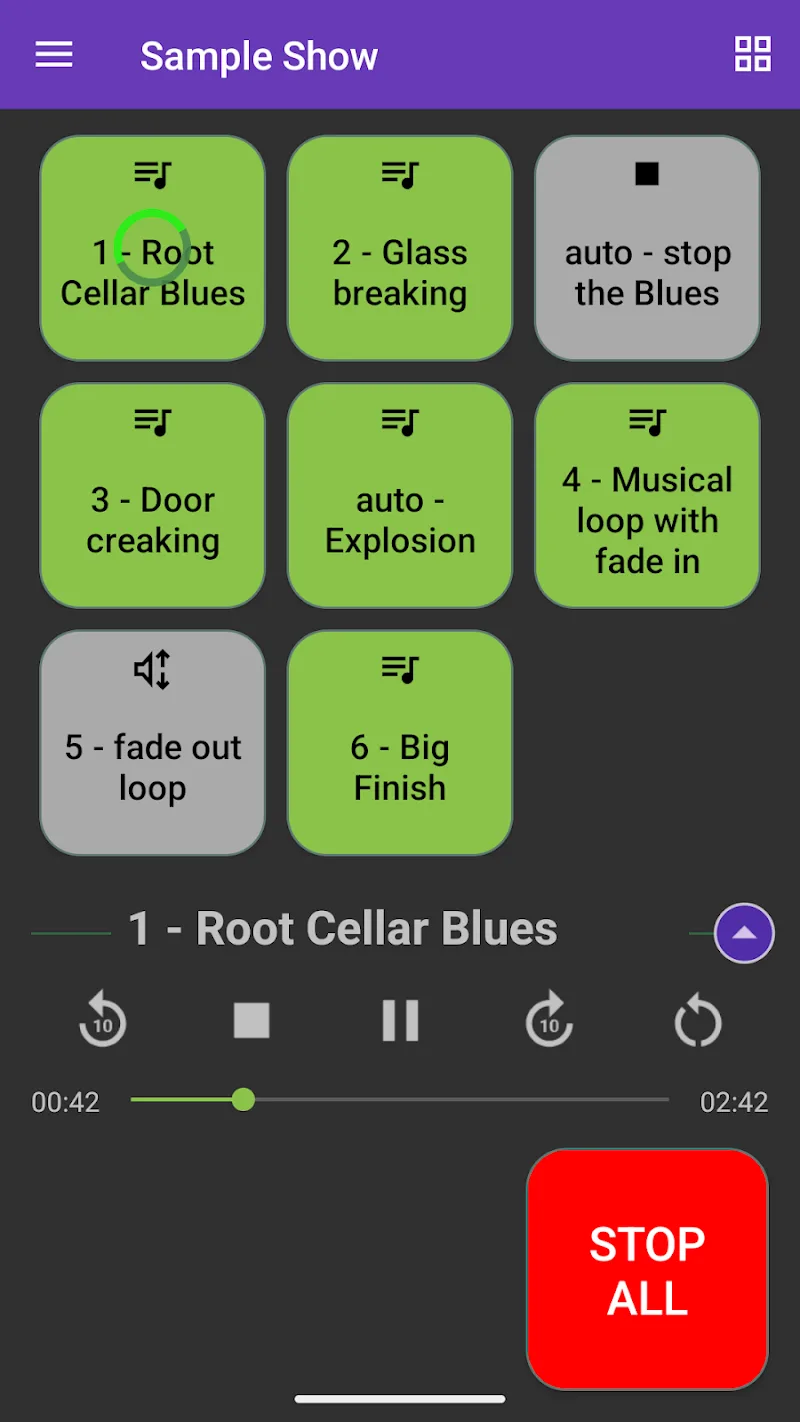
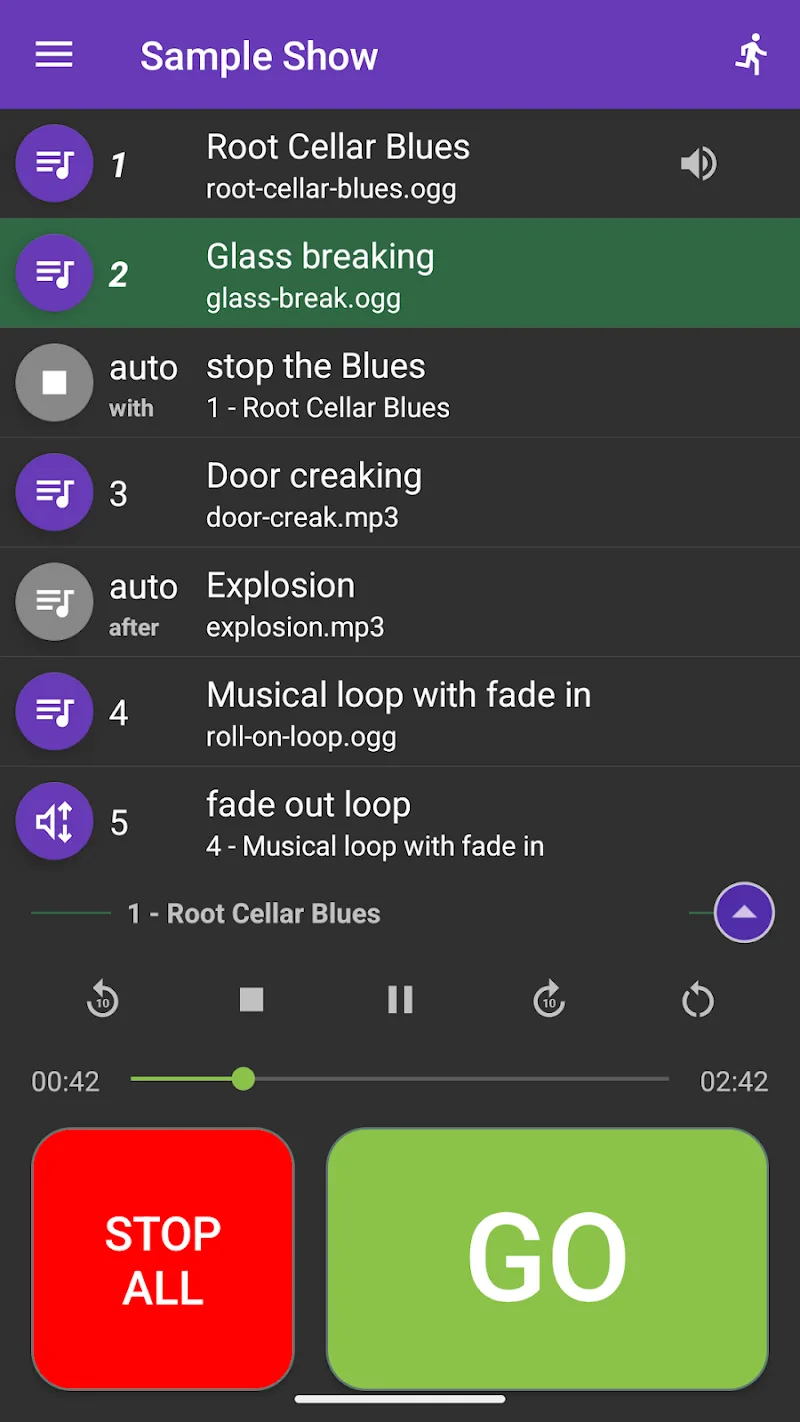
The user interface is organized around three panels: rules, sound library, and profiles. Each rule is created with a simple form and optional advanced parameters for power users. The sound library includes default tones, recorded voice snippets, and the option to import MP3 or WAV files. You can preview cues before saving and layer multiple sounds for compound alerts.
For people who juggle meetings, messages, and background tasks, the app reduces cognitive load by only surfacing what's necessary. Audio Cues helps keep attention on primary tasks by deferring low-priority noise and highlighting critical events with distinctive sounds. It pairs well with time-blocking and focus techniques.
Designed to run efficiently, the app minimizes battery impact by batching low-priority cues and using idle network access for cloud-dependent features. Background processing adheres to Android power-management guidelines, and the app provides diagnostics to troubleshoot missed or delayed alerts.
Start with a few high-impact rules: set a distinct tone for calls, silence social apps during focus hours, and enable spoken reminders for calendar events. Test cues in a quiet environment to calibrate volume and voice clarity. Use the profile scheduler to automate weekday and weekend behaviors.
Installation is straightforward: grant notification access, select your preferred output devices, and create an initial profile. Within minutes you can set up targeted cues for the most important alerts and refine rules as you learn how the app integrates with daily routines. Audio Cues scales from simple one-rule setups to complex automated workflows that keep your attention where it matters most.
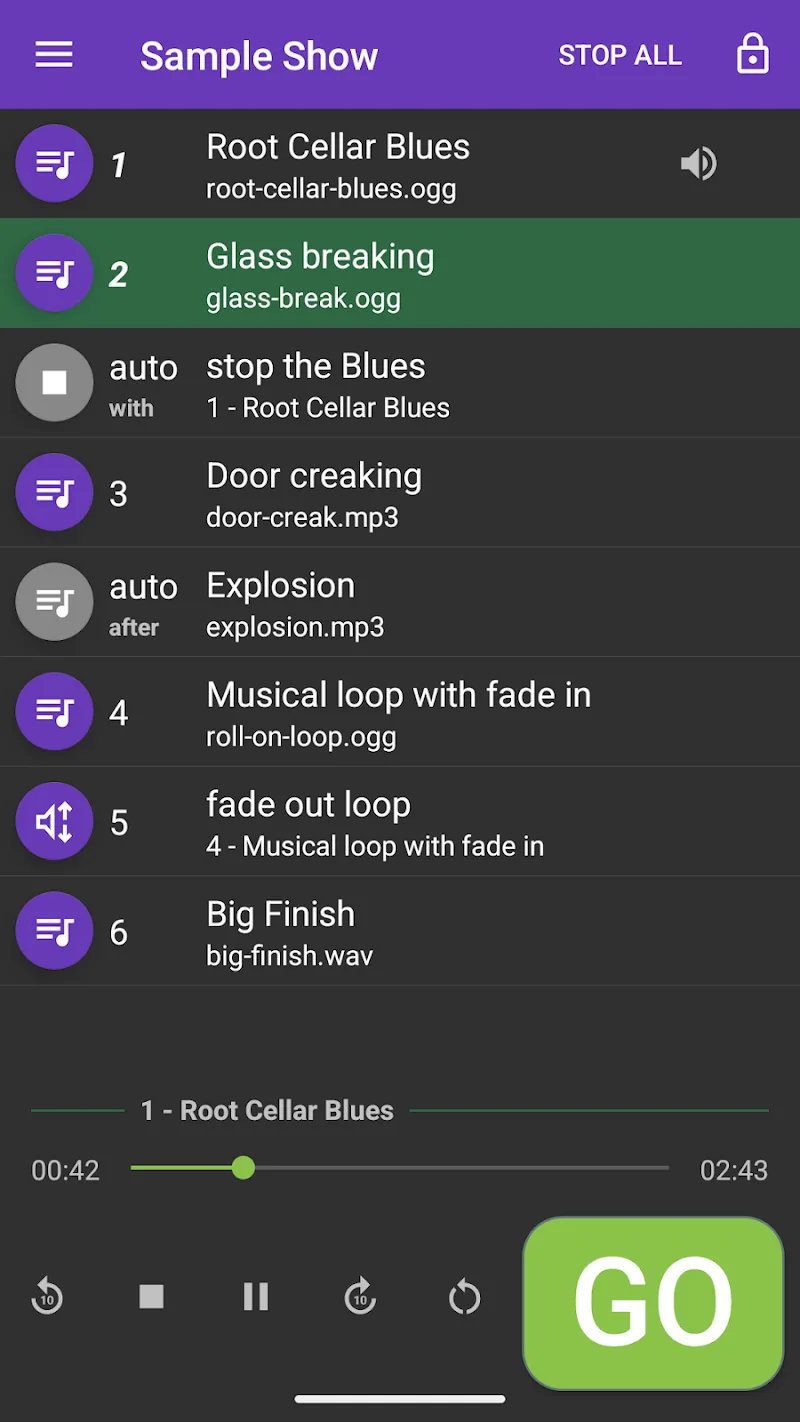
Audio Cues
Size:18.49M Media & Video432 Radio: 432hz/528hz Radio
Size:23.02M Media & VideoCompress Video - Resize Video
Size:48.75M Media & VideoMEME Maker: MEME Creator
Size:49.65M Media & VideoInstory Story Video Maker
Size:31.79M Media & VideoDrum Pads 24 - Beats and Music
Size:31.00M Media & VideoRadioTunes
Size:25.30M Media & VideoWiseplay
Size:38.13M Media & VideojetAudio HD Music Player Plus
Size:22.60M Media & VideoTABLA: India Mystical Drums
Size:27.35M Media & VideoOnePlayer
Size:128.00M Media & VideoDeep Bass Booster & Subwoofer
Size:4.30M Media & VideoApril 2024 Clash of Clans Update: Unveiling a Fresh Companion, Enhanced Levels, Chat Tagging, and Be
2024-04-16Arrival of Genshin Impact 4.6 Update: 'Embers of Two Realms, Twilight of Crimson'
2024-04-16V2.2 of the Farlight 84 update introduces an overhauled Season structure, fresh in-game currency, an
2024-04-16Monster Never Cry is now accessible on both Android and iOS mobile devices.
2024-04-18PUBG Mobile Teams Up with Bentley Motors: Luxury Cars, Exclusive Collectibles, and Beyond
2024-04-18March 2024 Free Redemption Codes for Honkai: Star Rail
2024-04-18