English
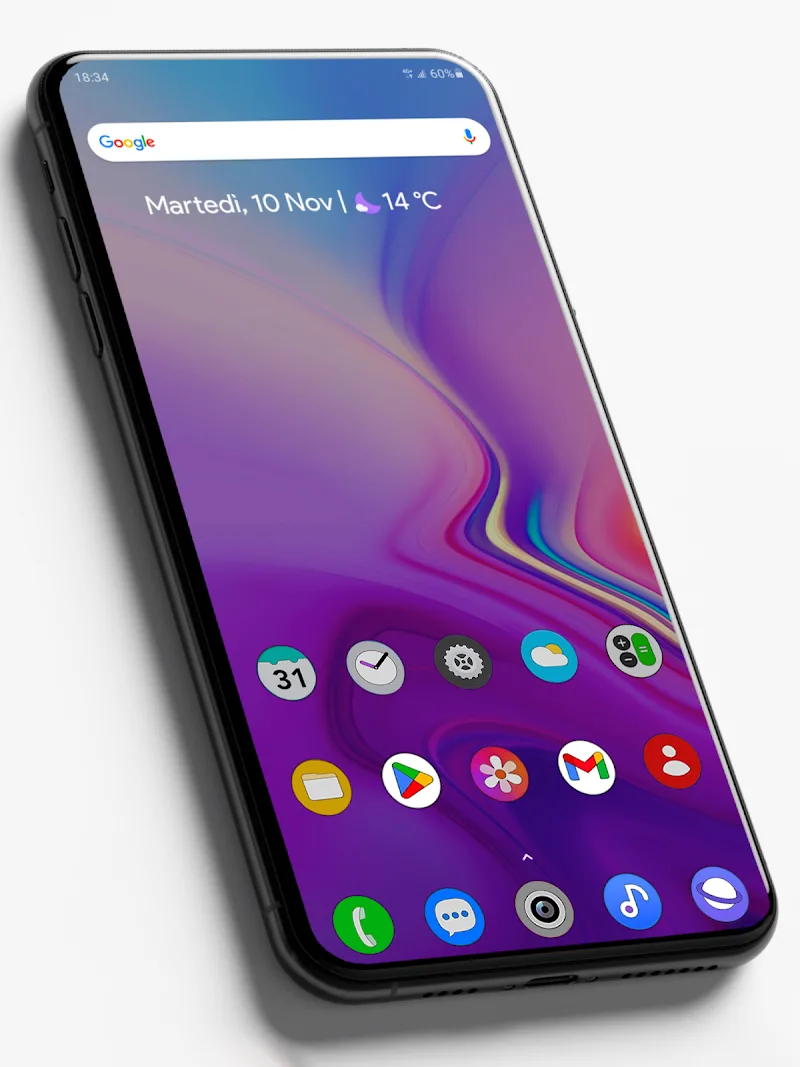
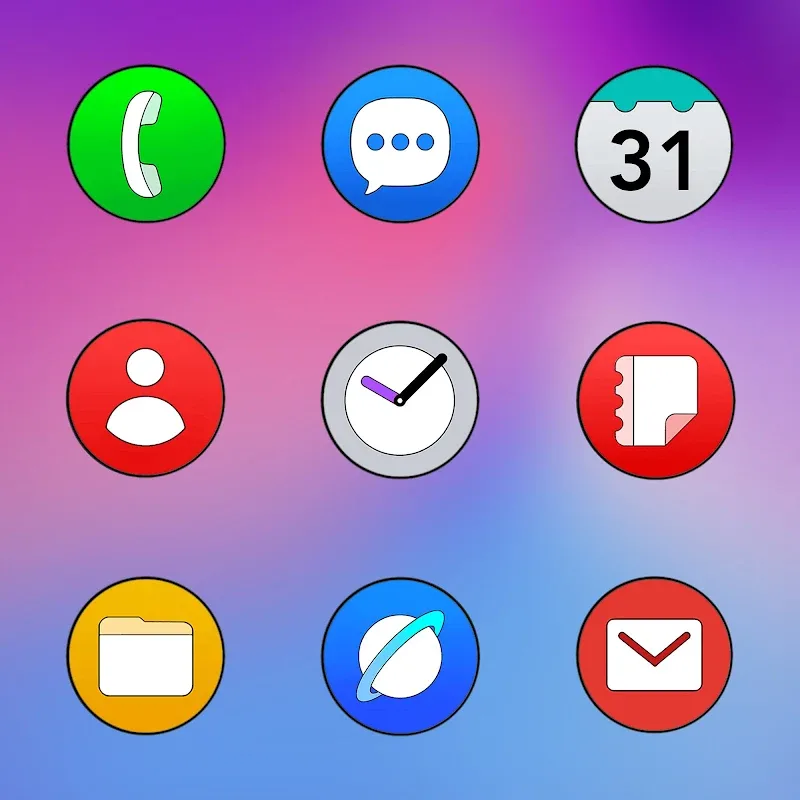
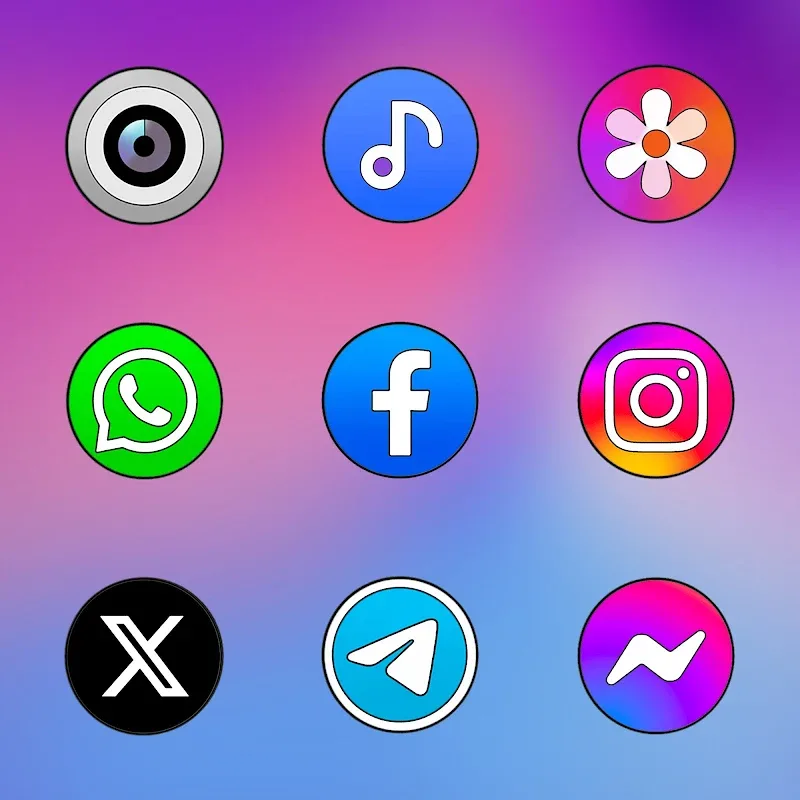
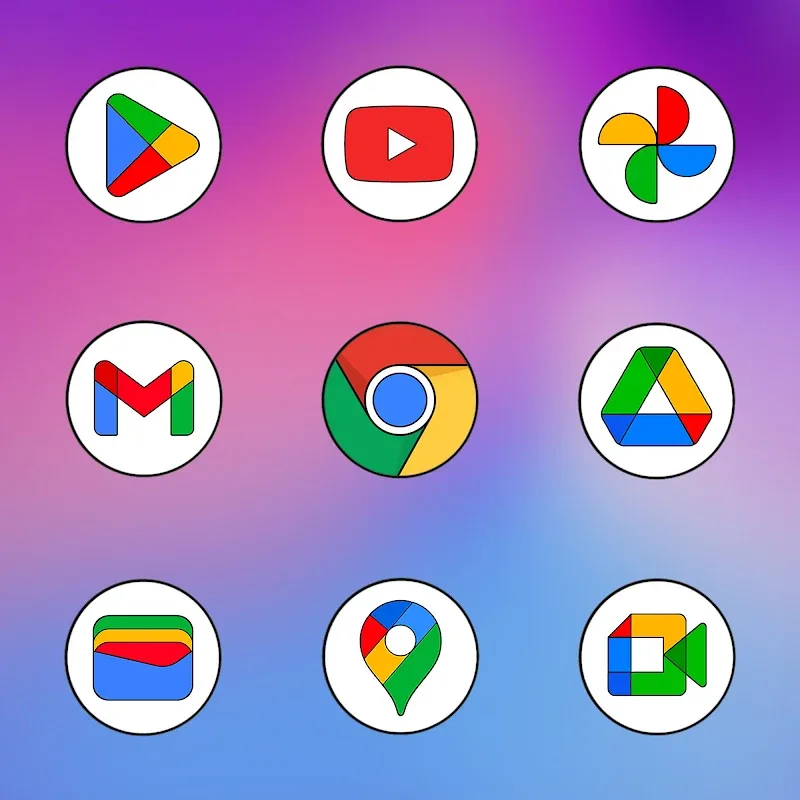
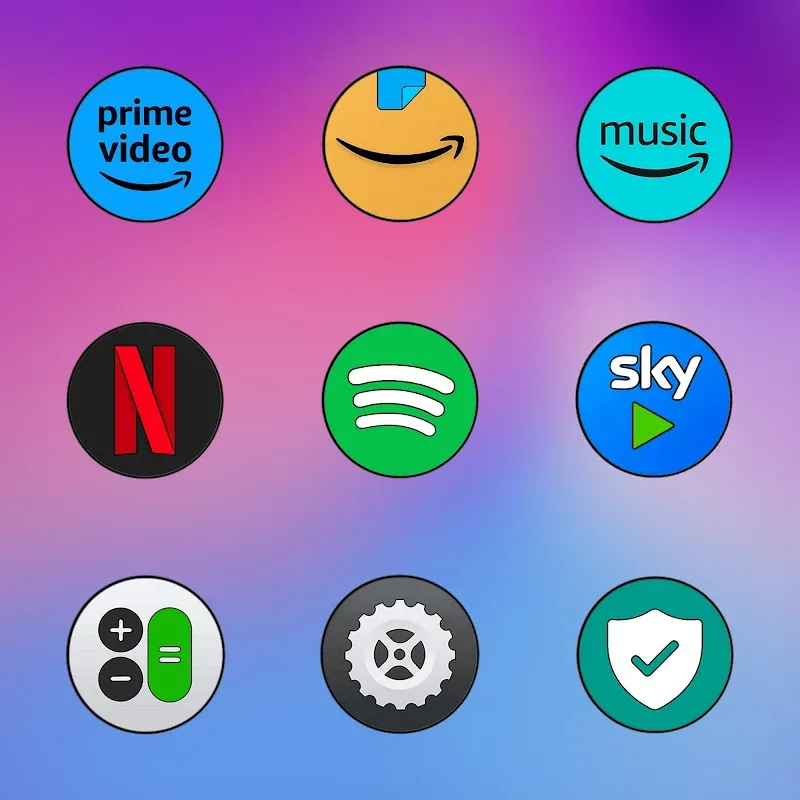
One UI Circle - Icon Pack brings a clean, rounded aesthetic to your Android home screen with a comprehensive set of circular icons, matching wallpapers and subtle accents. Designed for users who favor minimalist, Samsung-like visuals, this icon pack streamlines app organization and refreshes the look of launchers with consistent, high-resolution artwork.
The visual identity of One UI Circle - Icon Pack focuses on simplicity and harmony. Colors are chosen for low contrast and reduced visual clutter, while subtle shading and soft highlights give each icon depth without overwhelming the interface. The circular format aligns with many modern launcher styles and mimics the rounded language seen in recent handset skins.
Applying One UI Circle - Icon Pack is straightforward with most third-party launchers. From your launcher settings choose the theme or icon section and select the pack. Popular supported launchers include Nova, Lawnchair, Apex, Action Launcher and Smart Launcher. If your launcher lacks direct support, the pack provides a shortcut to apply icons or instructions for manual replacement.
Beyond swapping icons, the pack encourages a unified theme by providing wallpapers and accent suggestions. You can mix icon styles with custom widgets and a matching wallpaper to craft a personalized home screen. The masking option ensures temporary consistency for apps that don’t yet have a dedicated icon, and the request feature accelerates coverage for niche applications.
One UI Circle - Icon Pack is built to minimize system impact. Vector and scalable formats reduce APK bloat and ensure crisp icons without high memory overhead. The pack is compatible with a wide range of Android versions and launcher ecosystems; adaptive icon behavior is respected where the platform supports it. Expect quick theme application and no background services that would drain battery life.
Regular updates expand the icon catalog and refine existing assets based on user feedback. The icon request tool is central to ongoing coverage improvements: submit a screenshot or package name and developers typically respond in subsequent releases. Additionally, changelogs inside the app highlight added icons and bug fixes so you can track improvements.
Many users choose One UI Circle - Icon Pack for its polished, consistent visual language and ease of integration with widely used launchers. The balance of subtle shading, clean circles and ongoing support makes it a reliable option for people who want a neat, modern home screen without spending time crafting each element individually.
Install the pack, open it and follow the simple apply workflow tailored to your launcher. If you encounter missing icons, use the request feature, and explore the included wallpapers for an instant theme boost. With a few taps you can convert a cluttered grid into a refined, consistent interface that highlights the apps you use most.
Mello Night Icon Pack
Size:12.43M PersonalizationCool Bio Quotes Ideas
Size:45.40M PersonalizationSolid Gold Pro - Icon Pack
Size:94.94M PersonalizationOne UI Circle - Icon Pack
Size:132.01M PersonalizationDepth Live Wallpaper
Size:27.04M PersonalizationFun - Icon Pack
Size:14.52M PersonalizationGlossy Dark 3D - Icon Pack
Size:30.47M PersonalizationPixelux Plus Icon Pack
Size:26.73M PersonalizationN-thing Icon Pack
Size:23.21M PersonalizationOxigen Dark 3D - Icon Pack
Size:41.20M PersonalizationFlight Pro - Icon Pack
Size:59.28M PersonalizationWallGenius
Size:7.75M PersonalizationApril 2024 Clash of Clans Update: Unveiling a Fresh Companion, Enhanced Levels, Chat Tagging, and Be
2024-04-16Arrival of Genshin Impact 4.6 Update: 'Embers of Two Realms, Twilight of Crimson'
2024-04-16V2.2 of the Farlight 84 update introduces an overhauled Season structure, fresh in-game currency, an
2024-04-16Monster Never Cry is now accessible on both Android and iOS mobile devices.
2024-04-18PUBG Mobile Teams Up with Bentley Motors: Luxury Cars, Exclusive Collectibles, and Beyond
2024-04-18March 2024 Free Redemption Codes for Honkai: Star Rail
2024-04-18