English
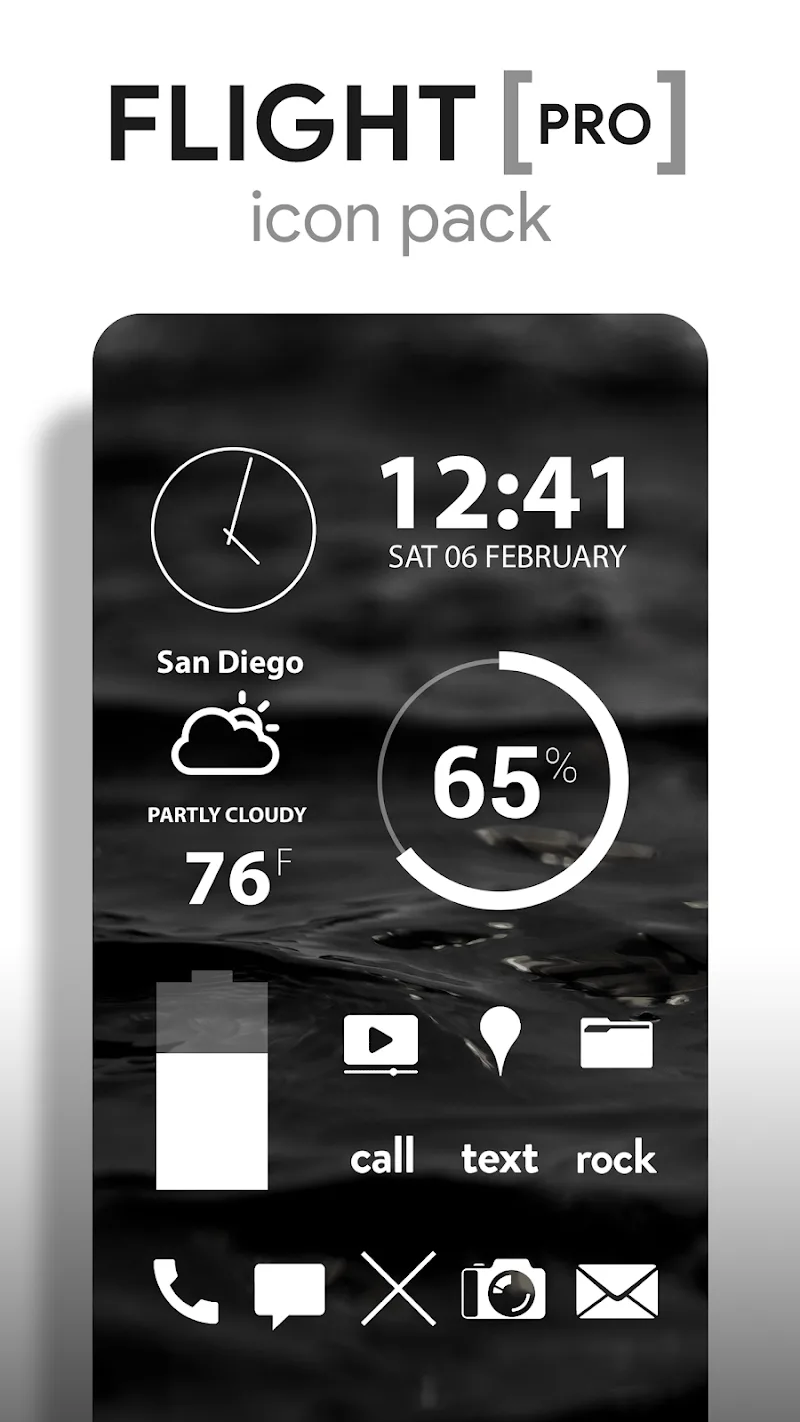
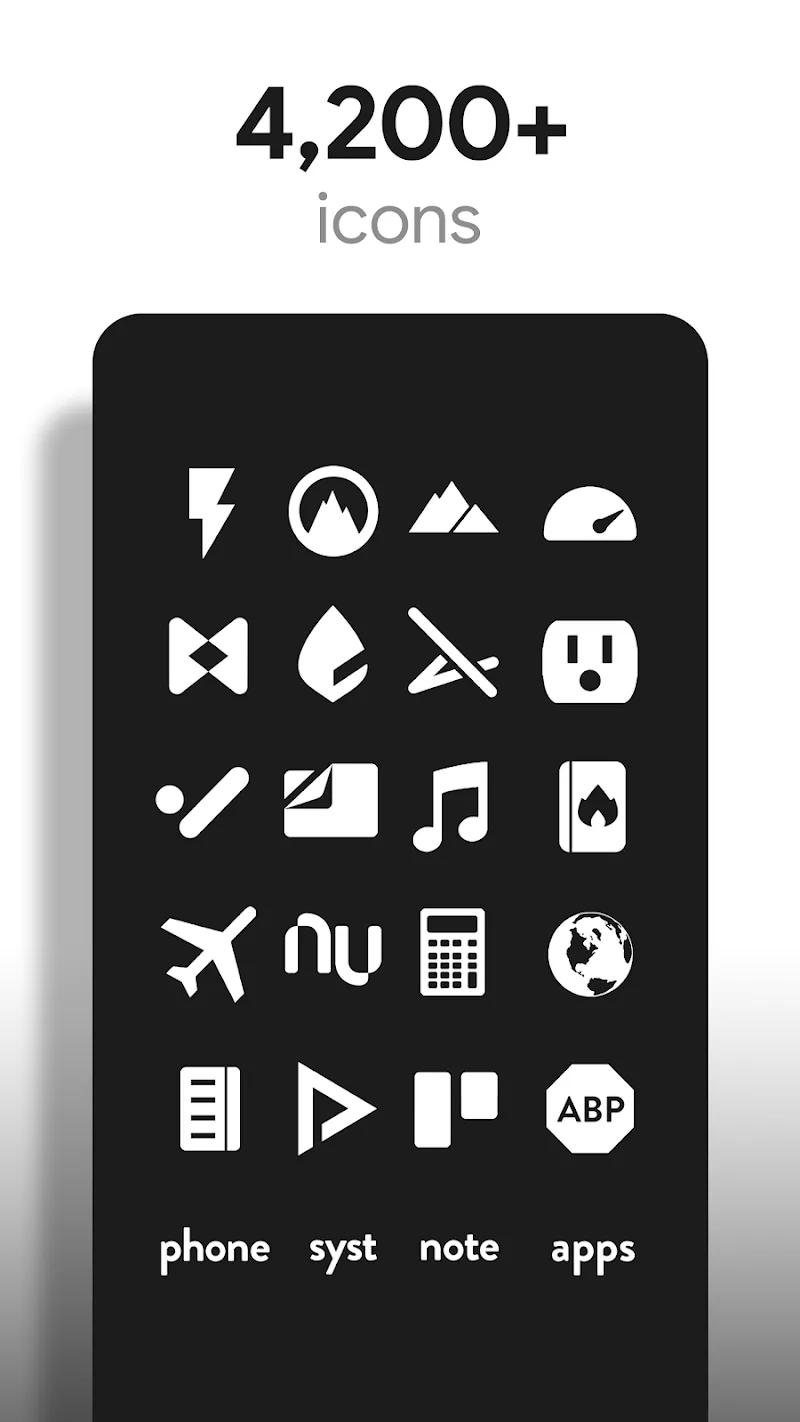
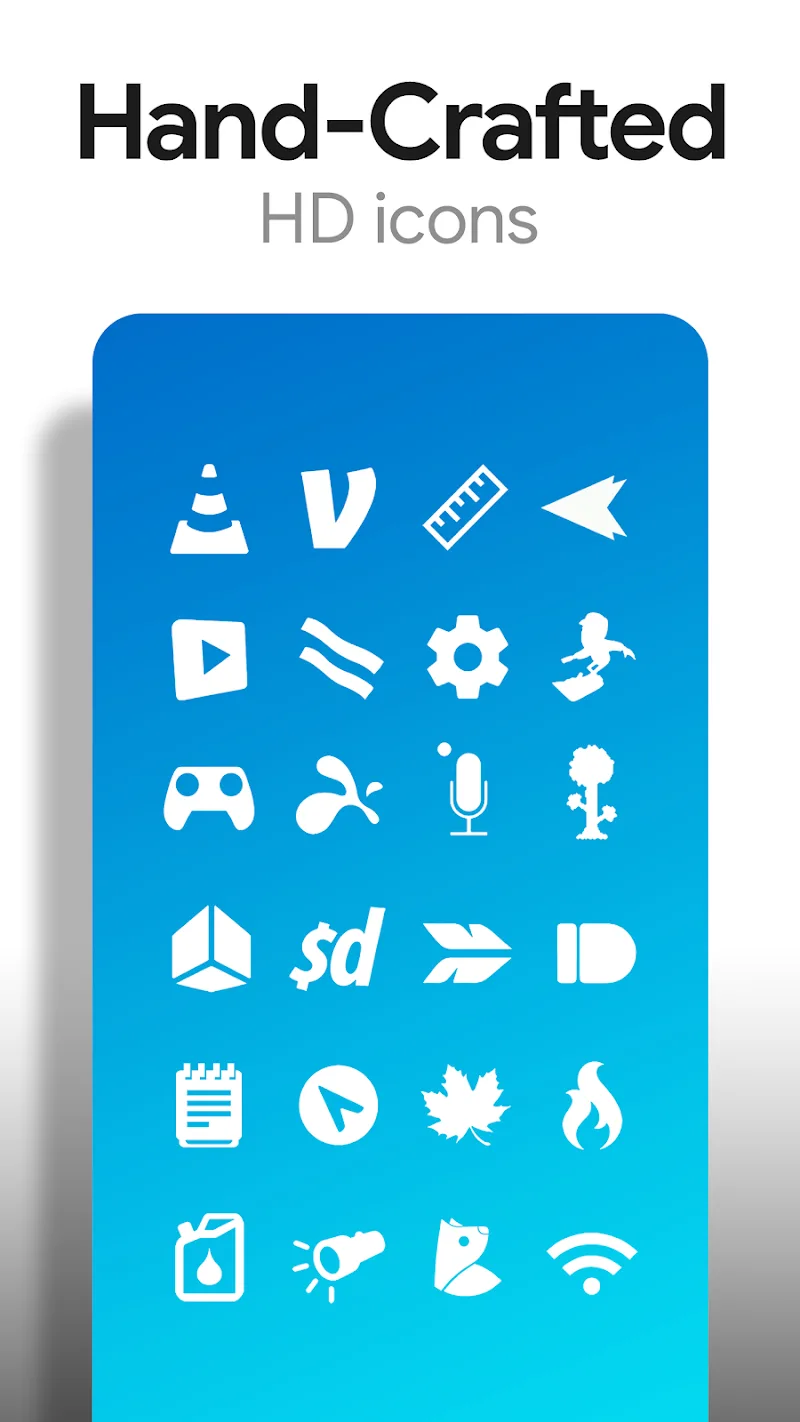
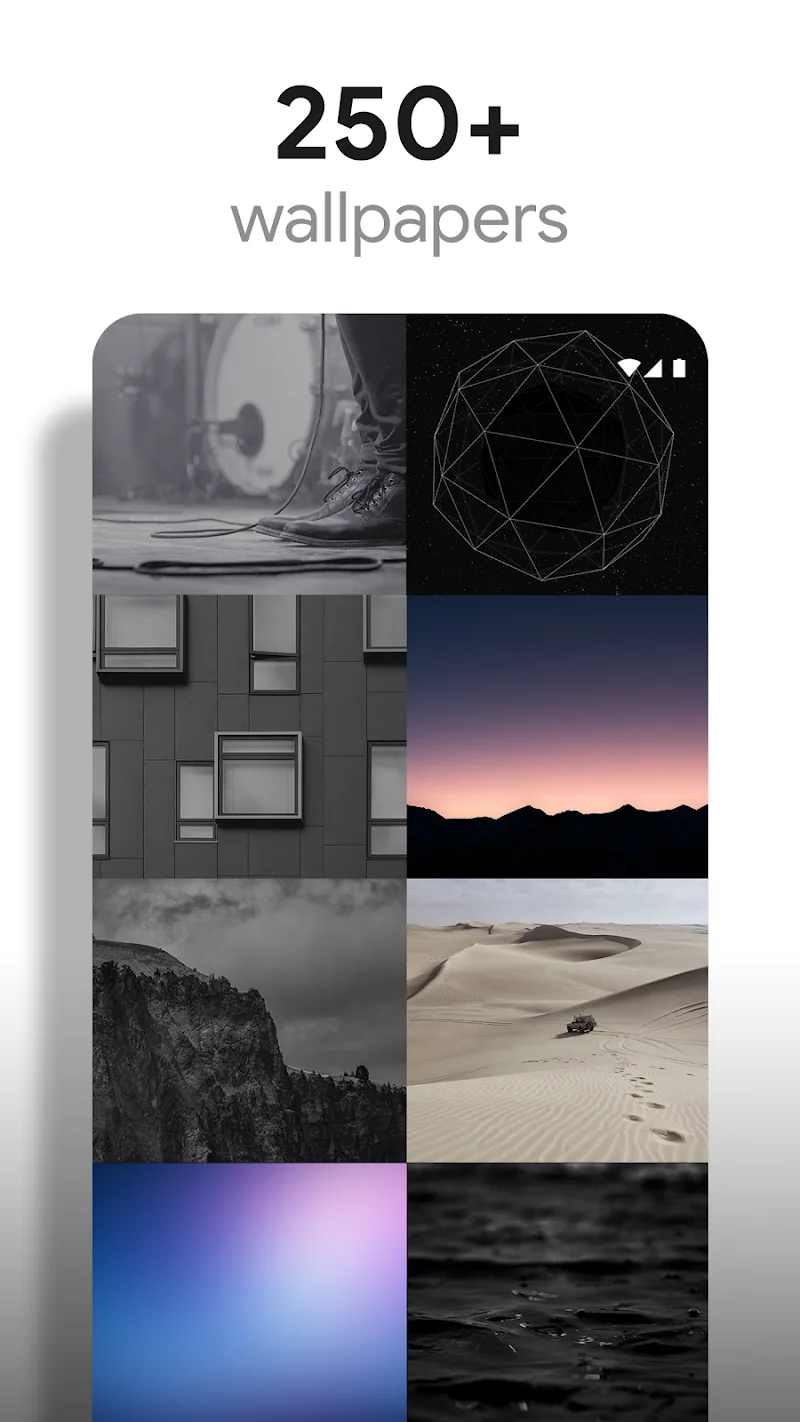
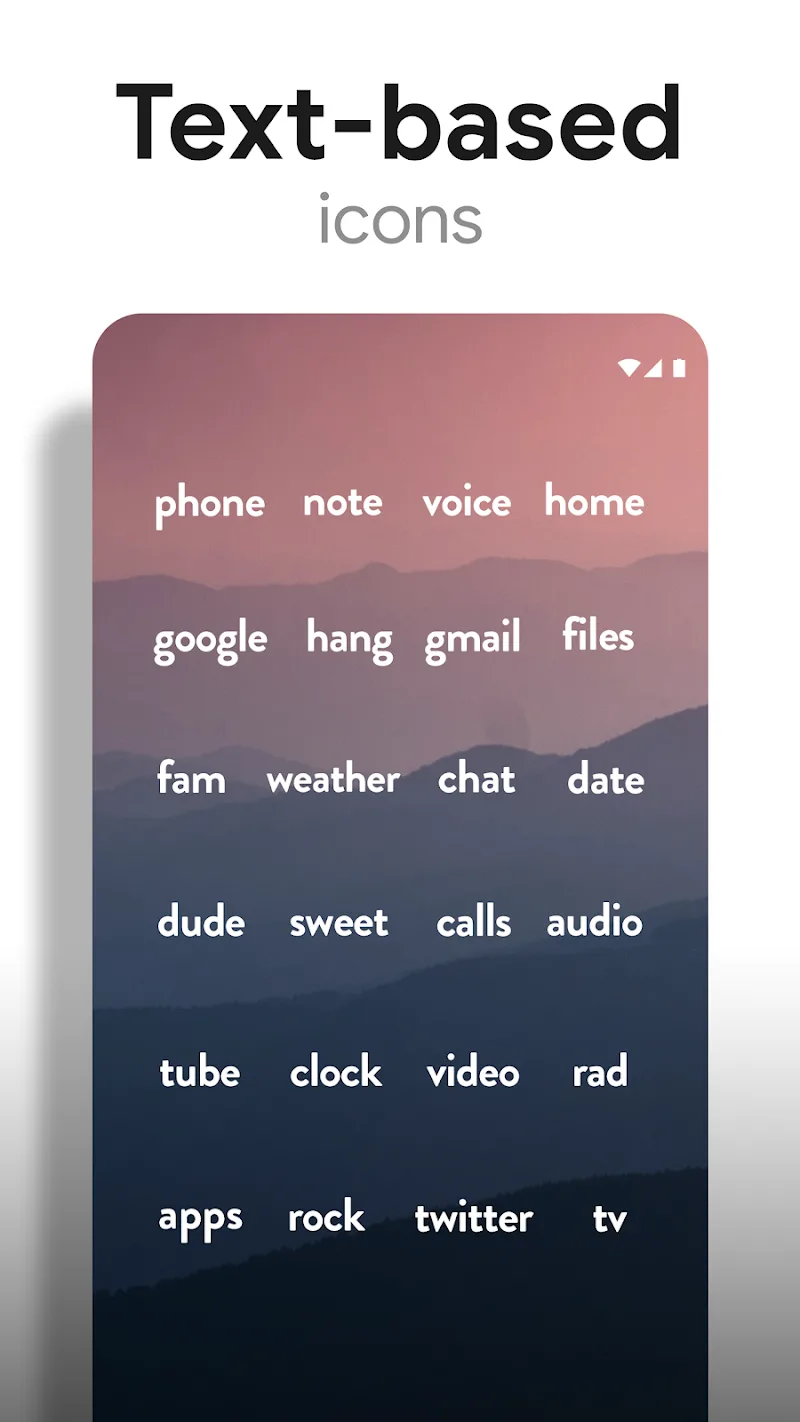
Flight Pro - Icon Pack brings an aviation-inspired aesthetic to Android devices, offering thousands of hand-crafted icons, cloud-synced wallpapers, and adaptive shapes for a cohesive home screen. The pack focuses on clarity, color harmony, and launcher compatibility to give your device a refined, modern look with minimal effort.
Flight Pro - Icon Pack provides a complete visual overhaul that centers on clean lines, subtle gradients, and consistent iconography. Designed for users who want a polished, minimal interface, the pack includes full icon coverage for popular apps, multiple icon variants, and a curated wallpaper collection that complements the icon set. Regular updates keep the library current as new apps and system changes arrive.
Customization in Flight Pro - Icon Pack is straightforward and flexible. Use your launcher to apply the pack globally or select individual icons to replace one at a time. The icon variants let you switch between rounded, squared, or teardrop shapes depending on your preference. Wallpapers are grouped by color scheme and style, so pairing them with icons is simple and fast. For deeper personalization, the app supports alternate color overlays and themed folders that maintain the visual language of the pack.
Flight Pro - Icon Pack is optimized for a wide range of third-party launchers and works seamlessly with popular options such as Nova, Lawnchair, Action Launcher, and others. Because icons are vector-based and exported in high resolution, they remain sharp across screen sizes without slowing down the device. The pack is lightweight, so battery and memory impact are minimal. Regular optimizations ensure fast loading of icons and wallpapers when navigating home screens.
Getting started with Flight Pro - Icon Pack is quick. Install the pack from your app store, open the app, and follow the on-screen instructions to apply the theme to your preferred launcher. If you want to change a single icon, long-press the app icon on your home screen, choose edit, and select the Flight Pro - Icon Pack option. The built-in apply menu lists supported launchers and offers a one-tap apply for covered platforms.
The developer behind Flight Pro - Icon Pack publishes frequent updates that expand coverage and refine artwork. If an icon doesn't apply correctly, ensure your launcher is supported and updated. Clearing launcher cache or reinstalling the icon pack can resolve most display issues. For persistent problems, contact support through the app’s feedback option and include the app package name that needs an icon.
Flight Pro - Icon Pack is ideal for Android users who want a cohesive, sophisticated theme without spending hours configuring individual elements. With comprehensive icon coverage, adaptive features, and an emphasis on performance, it offers a practical way to refresh your device while keeping the interface tidy and visually harmonious.
N-thing Icon Pack
Size:23.21M PersonalizationOxigen Dark 3D - Icon Pack
Size:41.20M PersonalizationFlight Pro - Icon Pack
Size:59.28M PersonalizationWallGenius
Size:7.75M PersonalizationOneUI Woven Icon pack
Size:112.73M PersonalizationMIUl Circle - Icon Pack
Size:134.98M PersonalizationLines Gold Pro - Icon Pack
Size:65.13M PersonalizationFlight Dark Pro - Icon Pack
Size:48.36M PersonalizationAres Light: Pastel Icon Pack
Size:79.87M PersonalizationDots Live Wallpaper - Battery
Size:8.44M PersonalizationChroma - Icon Pack
Size:51.41M PersonalizationOne UI Fluffy Icon Pack
Size:79.19M PersonalizationApril 2024 Clash of Clans Update: Unveiling a Fresh Companion, Enhanced Levels, Chat Tagging, and Be
2024-04-16Arrival of Genshin Impact 4.6 Update: 'Embers of Two Realms, Twilight of Crimson'
2024-04-16V2.2 of the Farlight 84 update introduces an overhauled Season structure, fresh in-game currency, an
2024-04-16Monster Never Cry is now accessible on both Android and iOS mobile devices.
2024-04-18PUBG Mobile Teams Up with Bentley Motors: Luxury Cars, Exclusive Collectibles, and Beyond
2024-04-18March 2024 Free Redemption Codes for Honkai: Star Rail
2024-04-18