English
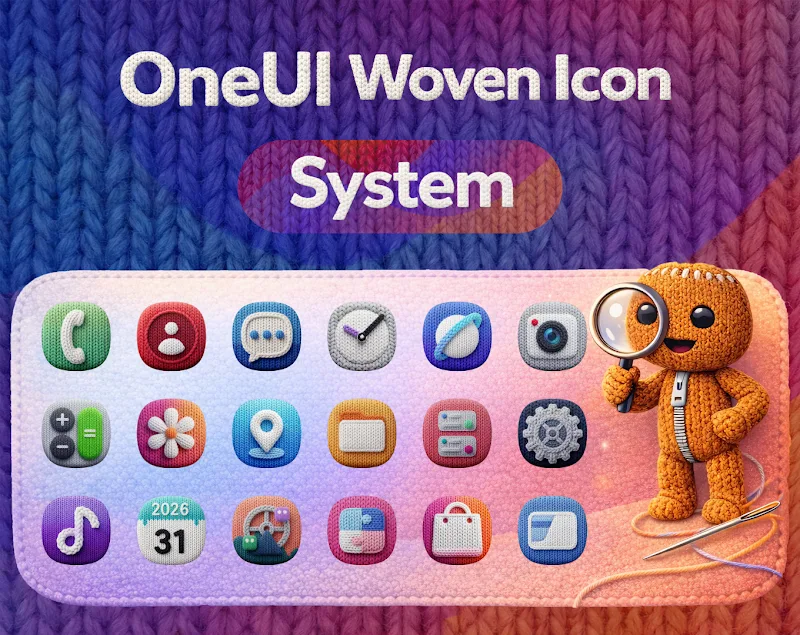
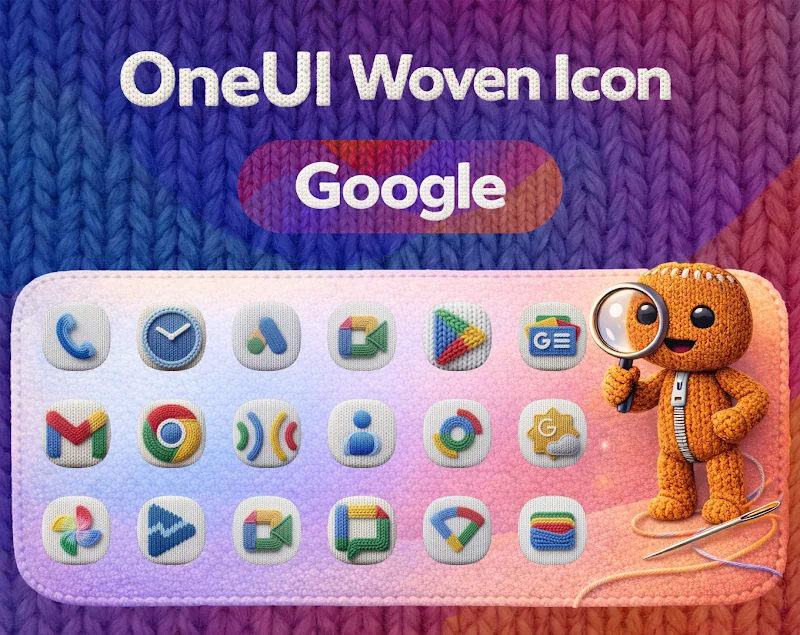
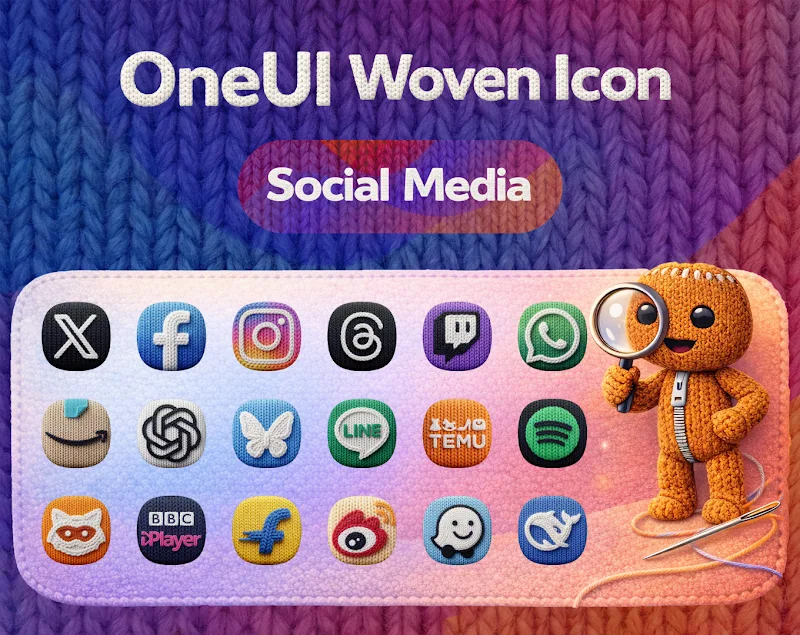
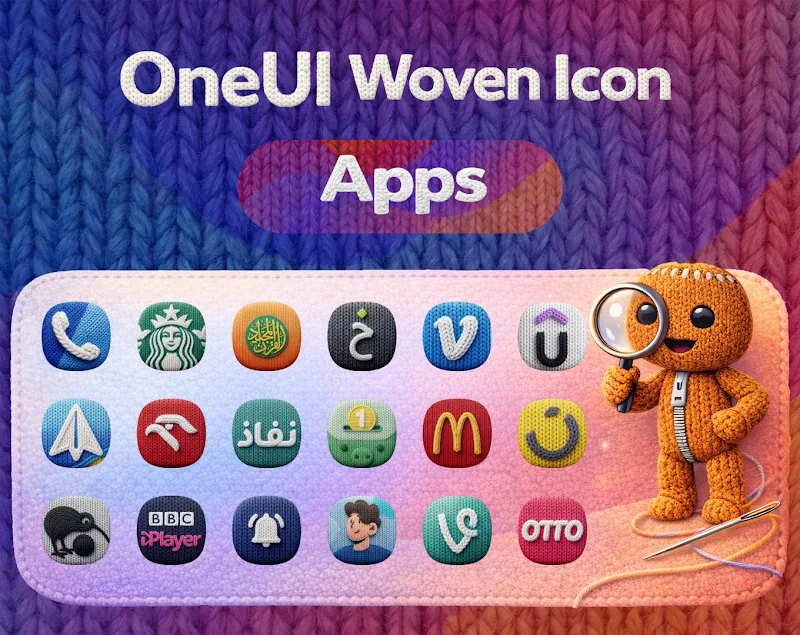
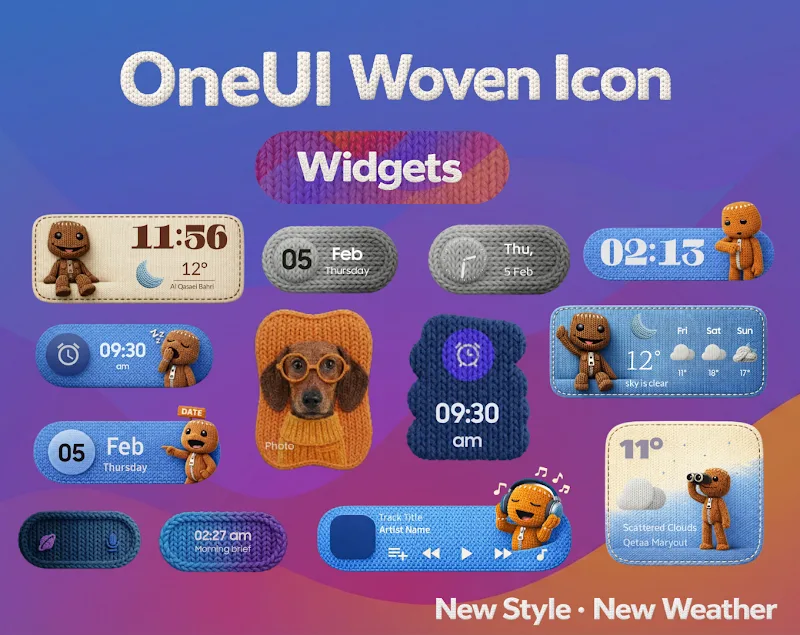
OneUI Woven Icon pack delivers a clean, textured icon set inspired by modern Android design principles and subtle fabric-like details. It offers a cohesive visual language for home screens, blending rounded shapes, muted palettes, and soft shadows to refresh your device without overpowering app labels or widgets.
The OneUI Woven Icon pack focuses on consistency and readability. Each icon uses rounded corners and a woven texture overlay that creates depth while keeping colors restrained. The result is a polished aesthetic that pairs well with minimalist wallpapers and One UI-style interfaces; icons appear unified across varying sizes and display densities.
Compatibility is broad: OneUI Woven Icon pack supports most third-party launchers including Nova, Lawnchair, Action Launcher, and Smart Launcher, and it integrates with themed launchers that accept icon packs. Adaptive icon support ensures icons scale correctly on newer Android versions. A backup of compatible launchers is provided in-app to guide users through applying the set.
Beyond the core pack, OneUI Woven Icon pack offers customization tools for fine-tuning appearance. Users can apply icon scaling, enable or disable the woven texture, and choose accent tones to harmonize with wallpapers. The app also includes a simple icon picker to manually swap icons for specific shortcuts or widgets, empowering precise home screen setups.
Applying the icon pack takes just a few taps: select your preferred launcher from the in-app list, then follow the step-by-step apply process. A preview gallery helps you confirm how icons will look on different backgrounds. Clear instructions and a help section reduce friction for users new to icon packs.
OneUI Woven Icon pack is optimized for minimal memory overhead. Icons are stored in compressed but high-quality formats to keep app size reasonable while preserving crisp edges on high-density displays. The pack avoids live elements that could drain battery, focusing on static visuals for consistent performance across devices.
The developer actively updates the pack with new icons and refinements. A built-in request feature makes it simple to submit missing app icons; many requests are processed in updates that keep the library current. Periodic visual tweaks improve alignment and color balance without disrupting existing setups.
OneUI Woven Icon pack suits users who want a subtle, refined look that complements productivity setups and clean home screens. It pairs particularly well with neutral or pastel wallpapers and One UI-like launchers, making it a good choice for anyone seeking a modern, cohesive interface without flashy gradients or heavy saturation.
To get started, install OneUI Woven Icon pack, open the app, and choose your launcher from the apply menu. If your launcher is not listed, use the manual apply instructions contained in the help section. After applying, explore scaling and texture settings to match your personal taste, and submit any missing icons through the request tool.
For theme builders and customization enthusiasts, the pack integrates smoothly with widget apps and wallpaper engines. Consider pairing OneUI Woven Icon pack with a matching widget set and a monochrome or subtly patterned wallpaper to achieve a balanced, professional home screen aesthetic.
N-thing Icon Pack
Size:23.21M PersonalizationOxigen Dark 3D - Icon Pack
Size:41.20M PersonalizationFlight Pro - Icon Pack
Size:59.28M PersonalizationWallGenius
Size:7.75M PersonalizationOneUI Woven Icon pack
Size:112.73M PersonalizationMIUl Circle - Icon Pack
Size:134.98M PersonalizationLines Gold Pro - Icon Pack
Size:65.13M PersonalizationFlight Dark Pro - Icon Pack
Size:48.36M PersonalizationAres Light: Pastel Icon Pack
Size:79.87M PersonalizationDots Live Wallpaper - Battery
Size:8.44M PersonalizationChroma - Icon Pack
Size:51.41M PersonalizationOne UI Fluffy Icon Pack
Size:79.19M PersonalizationApril 2024 Clash of Clans Update: Unveiling a Fresh Companion, Enhanced Levels, Chat Tagging, and Be
2024-04-16Arrival of Genshin Impact 4.6 Update: 'Embers of Two Realms, Twilight of Crimson'
2024-04-16V2.2 of the Farlight 84 update introduces an overhauled Season structure, fresh in-game currency, an
2024-04-16Monster Never Cry is now accessible on both Android and iOS mobile devices.
2024-04-18PUBG Mobile Teams Up with Bentley Motors: Luxury Cars, Exclusive Collectibles, and Beyond
2024-04-18March 2024 Free Redemption Codes for Honkai: Star Rail
2024-04-18