English
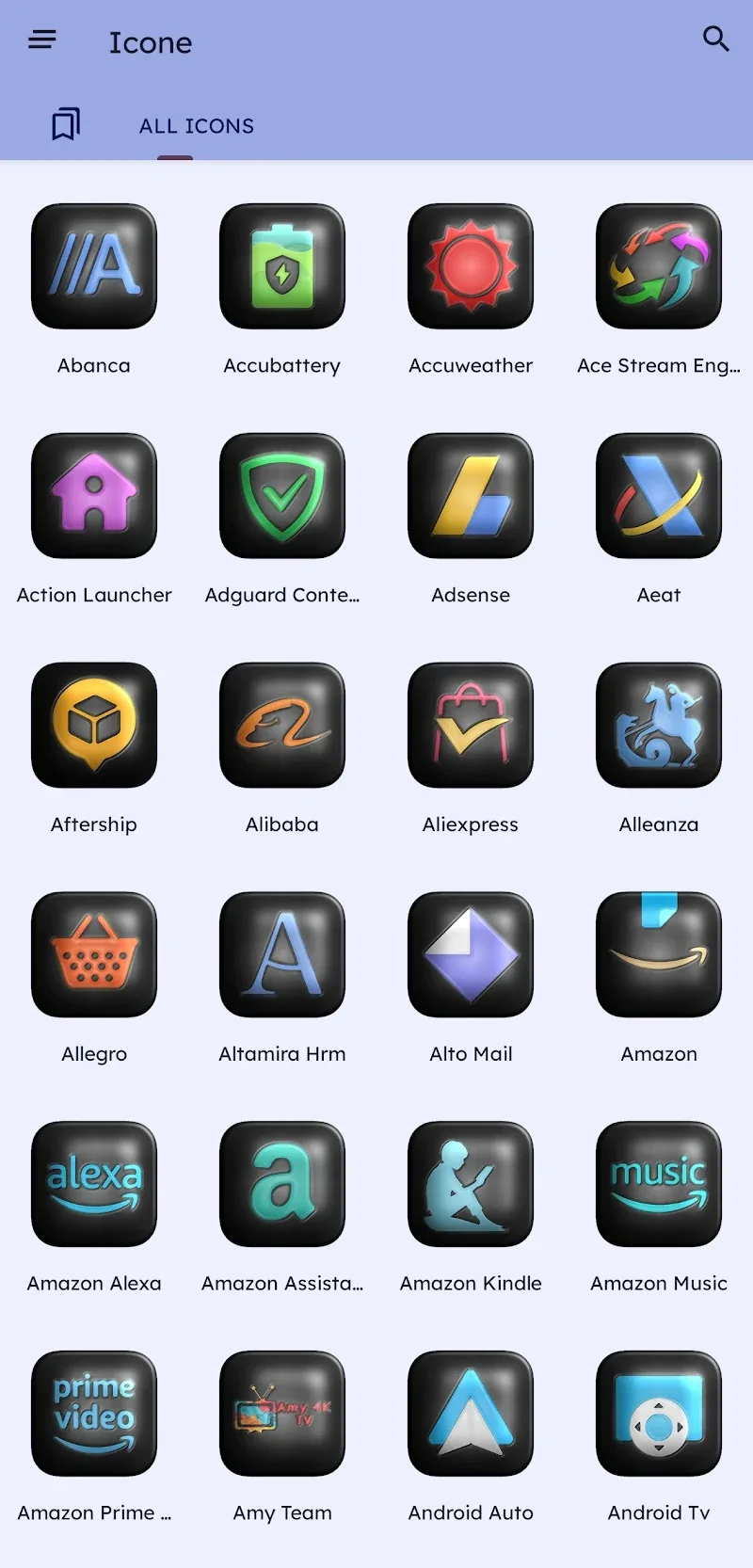
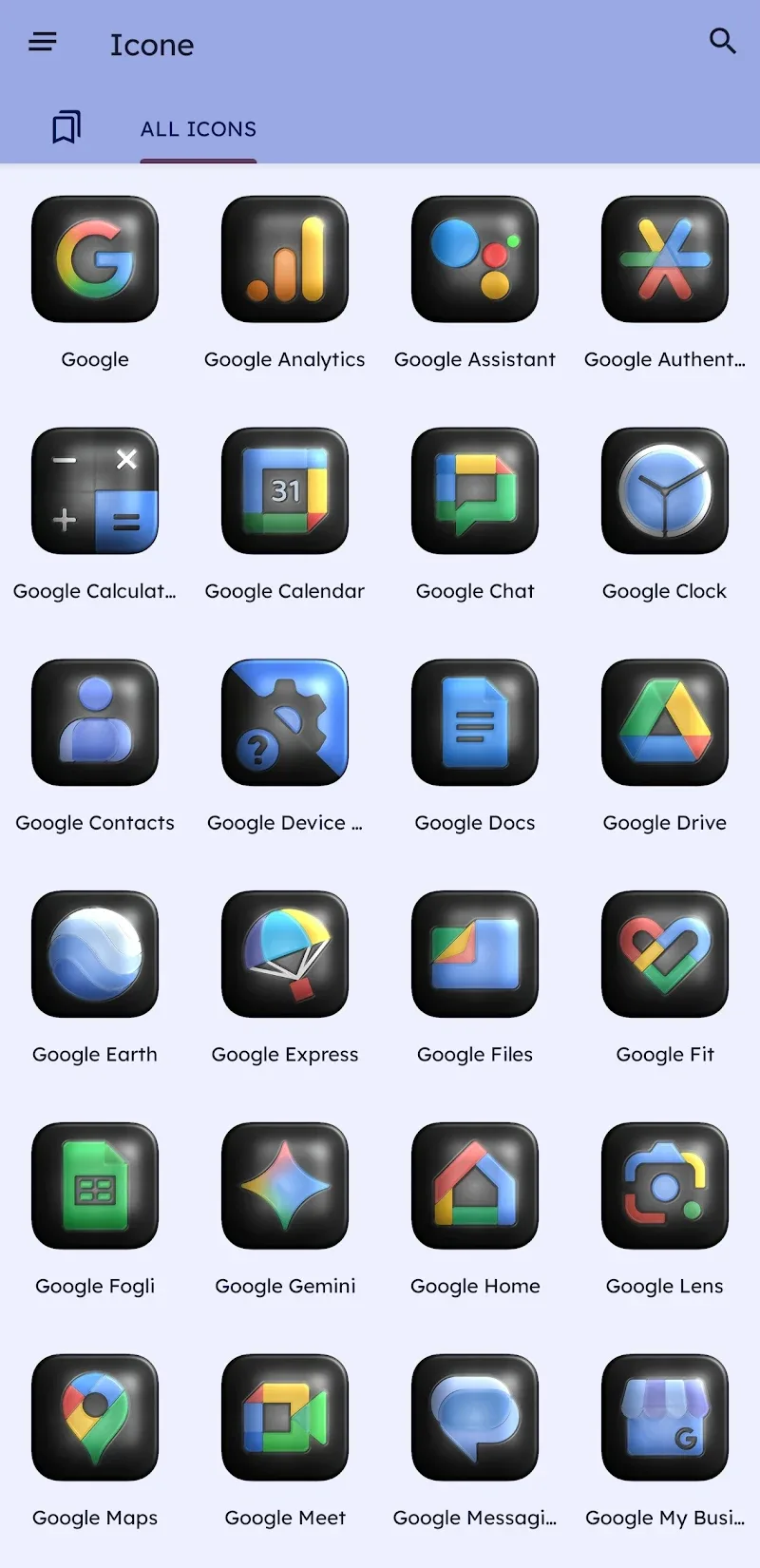
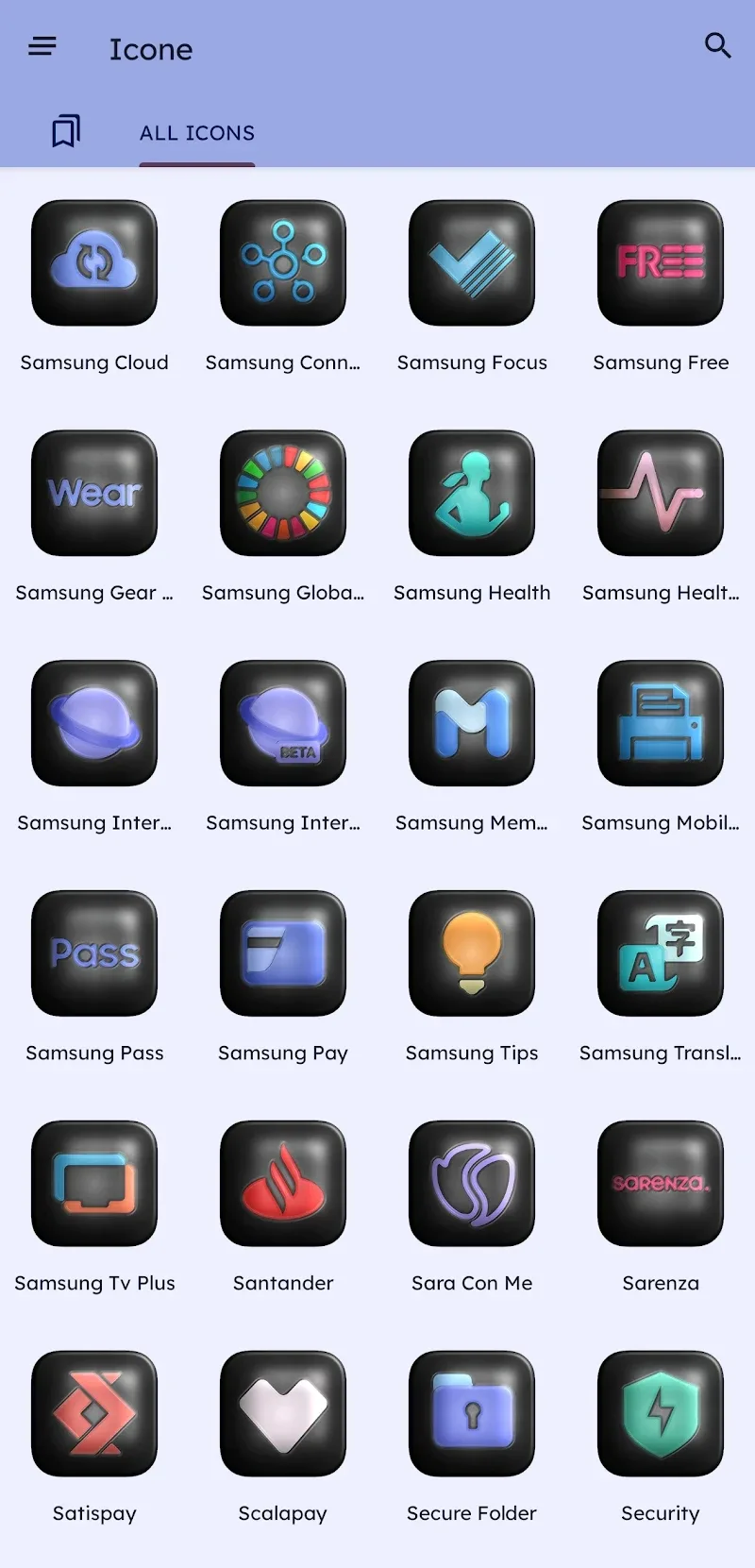
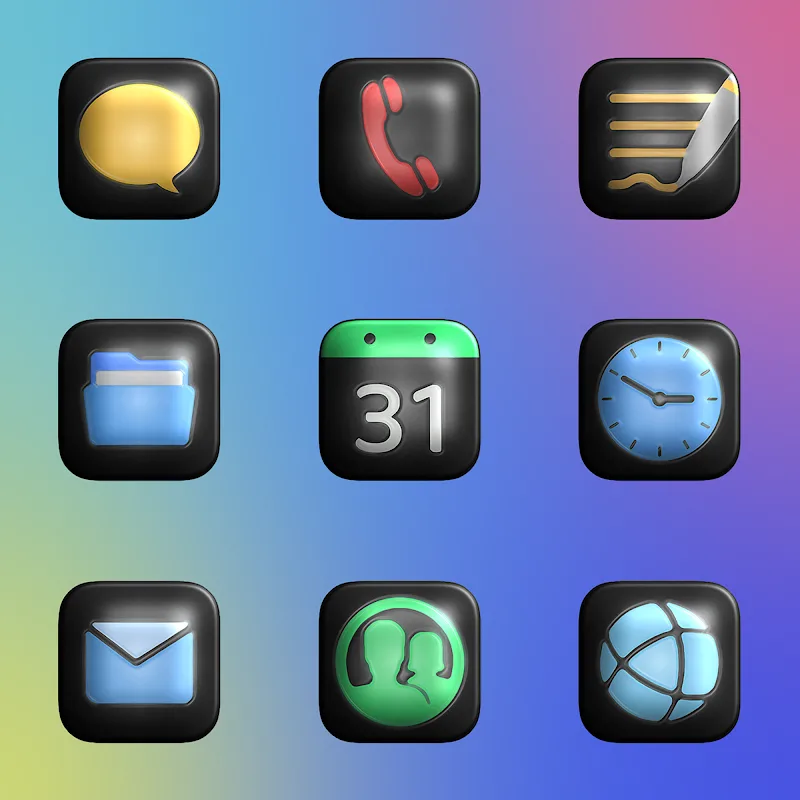
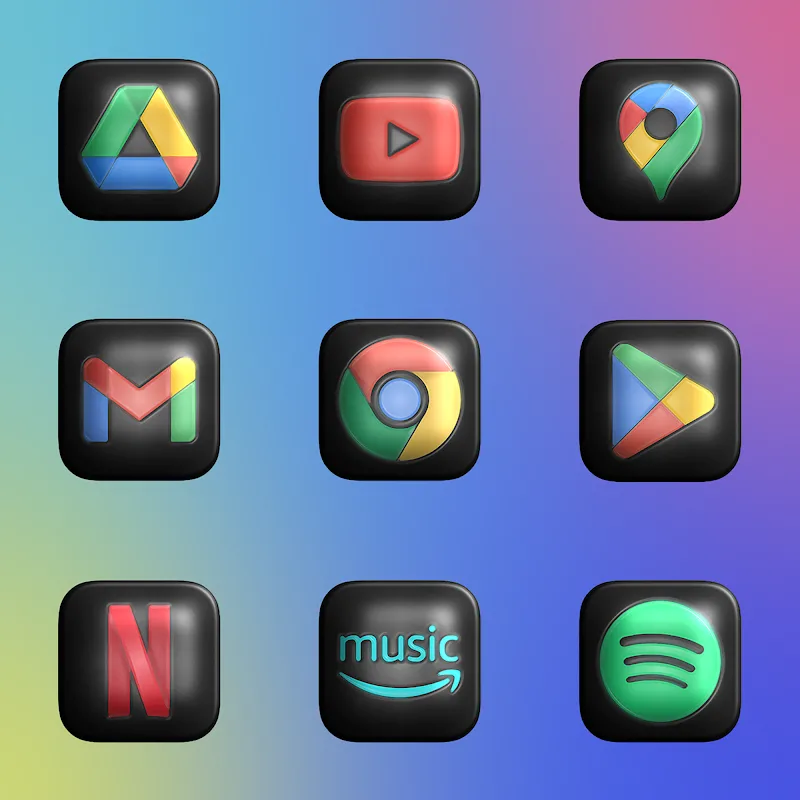
Stuck at an airport gate and craving a quick refresh for your phone's look? Glossy Dark 3D - Icon Pack brings a moody, polished aesthetic to your Android home screen with a focused set of tools for fast customization. The pack delivers crisp, sculpted icons with depth and saturated tones designed to sit comfortably on dark wallpapers. Whether you prefer a uniform set across every app or a few standout tiles, this icon collection aims to give your launcher a cohesive, high-end feel while keeping the process simple.
Install and prepare: Download the APK and allow installation from unknown sources if needed. Most third-party launchers detect installed icon packs automatically; if yours does not, look for the launcher’s theme or icon settings.
Apply the icons: Open the icon pack app and follow the Apply menu to push the theme to your preferred launcher. If a direct apply option isn't available, use the launcher’s icon settings to select the pack manually.
Request custom icons: If a few of your favorite apps don’t match the theme, use the in-app icon request feature to submit them. Developers typically add requested icons in regular updates.
High-resolution artwork: Each icon is created at a size and quality meant to stay sharp on modern displays, so edges and details look clean on phones and tablets.
Layered 3D effect: Icons use multiple visual layers to simulate depth and subtle lighting, giving the pack a tactile, three-dimensional appearance rather than flat glyphs.
Adaptive saturation system: Colors are tuned to stay vivid without overpowering darker backgrounds, helping icons remain readable while maintaining the glossy look.
Automatic masking: The pack can adapt icons to a consistent shape when a launcher supports masking, producing a neat, uniform grid of symbols.
Ongoing updates: The author regularly adds new icons and wallpapers, so the library grows and keeps pace with app changes.
Match your wallpaper: Choose a dark or textured wallpaper included in the pack to amplify the 3D gloss effect; contrasting accents can highlight key app icons.
Batch icon apply: Some launchers let you select multiple icons at once—use this to speed up the theming process instead of editing each shortcut individually.
Use the request tool wisely: When you submit icon requests, include screenshots and package names if possible; that makes it easier for the designer to create a consistent replacement.
Glossy Dark 3D - Icon Pack is a solid choice if you want a refined, shadowed aesthetic with clear icons and ongoing support. It excels at creating a cohesive dark theme and makes your launcher feel more polished. Keep in mind it works best with launchers that accept third-party icon packs and some apps might remain unthemed depending on your launcher’s capabilities. If you value consistent design and steady improvements, this pack is worth trying.
Fun - Icon Pack
Size:14.52M PersonalizationGlossy Dark 3D - Icon Pack
Size:30.47M PersonalizationPixelux Plus Icon Pack
Size:26.73M PersonalizationN-thing Icon Pack
Size:23.21M PersonalizationOxigen Dark 3D - Icon Pack
Size:41.20M PersonalizationFlight Pro - Icon Pack
Size:59.28M PersonalizationWallGenius
Size:7.75M PersonalizationOneUI Woven Icon pack
Size:112.73M PersonalizationMIUl Circle - Icon Pack
Size:134.98M PersonalizationLines Gold Pro - Icon Pack
Size:65.13M PersonalizationFlight Dark Pro - Icon Pack
Size:48.36M PersonalizationAres Light: Pastel Icon Pack
Size:79.87M PersonalizationApril 2024 Clash of Clans Update: Unveiling a Fresh Companion, Enhanced Levels, Chat Tagging, and Be
2024-04-16Arrival of Genshin Impact 4.6 Update: 'Embers of Two Realms, Twilight of Crimson'
2024-04-16V2.2 of the Farlight 84 update introduces an overhauled Season structure, fresh in-game currency, an
2024-04-16Monster Never Cry is now accessible on both Android and iOS mobile devices.
2024-04-18PUBG Mobile Teams Up with Bentley Motors: Luxury Cars, Exclusive Collectibles, and Beyond
2024-04-18March 2024 Free Redemption Codes for Honkai: Star Rail
2024-04-18