English
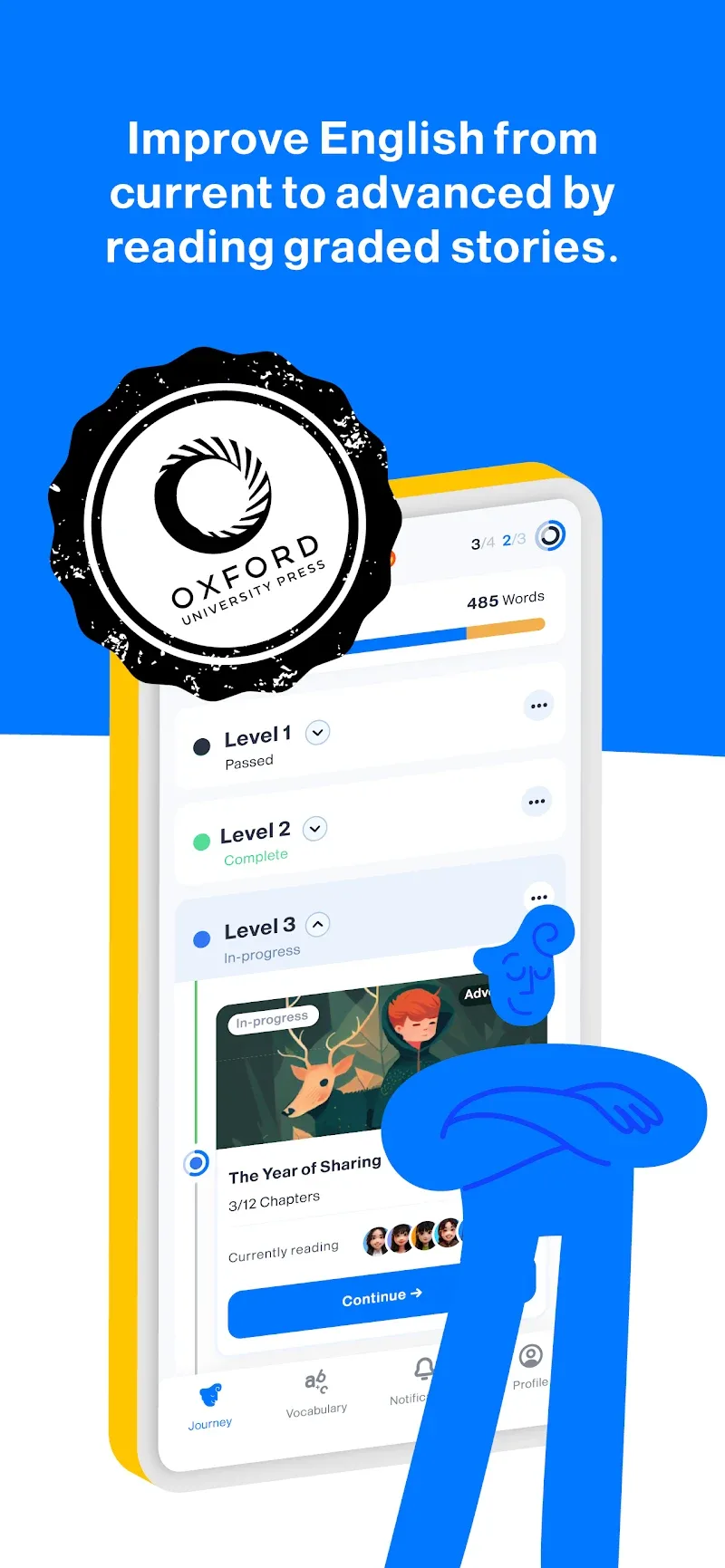
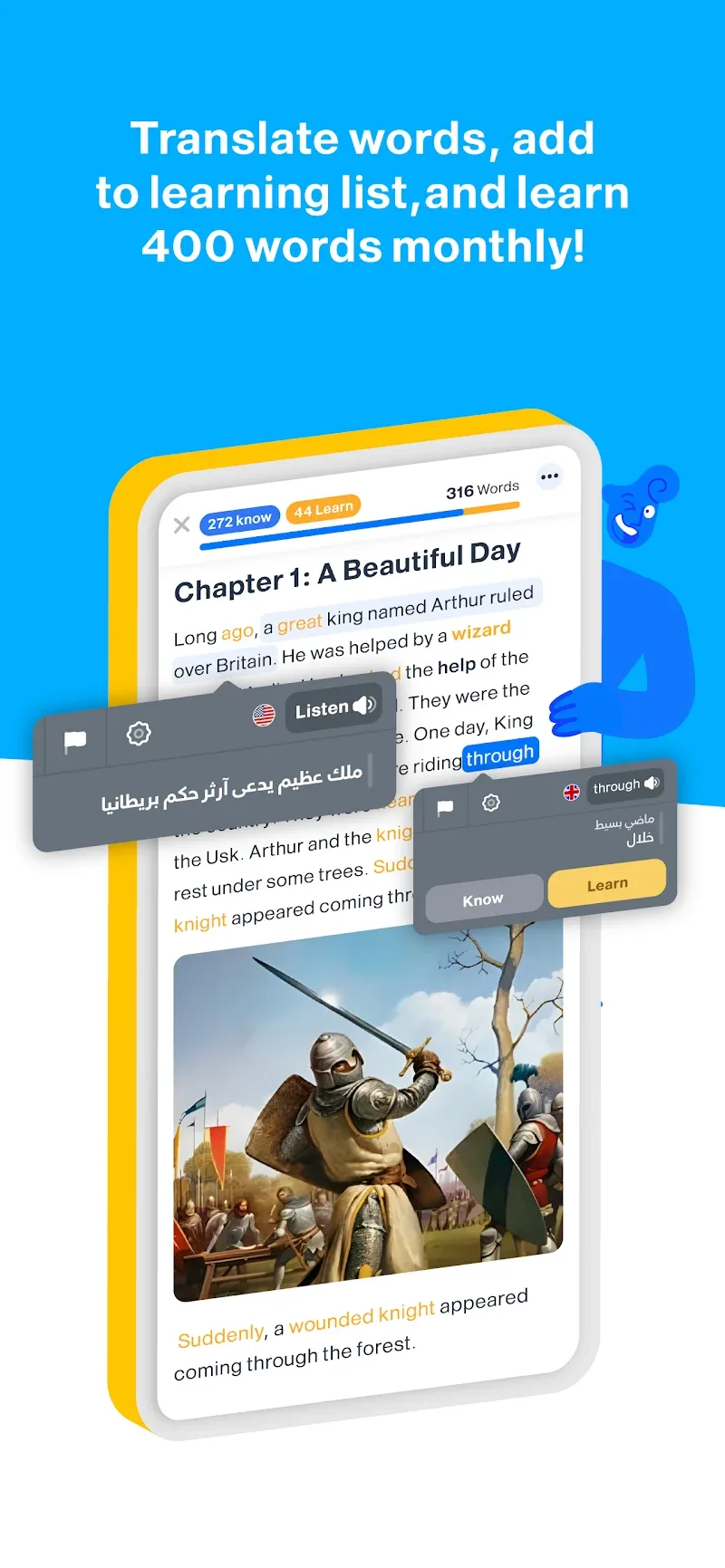
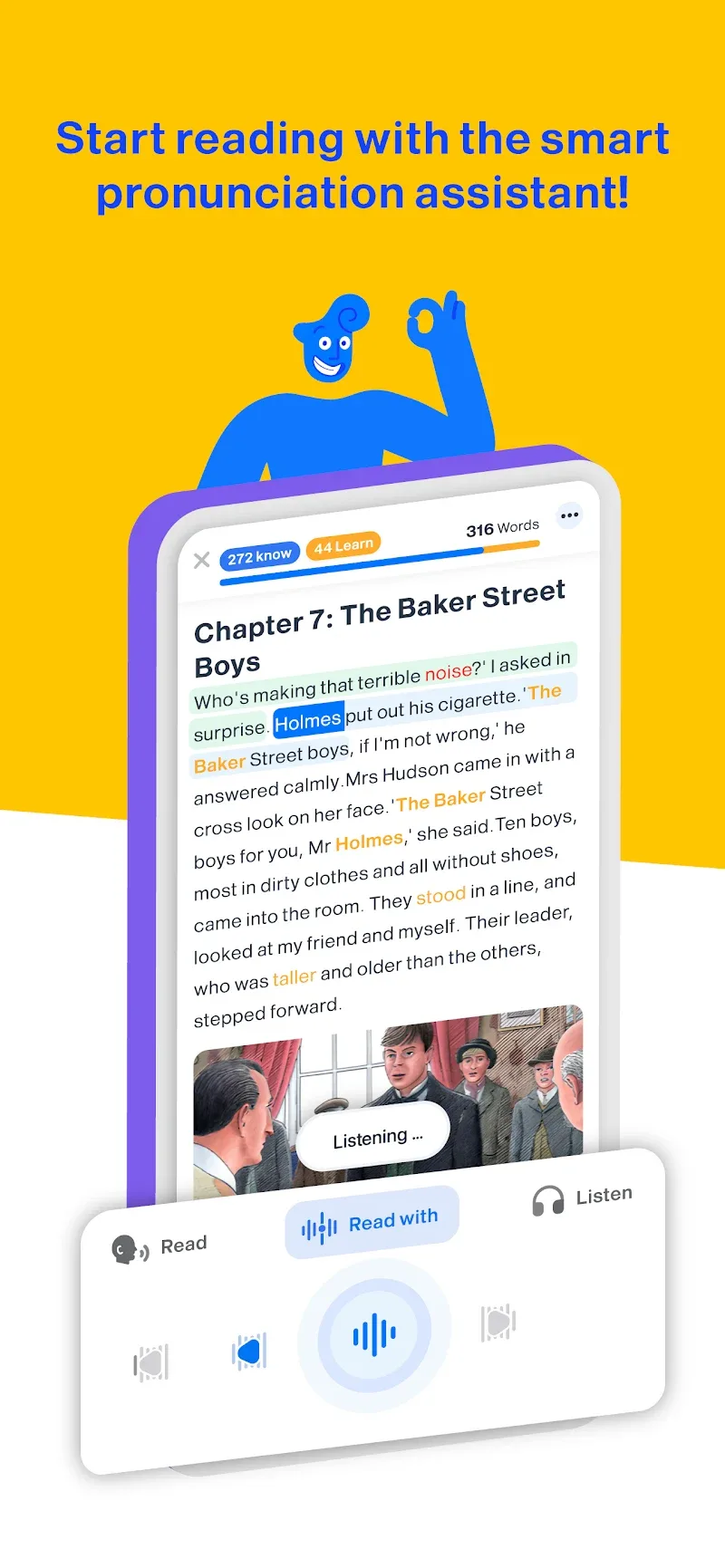
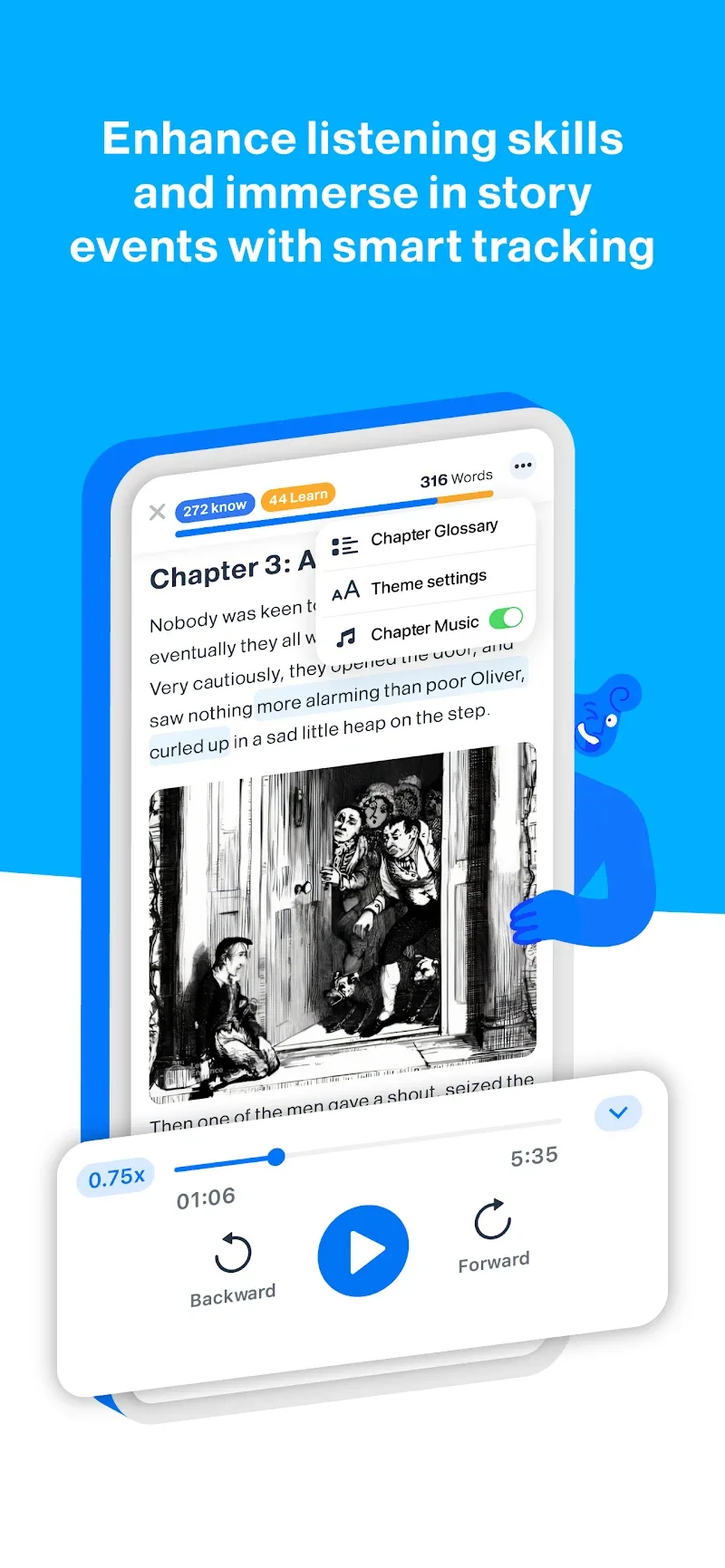
iStoria is a streamlined storytelling and note-management app that helps users capture ideas, organize scenes, and build narrative outlines with minimal friction. It combines a distraction-free editor, tagging and timeline tools, and export options to support writers, content creators, and project planners at every stage of development.
At its core, iStoria focuses on turning scattered thoughts into structured material quickly. The app emphasizes simplicity: a clean editor for drafting, fast navigation between entries, and lightweight metadata to categorize items. Rather than offering a heavy project-management layer, it keeps features accessible so writers can stay in flow.
Navigation in iStoria is intentionally lightweight. A left-hand drawer lists projects and tags while the main pane becomes a distraction-free canvas. Keyboard shortcuts speed up common tasks and the app keeps formatting commands unobtrusive so writers can type without breaking rhythm. The visual timeline and card-like notes integrate without cluttering the drafting area.
Good organization is central to this app. iStoria combines hierarchical project folders with free-form tagging, giving you both structure and flexibility. Each note can include metadata fields such as status, estimated word count, or scene location. Filters can be combined to build dynamic lists — for example, show all scenes tagged "Act II" with status "Needs rewrite."
While iStoria is primarily designed for individual creators, it supports collaboration through export and simple sharing tools. You can export selected notes or full projects in common formats and send them to editors or co-authors. The app also includes a read-only sharing link for reviewers who don’t need full editing access.
Performance is notable for how responsive the app remains with large projects. Search is fast, even with hundreds of entries, and memory usage is modest on modern devices. Autosave and version history reduce the risk of accidental loss, and sync utilities keep your work consistent across devices when enabled.
Customization is practical rather than flashy. You can choose a light or dark theme, rearrange panels, and set default metadata for new notes. Templates are available for common structures — scene outline, character profile, and beat sheet — so you can start new elements without repetitive setup.
For writers who favor clarity and speed, iStoria offers an efficient space to draft and organize narratives without an overwhelming feature list. Its balance of editor polish, organization tools, and export flexibility makes it a practical choice for solo authors, screenwriters, and creative teams looking for a focused writing hub.

iStoria
Size:27.15M ProductivityLifeUp: Gamified To Do List
Size:17.35M ProductivityVPN Proxy Speed
Size:53.00M ProductivityAI Logo Generator (LogoWiz)
Size:41.50M Productivity3D Logo Maker
Size:39.30M ProductivityAI Chat: Ask AI Chat Anything
Size:42.20M ProductivityStars and Planets
Size:116.42M ProductivityImageMeter
Size:119.22M ProductivityHabitKit
Size:56.87M ProductivityMy Passwords Manager
Size:10.60M ProductivitymiMind
Size:48.30M ProductivityCute Note DDay Todo
Size:15.31M ProductivityApril 2024 Clash of Clans Update: Unveiling a Fresh Companion, Enhanced Levels, Chat Tagging, and Be
2024-04-16Arrival of Genshin Impact 4.6 Update: 'Embers of Two Realms, Twilight of Crimson'
2024-04-16V2.2 of the Farlight 84 update introduces an overhauled Season structure, fresh in-game currency, an
2024-04-16Monster Never Cry is now accessible on both Android and iOS mobile devices.
2024-04-18PUBG Mobile Teams Up with Bentley Motors: Luxury Cars, Exclusive Collectibles, and Beyond
2024-04-18March 2024 Free Redemption Codes for Honkai: Star Rail
2024-04-18