English
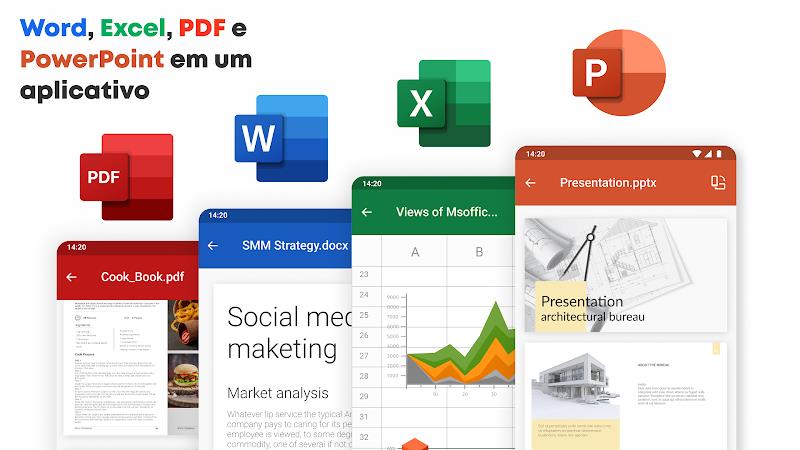
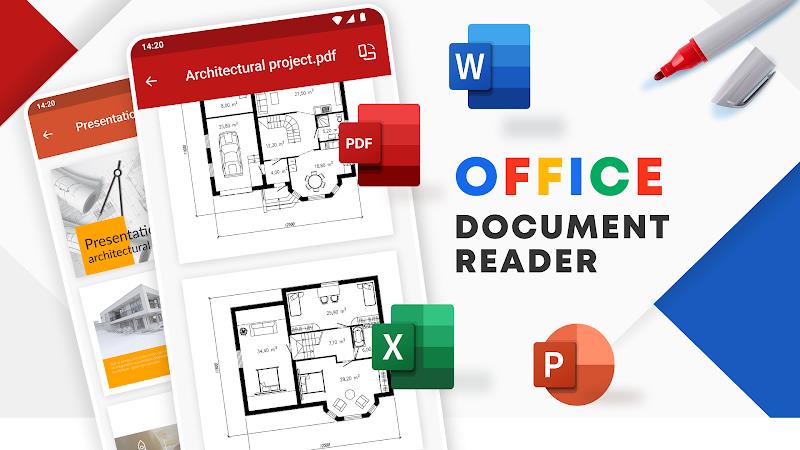
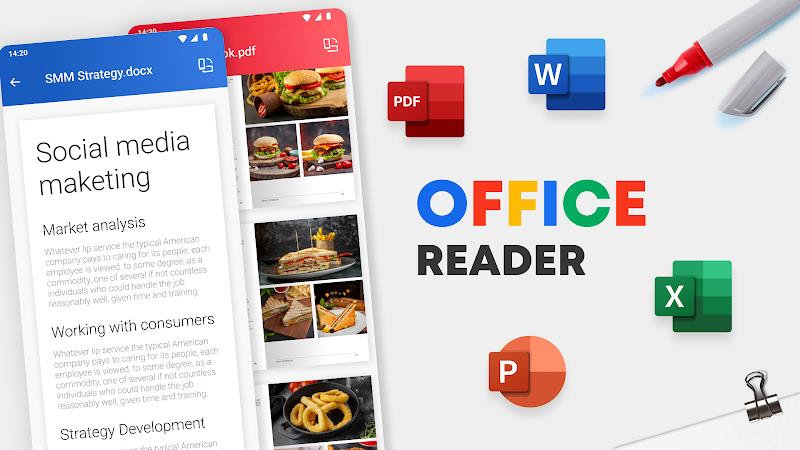
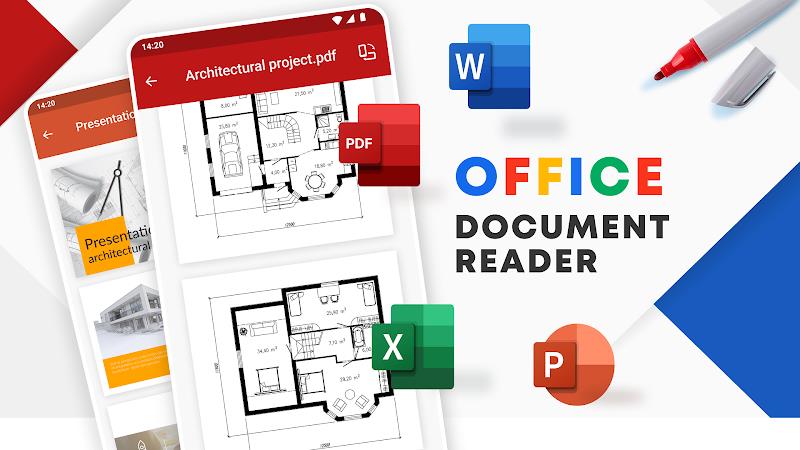
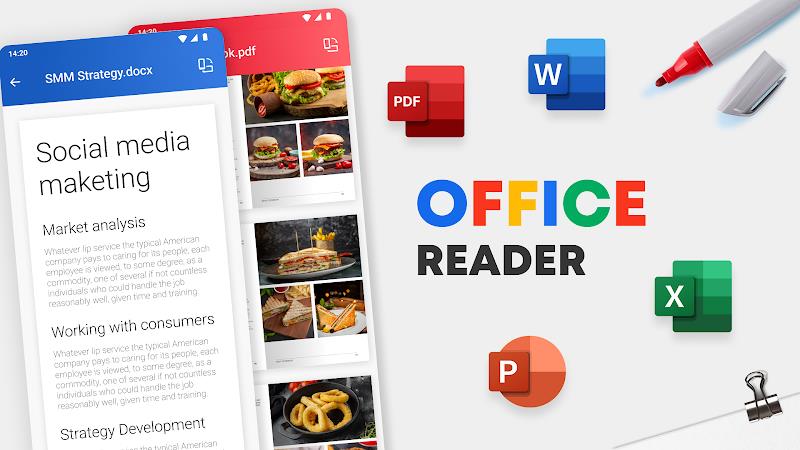
Office Reader is a lightweight document viewer designed to open and display Microsoft Office files on mobile devices, giving you a fast and reliable way to read, search and print documents without the weight of a full editor. Office Reader launches common Office formats such as Word, Excel and PowerPoint quickly and adapts its layout to the type of file you are viewing so reading remains comfortable on phones and tablets. This editor-style introduction outlines the core capabilities, controls and user experience so you can judge whether Office Reader fits your mobile workflow.
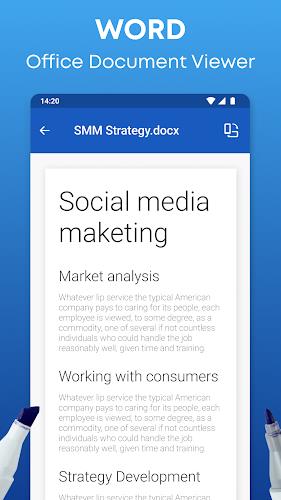
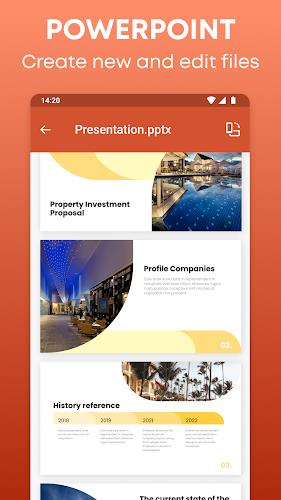
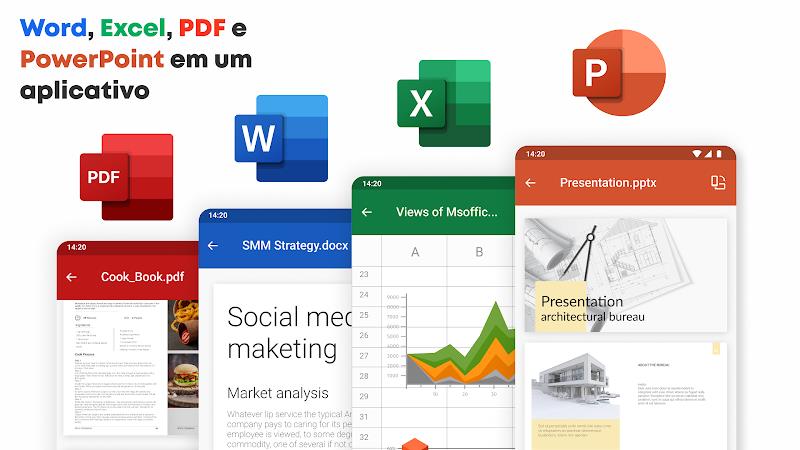
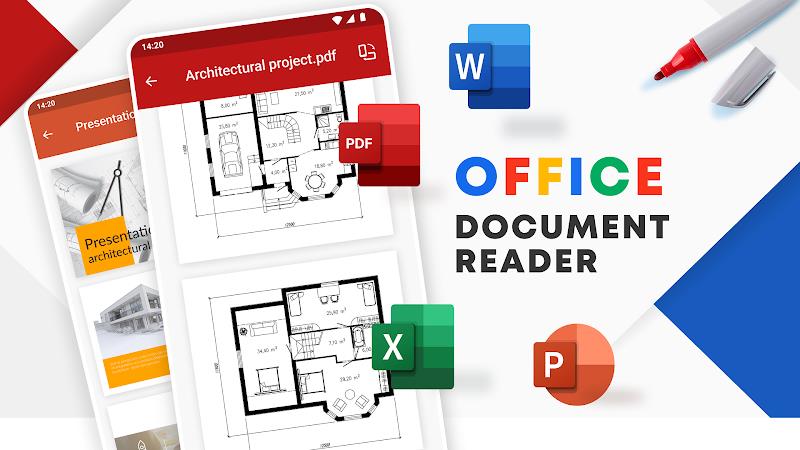
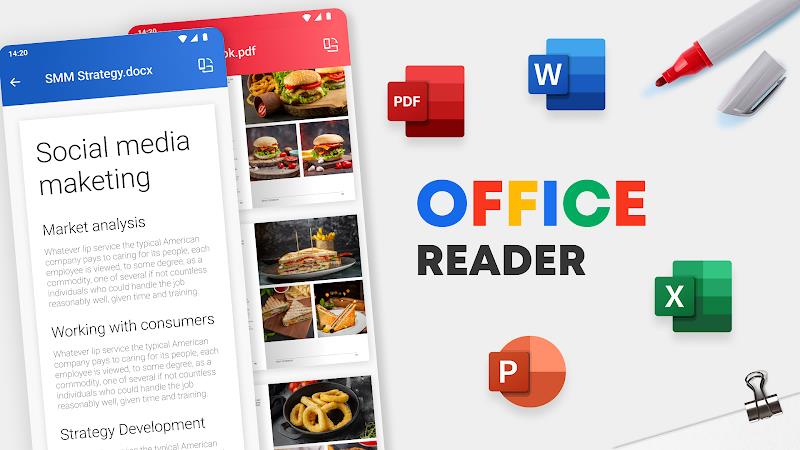
Office Reader supports a wide range of Office file types and focuses on faithful rendering: documents keep original typography and spacing, spreadsheets retain table structure and cell formatting, and slide decks render as sequential slides with thumbnail previews for fast navigation. Built-in keyword search scans long documents to locate words and phrases instantly, while the text-to-speech engine automatically detects languages and offers selectable voice options and adjustable reading speed for hands-free review. Export and printing tools preserve page layout when you create a PDF or print directly to nearby printers, and the app is optimized to open attachments and locally stored files without long waits.
Navigation in Office Reader is gesture-friendly and straightforward: pinch-to-zoom, swipe to move between pages or slides, and tap controls to jump to thumbnails or the document outline when available. The interface adapts depending on the file type so spreadsheet controls emphasize grid navigation and column visibility while presentation mode prioritizes slide previews and page-by-page stepping. A progress indicator and quick-jump bar help you move through long documents efficiently, and you can switch between continuous scroll and page-by-page views depending on your reading preference.
The viewing experience in Office Reader is adjustable to suit different lighting and working conditions. You can change font scaling, line spacing and margin preferences to improve readability, and switch between light and dark themes for comfortable long-form reading. When text reflow is available, the app adapts multi-column layouts to narrow screens so paragraphs remain easy to follow. These controls let you tailor the presentation of content without altering the source file.
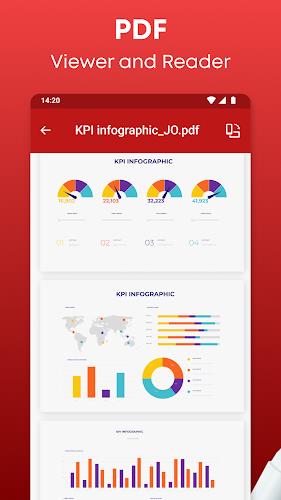
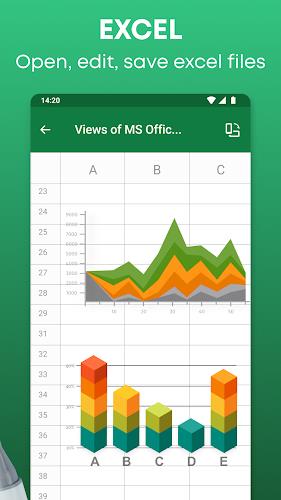
Large documents, spreadsheets with multiple sheets and slide decks are presented with structural aids: thumbnail strips, sheet selectors and slide thumbnails make it simple to jump between sections. Tables, charts and embedded images are rendered to preserve alignment and proportion so data stays clear. Office Reader emphasizes accurate page rendering rather than editing, which makes it a reliable choice when layout fidelity is important for reports and presentations.
Reading progress and quick access features support efficient workflows: the app remembers recent files and the last position in a document so you can resume reading where you left off, and bookmarks allow you to return to key pages or slides. These conveniences increase replay value when you repeatedly consult reference materials, study notes or recurring reports during travel or meetings.
Accessibility is a priority in Office Reader: text-to-speech and automatic language detection help users listen to content on the move, while adjustable speech rate and voice selection accommodate different listening preferences. High-contrast theme options and larger text modes improve readability for users with visual needs, and the app is designed to work smoothly with system-level accessibility services for an inclusive reading experience.
Office Reader is tuned for efficient local viewing, opening files from device storage and email attachments without requiring a constant network connection. The rendering engine focuses on speed and low memory use so even large files open quickly on modest hardware. Export and print operations run on the device to minimize delays; typical tasks such as PDF export or printing preserve formatting while completing without unnecessary background uploads.
The viewer prioritizes accurate display over editing: if you need to create or heavily modify documents, full productivity suites remain the right choice. For quick reviews, searching, listening and printing while on the move, Office Reader provides a compact, dependable toolset. The app’s layout-conscious approach, responsive controls and accessibility options make it a practical addition to a mobile toolkit for professionals, students and anyone who needs dependable access to Office documents away from a desktop.
Desh Hindi Keyboard
Size:21.40M ProductivityOffice Reader
Size:33.40M ProductivityMazii: Dict. to learn Japanese
Size:100.58M ProductivityFlyer Maker
Size:36.60M ProductivityEWA: Learn English & Spanish
Size:131.30M ProductivityLazyBoard - Phrase Keyboard
Size:4.70M ProductivityDrops: Language Learning
Size:258.30M ProductivityzLibrary
Size:48.50M ProductivityGemmy AI: Chat & Assistant
Size:30.42M ProductivityiStoria
Size:27.15M ProductivityLifeUp: Gamified To Do List
Size:17.35M ProductivityVPN Proxy Speed
Size:53.00M ProductivityApril 2024 Clash of Clans Update: Unveiling a Fresh Companion, Enhanced Levels, Chat Tagging, and Be
2024-04-16Arrival of Genshin Impact 4.6 Update: 'Embers of Two Realms, Twilight of Crimson'
2024-04-16V2.2 of the Farlight 84 update introduces an overhauled Season structure, fresh in-game currency, an
2024-04-16Monster Never Cry is now accessible on both Android and iOS mobile devices.
2024-04-18PUBG Mobile Teams Up with Bentley Motors: Luxury Cars, Exclusive Collectibles, and Beyond
2024-04-18March 2024 Free Redemption Codes for Honkai: Star Rail
2024-04-18