English
Desh Hindi Keyboard brings a fast, culturally-aware typing experience to Android users. It combines accurate Hindi transliteration, a clean interface, and a customizable layout for regional languages and English. Designed for everyday messaging, social media, and document input, it reduces typing time while preserving commonly used expressions and emoji access.
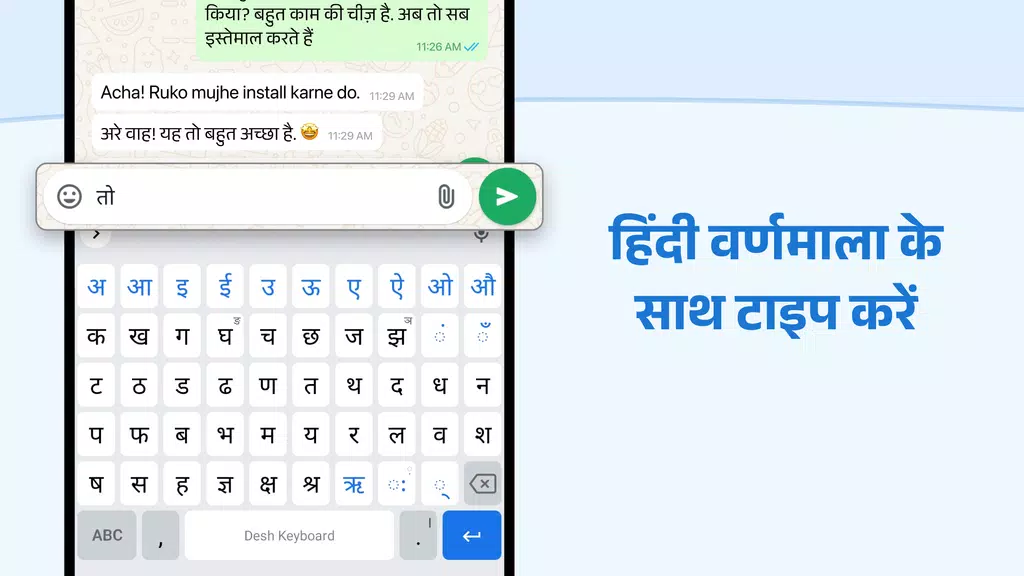
Desh Hindi Keyboard is an Android utility built to improve typing in Hindi and other Indian languages without sacrificing familiarity. Rather than forcing users to learn a separate script layout, it supports transliteration and predictive text so you can type phonetically in Latin characters and get accurate Devanagari output. The app targets both casual texters and professionals who need reliable input for notes, emails, and social apps.
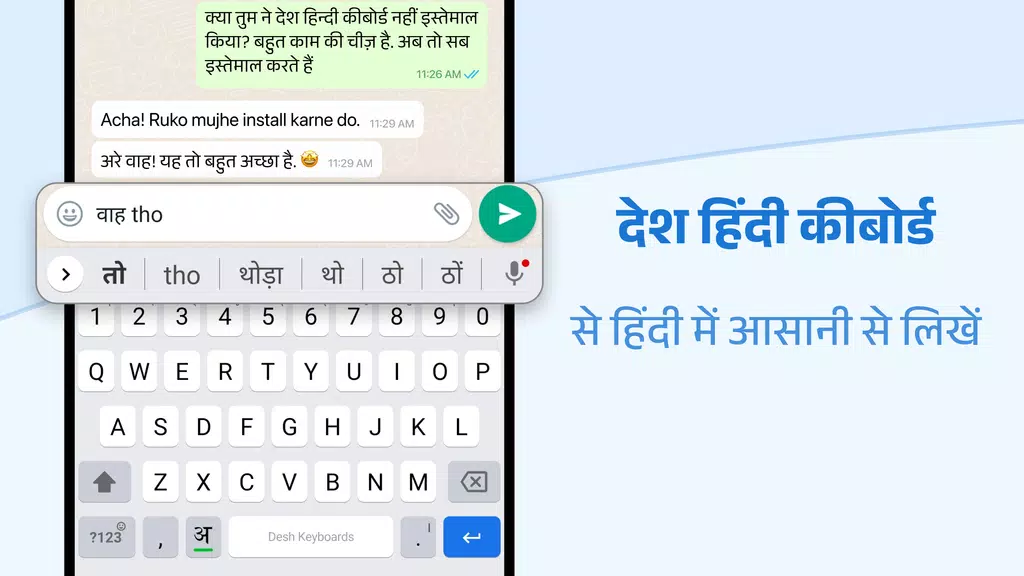
The keyboard integrates several practical features: fast transliteration that handles complex phonetics, smart word suggestions, and a rich emoji panel. It supports bilingual typing, enabling seamless switching between Hindi and English. A lightweight dictionary learns your most-used words and nicknames, which improves suggestions over repeated use.
Typing with Desh Hindi Keyboard feels like using a native layout because the software converts Latin keystrokes into Devanagari on the fly. The transliteration engine recognizes common phonetic patterns and offers multiple candidate words when needed. Auto-correct and gesture-based typing are optional, so you can choose the level of automation that fits your workflow.
Users can personalize the keyboard to match their preferences. Themes let you switch between minimal and colorful styles, adjust key size for better reach, and enable dedicated number or symbol rows. Language packs allow you to add other regional options, while font sizing and contrast settings make the keyboard accessible in bright daylight or dim environments.
The interface prioritizes clarity: keys are spaced for accuracy, frequently used punctuation is one tap away, and a compact toolbar hosts clipboard and settings. Performance is tuned for low memory usage so older Android devices remain responsive. Startup time is quick and background processing for suggestions is unobtrusive, preserving battery life during long typing sessions.
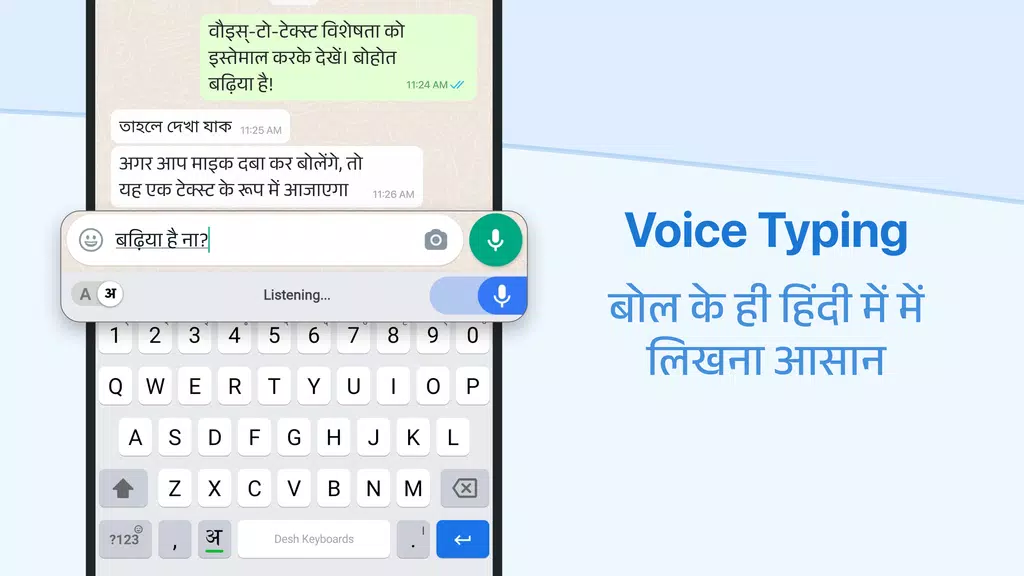
Desh Hindi Keyboard includes several tools aimed at power users. Built-in clipboard history stores multiple copied items, and a phrase library lets you save commonly typed sentences for instant insertion. There is also a simple voice-to-text option for fast message composition, and integrated search helps you find words or symbols without leaving the keyboard.
Feedback from testers highlights smooth predictive suggestions and accurate transliteration as strong points. The keyboard learns context to offer better completions and corrects typical spelling errors without being overbearing. If you prefer manual control, you can disable auto-correct and rely only on suggestions.
Setting up Desh Hindi Keyboard is straightforward: install the app, enable it in the Android keyboard settings, and select it as the default input method. The initial setup offers a short walkthrough to activate transliteration and choose preferred languages. Permissions are limited to what is necessary for input and personalization, with clear options to opt out of cloud-based learning.
Many users select Desh Hindi Keyboard for the combination of speed, accuracy, and customization. It balances powerful features with a simple setup, making it a practical choice for anyone who types frequently in Hindi. Regular updates add language refinements and new themes, keeping the experience current and responsive to user needs.
Desh Hindi Keyboard
Size:21.40M ProductivityOffice Reader
Size:33.40M ProductivityMazii: Dict. to learn Japanese
Size:100.58M ProductivityFlyer Maker
Size:36.60M ProductivityEWA: Learn English & Spanish
Size:131.30M ProductivityLazyBoard - Phrase Keyboard
Size:4.70M ProductivityDrops: Language Learning
Size:258.30M ProductivityzLibrary
Size:48.50M ProductivityGemmy AI: Chat & Assistant
Size:30.42M ProductivityiStoria
Size:27.15M ProductivityLifeUp: Gamified To Do List
Size:17.35M ProductivityVPN Proxy Speed
Size:53.00M ProductivityApril 2024 Clash of Clans Update: Unveiling a Fresh Companion, Enhanced Levels, Chat Tagging, and Be
2024-04-16Arrival of Genshin Impact 4.6 Update: 'Embers of Two Realms, Twilight of Crimson'
2024-04-16V2.2 of the Farlight 84 update introduces an overhauled Season structure, fresh in-game currency, an
2024-04-16Monster Never Cry is now accessible on both Android and iOS mobile devices.
2024-04-18PUBG Mobile Teams Up with Bentley Motors: Luxury Cars, Exclusive Collectibles, and Beyond
2024-04-18March 2024 Free Redemption Codes for Honkai: Star Rail
2024-04-18