English
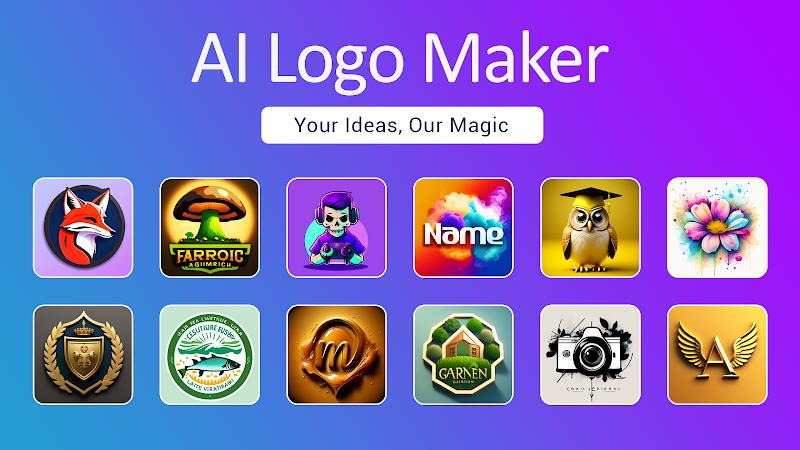
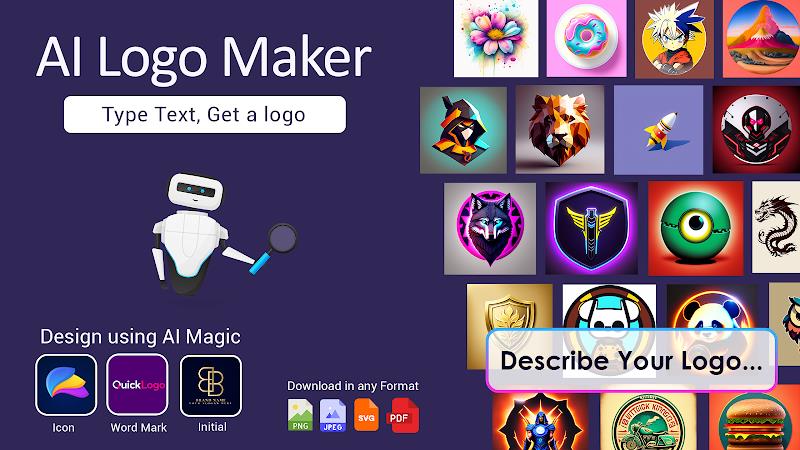
AI Logo Maker is a mobile design app that generates custom logos using AI-driven templates and simple editing tools, letting small businesses, freelancers, and hobbyists craft brand marks quickly. It pairs automated design suggestions with manual controls to produce professional-looking logos without prior graphic design experience.
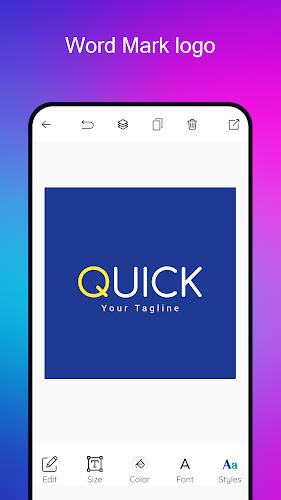
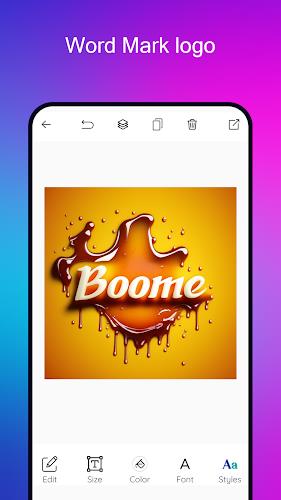
AI Logo Maker combines algorithmic creativity with familiar editing controls. Built-in templates, icon libraries, font pairings, and color palettes give users a fast starting point, while vector export options and transparent background support make the assets ready for websites, print, and social media. The app includes version history and undo/redo, so experiments won’t cost progress.
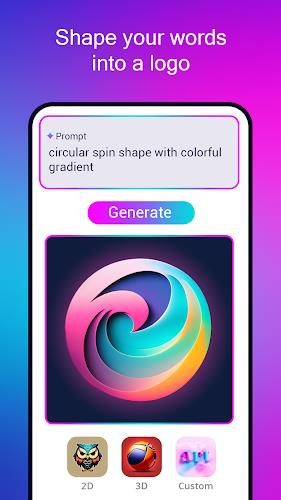
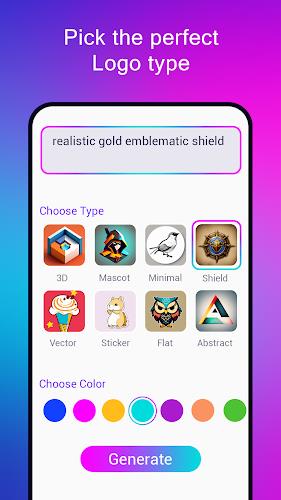
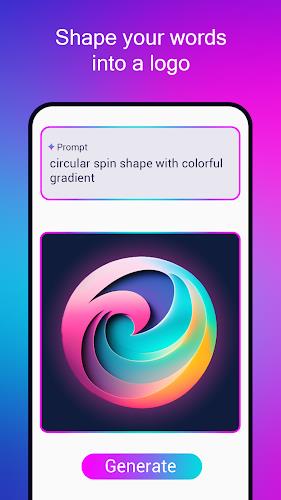
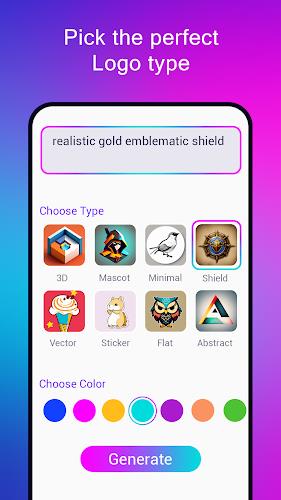
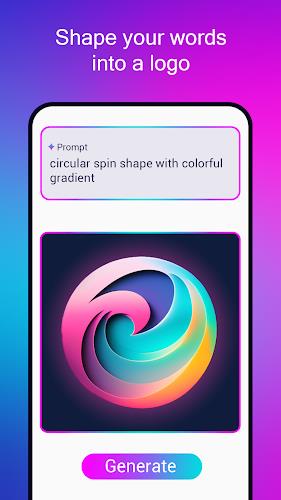
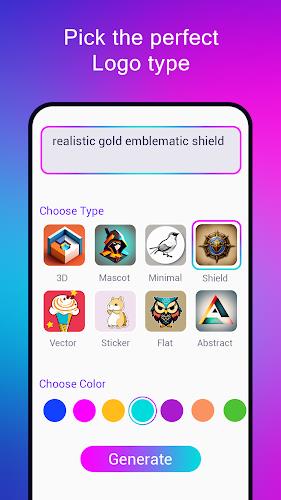
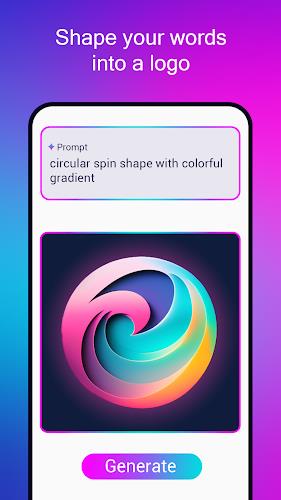
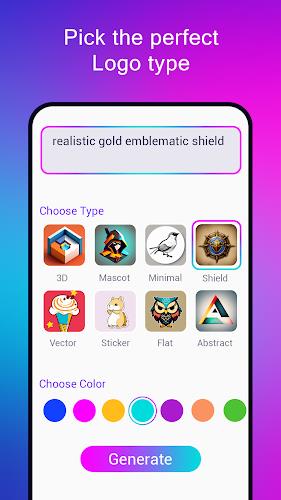
Start by entering a business name, industry, and a few stylistic preferences. The app’s engine proposes multiple logo concepts based on those inputs. Each suggestion can be adjusted: swap icons, tweak typefaces, rearrange layout, or shift color schemes. The AI learns from selections during a session to refine subsequent proposals.
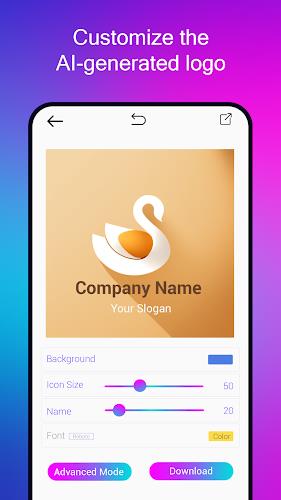
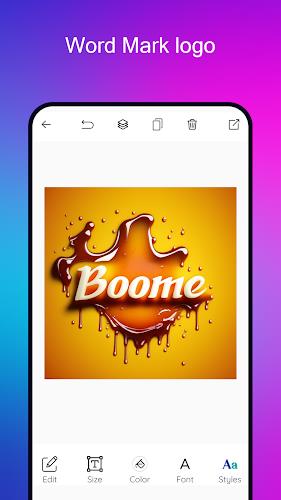
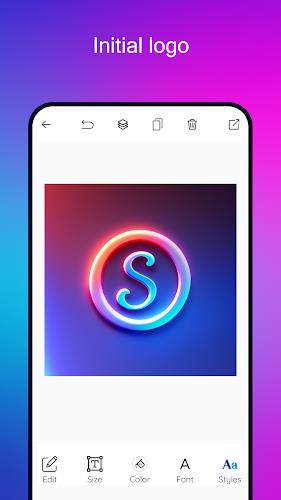
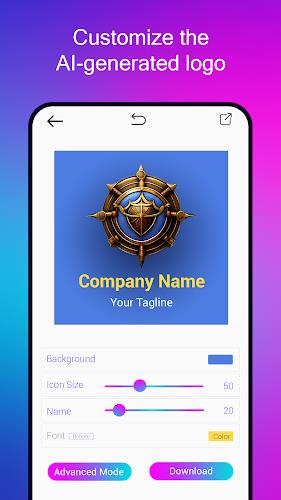
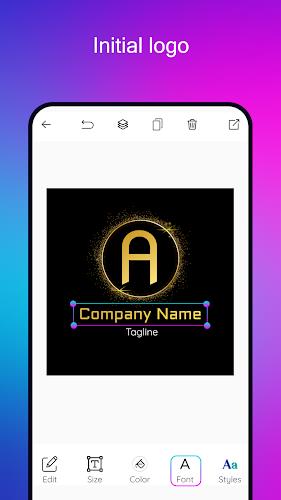
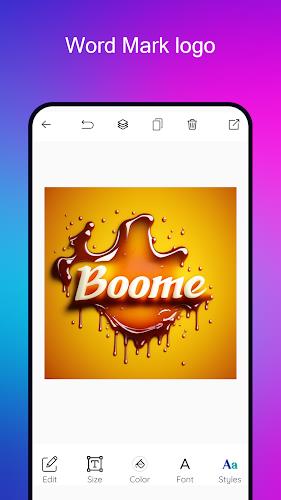
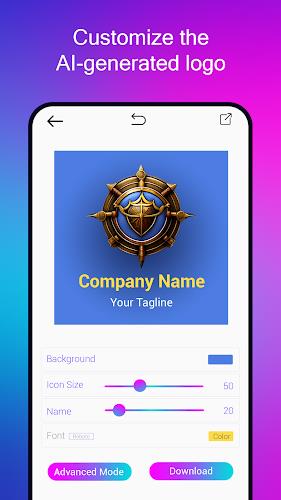
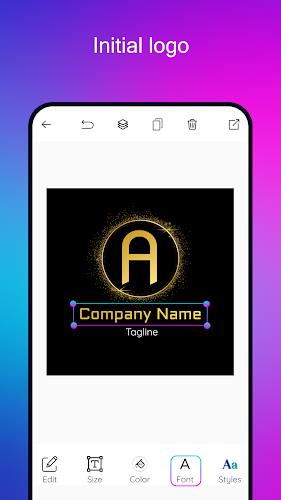
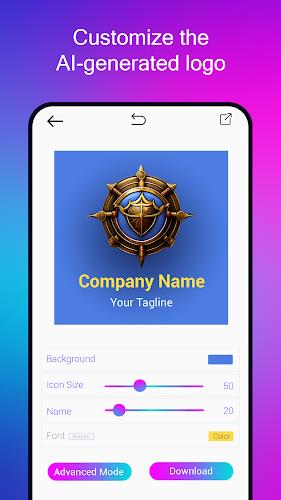
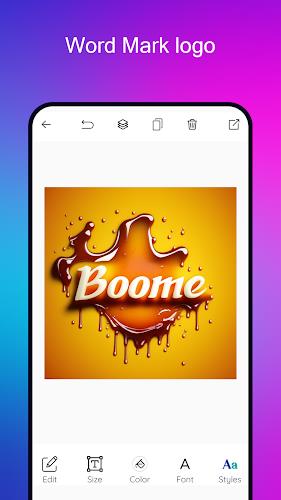
Editing in AI Logo Maker is intentionally approachable. Drag-and-drop placement, snap-to-grid alignment, and simple sliders for size and spacing let users refine composition without a steep learning curve. Advanced controls are available for users who want detail work: kerning, path editing, and layered opacity settings let you fine-tune shapes and typography.
The app ships with a broad collection of icons, shapes, and fonts curated for brand work. Categories cover industries like food, technology, real estate, fashion, and wellness. Each asset is tagged for easier searching, and favorites can be saved to a personal library. Regular content updates expand the set of creative building blocks.
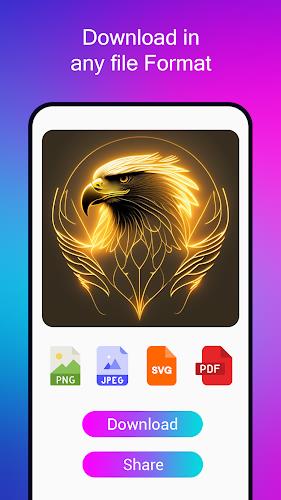
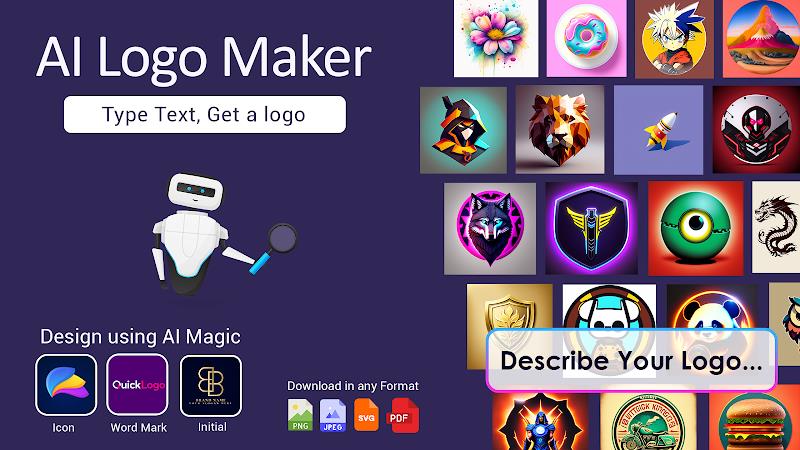
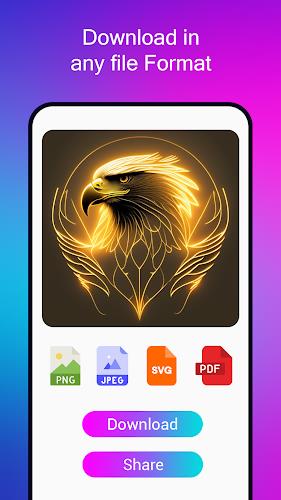
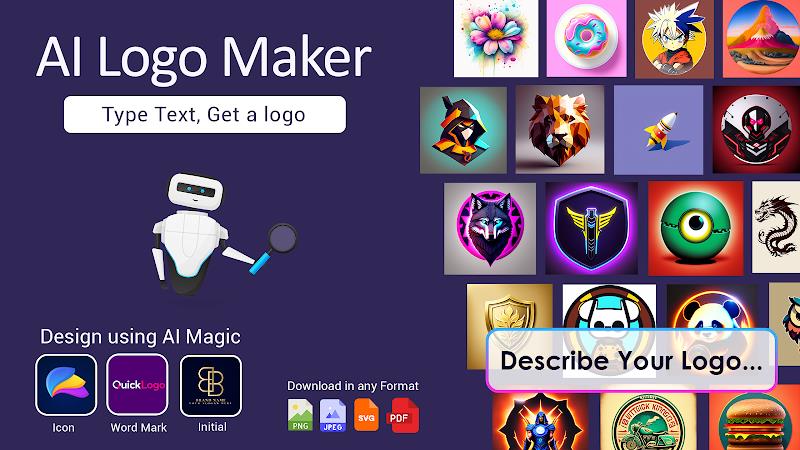
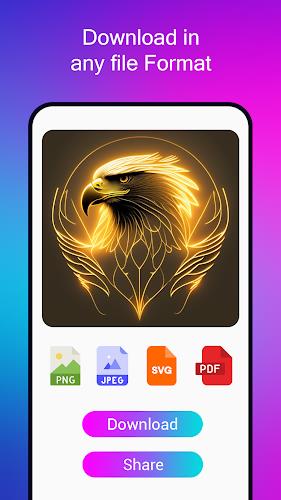
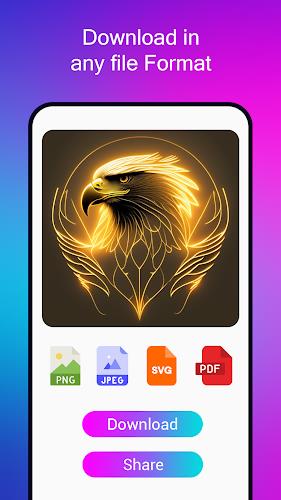
AI Logo Maker supports multiple export formats to fit common workflows. Vector (SVG) and high-resolution PNG are available for scaling across use cases, while JPG outputs suit quick previews. Transparent backgrounds and layered exports give designers flexibility when integrating logos into marketing materials or handing off assets to a design team.
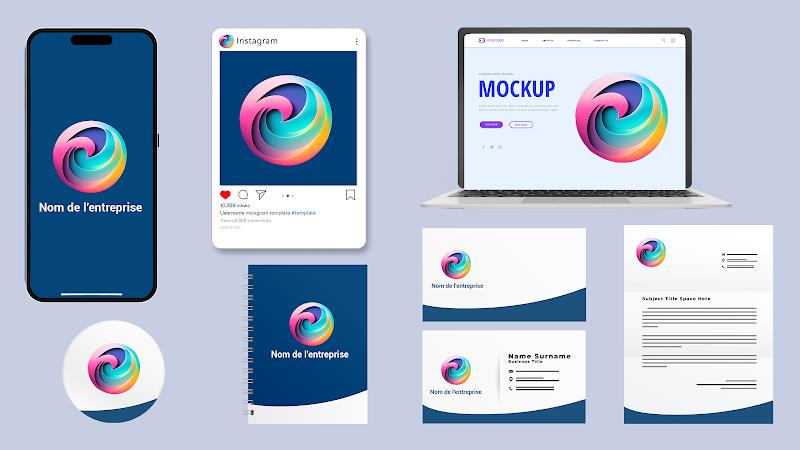
The app is designed to slot into existing workflows. One-tap sharing to email or cloud services simplifies collaboration, and direct uploads to social media let users preview branding in context. Projects can be duplicated and iterated, making it easy to develop a family of related marks for different sub-brands or campaigns.
AI Logo Maker is optimized for mobile performance with responsive UI and lightweight rendering. It runs smoothly on recent Android devices and manages larger vector files without significant slowdowns. Offline editing is supported for basic tasks, while more intensive AI generation and template downloads work best with a stable internet connection.
Be specific when describing your business and style preferences to guide the AI toward a suitable aesthetic. Try multiple prompts and save promising concepts to compare variations. Use the app’s color palette tools to build a cohesive brand system, and export in SVG when you need crisp scalability for print or large displays.
Download AI Logo Maker, create a free account, and run through the onboarding prompts to tailor suggestions. Begin with a template close to your vision, then customize fonts, icons, and spacing. Save projects frequently and use versioning to experiment without losing earlier ideas.
AI Logo Maker offers a fast path from concept to usable brand assets, striking a balance between automated creativity and hands-on control. For entrepreneurs and small teams needing timely branding solutions, it provides a practical toolkit to design, iterate, and export professional logos on the go.
AI Logo Maker
Size:23.73M OtherOBD Mary OBD2
Size:51.49M OtherVidmy Video Downloader
Size:50.60M OtherOne S26 Launcher
Size:25.40M OtherAiOS launcher
Size:30.64M OtherColorful OS Launcher
Size:30.63M OtherDramaNova
Size:46.83M OtherThermomix Cookidoo App
Size:75.88M OtherGaming Logo Maker ESports
Size:22.75M OtherHiShort
Size:62.40M OtherSolid Color Wallpapers
Size:14.90M OtherLike Launcher heart launcher
Size:28.30M OtherApril 2024 Clash of Clans Update: Unveiling a Fresh Companion, Enhanced Levels, Chat Tagging, and Be
2024-04-16Arrival of Genshin Impact 4.6 Update: 'Embers of Two Realms, Twilight of Crimson'
2024-04-16V2.2 of the Farlight 84 update introduces an overhauled Season structure, fresh in-game currency, an
2024-04-16Monster Never Cry is now accessible on both Android and iOS mobile devices.
2024-04-18PUBG Mobile Teams Up with Bentley Motors: Luxury Cars, Exclusive Collectibles, and Beyond
2024-04-18March 2024 Free Redemption Codes for Honkai: Star Rail
2024-04-18