English
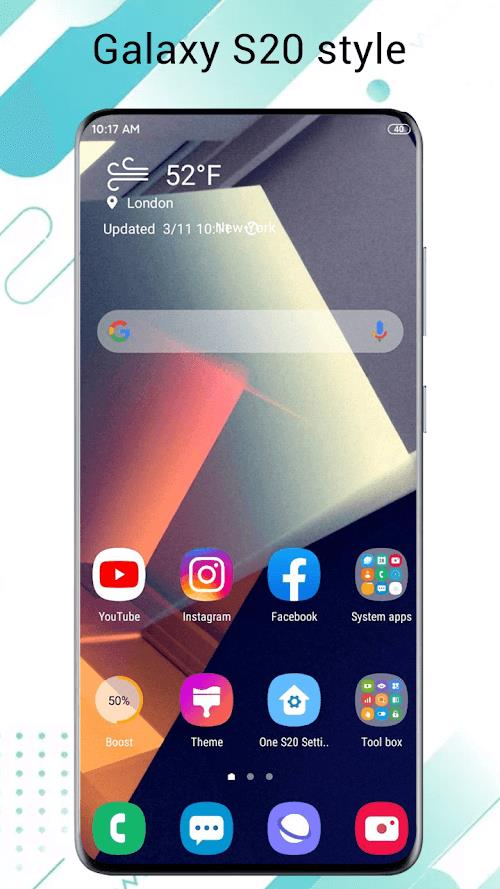
One S26 Launcher reinvents your Android home screen with a lightweight, fast launcher that emphasizes smooth animations, clean icons, and flexible layout options. It streamlines navigation with gesture controls and customizable widgets, delivering a modern interface that adapts to different device sizes and user habits.
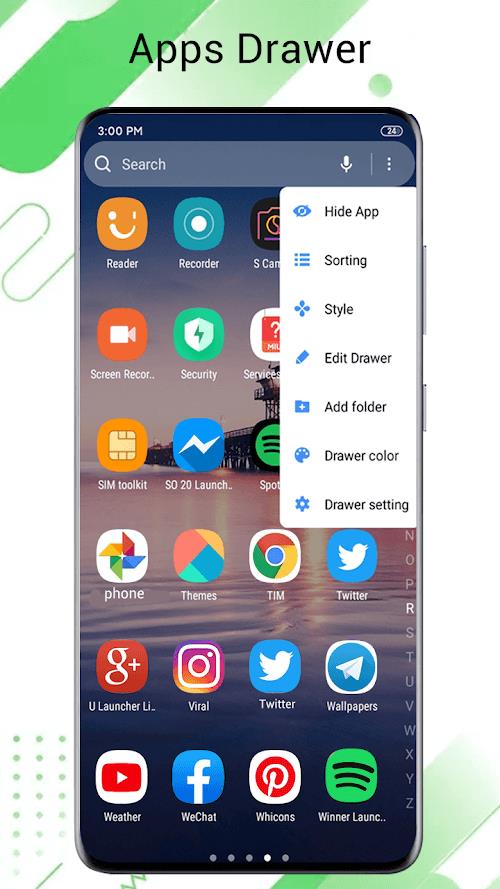
One S26 Launcher is designed for users who want an uncluttered, efficient Android experience without sacrificing visual polish. The launcher focuses on speed and simplicity: quick app access, refined transition effects, and a tidy app drawer make everyday tasks feel snappier. It supports popular customization elements while keeping memory use modest, so older phones and budget devices benefit as much as flagship hardware.
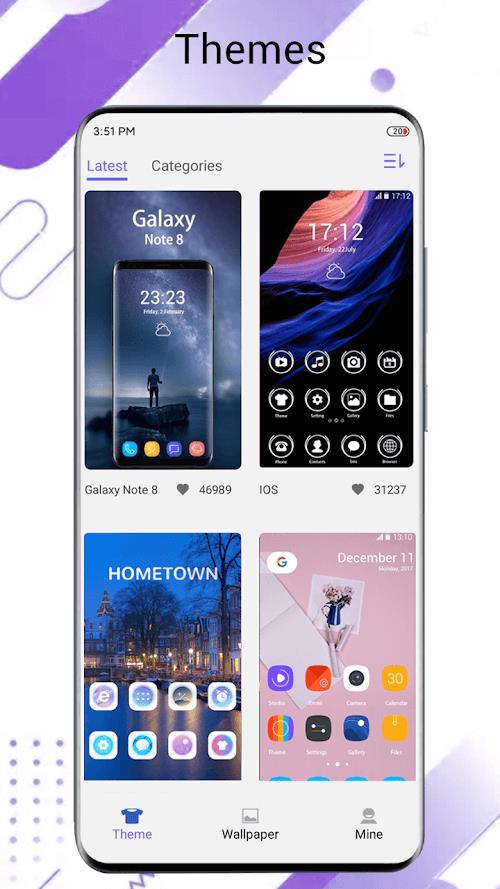
One S26 Launcher offers a layered approach to personalization. Start with a base home layout and then tweak fine details: icon size, label visibility, dock behavior, and page indicator styles. The included theme engine lets you change accent colors and background blurs, while icon packs can be applied globally or per-app for a tailored aesthetic.
Designed with performance in mind, One S26 Launcher minimizes RAM usage and avoids heavy background processes. Animations are hardware-accelerated where possible, producing smooth transitions with minimal load on CPU and battery. Compatibility spans Android versions commonly used today; the launcher includes fallbacks for older APIs to ensure consistent behavior across devices.
Getting up and running with One S26 Launcher is straightforward. After installation, set it as your default home app and follow the guided setup to import icons and arrange your initial layout. The onboarding flow highlights key gestures and shows how to restore previous layouts from backups.
Beyond aesthetics, One S26 Launcher includes tools that improve daily workflow. Quick-access search on the home screen and a customizable dock accelerate multitasking. App suggestions learn from usage patterns to surface frequently used apps, and built-in folder smartness reduces the need to hunt through menus.
One S26 Launcher limits background activity to essential tasks and does not require excessive permissions. Regular updates bring performance improvements and new customization options while keeping the permission footprint small. For users concerned about battery drain, the launcher includes settings to disable intensive animations and reduce background sync frequency.
For anyone seeking a fast, customizable, and low-overhead launcher, One S26 Launcher presents a balanced choice. It provides modern visual touches without demanding high system resources, supports deep personalization, and keeps workflows efficient. Whether you prioritize speed, looks, or practical organization, the launcher supplies tools to shape the home screen to your needs.
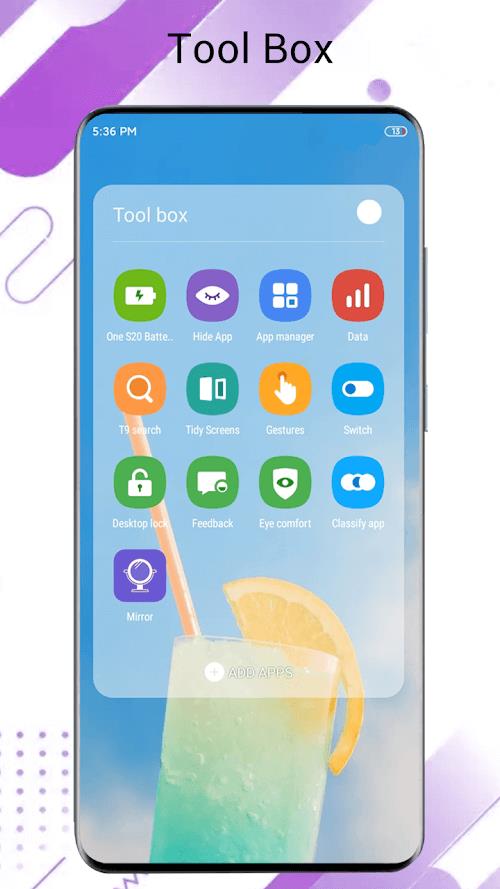
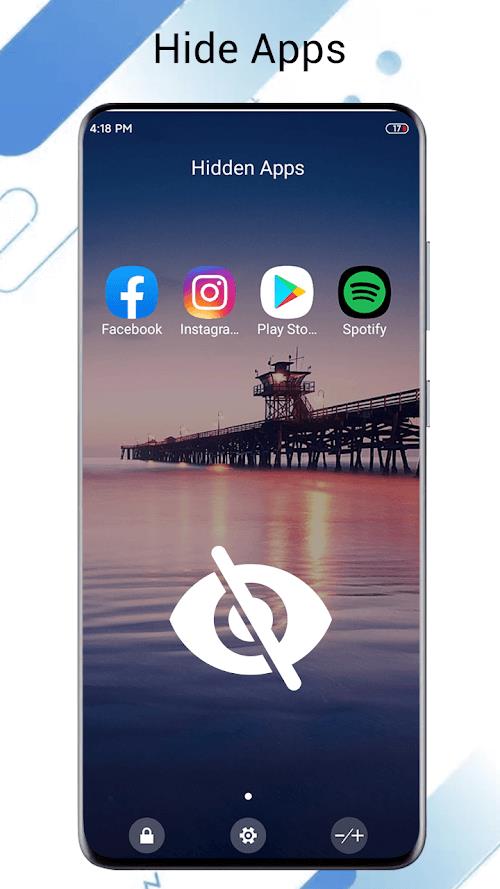
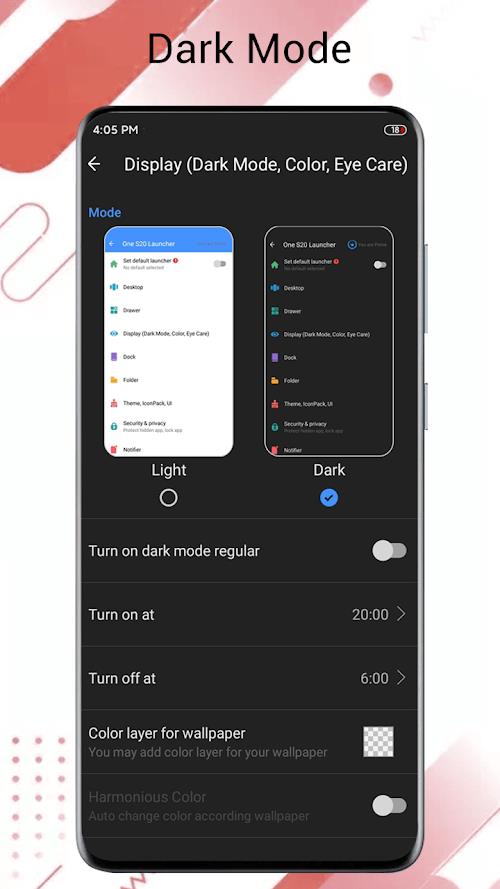
One S26 Launcher
Size:25.40M OtherAiOS launcher
Size:30.64M OtherColorful OS Launcher
Size:30.63M OtherDramaNova
Size:46.83M OtherThermomix Cookidoo App
Size:75.88M OtherGaming Logo Maker ESports
Size:22.75M OtherHiShort
Size:62.40M OtherSolid Color Wallpapers
Size:14.90M OtherLike Launcher heart launcher
Size:28.30M OtherNBA G League
Size:70.55M OtherCreative Launcher
Size:25.87M OtherDelta Icon Pack
Size:42.80M OtherApril 2024 Clash of Clans Update: Unveiling a Fresh Companion, Enhanced Levels, Chat Tagging, and Be
2024-04-16Arrival of Genshin Impact 4.6 Update: 'Embers of Two Realms, Twilight of Crimson'
2024-04-16V2.2 of the Farlight 84 update introduces an overhauled Season structure, fresh in-game currency, an
2024-04-16Monster Never Cry is now accessible on both Android and iOS mobile devices.
2024-04-18PUBG Mobile Teams Up with Bentley Motors: Luxury Cars, Exclusive Collectibles, and Beyond
2024-04-18March 2024 Free Redemption Codes for Honkai: Star Rail
2024-04-18