
English
HiShort is a compact short-video studio designed for quick creation, editing, and sharing of vertical clips. It packs intuitive trimming, sound mixing, and motion effects into a lightweight interface, letting users produce attention-grabbing microvideos in minutes without a steep learning curve.
HiShort focuses on shortening the gap between idea and publishable content. Creators can capture clips, apply one-tap filters, and add licensed tracks. The app balances feature depth with speed: essential tools are accessible on a single screen while advanced tweaks remain available for power users.
HiShort streamlines the content pipeline: capture, edit, polish, and publish. Recording opens with a minimal camera view; swiping toggles modes while on-screen handles let you drag clip boundaries. Editing operates on a timeline strip that emphasizes touch gestures, making common actions fast and predictable.
Despite its compact design, HiShort offers layered control. Color filters are adjustable rather than fixed, captions support multi-line formatting and timing, and motion keyframes let you animate scale and position. These options allow users to create a signature look without heavy manual work.
The app prioritizes responsiveness. Controls respond instantly to taps, and previews play back smoothly on mid-range devices. File size management is done automatically, with intelligent encoding that preserves perceptual quality while keeping exports web-friendly. The interface uses clear iconography and contextual tooltips to flatten the learning curve.
HiShort integrates sharing shortcuts for popular social networks as well as direct saving to device storage. You can schedule postings, add watermarks selectively, and export multiple aspect ratios in one batch. A lightweight analytics view shows views and engagement trends for your recent uploads, helping you tune content cadence.
For creators moving from other mobile editors, HiShort provides an approachable bridge: familiar tools arranged more compactly. Casual users will appreciate one-tap filters and auto-mix, while creators seeking nuance can dive into keyframes and manual audio fades.
Users often mention speed and simplicity as deciding factors. HiShort reduces friction at every stage — from capture to share — and includes productivity touches like reusable projects and quick-rename batch exports. The app emphasizes fast iteration, letting creators produce more ideas and test which ones stick.
Installation is straightforward via standard app stores. After a brief setup that walks through permissions and basic gestures, you can import an existing clip or record a fresh one. Built-in tutorials and help overlays are available if you need guided assistance while trying advanced features.
HiShort is aimed at anyone making quick vertical videos: hobbyists, micro-influencers, and teams producing short-form marketing clips. It keeps a compact footprint while delivering a surprising amount of control, so you can focus on storytelling rather than wrestling with tools.
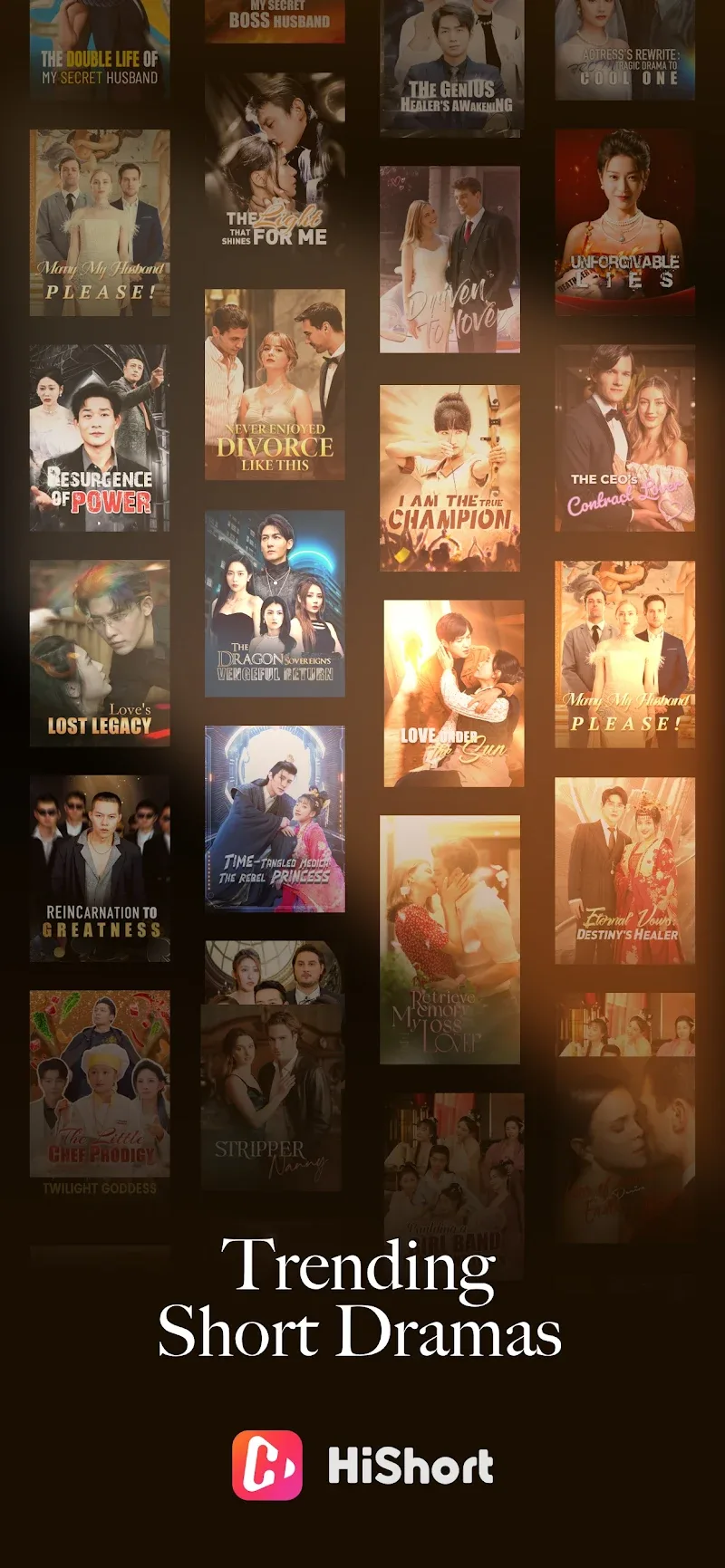
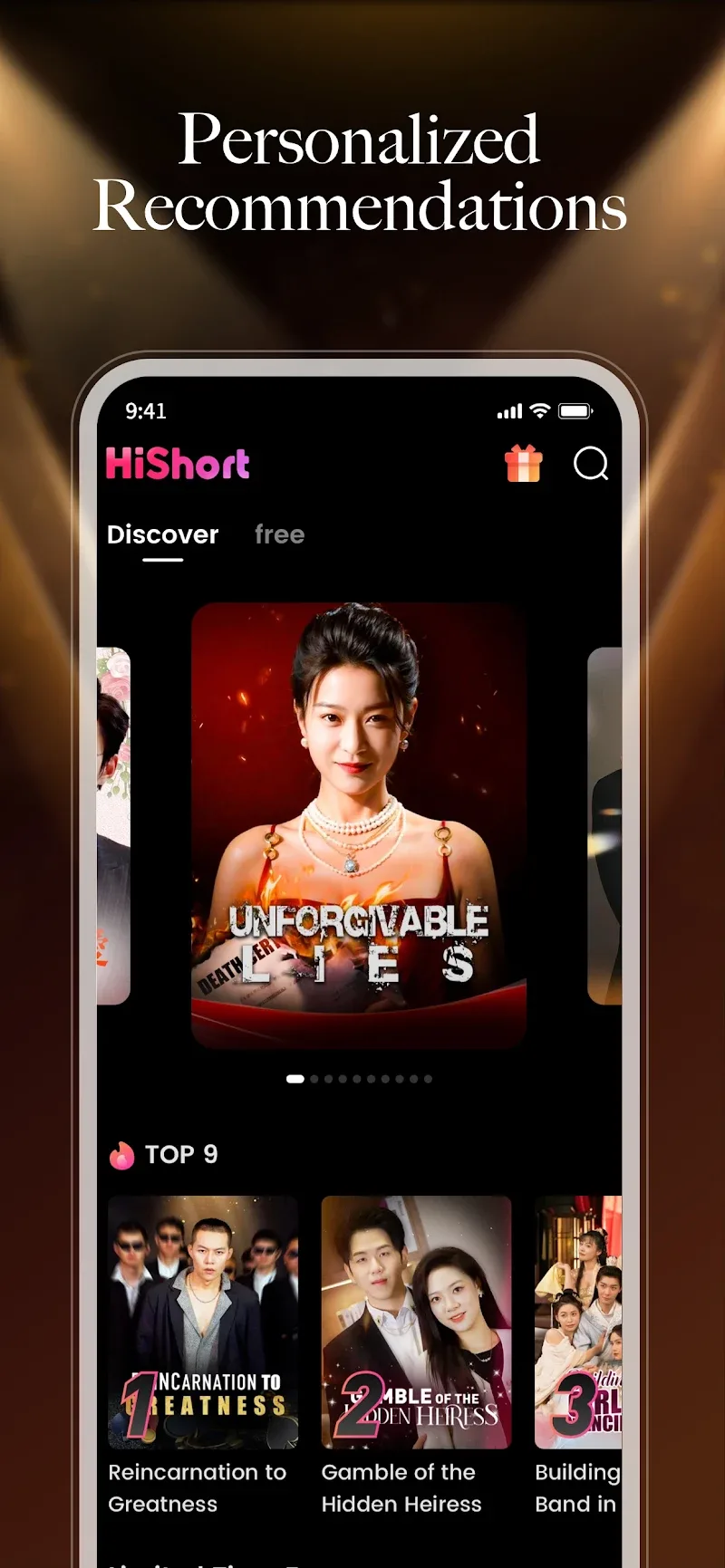
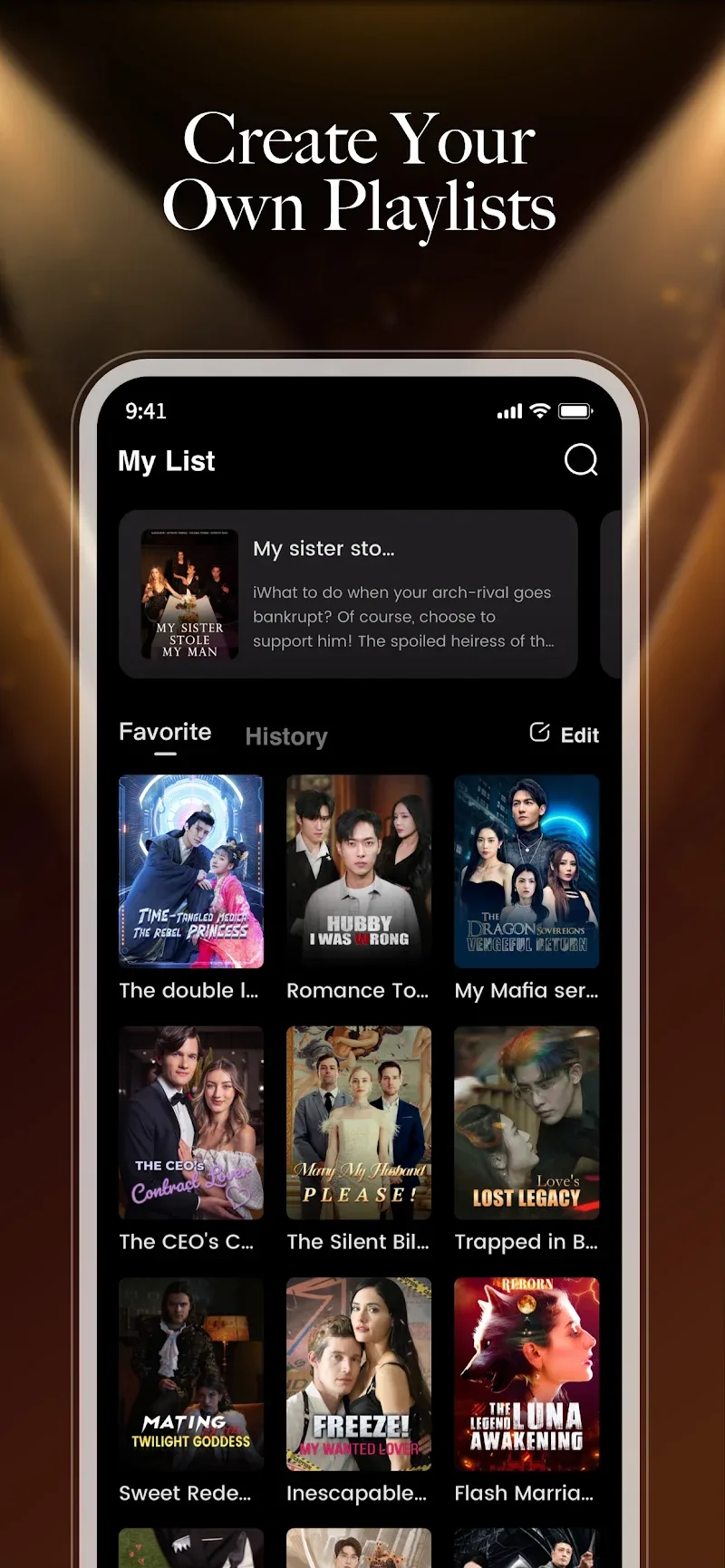
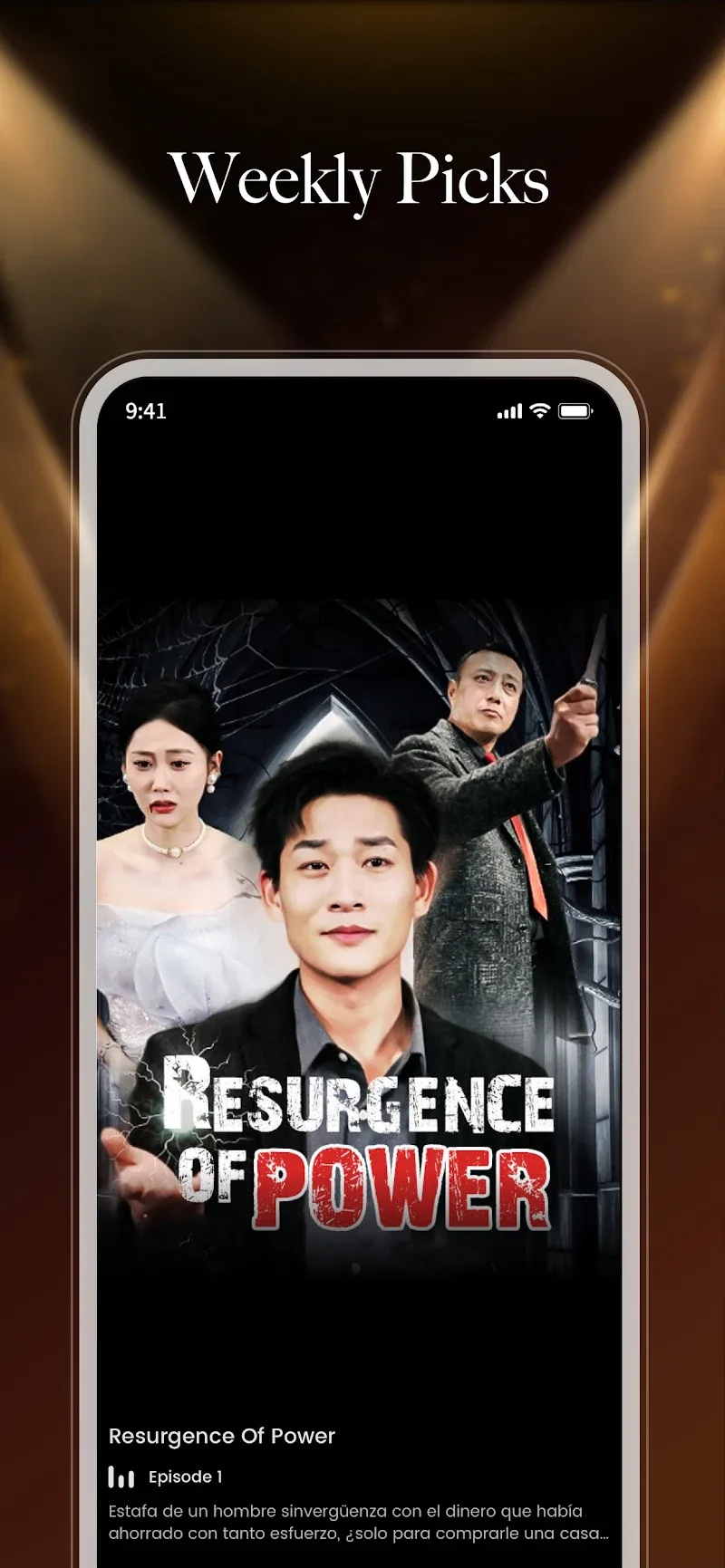
Gaming Logo Maker ESports
Size:22.75M OtherHiShort
Size:62.40M OtherSolid Color Wallpapers
Size:14.90M OtherLike Launcher heart launcher
Size:28.30M OtherNBA G League
Size:70.55M OtherCreative Launcher
Size:25.87M OtherDelta Icon Pack
Size:42.80M OtherEarth Map Satellite Live View
Size:39.85M OtherCrunchyroll
Size:56.80M OtherWin 12 Launcher
Size:13.58M OtherM Launcher
Size:13.61M OtherOS Style Launcher
Size:10.90M OtherApril 2024 Clash of Clans Update: Unveiling a Fresh Companion, Enhanced Levels, Chat Tagging, and Be
2024-04-16Arrival of Genshin Impact 4.6 Update: 'Embers of Two Realms, Twilight of Crimson'
2024-04-16V2.2 of the Farlight 84 update introduces an overhauled Season structure, fresh in-game currency, an
2024-04-16Monster Never Cry is now accessible on both Android and iOS mobile devices.
2024-04-18PUBG Mobile Teams Up with Bentley Motors: Luxury Cars, Exclusive Collectibles, and Beyond
2024-04-18March 2024 Free Redemption Codes for Honkai: Star Rail
2024-04-18

















