
English
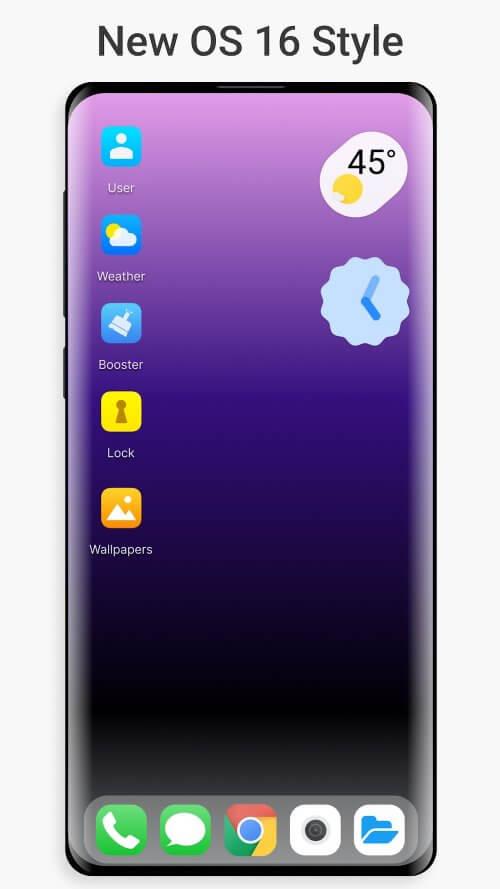
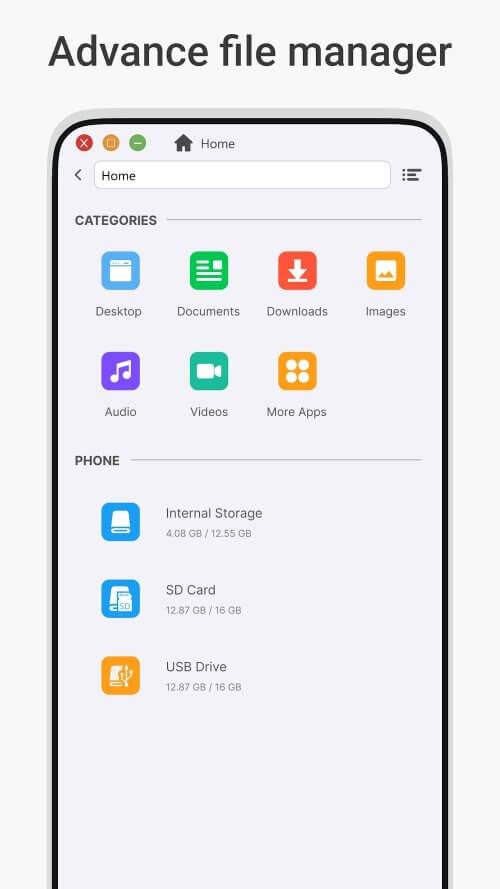
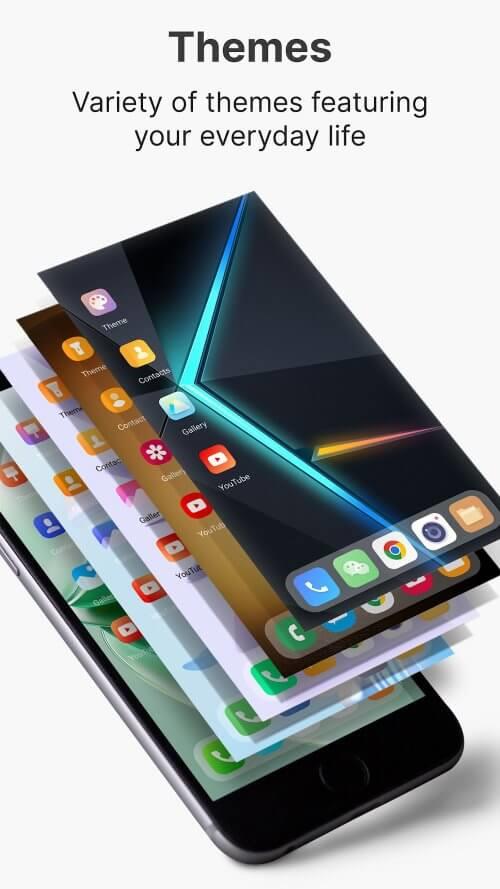
OS Style Launcher transforms your Android home screen with a clean, modern interface that mimics popular OS aesthetics while keeping core Android flexibility. OS Style Launcher offers fast navigation, adaptive widgets, and theme controls designed to streamline daily tasks and refresh the look of any device without sacrificing performance.
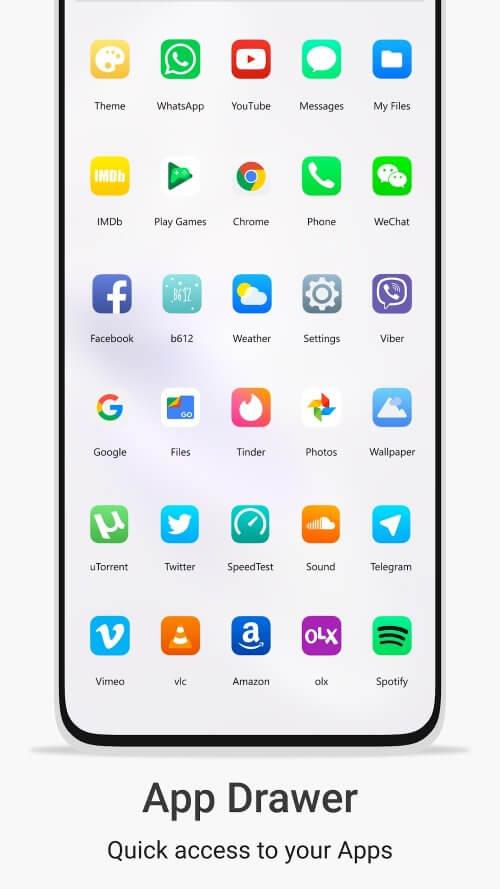
The first impression of OS Style Launcher is its minimalist layout and consistent visual language. Icons, folders, and the app drawer are organized to reduce clutter and improve discoverability. Subtle animations make transitions feel smooth without causing lag, and adjustable grid settings let you optimize icon size and spacing for phones and tablets alike.
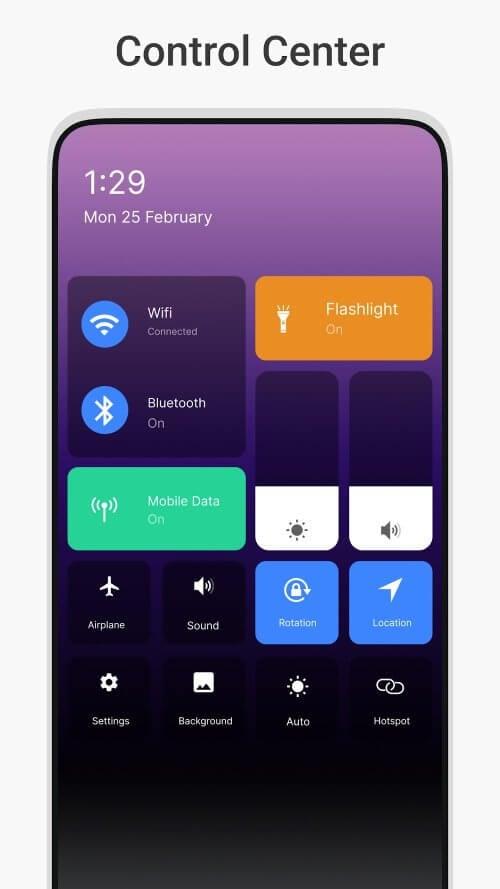
OS Style Launcher focuses on making everyday actions faster. Use gestures to open the camera, toggle Wi-Fi, or show your favorite playlist. Configure separate profiles for work and personal use so your layout and notifications adjust automatically at defined times or when connecting to specific networks. These workflow features reduce friction and help you keep your attention where it belongs.
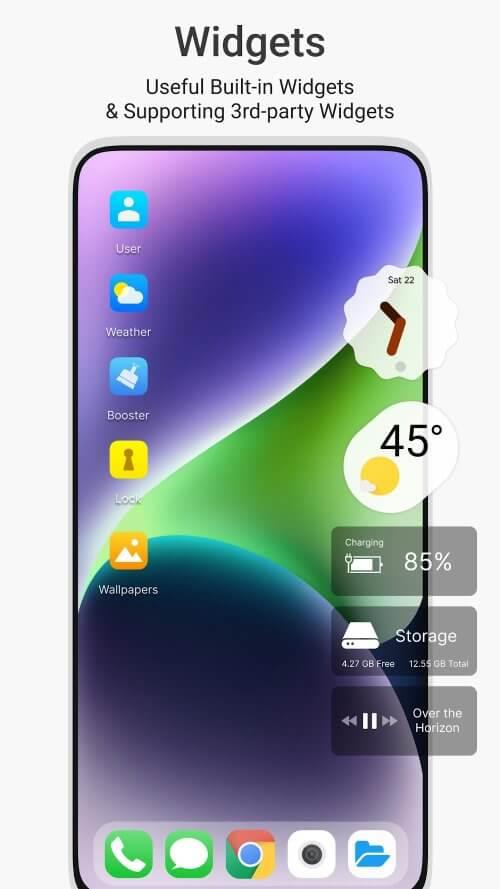
Personalization goes beyond color and icons. OS Style Launcher supports adaptive icon shapes, font adjustments, and per-app badge settings. You can create multiple home screen pages with unique widgets and lock other pages to prevent accidental edits. For users who like fine control, advanced settings provide options to tweak animation speed, grid density, and app drawer behavior.
Lightweight by design, OS Style Launcher aims to use minimal memory and battery while still delivering a polished experience. Background services are optimized to avoid unnecessary CPU wakeups, and the launcher respects Android power management policies. Compatibility covers a wide range of Android versions and screen sizes; features gracefully degrade on older hardware to maintain responsiveness.
OS Style Launcher requests only the permissions necessary for its features, such as access to storage for custom icons and contacts for search. Sensitive data remains on-device unless you opt into cloud backup. The app provides clear permission explanations and easy toggles to revoke access if you prefer a more limited setup.
Install OS Style Launcher and follow the quick setup wizard to apply a base theme and choose your preferred grid layout. Import settings from other launchers or start fresh by arranging icons and adding widgets. Use the built-in preview to test different themes before committing changes to your home screens.
Users appreciate OS Style Launcher for its balance of aesthetics, speed, and customization. It caters to people who want a refined desktop-like look without complex setup, and to power users who prefer deep control over layout and behavior. Regular updates add features and improve stability, ensuring the launcher evolves with user needs.
Gaming Logo Maker ESports
Size:22.75M OtherHiShort
Size:62.40M OtherSolid Color Wallpapers
Size:14.90M OtherLike Launcher heart launcher
Size:28.30M OtherNBA G League
Size:70.55M OtherCreative Launcher
Size:25.87M OtherDelta Icon Pack
Size:42.80M OtherEarth Map Satellite Live View
Size:39.85M OtherCrunchyroll
Size:56.80M OtherWin 12 Launcher
Size:13.58M OtherM Launcher
Size:13.61M OtherOS Style Launcher
Size:10.90M OtherApril 2024 Clash of Clans Update: Unveiling a Fresh Companion, Enhanced Levels, Chat Tagging, and Be
2024-04-16Arrival of Genshin Impact 4.6 Update: 'Embers of Two Realms, Twilight of Crimson'
2024-04-16V2.2 of the Farlight 84 update introduces an overhauled Season structure, fresh in-game currency, an
2024-04-16Monster Never Cry is now accessible on both Android and iOS mobile devices.
2024-04-18PUBG Mobile Teams Up with Bentley Motors: Luxury Cars, Exclusive Collectibles, and Beyond
2024-04-18March 2024 Free Redemption Codes for Honkai: Star Rail
2024-04-18

















