
English
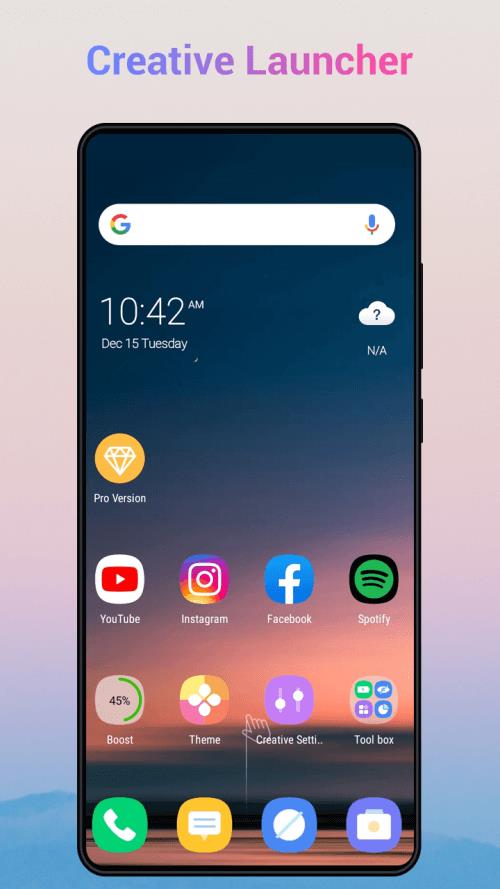
Creative Launcher streamlines your Android home screen with adaptable layouts, fast shortcuts and intelligent organization. It replaces the default launcher with a responsive, minimalist interface that prioritizes speed and personalization. Users can quickly access apps, widgets and routines while maintaining smooth animations and efficient memory use.
Creative Launcher is built to simplify daily device interactions while offering deep customization. Core features include a configurable home grid, app drawer sorting, gesture controls and widget support. The launcher focuses on practical tools: search and quick actions, battery-friendly operation modes and per-app appearance settings to make your phone feel uniquely yours.
The feature set balances utility with lightness. Expect:
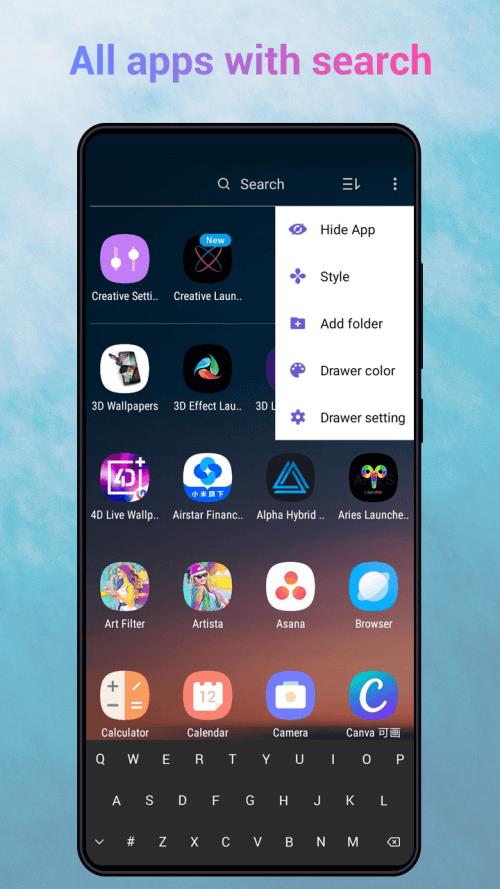
Creative Launcher’s interface focuses on clarity and speed. The home screen keeps essential apps within a single swipe, while the app drawer supports alphabetical, recent and custom orderings. A compact search bar and voice input help you find content quickly. Menus are kept shallow so common tasks require fewer taps, improving workflow for frequent actions.
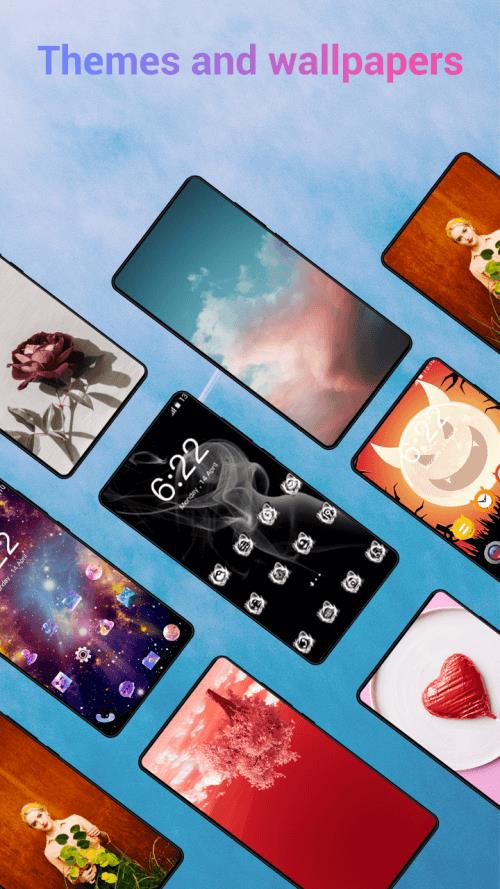
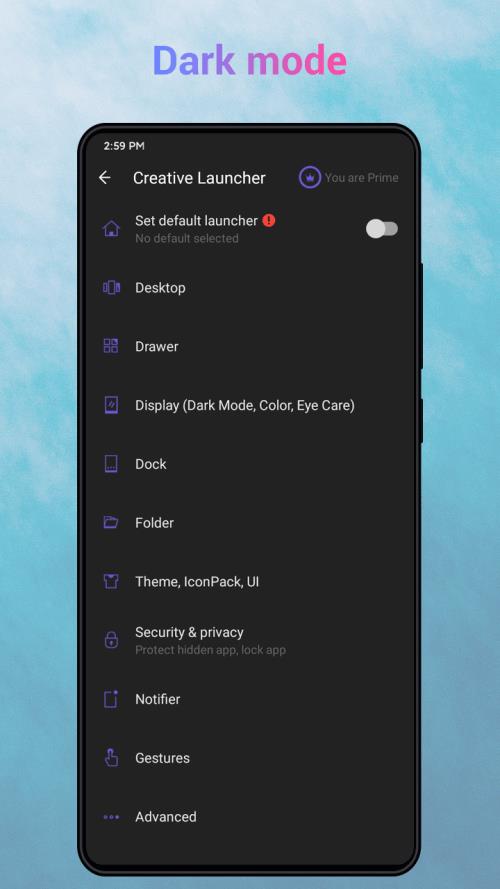
Personalization is central to the experience. You can tweak everything from app icon size and label font to animation duration and grid spacing. Theme presets let you switch looks instantly, while a built-in wallpaper picker offers curated backgrounds that match interface colors. For power users, Creative Launcher provides advanced settings to save and export layout profiles.
Efficiency is a strong suit. The launcher uses low memory overhead and optimized animations to reduce jank on mid-range devices. It supports Android 8.0 and above, but is tuned to run smoothly even on older hardware. Background services are minimized and optional features such as live suggestions can be toggled to conserve battery. Compatibility with third-party widgets and accessibility services ensures broad usability.
Getting started with Creative Launcher is straightforward. A guided setup imports icons, folders and widgets from your previous launcher, then offers a step-by-step walkthrough to set gestures and home layouts. You can preview changes before applying them, and the app includes a restore option to revert to backups created during setup.
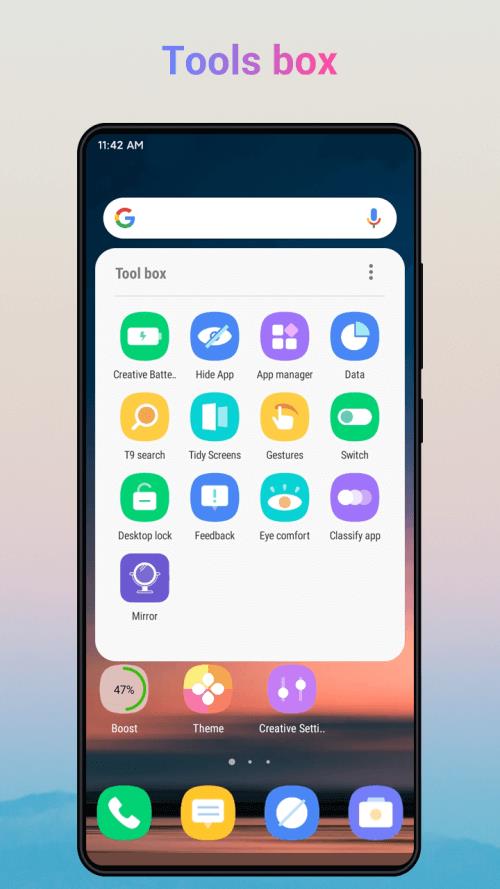
Creative Launcher includes a range of productivity-focused tools. Integrated shortcuts let you jump directly into specific app functions like composing messages or launching navigation. The built-in quick settings panel exposes frequently used toggles, and a customizable dock keeps your most-used tools accessible at all times. Timed profiles enable automatic layout changes for work, commute or leisure.
Privacy considerations are baked into the design. Creative Launcher requests only essential permissions and explains each request in context. Local-only features such as app organization and layout saving do not send data to remote servers. Optional cloud backup uses encrypted storage for layout and preference synchronization across devices.
To personalize effectively, start by choosing a grid and icon size that matches your hand size and screen resolution. Configure two or three gestures for your primary apps to reduce home screen clutter. Try theme presets first, then fine-tune colors and fonts for a custom look. Regularly export layout profiles so you can experiment without losing a preferred setup.
Creative Launcher delivers a blend of speed, customization and thoughtful productivity tools. Whether you prioritize minimalism or a power-user environment, the launcher adapts to daily habits while keeping performance and battery impact low. With clear setup guidance and flexible options, it's a compelling option for anyone seeking a smarter Android home screen.
Gaming Logo Maker ESports
Size:22.75M OtherHiShort
Size:62.40M OtherSolid Color Wallpapers
Size:14.90M OtherLike Launcher heart launcher
Size:28.30M OtherNBA G League
Size:70.55M OtherCreative Launcher
Size:25.87M OtherDelta Icon Pack
Size:42.80M OtherEarth Map Satellite Live View
Size:39.85M OtherCrunchyroll
Size:56.80M OtherWin 12 Launcher
Size:13.58M OtherM Launcher
Size:13.61M OtherOS Style Launcher
Size:10.90M OtherApril 2024 Clash of Clans Update: Unveiling a Fresh Companion, Enhanced Levels, Chat Tagging, and Be
2024-04-16Arrival of Genshin Impact 4.6 Update: 'Embers of Two Realms, Twilight of Crimson'
2024-04-16V2.2 of the Farlight 84 update introduces an overhauled Season structure, fresh in-game currency, an
2024-04-16Monster Never Cry is now accessible on both Android and iOS mobile devices.
2024-04-18PUBG Mobile Teams Up with Bentley Motors: Luxury Cars, Exclusive Collectibles, and Beyond
2024-04-18March 2024 Free Redemption Codes for Honkai: Star Rail
2024-04-18

















