English
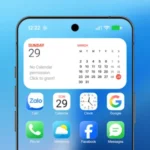
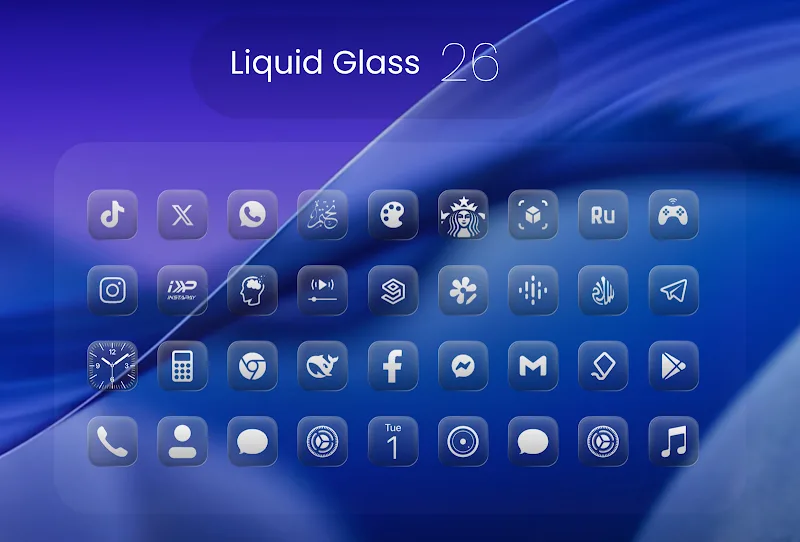
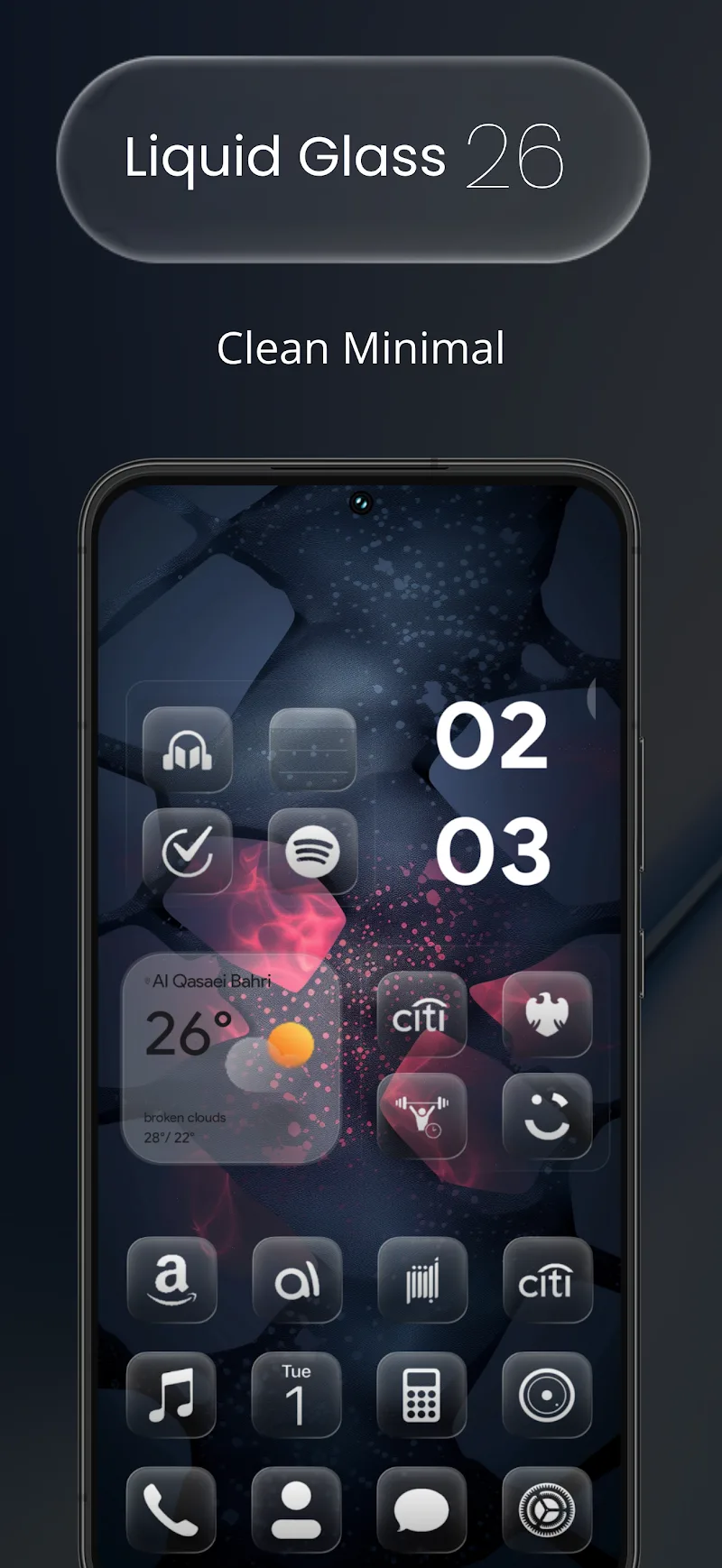
Waiting for a delayed train and thinking your home screen could use a quick makeover while you wait? Liquid Glass 26 Icon Pack offers a fast way to refresh your interface with a translucent, modern look inspired by iOS 26. This icon collection focuses on clean glass-like glyphs and a minimalist feel, letting you change hundreds of icons in a few taps once a compatible launcher is installed. The pack is built for users who enjoy a refined, cohesive aesthetic across apps without diving deep into manual icon editing.
Install: Download the icon pack APK and open it; the app itself acts as a catalog of included icons rather than a launcher.
Choose a launcher: Liquid Glass 26 Icon Pack requires a third-party launcher to apply themes; popular choices include Nova, Lawnchair, and Smart Launcher.
Apply icons: From your launcher theme or icon settings, select Liquid Glass 26 as the active pack or manually replace icons from the icon picker.
Request and replace: If an app icon isn’t themed, use the pack's alternate icon options or the request feature (if available) to flag missing icons for future updates.
Extensive library: The pack ships with roughly 2,500 handcrafted icons, covering popular apps and many niche tools so your grid looks consistent.
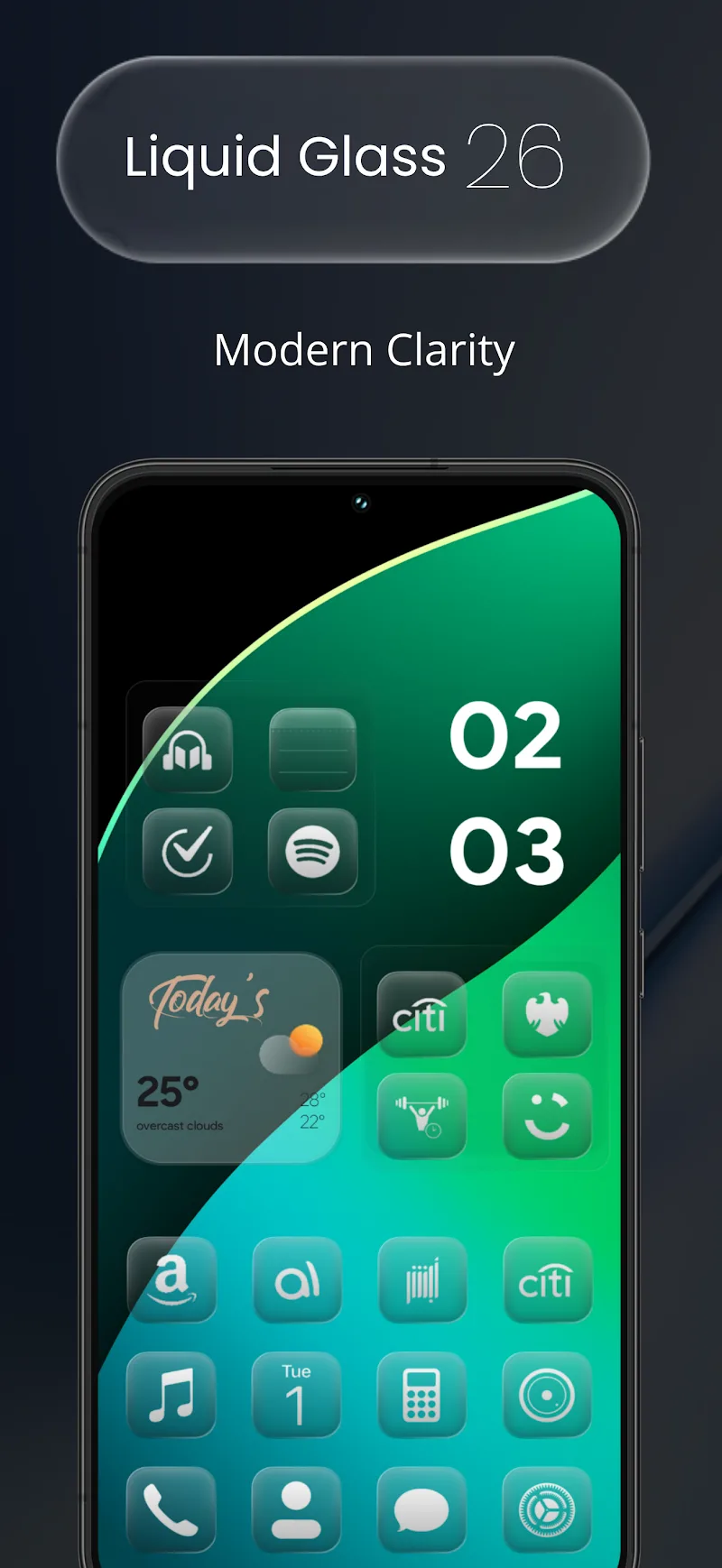
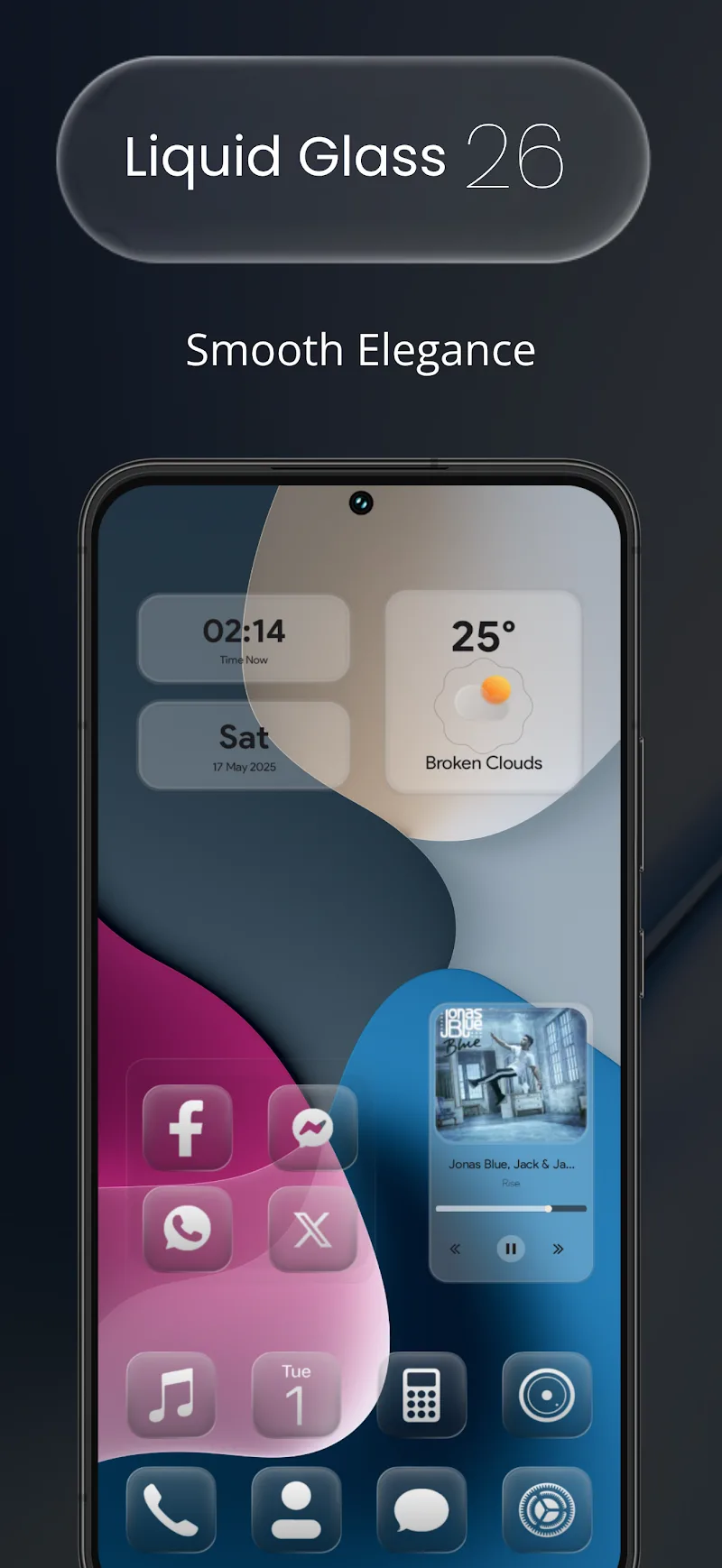
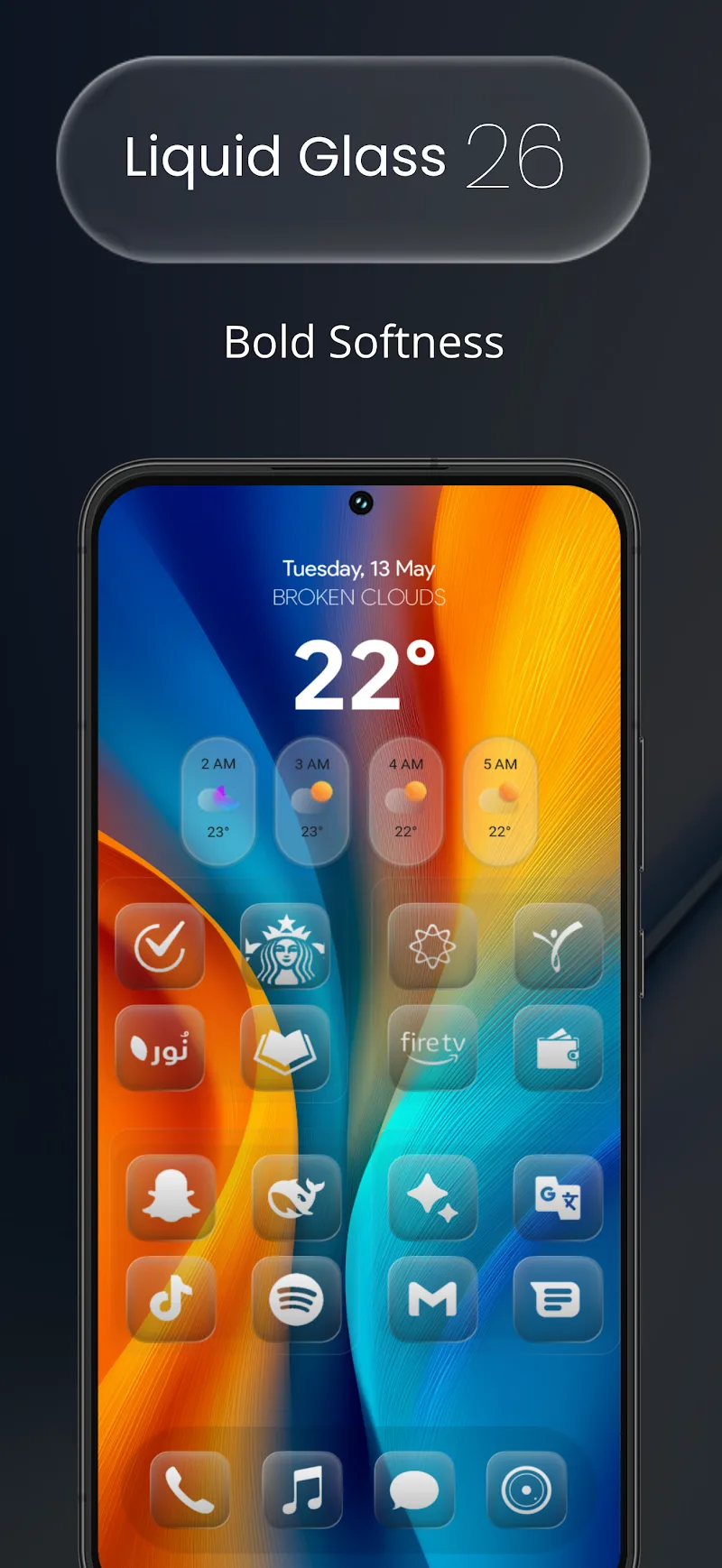
Transparent glass style: Each icon embraces a translucent aesthetic with subtle lines and rounded corners that mimic a sleek glass surface.
Alternate icons: Multiple icon choices for many apps let you pick the look that best suits your layout or personal taste.
Ongoing updates: The developer regularly adds new icons and refines designs, so the collection grows over time and adapts to new app releases.
Launcher compatibility: Designed to work with a wide range of Android launchers, Liquid Glass 26 Icon Pack leaves layout control to the launcher while providing the visuals.
Match wallpapers: Pair the transparent icons with muted, gradient wallpapers to let the glass effect pop without creating visual clutter.
Group by use: Use alternate icons to create visual groups for work, social, or productivity apps so you can scan your home screen faster.
Adjust grid and size: Experiment with your launcher grid and icon scaling; slightly larger icons emphasize the glass detail, while a tighter grid gives a denser, minimalist look.
Switch for events: Try swapping to Liquid Glass 26 before a presentation or when you want a cleaner, distraction-free display—it's an easy seasonal or situational refresh.
Liquid Glass 26 Icon Pack gives your phone a refined, contemporary look with a coherent set of translucent icons and frequent updates; it shines for anyone who values a tidy, stylish interface. Keep in mind it depends on a compatible launcher to apply themes, so if you prefer stock launchers the requirement may be a drawback, but for launcher users this pack is a compact way to achieve a premium glass-like aesthetic.
Wave Keyboard
Size:106.20M PersonalizationFriendly Icon Pack
Size:70.47M PersonalizationOxigen Square 3D - Icon Pack
Size:111.48M PersonalizationFluffy Widgets
Size:46.77M PersonalizationLiquid Glass 26 Icon Pack
Size:114.21M PersonalizationShades Of Glass
Size:30.30M PersonalizationLauncher OS 27
Size:15.86M PersonalizationFluffy Icons - One UI Style
Size:73.16M PersonalizationGelux Icon Pack
Size:8.20M PersonalizationWallpaper Outlet
Size:2.43M PersonalizationBikerz - Icon Pack
Size:102.73M PersonalizationBorderline Icon Pack
Size:81.07M PersonalizationApril 2024 Clash of Clans Update: Unveiling a Fresh Companion, Enhanced Levels, Chat Tagging, and Be
2024-04-16Arrival of Genshin Impact 4.6 Update: 'Embers of Two Realms, Twilight of Crimson'
2024-04-16V2.2 of the Farlight 84 update introduces an overhauled Season structure, fresh in-game currency, an
2024-04-16Monster Never Cry is now accessible on both Android and iOS mobile devices.
2024-04-18PUBG Mobile Teams Up with Bentley Motors: Luxury Cars, Exclusive Collectibles, and Beyond
2024-04-18March 2024 Free Redemption Codes for Honkai: Star Rail
2024-04-18