English
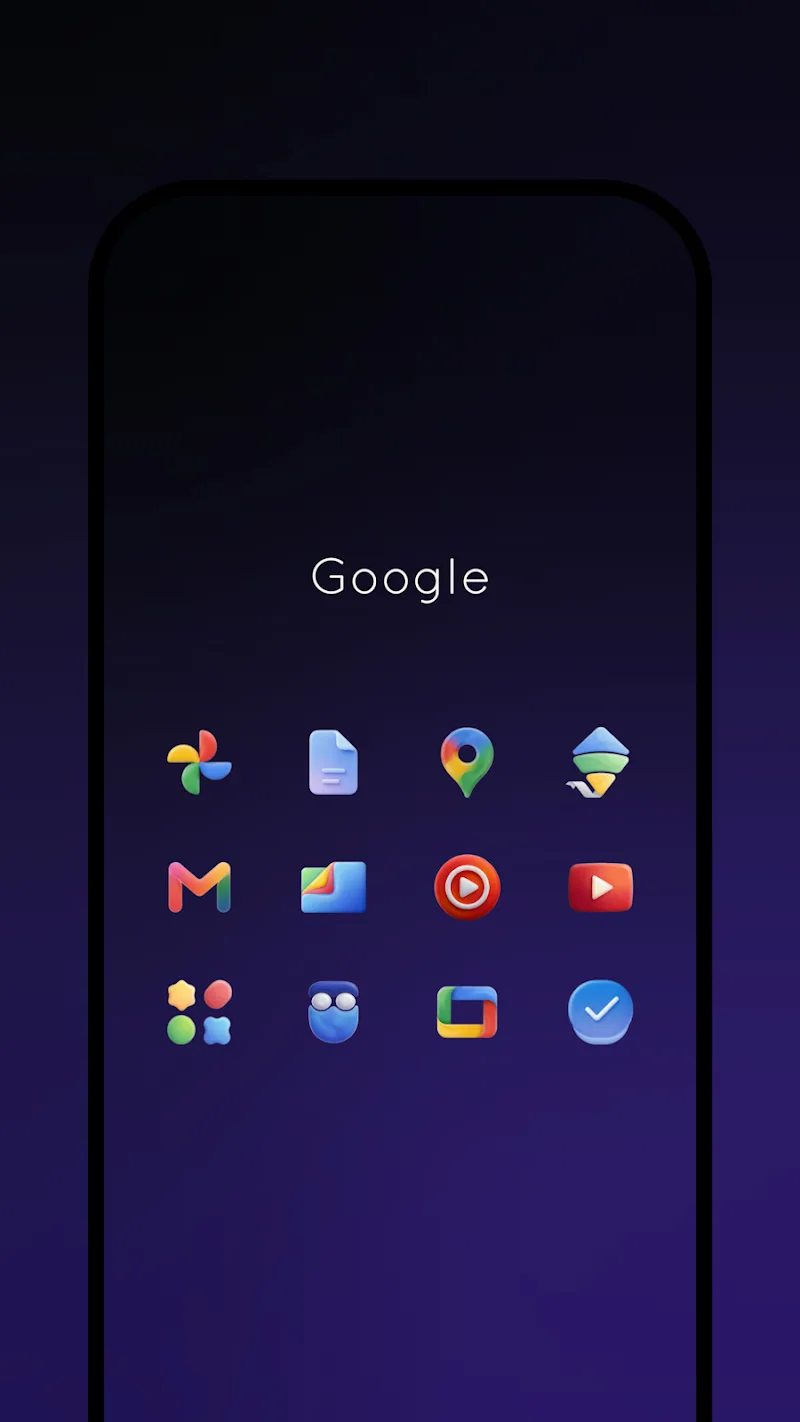
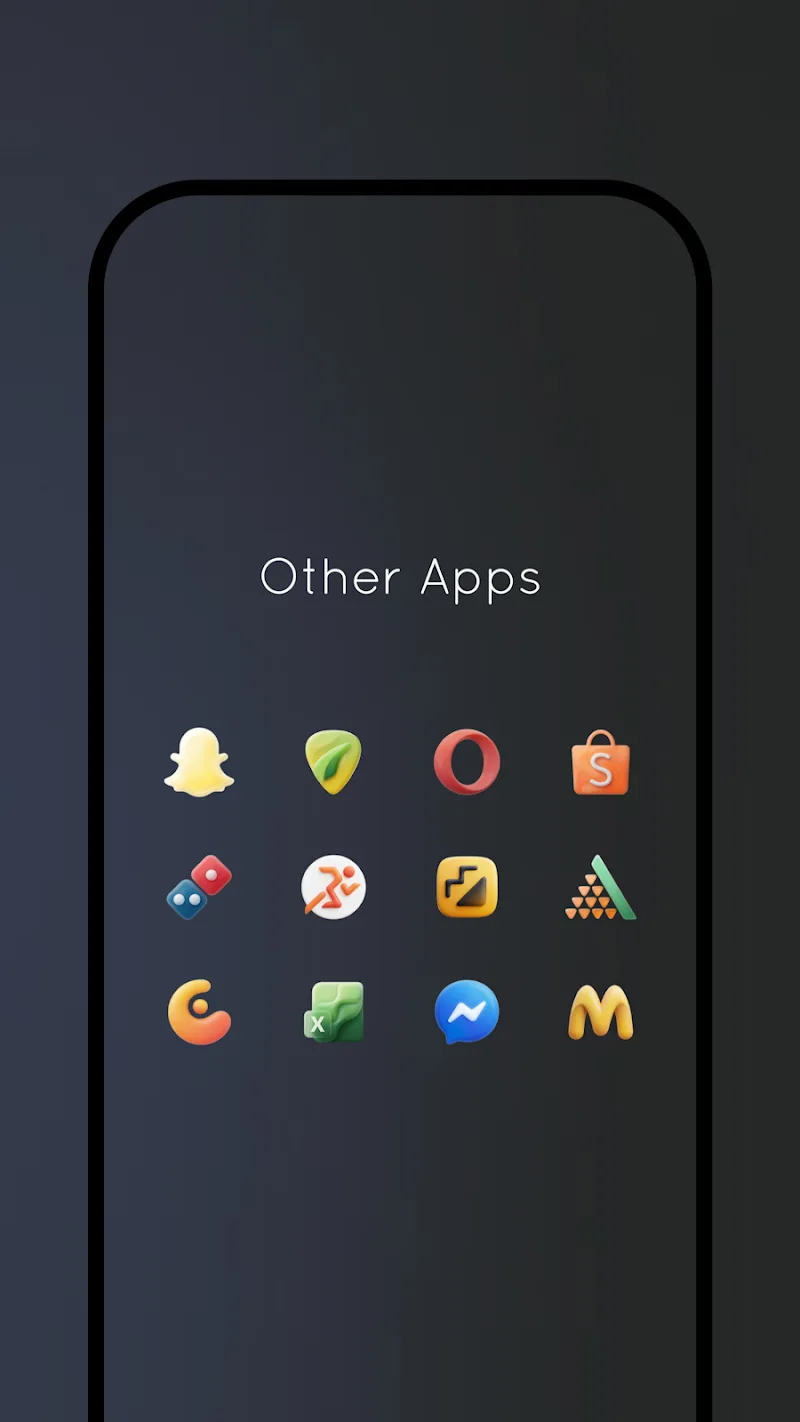
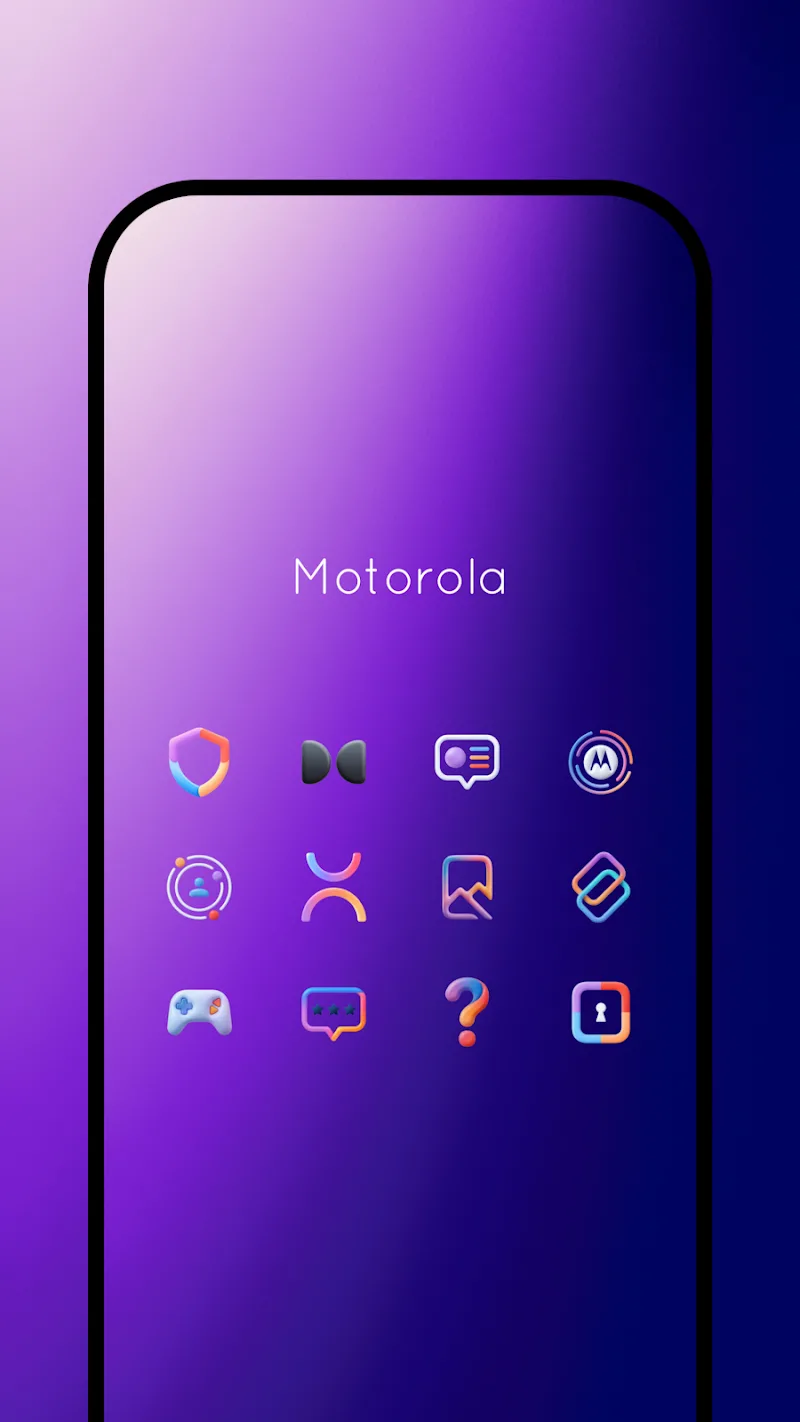
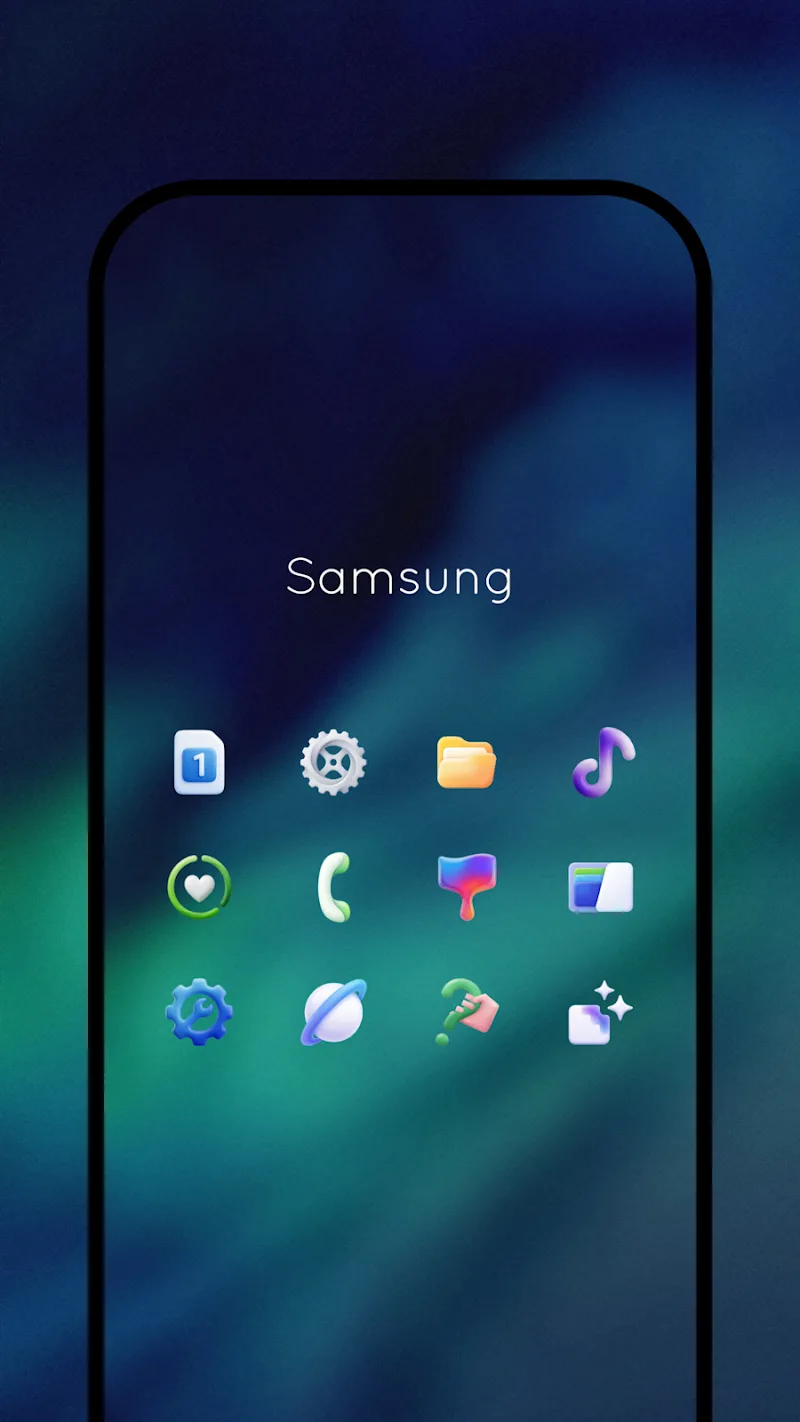
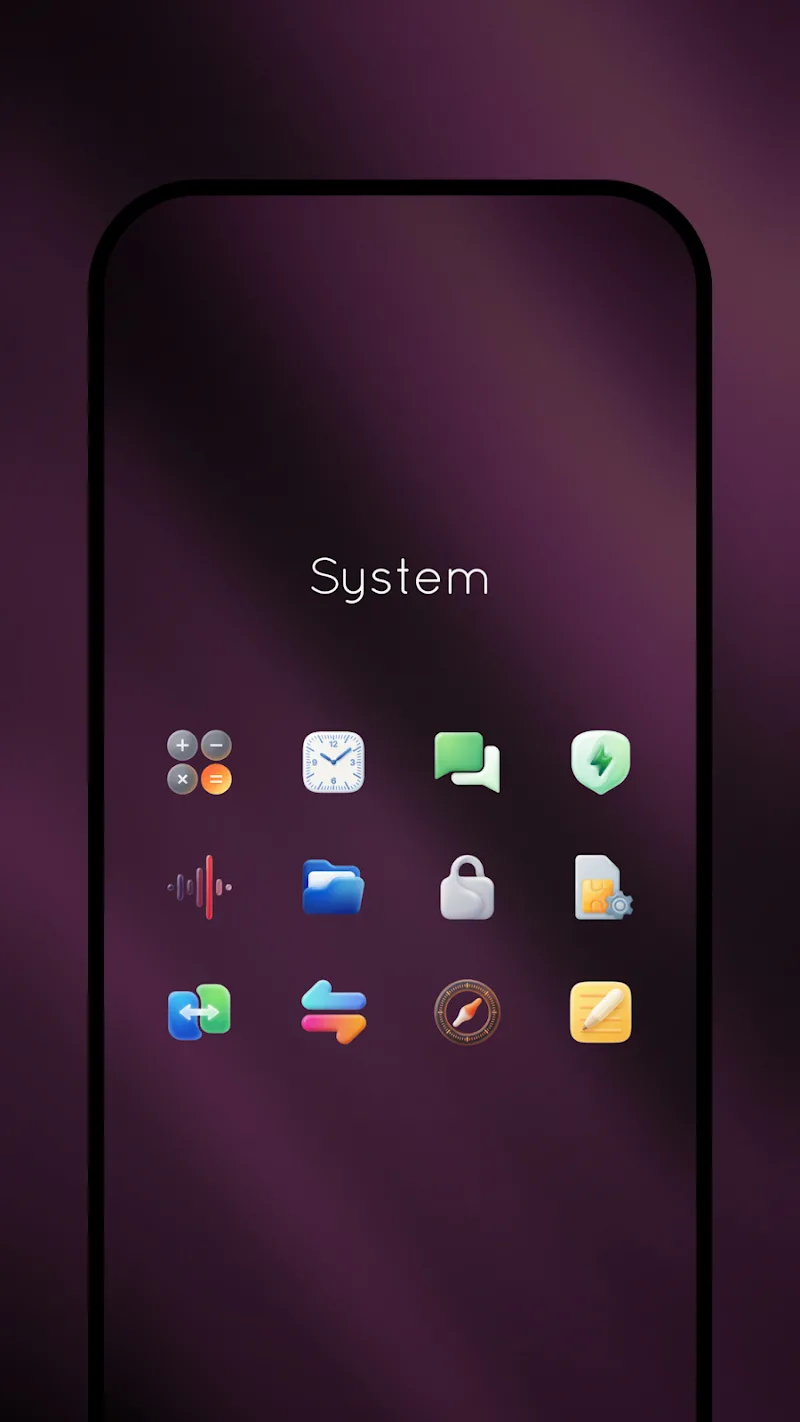
Gelux Icon Pack refreshes your device with a cohesive, refined look that blends translucent, tactile iconography and cloud-inspired wallpapers into a single visual system. Gelux Icon Pack places the app name front and center in its identity, offering more than a simple icon swap: it delivers a carefully balanced palette, consistent transparency, and an intuitive in-app dashboard so you can update your home screen with minimal effort. Whether you prefer a subtle, sophisticated style or a cleaner, modern interface, Gelux Icon Pack aims to harmonize icons, folders, and wallpapers across your launcher pages.
The visual approach of Gelux Icon Pack emphasizes soft, desaturated tones and delicate textures that read as tactile without being overly ornate. Icon glyphs are simplified for clarity at small sizes, while faint translucency lets background wallpapers show through just enough to create depth without sacrificing legibility. Wallpapers are curated to pair with the palette, using cloud-like gradients and muted accents so app icons retain strong contrast and quick recognition. Designers paid attention to consistency: size ratios, inner padding, and icon corners are unified to reduce visual clutter and preserve a premium feel across different home screen layouts.
Applying Gelux Icon Pack is handled through a lightweight dashboard inside the app that focuses on a few clear controls: apply, browse, request, and backup. The apply control lists compatible launchers installed on your device and guides you through the few taps required to switch icon themes. The browse control lets you preview icons and wallpapers at multiple grid sizes, so you can see how the set behaves on compact or spacious home screens. The icon-request feature is integrated into the dashboard and simplifies sending missing icon requests by pre-filling app package names when possible. No complex setup scripts are necessary—most users can complete a full theme change using the app controls alone.
Customizing Gelux Icon Pack centers on pairing icons with wallpapers and selectively masking or applying individual icons for specific apps. You can replace single icons manually from the dashboard, assign alternate wallpapers per page using your launcher, or keep a minimal selection of stock icons while theming the rest. Because the pack focuses on consistent geometry and color harmony, mixing in other icon packs is possible but the best results come from using the full Gelux palette. The icon-request workflow makes it straightforward to request missing or custom-styled icons; developers typically respond via the support channel listed in the app.
The long-term progression for Gelux Icon Pack is driven by periodic updates that add requested icons and refine visual details. Rather than a level-based progression, the app’s evolution is measured by the expanding icon library and incremental improvements to wallpapers and compatibility. Regular updates encourage revisiting your home screen layout: seasonal or palette tweaks provide fresh looks without overhauling your setup, giving the pack a strong replay value for users who like to refresh aesthetics every few weeks or months.
Gelux Icon Pack is designed to work offline once installed—no persistent network connection is required to apply icons or browse the included wallpapers. Dynamic calendar support is enabled where supported by the user's launcher; otherwise date icons remain static. The icon shapes, contrast choices, and simplified glyphs were chosen with readability in mind, which benefits users who prefer higher visual clarity. While some launchers support adaptive icons and advanced folder styling, the pack is compatible with the most popular custom launchers and common third-party setup utilities, and the dashboard provides clear guidance for each supported environment.
The developer behind Gelux Icon Pack maintains a responsive support flow: in-app icon requests, email contact, and update notes help users track newly added icons and compatibility fixes. Support responses typically include status updates for requested icons and guidance for manual application steps if a particular launcher behaves unexpectedly. For users who appreciate a hands-on approach to personalization, this direct support streamlines the process of achieving a polished, consistent home screen look without technical friction.
Gelux Icon Pack
Size:8.20M PersonalizationWallpaper Outlet
Size:2.43M PersonalizationBikerz - Icon Pack
Size:102.73M PersonalizationBorderline Icon Pack
Size:81.07M PersonalizationOne4Icons: Icon Pack Studio
Size:46.30M PersonalizationRadient Icons
Size:138.90M PersonalizationPigments
Size:4.50M PersonalizationFunko Dark - Icon Pack
Size:104.40M PersonalizationWhite Sweet Edge - Icon Pack
Size:18.04M PersonalizationOmega - Icon Pack
Size:16.89M PersonalizationDarko - Icon Pack
Size:106.85M PersonalizationOscuro Icon Pack
Size:53.32M PersonalizationApril 2024 Clash of Clans Update: Unveiling a Fresh Companion, Enhanced Levels, Chat Tagging, and Be
2024-04-16Arrival of Genshin Impact 4.6 Update: 'Embers of Two Realms, Twilight of Crimson'
2024-04-16V2.2 of the Farlight 84 update introduces an overhauled Season structure, fresh in-game currency, an
2024-04-16Monster Never Cry is now accessible on both Android and iOS mobile devices.
2024-04-18PUBG Mobile Teams Up with Bentley Motors: Luxury Cars, Exclusive Collectibles, and Beyond
2024-04-18March 2024 Free Redemption Codes for Honkai: Star Rail
2024-04-18