English
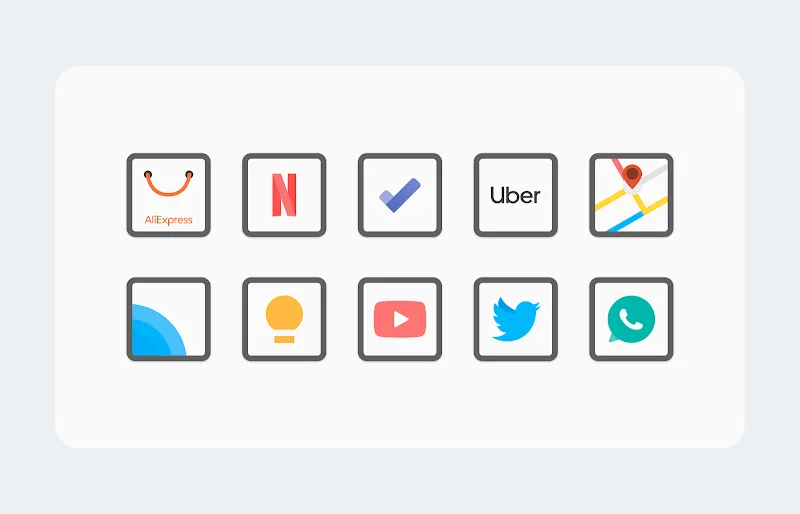
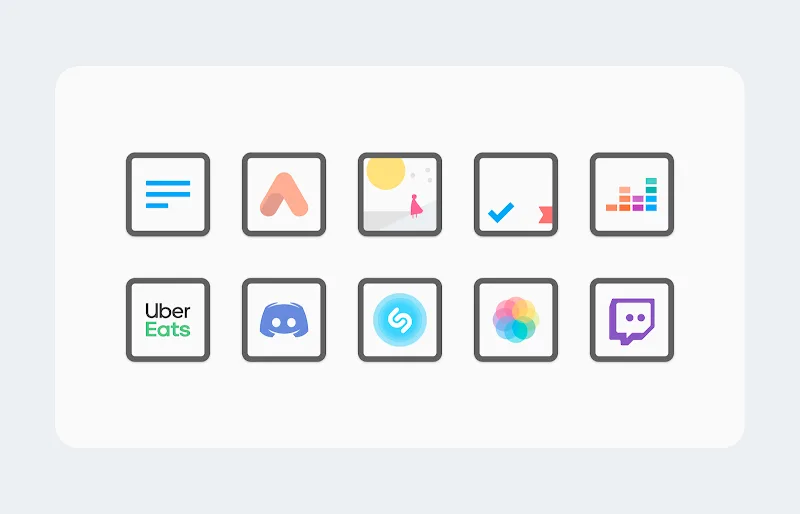
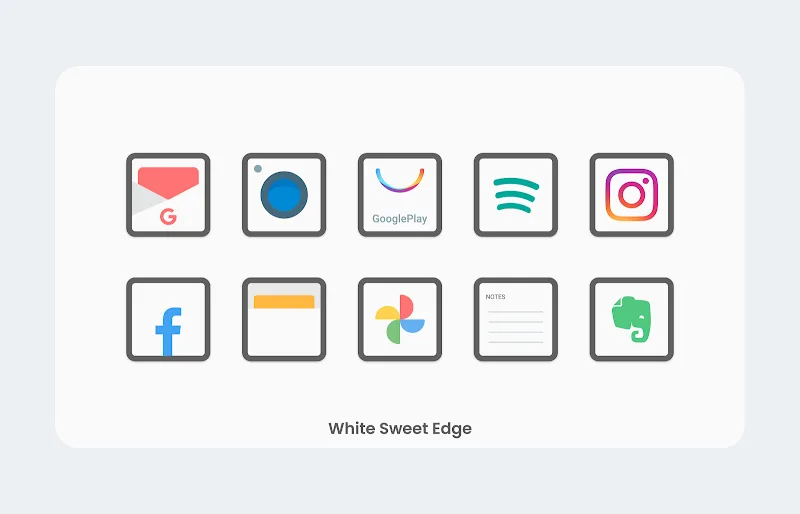
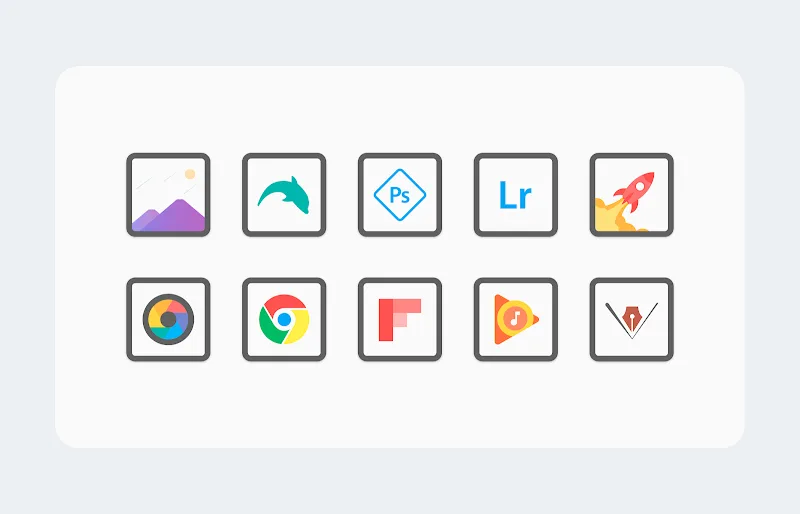
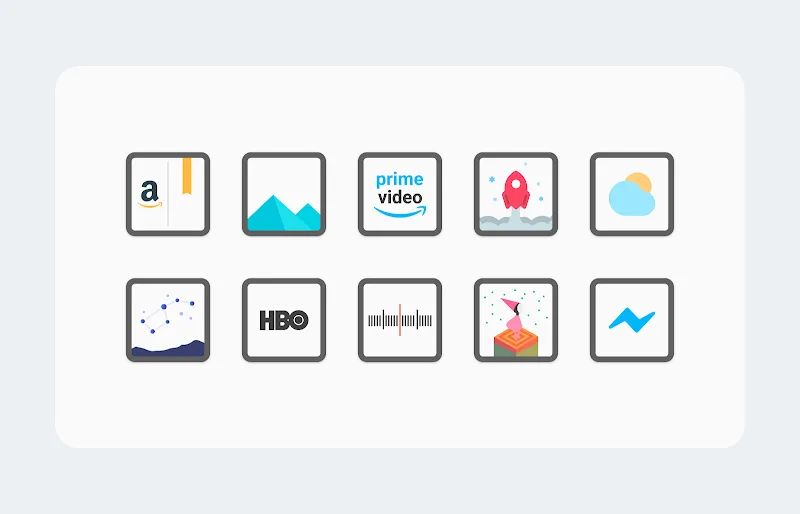
Looking to give your Android launcher a crisp, minimalist makeover? White Sweet Edge - Icon Pack arrives as a tidy, edge-focused icon theme that aims to refresh homescreens with consistent shapes and pale tones. It works with many popular launchers and is designed for users who prefer a subdued, modern look over colorful, busy icon sets. This review walks through what the pack offers, how to get started, and whether it fits your setup, with practical tips for everyday use and a couple of common scenarios where it shines.
Cohesive style: A uniform edge treatment across icons creates a calm, organized appearance that makes app titles and folders feel less cluttered.
Light palette: The mainly white and soft gray tones give your launcher a clean backdrop that complements wallpapers without stealing attention.
Wide compatibility: Works with most third-party launchers so you can apply the pack without switching your workflow.
Regular updates: Themed packs like this often add icons over time to cover new or niche apps, keeping your look consistent.
High-resolution assets: Icons are supplied in sharp, scalable formats so they look crisp on high-DPI displays.
Adaptive styling: Edge accents and uniform shapes are designed to sit well with both light and dark wallpapers.
Masking support: Missing icons can be auto-masked to match the pack’s visual language, reducing mismatched shortcuts.
Icon request tool: A built-in request option lets you ask for specific app icons to be added in future updates.
Minimal size overhead: The pack focuses on visual consistency without bloating storage or memory use.
Install and open: After installing, open the icon pack app to see the apply options and any setup hints provided by the developer.
Choose your launcher: Select your launcher from the list inside the pack; most mainstream launchers are supported and apply with a tap.
Apply masking or manual fix: If some apps keep their original icons, use the mask or manual replace option inside the pack to harmonize them.
Adjust grid and icon size: Small tweaks to grid spacing and icon size in your launcher settings can improve alignment with the White Sweet Edge - Icon Pack aesthetic.
Will this icon pack work with the default launcher on my phone?
It depends on the manufacturer. Most stock launchers do not support third-party icon packs, but popular launchers like Nova, Lawnchair, and Action do. Check the supported launchers list inside the app.
Can I request icons for apps that aren’t themed?
Yes. The pack typically includes an icon request feature that lets you submit app icons for future updates; include the app name and a screenshot where possible.
Will applying the pack change my widgets or wallpapers?
No. Icon packs alter only app icons. Widgets and wallpapers remain as you set them unless you change them separately in your launcher or wallpaper settings.
White Sweet Edge - Icon Pack is a solid choice if you want to simplify your launcher with a pale, edge-focused look that reduces visual noise while keeping icons readable. Compared with default icon sets that vary wildly in color and shape, this pack brings consistent styling and is particularly well suited for users who favour minimal, modern aesthetics on Android devices.
Gelux Icon Pack
Size:8.20M PersonalizationWallpaper Outlet
Size:2.43M PersonalizationBikerz - Icon Pack
Size:102.73M PersonalizationBorderline Icon Pack
Size:81.07M PersonalizationOne4Icons: Icon Pack Studio
Size:46.30M PersonalizationRadient Icons
Size:138.90M PersonalizationPigments
Size:4.50M PersonalizationFunko Dark - Icon Pack
Size:104.40M PersonalizationWhite Sweet Edge - Icon Pack
Size:18.04M PersonalizationOmega - Icon Pack
Size:16.89M PersonalizationDarko - Icon Pack
Size:106.85M PersonalizationOscuro Icon Pack
Size:53.32M PersonalizationApril 2024 Clash of Clans Update: Unveiling a Fresh Companion, Enhanced Levels, Chat Tagging, and Be
2024-04-16Arrival of Genshin Impact 4.6 Update: 'Embers of Two Realms, Twilight of Crimson'
2024-04-16V2.2 of the Farlight 84 update introduces an overhauled Season structure, fresh in-game currency, an
2024-04-16Monster Never Cry is now accessible on both Android and iOS mobile devices.
2024-04-18PUBG Mobile Teams Up with Bentley Motors: Luxury Cars, Exclusive Collectibles, and Beyond
2024-04-18March 2024 Free Redemption Codes for Honkai: Star Rail
2024-04-18