English
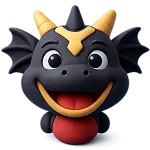
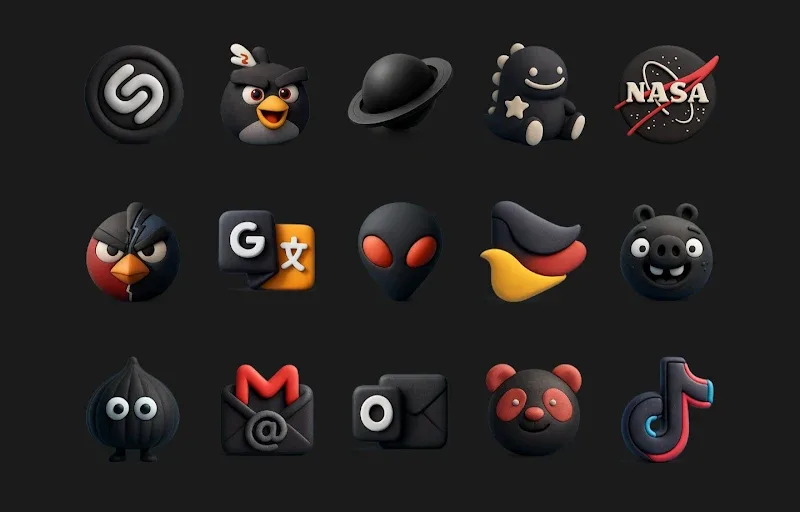
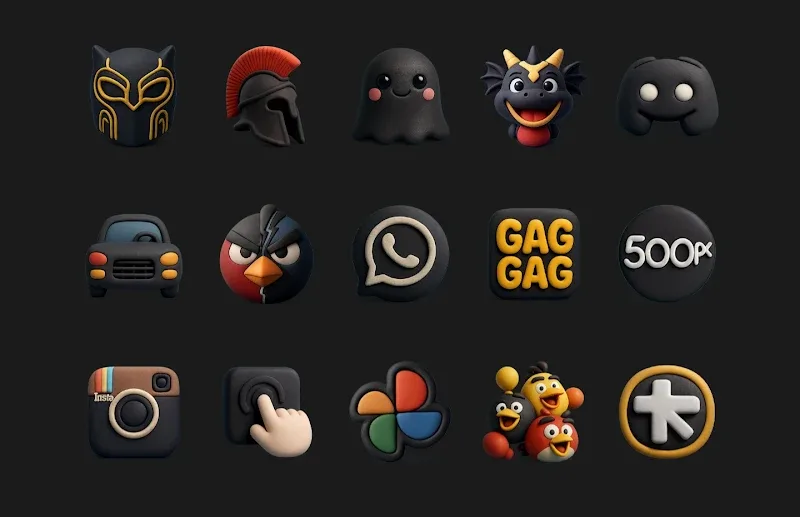
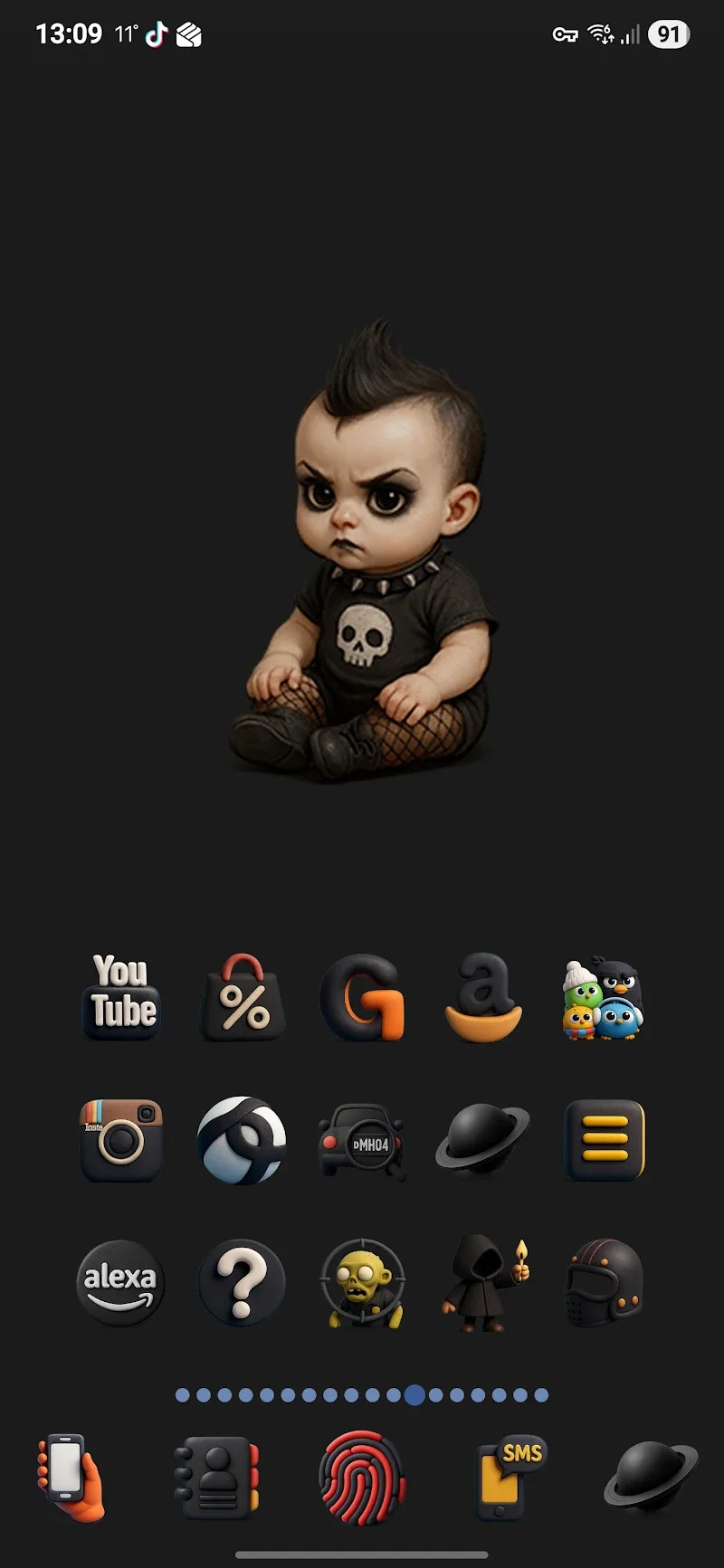
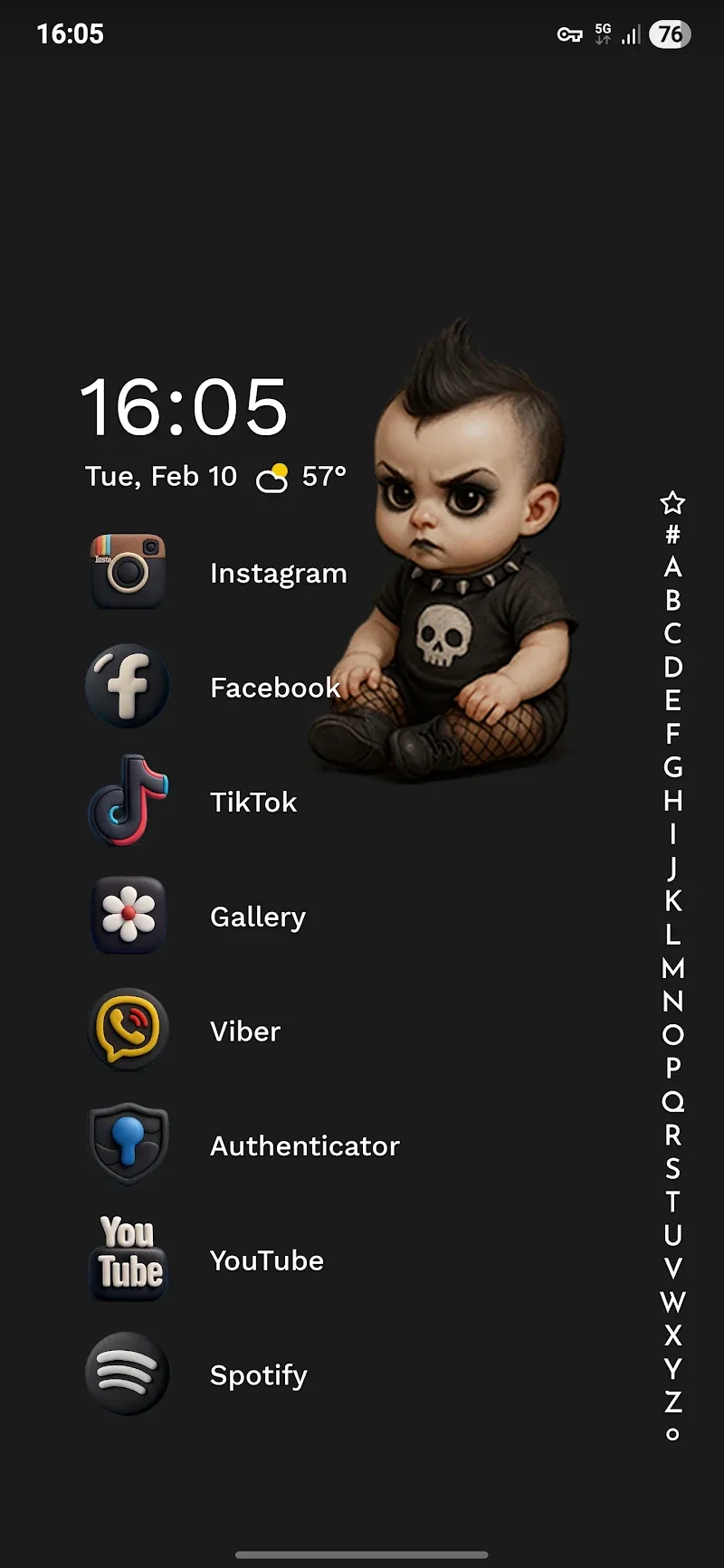
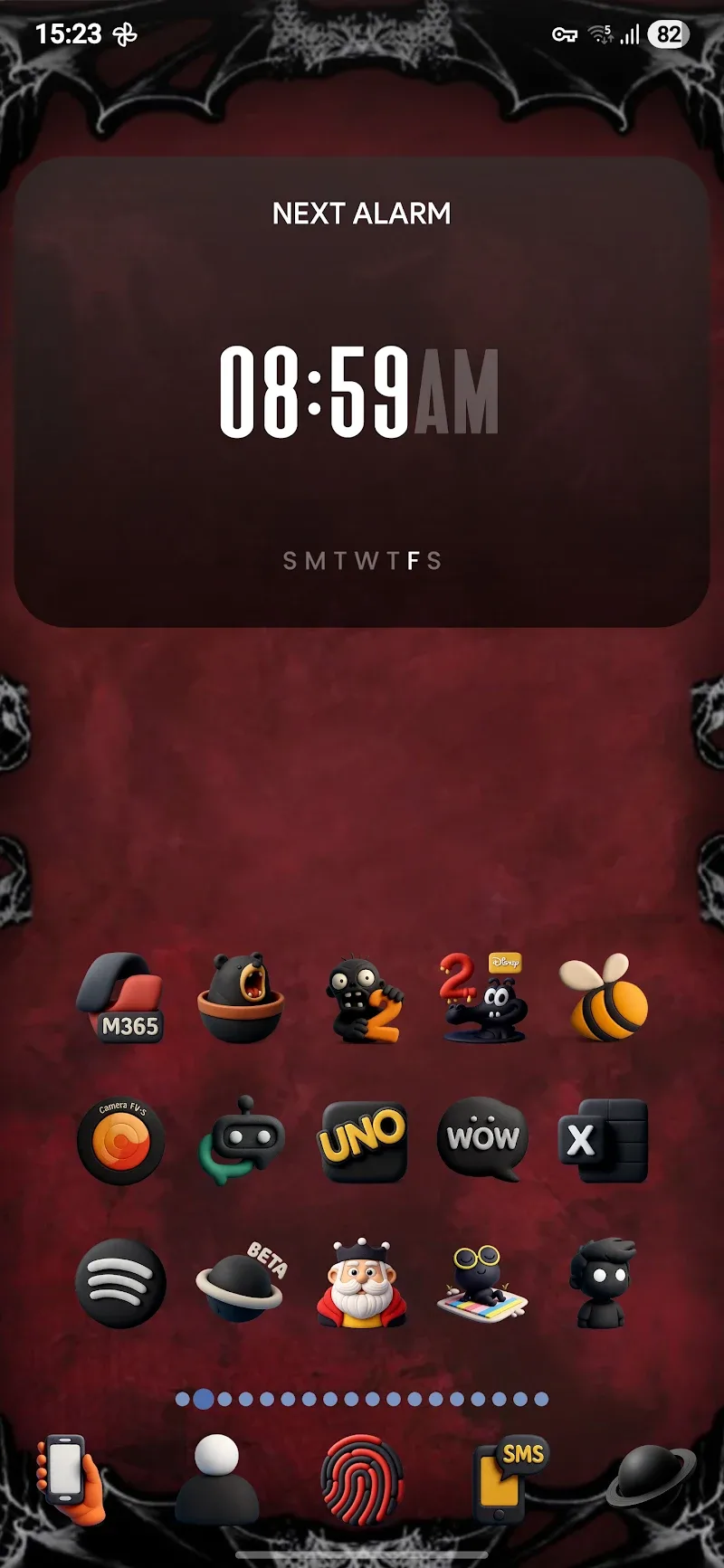
Funko Dark - Icon Pack transforms your Android home screen with a cohesive dark-themed icon set that blends playful silhouette shapes and muted tones. This lightweight icon pack delivers high-resolution icons, adaptive support, and a clean aesthetic to unify apps and widgets across popular launchers.
The visual intent behind Funko Dark - Icon Pack is simplicity with character. Icons use a compact, rounded silhouette style that reads clearly at small sizes while preserving a sense of whimsy. Dark backgrounds and subtle gradients reduce glare on OLED screens and create a consistent look that complements dark wallpapers and widgets.
Applying Funko Dark is straightforward with most third-party launchers. The pack exposes an apply option that lists supported launchers and guides you to complete the change. Adaptive icon support ensures consistent shapes across supported launchers, while the mask helps maintain uniformity for apps that don't have a dedicated themed icon.
Most popular launchers are supported, including Nova Launcher, Lawnchair, Action Launcher, ADW, Apex, and Microsoft Launcher. Some stock launchers may not support full icon pack application; in those cases the icon request feature and manual shortcuts are available. The pack is optimized for Android 8.0+ but functions well on older versions that allow third-party launchers.
Funko Dark - Icon Pack is designed to be flexible. Users can mix the icon set with third-party widgets and a wide selection of dark wallpapers. The pack does not override widgets or widgets themes, so you can tailor your home screen layout without losing visual cohesion. The included wallpapers are optimized to highlight the icon shapes and ensure legibility.
Efficiency was a priority during development. The icon pack is compressed for fast download and minimal storage impact. Icons are served as static PNGs and adaptive layers rather than live resources, so there is no additional battery overhead. On lower-end devices the pack remains responsive when browsing or applying icons.
If some icons do not apply correctly, check launcher permissions and ensure the launcher is up to date. The icon request feature simplifies reporting; include a screenshot and package name to help the developer identify the app. Updates typically address new app icons and edge cases across various Android versions.
After installing Funko Dark - Icon Pack from the store: open the app, tap the apply section, select your launcher, and follow on-screen prompts. For launchers that don’t support direct application, use the launcher’s icon picker to manually assign icons or create shortcuts. Installing the matching wallpaper pack is optional but recommended for a complete look.
Funko Dark - Icon Pack is ideal for users who want a modern, consistent dark theme with a playful twist. It balances aesthetics and performance, supports a broad range of launchers, and keeps growing through regular updates. The approachable style makes it suitable for minimal setups as well as more personalized home screens.
Whether you’re streamlining a daily driver or crafting a themed home screen, Funko Dark - Icon Pack offers a polished visual language with practical tools for customization. Keep the app updated to receive new icons and wallpapers, and use the built-in request system to expand coverage for the apps you use most.
Gelux Icon Pack
Size:8.20M PersonalizationWallpaper Outlet
Size:2.43M PersonalizationBikerz - Icon Pack
Size:102.73M PersonalizationBorderline Icon Pack
Size:81.07M PersonalizationOne4Icons: Icon Pack Studio
Size:46.30M PersonalizationRadient Icons
Size:138.90M PersonalizationPigments
Size:4.50M PersonalizationFunko Dark - Icon Pack
Size:104.40M PersonalizationWhite Sweet Edge - Icon Pack
Size:18.04M PersonalizationOmega - Icon Pack
Size:16.89M PersonalizationDarko - Icon Pack
Size:106.85M PersonalizationOscuro Icon Pack
Size:53.32M PersonalizationApril 2024 Clash of Clans Update: Unveiling a Fresh Companion, Enhanced Levels, Chat Tagging, and Be
2024-04-16Arrival of Genshin Impact 4.6 Update: 'Embers of Two Realms, Twilight of Crimson'
2024-04-16V2.2 of the Farlight 84 update introduces an overhauled Season structure, fresh in-game currency, an
2024-04-16Monster Never Cry is now accessible on both Android and iOS mobile devices.
2024-04-18PUBG Mobile Teams Up with Bentley Motors: Luxury Cars, Exclusive Collectibles, and Beyond
2024-04-18March 2024 Free Redemption Codes for Honkai: Star Rail
2024-04-18