English
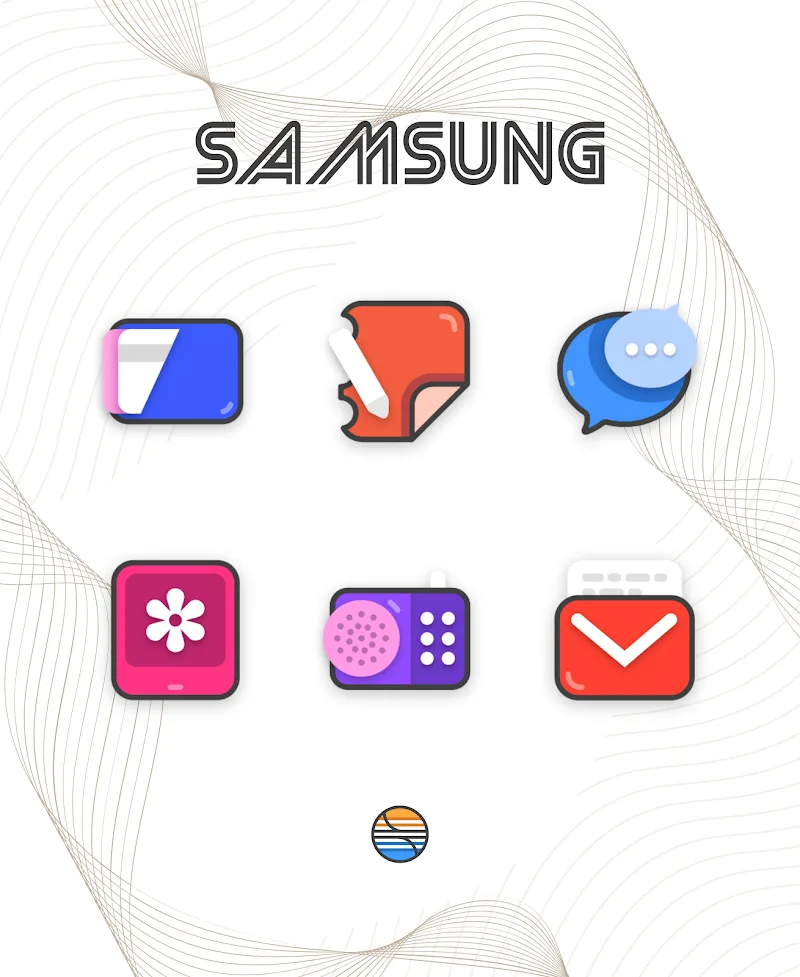
Borderline Icon Pack is a modern icon set designed to refresh Android home screens with a consistent bordered aesthetic; Borderline Icon Pack focuses on clean outlines, adjustable color palettes and coordinated wallpapers so you can quickly move between high-contrast and softer, muted looks while preserving legibility. This package is built around a minimalist design language that emphasizes thin or bold border accents, carefully balanced glyph proportions and matching backgrounds to give every screen a cohesive, contemporary appearance. The initial setup is straightforward and the visual intent remains practical: icons are meant to be readable at a glance while allowing flexible personalization.
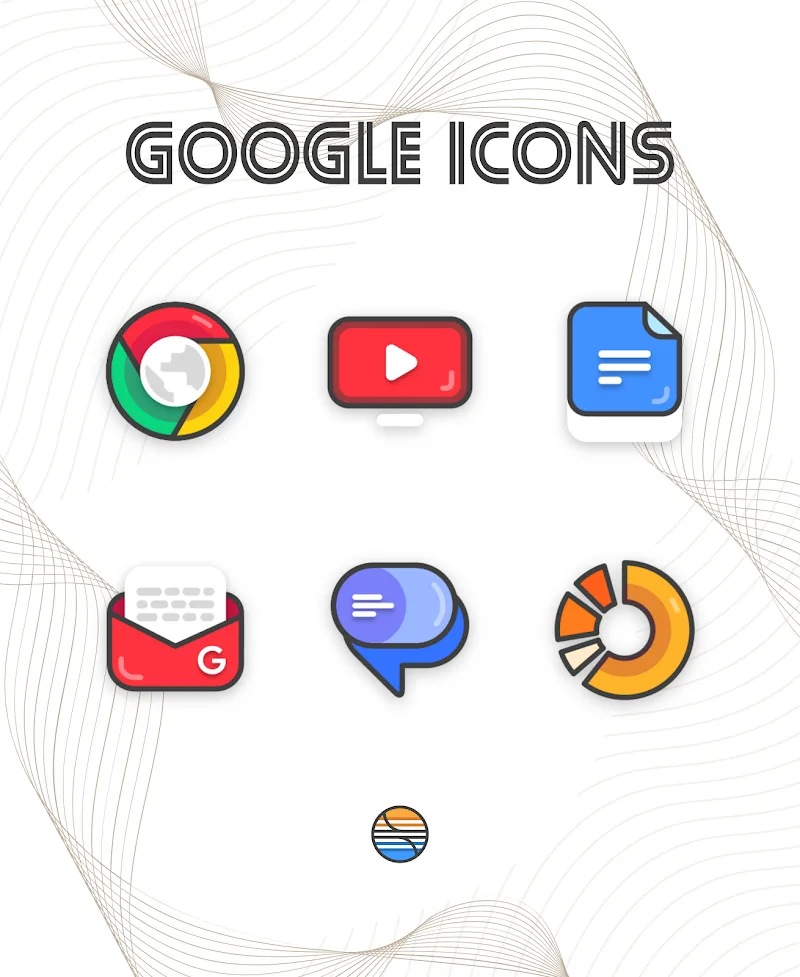
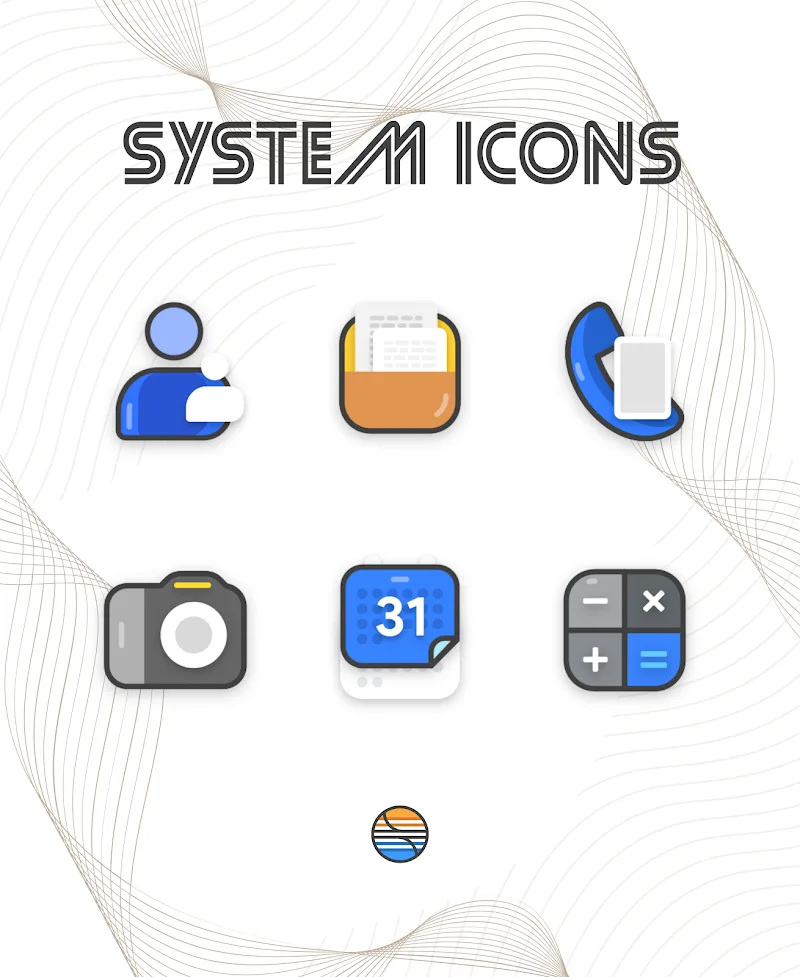
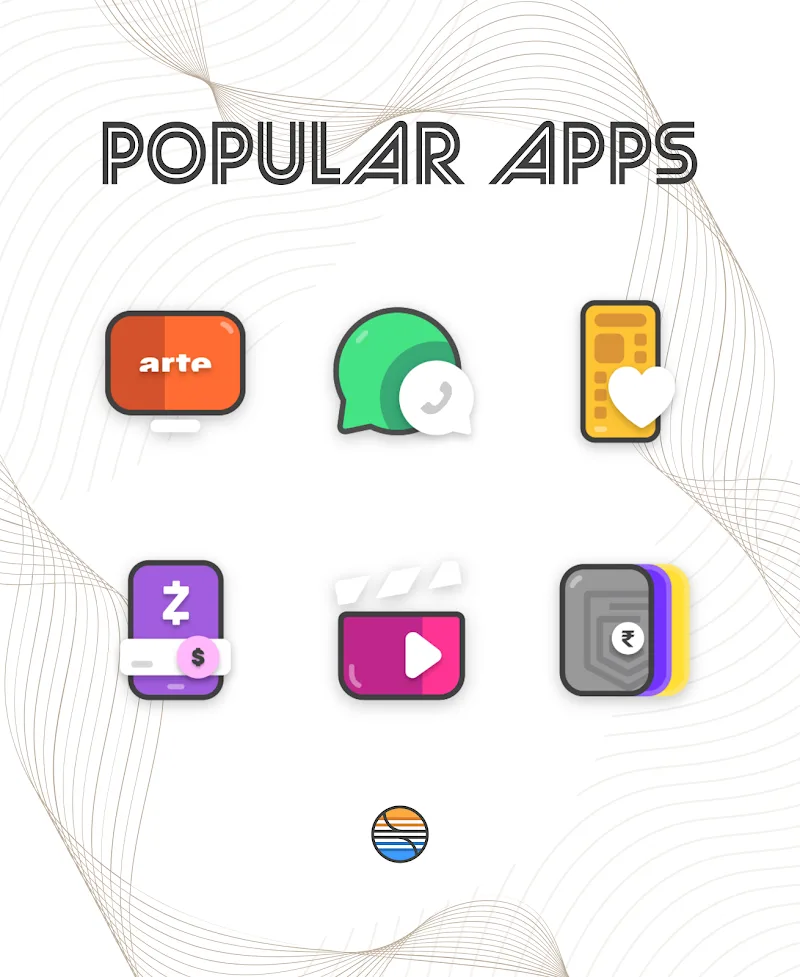
The core of Borderline Icon Pack is a broad library of border-focused icon templates that cover popular apps and common shortcuts, paired with a selection of wallpapers created to harmonize with icon tones and border strengths. Search tools let you find icons by keyword, and voice-based search is supported where your launcher allows it, speeding up replacement for specific apps. Multiple theme tones from deep dark palettes to subtle, desaturated shades are included so you can adopt a bold, high-contrast home screen or a calm, low-contrast arrangement without losing clarity.
Customization centers on several simple controls that let you adjust the border character and color intensity. Within the customization interface you can alter border thickness and edge rounding, pick a primary color or accent palette, and shift icon contrast to suit visibility needs. These adjustments are immediate so you can preview changes on your home screen and refine details such as icon size or alignment through your launcher’s settings. Applying new icons can be done per-app to target a few shortcuts or across screens to create a uniform theme, giving you practical control over how sweeping a change you want.
Using Borderline Icon Pack is a gradual, iterative process rather than a one-time overhaul: start with a preset tone suited to your device lighting, replace core app icons you interact with most, then tweak borders and colors to improve contrast and readability. Over time you can refine the look by adding or swapping wallpapers that complement the border weight and color palette. The pack is designed to support that progression—small edits lead to a noticeably more consistent interface, and repeated adjustments help you discover combinations that feel most comfortable for daily use.
The visual approach in Borderline Icon Pack relies on outline accents and geometric glyphs to maintain clarity at different sizes. Icons are structured to respect common launcher masks while keeping a unified edge language so apps appear balanced when placed together. Theme variants are organized to let you change the overall tone without manually editing each icon: dark modes preserve contrast for night-time use, while lighter, washed tones reduce visual weight for a subtler aesthetic.
The pack offers replay value through regular visual experimentation rather than gameplay: switching between palettes and wallpaper sets gives a fresh perspective without installing new software. The best results come from periodically reviewing your chosen set and trying alternate border weights and backgrounds. The team periodically releases updates to expand icon coverage and add new wallpapers, which keeps the collection relevant as apps evolve.
Borderline Icon Pack is intended for use with Android launchers that support third-party icon themes; you typically apply the pack through your launcher’s theme or icon settings. After installation the icons and wallpapers remain available offline, so you can customize your device without needing a persistent network connection. The pack is engineered to be lightweight, with minimal impact on battery and performance, and it respects launcher-specific settings for icon scaling and masking.
Accessibility considerations are part of the design: adjustable border thickness and contrast choices assist users who need clearer edges for quick recognition, and pairing icons with high-contrast wallpapers can improve visibility. If you rely on system-level accessibility features, Borderline Icon Pack works alongside those settings because the pack supplies visual assets while the launcher and system control fonts, magnification and spoken feedback. To get started, choose a base theme, replace icons for your most-used apps, then refine borders and wallpaper until the balance between style and clarity suits your everyday workflow.
Gelux Icon Pack
Size:8.20M PersonalizationWallpaper Outlet
Size:2.43M PersonalizationBikerz - Icon Pack
Size:102.73M PersonalizationBorderline Icon Pack
Size:81.07M PersonalizationOne4Icons: Icon Pack Studio
Size:46.30M PersonalizationRadient Icons
Size:138.90M PersonalizationPigments
Size:4.50M PersonalizationFunko Dark - Icon Pack
Size:104.40M PersonalizationWhite Sweet Edge - Icon Pack
Size:18.04M PersonalizationOmega - Icon Pack
Size:16.89M PersonalizationDarko - Icon Pack
Size:106.85M PersonalizationOscuro Icon Pack
Size:53.32M PersonalizationApril 2024 Clash of Clans Update: Unveiling a Fresh Companion, Enhanced Levels, Chat Tagging, and Be
2024-04-16Arrival of Genshin Impact 4.6 Update: 'Embers of Two Realms, Twilight of Crimson'
2024-04-16V2.2 of the Farlight 84 update introduces an overhauled Season structure, fresh in-game currency, an
2024-04-16Monster Never Cry is now accessible on both Android and iOS mobile devices.
2024-04-18PUBG Mobile Teams Up with Bentley Motors: Luxury Cars, Exclusive Collectibles, and Beyond
2024-04-18March 2024 Free Redemption Codes for Honkai: Star Rail
2024-04-18