English
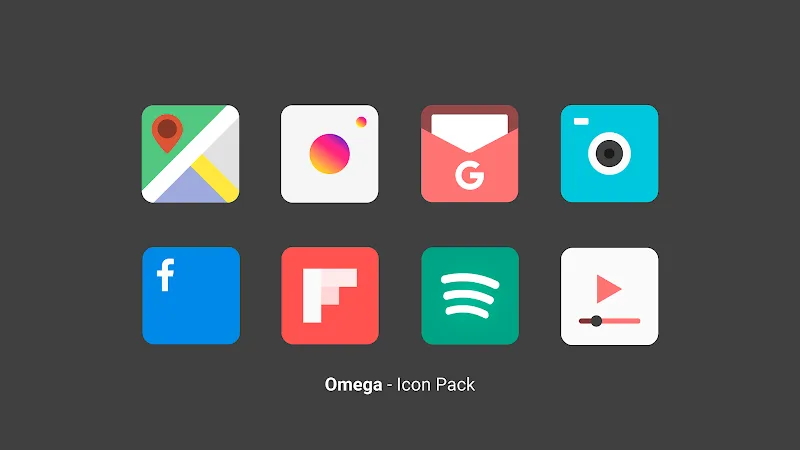
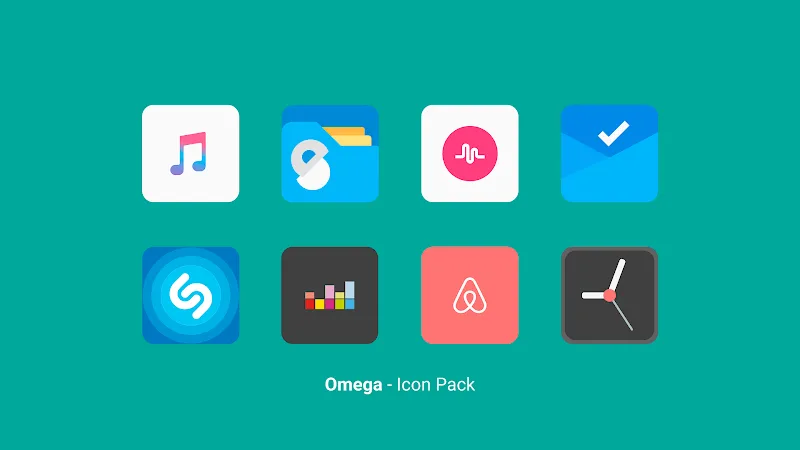
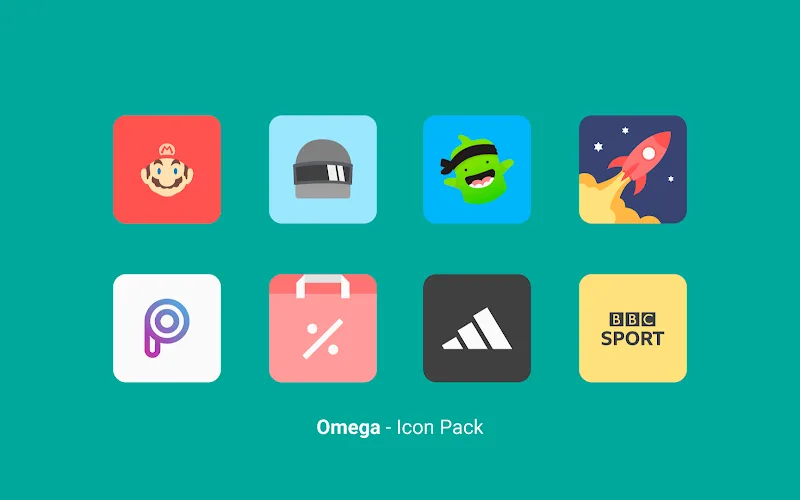
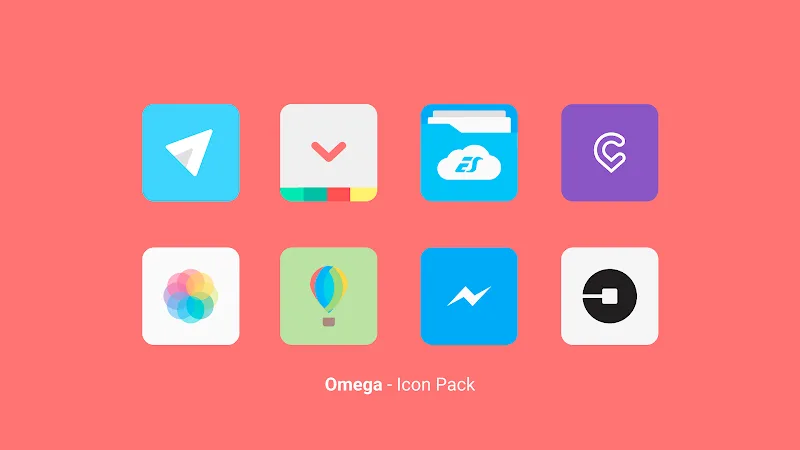
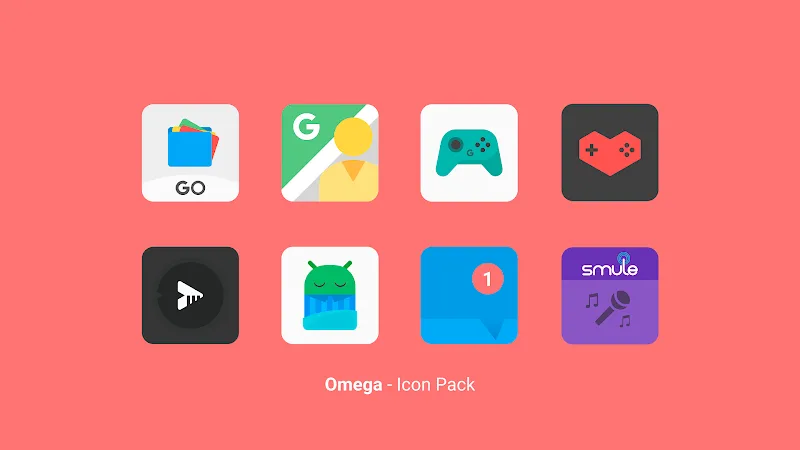
Omega - Icon Pack offers a refined collection of high-resolution icons that instantly modernize Android homescreens. The set emphasizes adaptive icon support, uniform shapes, subtle gradients and crisp details to produce a cohesive look across apps. Lightweight and regularly updated, it aims to balance style with efficient device performance.
Omega - Icon Pack focuses on a restrained aesthetic: clean geometry, harmonious color accents and pixel-perfect glyphs. Each icon is crafted to maintain legibility on different screen sizes while preserving a consistent visual language. Designers prioritized clarity over ornamentation so the icons feel contemporary without being distracting.
Most users will apply Omega - Icon Pack through supported launchers such as Nova, Lawnchair, Action, ADW and Apex. The pack includes a lightweight dashboard that simplifies applying themes, previewing icons and requesting new artwork. If your launcher lacks native support, the dashboard provides quick instructions or an apply shortcut that guides you through manual setup.
Beyond one-tap application, Omega - Icon Pack gives users tools to tailor their home screens. The icon mask option ensures unthemed apps blend with the pack, while alternate glyph styles provide subtle variety without breaking cohesion. Wallpapers are matched to color accents and can be mixed to create either low-contrast or vivid setups.
Omega - Icon Pack is built to be lightweight. Icons are optimized for fast load times and minimal memory overhead, so even older devices typically show smooth performance. The dashboard interface is uncluttered, with clear apply buttons, previews and sorting options that make navigation straightforward.
The pack uses static assets rather than live widgets, so there’s no continuous background processing. That minimizes battery impact compared with dynamic themes. Memory usage is mostly limited to cached icon previews handled by the launcher.
One strong point of Omega - Icon Pack is its update cadence. Regular updates include new icons, compatibility fixes and occasional refinements to artwork. The developer provides a simple request channel in the dashboard so users can submit icons for apps that aren’t yet covered, helping the pack grow in practical ways.
To begin, install the icon pack and open the included dashboard. Choose your launcher from the list, tap apply, and follow any additional prompts. If you prefer manual setup, use the launcher’s icon picker to select individual icons. For a consistent home screen, apply the bundled wallpaper and adjust grid and icon size settings in the launcher.
Omega - Icon Pack appeals to users who want a modern, understated look without sacrificing compatibility or performance. It’s ideal for people who configure homescreens with attention to detail and prefer long-term maintainability through regular updates. With a straightforward dashboard and practical customization options, Omega - Icon Pack makes it easy to refresh your device’s look while keeping the interface coherent and efficient.
Gelux Icon Pack
Size:8.20M PersonalizationWallpaper Outlet
Size:2.43M PersonalizationBikerz - Icon Pack
Size:102.73M PersonalizationBorderline Icon Pack
Size:81.07M PersonalizationOne4Icons: Icon Pack Studio
Size:46.30M PersonalizationRadient Icons
Size:138.90M PersonalizationPigments
Size:4.50M PersonalizationFunko Dark - Icon Pack
Size:104.40M PersonalizationWhite Sweet Edge - Icon Pack
Size:18.04M PersonalizationOmega - Icon Pack
Size:16.89M PersonalizationDarko - Icon Pack
Size:106.85M PersonalizationOscuro Icon Pack
Size:53.32M PersonalizationApril 2024 Clash of Clans Update: Unveiling a Fresh Companion, Enhanced Levels, Chat Tagging, and Be
2024-04-16Arrival of Genshin Impact 4.6 Update: 'Embers of Two Realms, Twilight of Crimson'
2024-04-16V2.2 of the Farlight 84 update introduces an overhauled Season structure, fresh in-game currency, an
2024-04-16Monster Never Cry is now accessible on both Android and iOS mobile devices.
2024-04-18PUBG Mobile Teams Up with Bentley Motors: Luxury Cars, Exclusive Collectibles, and Beyond
2024-04-18March 2024 Free Redemption Codes for Honkai: Star Rail
2024-04-18