English
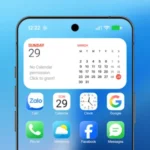
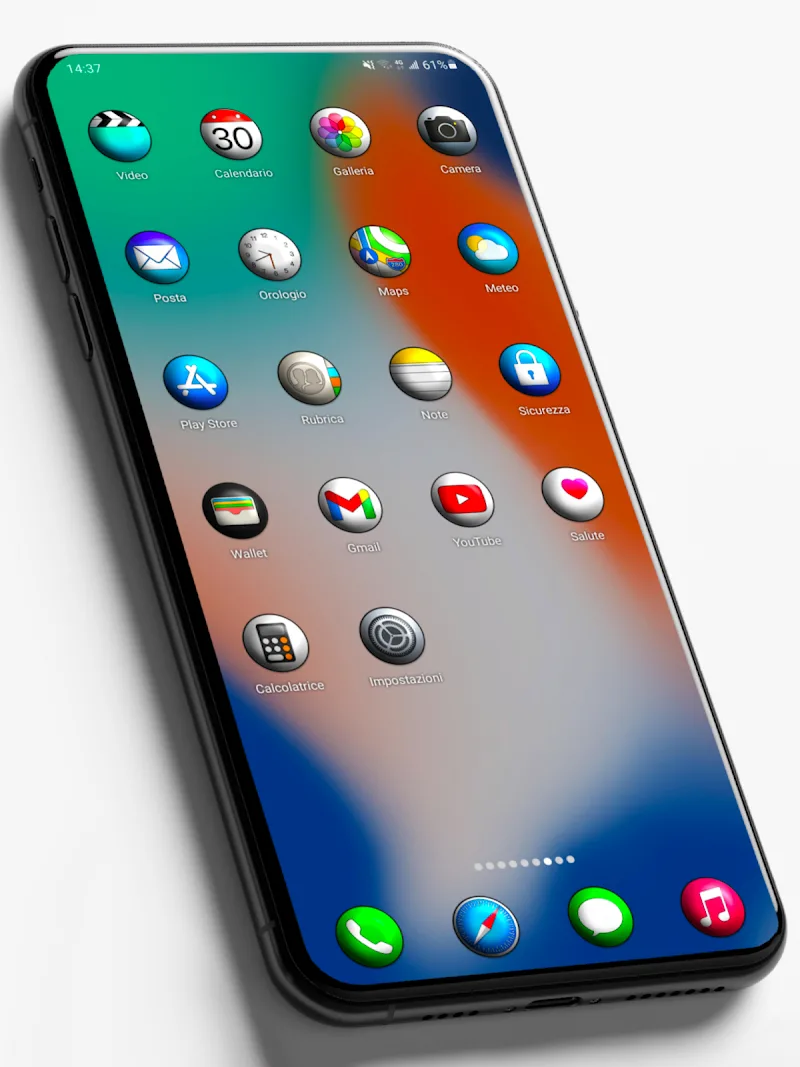
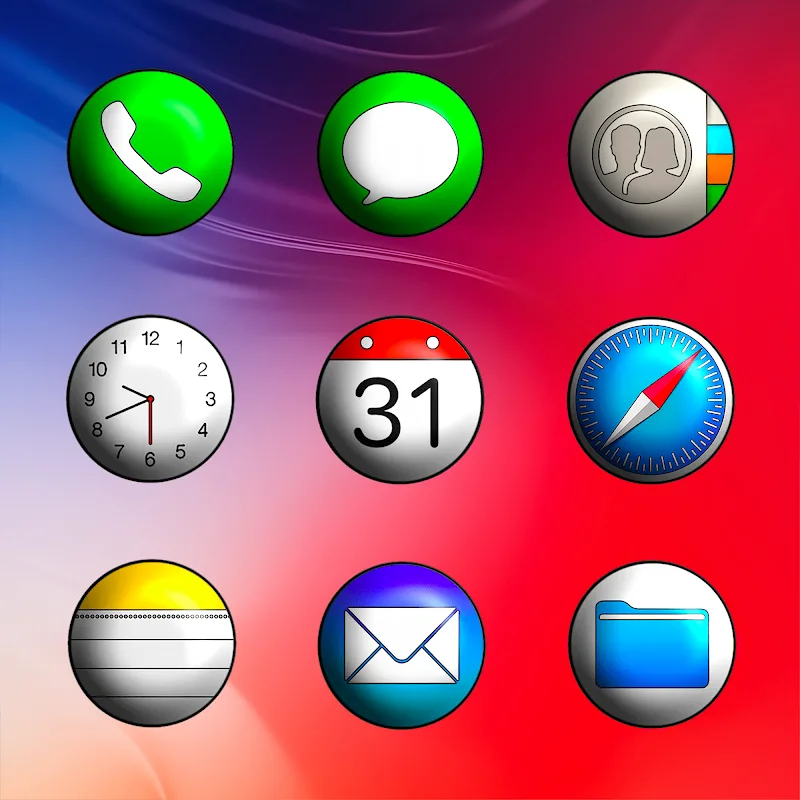
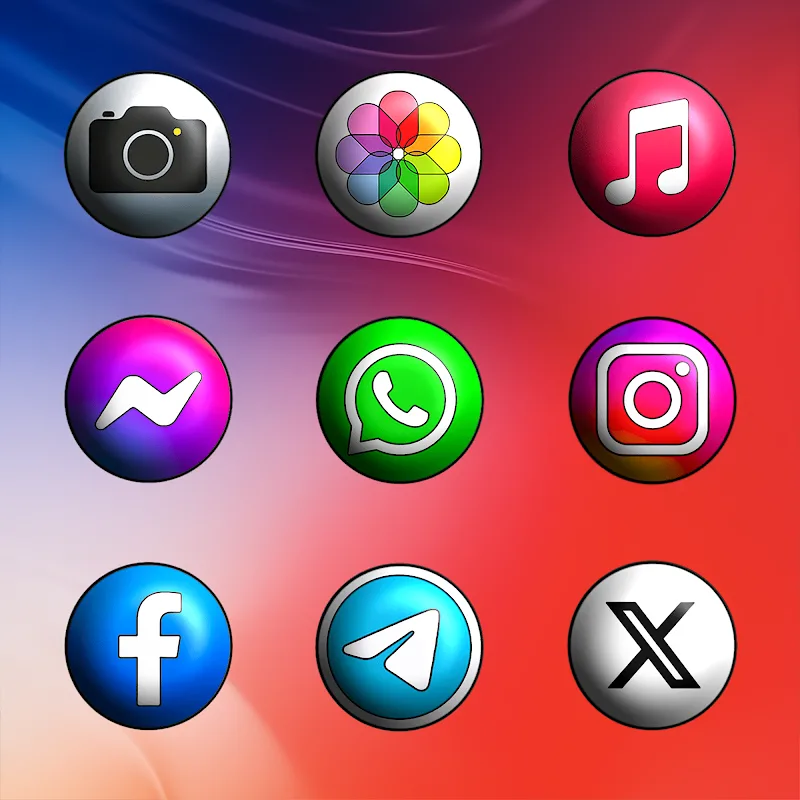
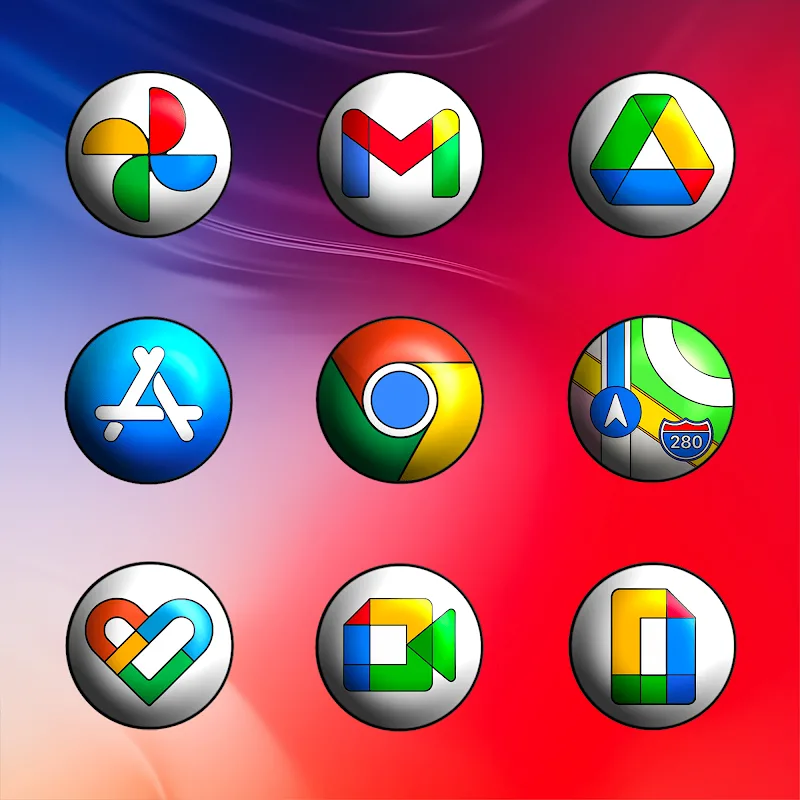
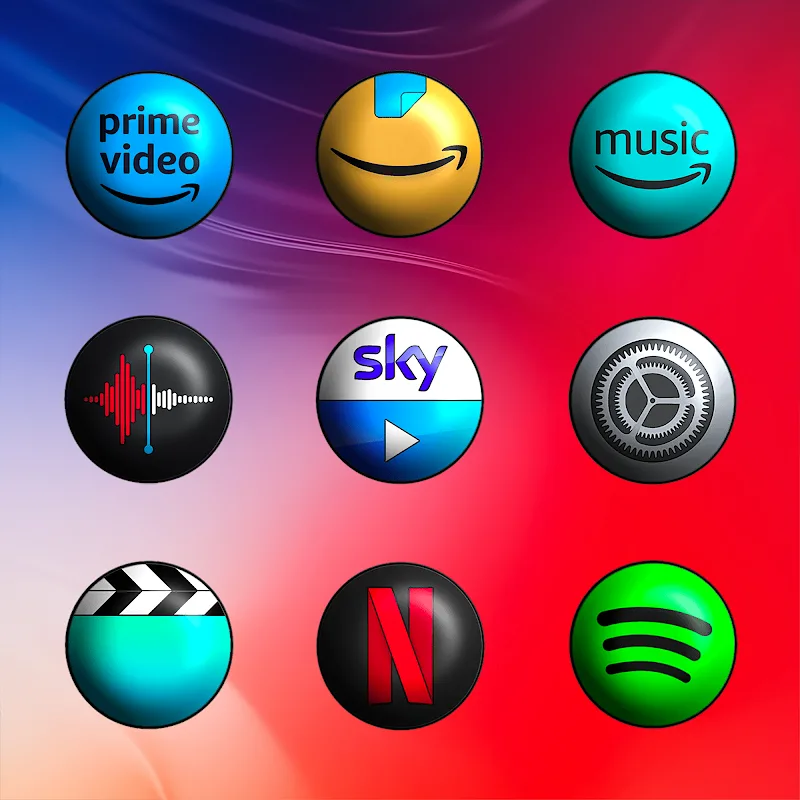
Android icon pack customization gets a premium twist with CRiOS Circle 3D - Icon Pack. This collection reimagines your home screen with rounded, three-dimensional glyphs that bring depth and polish to app shortcuts. The pack focuses on crisp detail and consistent styling, offering high-resolution artwork, automatic icon masking for unsupported apps, and a large catalog of themed icons. Whether you like a minimalist layout or a glossy, tactile look, CRiOS Circle 3D - Icon Pack aims to refresh your launcher without changing how you use your phone.
Ultra-detailed artwork: Each icon is crafted with fine edges and realistic shading so small details remain clear at any display size.
Extensive library: The pack includes a broad range of icons covering system tools, popular apps, and niche utilities to keep your theme cohesive.
High pixel density: Icons are supplied at large resolutions so they stay sharp on high-DPI screens and modern Android devices.
Automatic masking: Icons for apps without a dedicated design are automatically adjusted to match the round theme, producing a unified look.
Regular updates and support: The developer issues periodic icon updates and accepts direct icon requests so missing app icons can be added over time.
Standard 3D round set: The default set provides glossy, circular icons that emphasize highlights and subtle shadows for a faux-physical appearance.
Minimal color variants: Some themed subsets reduce contrast and simplify palettes for a cleaner, modern home screen aesthetic.
Legacy and new app coverage: The pack distinguishes between core system icons and recently added app artwork, so both old and new apps receive matching treatments.
Apply through a supported launcher: For best results, enable the pack using a third-party launcher that supports icon themes; many popular launchers provide a one-tap apply option.
Create a presentation-ready home screen: Before a meeting or demo, switch to a pared-back icon set from the pack to present a professional, uncluttered interface.
Mix and match variants: If you prefer less depth on certain folders or widgets, combine the 3D round icons with flatter variants from the pack to balance visual weight.
Will this icon pack work with my launcher?
Most Android launchers that support third-party themes are compatible. Check the launcher’s theme panel and select CRiOS Circle 3D - Icon Pack from the list of installed packs.
How do I request an icon for an app that’s missing?
The pack includes a direct request option; submit the missing app name and package and the developer typically includes it in a future update.
Do icons stay sharp on high-resolution displays?
Yes, the icons are produced at high pixel densities so they remain detailed on phones and tablets with dense screens.
Will automatic masking change app labels or shortcuts?
Masking only alters the visual container of an icon to match the circular style; app names and shortcuts remain unchanged.
CRiOS Circle 3D - Icon Pack makes a strong case for anyone who wants a cohesive, polished home screen without manual editing; it pairs clarity with consistent styling and ongoing support. If you value visual polish and regular updates, this icon pack is a practical choice for refreshing your Android setup.
Vanilla - Icon Pack
Size:23.56M PersonalizationFashion Icon Pack
Size:96.27M PersonalizationAzulox Icon Pack - Dark mode
Size:115.38M PersonalizationCRiOS Circle 3D - Icon Pack
Size:132.19M PersonalizationWave Keyboard
Size:106.20M PersonalizationFriendly Icon Pack
Size:70.47M PersonalizationOxigen Square 3D - Icon Pack
Size:111.48M PersonalizationFluffy Widgets
Size:46.77M PersonalizationLiquid Glass 26 Icon Pack
Size:114.21M PersonalizationShades Of Glass
Size:30.30M PersonalizationLauncher OS 27
Size:15.86M PersonalizationFluffy Icons - One UI Style
Size:73.16M PersonalizationApril 2024 Clash of Clans Update: Unveiling a Fresh Companion, Enhanced Levels, Chat Tagging, and Be
2024-04-16Arrival of Genshin Impact 4.6 Update: 'Embers of Two Realms, Twilight of Crimson'
2024-04-16V2.2 of the Farlight 84 update introduces an overhauled Season structure, fresh in-game currency, an
2024-04-16Monster Never Cry is now accessible on both Android and iOS mobile devices.
2024-04-18PUBG Mobile Teams Up with Bentley Motors: Luxury Cars, Exclusive Collectibles, and Beyond
2024-04-18March 2024 Free Redemption Codes for Honkai: Star Rail
2024-04-18