English
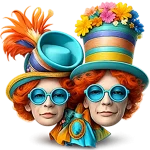
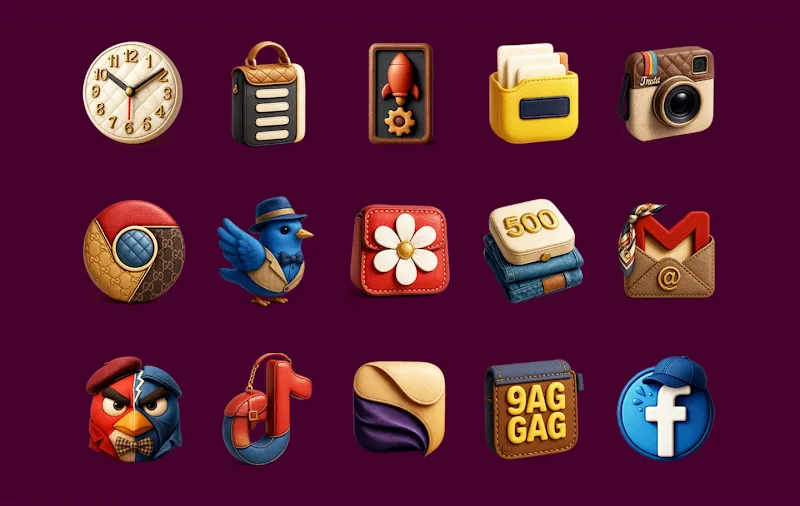
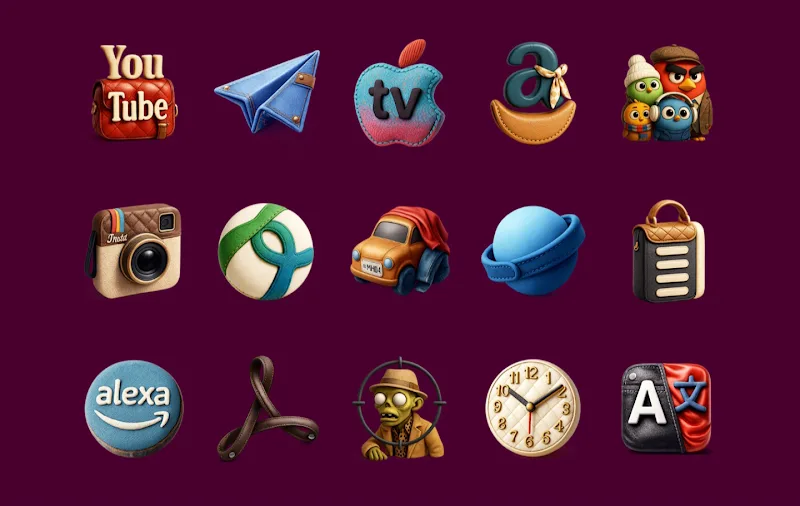
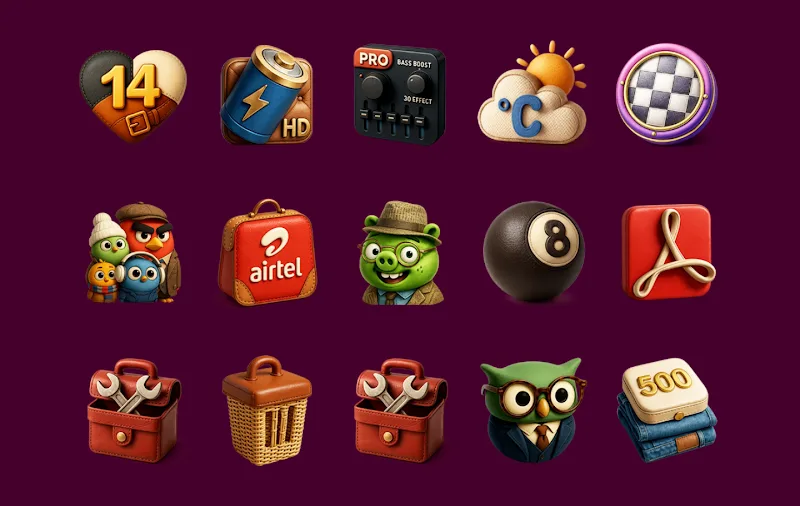
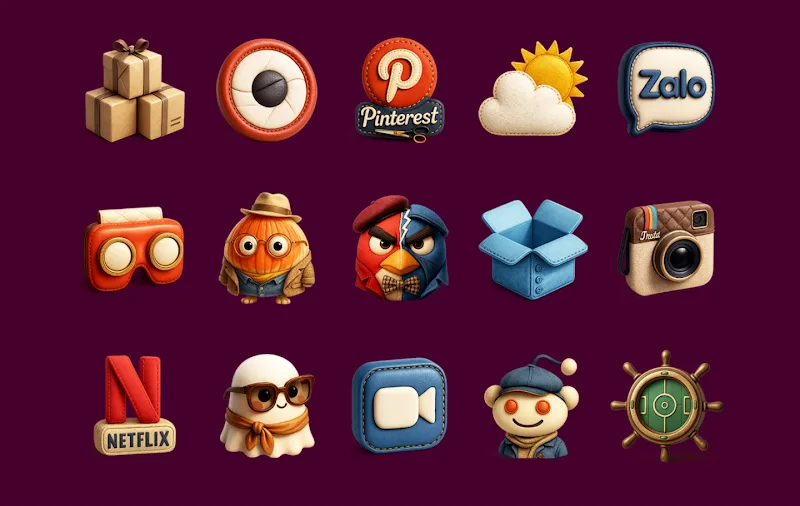
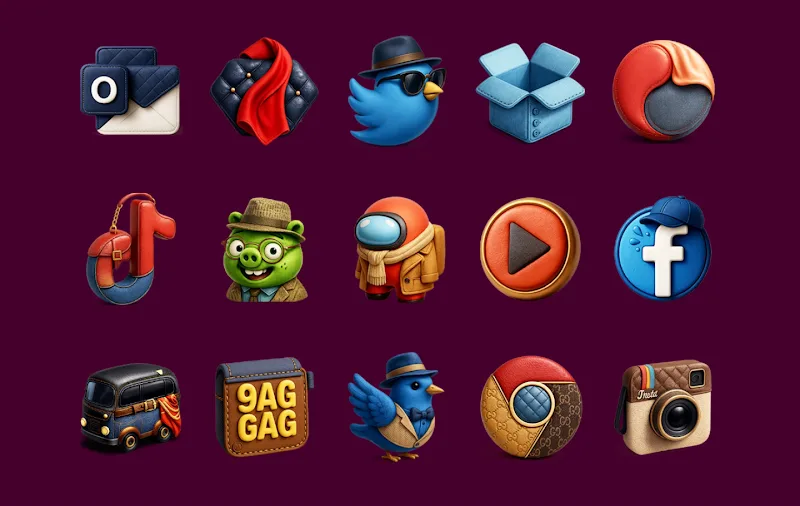
Fashion Icon Pack refreshes your device with a curated selection of fashion-forward icons and matching wallpapers crafted to give your home screen a refined, cohesive appearance. Fashion Icon Pack places emphasis on modern trends, elegant finishes, and harmonized color systems so that your interface looks intentional without complicated setup. Whether you prefer a soft pastel palette or crisp, high-contrast accents, this icon pack is designed to help you express a consistent personal aesthetic while remaining unobtrusive and usable.
The visual approach in Fashion Icon Pack leans toward contemporary wardrobe sensibilities: clean silhouettes, subtle textures, and color choices that mirror seasonal collections. Icons are created with attention to negative space and legibility, so app symbols remain recognizable at glance. Wallpapers are developed in parallel to the icon artwork, offering coordinated backgrounds that reduce visual clutter and allow icons to stand out. The result is a polished, editorial look that suits both minimalist and fashion-forward home screens without feeling like heavy ornamentation.
Applying the pack is straightforward: after installation, you can set the icons and wallpapers through your device launcher or, where supported, from within the app's interface. Many Android launchers allow quick assignment of an icon by long-pressing an app shortcut and choosing an alternative image; Fashion Icon Pack assets are sized to integrate cleanly with those workflows. Icons scale to match standard shortcut sizes and preserve clarity on a range of display densities, so the visual balance you select remains consistent across phones and tablets.
Rather than presenting a single static set, Fashion Icon Pack is organized into themed collections and color groups to make gradual customization easy. You can mix and match icons and wallpapers from different categories to evolve your home screen over time. For users who enjoy iterative personalization, this structure functions like a light progression system: start with a core palette, then introduce accent icons or seasonal variations to refresh the look without replacing everything at once. Updates to the pack add new motifs and colorways, allowing your device styling to develop naturally.
Customization focuses on simplicity and control. The pack includes alternate icon variants for commonly used apps so you can choose a tone that fits your layout. Wallpaper options range from subtle gradients to textured backdrops that emphasize depth without competing with icons. Together, these assets let you create combinations that reflect your taste while maintaining readability and quick access to apps. The interface and assets are intended to minimize fiddly adjustments: the goal is a satisfying result with only a few deliberate choices.
Although this is not a game, Fashion Icon Pack supports a form of creative replay value through repeated styling experiments. You can treat your home screen as a rotating wardrobe: change color accents for a mood shift, swap a themed collection for a seasonal refresh, or remix icons and wallpapers to suit different contexts like work, travel, or leisure. The pack's modular structure invites systematic experimentation and encourages users to refine an evolving visual identity over weeks and months.
Accessibility considerations include icon designs that prioritize contrast and clear glyph shapes so they remain identifiable for a wide range of users. Wallpapers in the collection include higher-contrast options and muted backgrounds to improve legibility of text and widgets. Fashion Icon Pack is built for broad compatibility with modern Android launchers and screen resolutions; assets are provided at multiple densities to maintain crispness on high-resolution displays. Once downloaded, the pack is available offline for application and experimentation without needing a network connection.
Because the pack favors style-forward treatments, it may not suit users who prefer strictly classic or ultra-minimal themes; some decorative effects might appear differently across devices with distinct color calibration. The curated nature of the collection is intended to promote cohesion, but it means the aesthetic leans toward a particular editorial sensibility rather than offering every possible visual direction. If you like to switch frequently between wildly different themes, plan on combining these assets selectively to preserve balance.
Fashion Icon Pack is updated periodically with new icons and wallpaper variations to reflect contemporary design shifts. Support information and guidance for applying the pack on a range of launchers is provided within the app description to keep setup simple. For users who value a thoughtfully coordinated home screen, Fashion Icon Pack offers a measured, durable approach to personalization that emphasizes clarity, quality, and ease of use.
Vanilla - Icon Pack
Size:23.56M PersonalizationFashion Icon Pack
Size:96.27M PersonalizationAzulox Icon Pack - Dark mode
Size:115.38M PersonalizationCRiOS Circle 3D - Icon Pack
Size:132.19M PersonalizationWave Keyboard
Size:106.20M PersonalizationFriendly Icon Pack
Size:70.47M PersonalizationOxigen Square 3D - Icon Pack
Size:111.48M PersonalizationFluffy Widgets
Size:46.77M PersonalizationLiquid Glass 26 Icon Pack
Size:114.21M PersonalizationShades Of Glass
Size:30.30M PersonalizationLauncher OS 27
Size:15.86M PersonalizationFluffy Icons - One UI Style
Size:73.16M PersonalizationApril 2024 Clash of Clans Update: Unveiling a Fresh Companion, Enhanced Levels, Chat Tagging, and Be
2024-04-16Arrival of Genshin Impact 4.6 Update: 'Embers of Two Realms, Twilight of Crimson'
2024-04-16V2.2 of the Farlight 84 update introduces an overhauled Season structure, fresh in-game currency, an
2024-04-16Monster Never Cry is now accessible on both Android and iOS mobile devices.
2024-04-18PUBG Mobile Teams Up with Bentley Motors: Luxury Cars, Exclusive Collectibles, and Beyond
2024-04-18March 2024 Free Redemption Codes for Honkai: Star Rail
2024-04-18