English
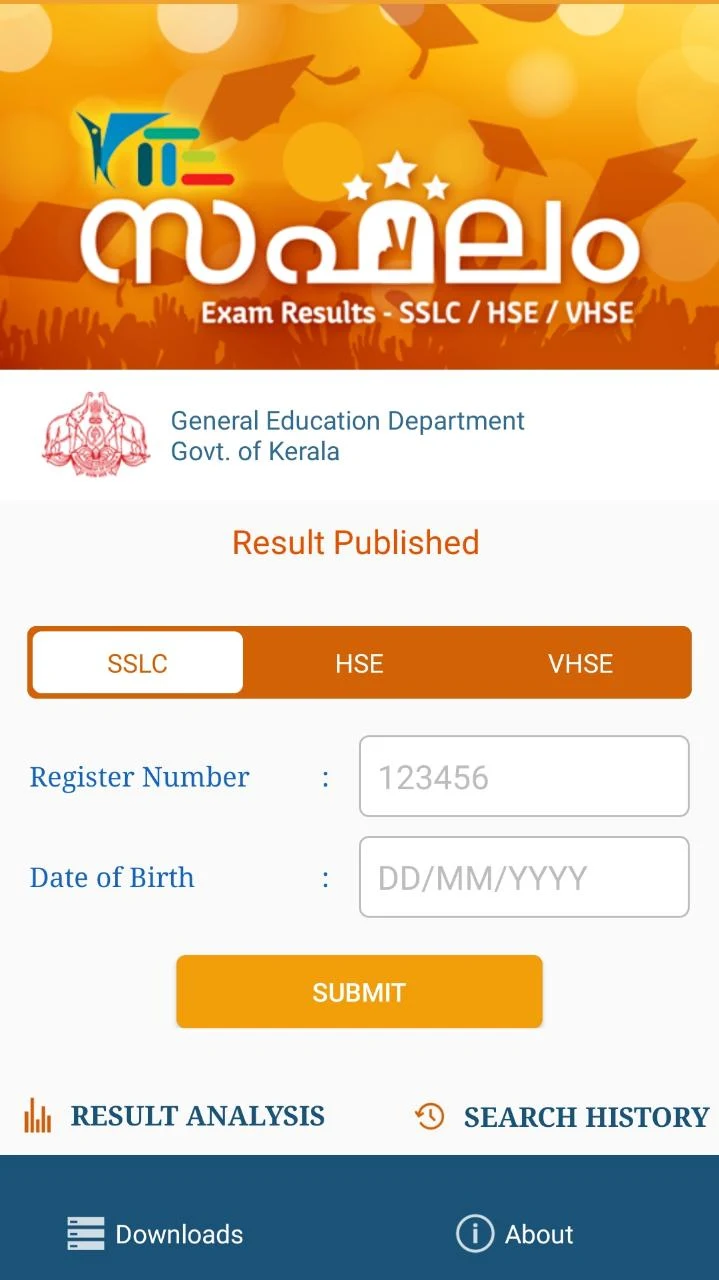
Saphalam is a streamlined productivity app that helps users organize tasks, track progress, and plan daily routines with minimal friction. Designed for clarity and fast interactions, Saphalam blends calendar integration, smart reminders, and concise analytics to keep focus on what matters most.
Saphalam centers on practical task management without clutter. It provides a simple way to capture ideas, set priorities, and visualize workload across days and weeks. The app's core appeal is its balance between powerful features and an uncluttered interface that scales from single tasks to complex projects.
Starting with Saphalam is straightforward. Create a new task, assign it a priority and due date, and choose whether it belongs to a list or project. The app supports nested tasks for breaking larger goals into manageable steps. Tasks roll forward when incomplete or can be rescheduled with drag-and-drop gestures.
Saphalam includes features meant to streamline daily routines. Focus Mode temporarily hides non-essential items. A built-in Pomodoro timer helps users break work into intervals. Labels and filtered views let you isolate specific contexts like "calls," "errands," or "deep work." Each tool is designed to reduce friction rather than add complexity.
The interface is intentionally minimal. Clear typography and consistent spacing make scanning lists easy. Theme options include light, dark, and a high-contrast mode for accessibility. Performance is a strong point—navigation stays responsive even with large task lists, and background sync is optimized to avoid battery drain.
Saphalam is well suited for professionals, students, and anyone who prefers a no-nonsense approach to planning. Its learning curve is gentle: basic features are discoverable immediately, while advanced options are tucked away for those who want them. The overall experience favors speed and clarity over feature bloat.
Begin with a weekly review: import all loose tasks and assign priorities. Use the tag system sparingly—focus on high-level categories rather than excessive labels. Enable calendar sync only for the calendars you actively use to prevent clutter. Regularly archive completed lists to keep your workspace lean.
People appreciate Saphalam because it reduces cognitive load and speeds up decision-making. The app emphasizes immediate capture, rapid triage, and clear visibility into progress. When used consistently, it simplifies how you plan days and measure productivity gains over time.
Installation is quick from your app store. After initial setup, allow calendar access if you want linked scheduling. Spend ten minutes customizing notification preferences and creating your first list—this small investment accelerates daily use. Regular backups and account linking ensure data portability and security.
Saphalam strikes a balance between practical functionality and understated design, making it a dependable choice for users who want to manage time and tasks without distractions.
PTE Exam Practice
Size:16.53M ProductivityAPEUni
Size:16.53M ProductivityAsura Scans
Size:78.10M ProductivityPW - India's Learning Platform
Size:115.70M ProductivitySaphalam
Size:4.80M ProductivityScratchJr
Size:19.10M ProductivityOfferUp
Size:84.00M ProductivityVyapar Mod
Size:47.20M ProductivityGoodnotes
Size:4.70M ProductivityXuper TV
Size:25.00M ProductivityWebCode
Size:6.00M ProductivityNoScroll MOD Premium Unlocked
Size:36.08M ProductivityApril 2024 Clash of Clans Update: Unveiling a Fresh Companion, Enhanced Levels, Chat Tagging, and Be
2024-04-16Arrival of Genshin Impact 4.6 Update: 'Embers of Two Realms, Twilight of Crimson'
2024-04-16V2.2 of the Farlight 84 update introduces an overhauled Season structure, fresh in-game currency, an
2024-04-16Monster Never Cry is now accessible on both Android and iOS mobile devices.
2024-04-18PUBG Mobile Teams Up with Bentley Motors: Luxury Cars, Exclusive Collectibles, and Beyond
2024-04-18March 2024 Free Redemption Codes for Honkai: Star Rail
2024-04-18