English
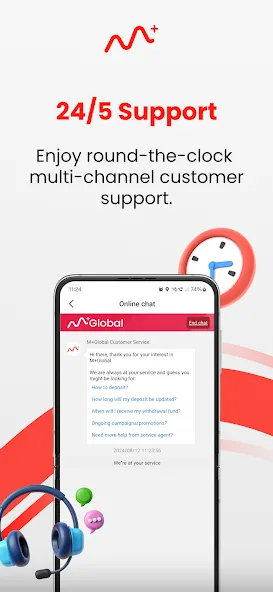
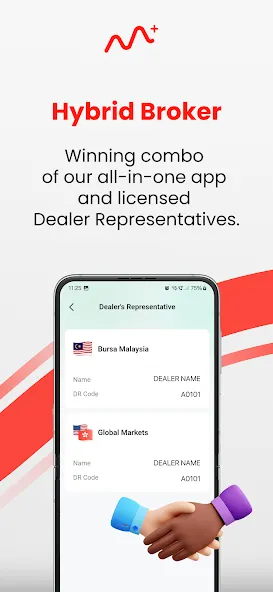
M+ Global is a mobile productivity platform designed to connect teams, manage tasks, and streamline collaboration across borders. It combines messaging, file sharing, and project tracking into a single interface so small businesses and remote teams can coordinate work efficiently without switching between multiple tools.
M+ Global centers on three pillars: communication, task management, and secure file exchange. Real-time chat threads and threaded comments keep conversations contextual, while customizable task lists let managers assign work, set deadlines, and monitor progress. Built-in cloud storage simplifies sharing documents and media without complex integrations.
The app presents a clean, screen-first layout optimized for phones and tablets. Key actions are accessible from a bottom navigation bar so users can jump between chats, tasks, and files with one tap. M+ Global uses clear typographic hierarchy and consistent iconography to reduce cognitive load during long work sessions, and light and dark themes help maintain readability in varied lighting conditions.
Workflows in M+ Global emphasize rapid handoffs and transparency. Tasks can be created from chat messages, turning conversations into actionable items with a single swipe. The app supports calendar synchronization and quick links to popular cloud services so attachments stay in sync across platforms. Automation rules allow routine actions—like status changes or reminders—to trigger based on task updates.
Security is a core consideration for distributed teams. M+ Global offers role-based access controls so administrators can restrict file downloads or limit editing rights. Data is encrypted in transit and at rest, while optional two-factor authentication adds a secondary layer to user sign-in. Audit logs track activity, helping teams meet compliance requirements and review changes when needed.
The app is engineered for responsive performance on mid-range devices and unstable networks. Background sync minimizes battery impact by batching updates, and offline mode lets users view cached conversations and adjust tasks while disconnected. M+ Global supports a broad range of Android versions and screen sizes, and the lightweight package reduces installation footprint.
Teams can customize the app to match their working style. Project boards can be toggled between list, kanban, and calendar views. Notification controls allow granular preferences—mute channels, receive push summary digests, or enable desktop alerts for critical mentions. Branding options let organizations add a logo and color accents to make the workspace feel familiar.
Beyond basic chat, M+ Global includes utilities that accelerate collaboration: in-line document previews, collaborative note editing, and voice memos for quick catch-ups. Mentions and priority flags ensure urgent items surface immediately, while shared templates help standardize recurring processes like onboarding or release checklists.
Onboarding with M+ Global is straightforward. New users can sign up with email or single sign-on providers, join or create a workspace, and invite teammates via link or QR code. A guided setup covers core functions—creating the first project, inviting collaborators, and configuring notification preferences—so teams can transition from setup to real work quickly.
Organizations adopt M+ Global to replace fragmented toolchains with a unified workspace that balances ease of use and powerful controls. Its combination of messaging, task orchestration, and secure sharing helps distributed teams stay aligned and productive while preserving flexibility for different styles of work.

TreasureNFT
Size:751.40M FinancemyBCA
Size:751.40M FinanceM+ Global
Size:26.20M FinanceNetcash
Size:7.20M Financecomdirect photoTAN App
Size:35.59M FinanceSuperMoney
Size:82.86M FinanceM Pesa
Size:158.90M FinanceEarnStar: Play Games & Earn
Size:38.21M FinanceMoneon
Size:39.82M FinanceMetaTrader 5
Size:23.74M FinanceBinance TR
Size:86.97M FinanceAndroMoney
Size:25.09M FinanceApril 2024 Clash of Clans Update: Unveiling a Fresh Companion, Enhanced Levels, Chat Tagging, and Be
2024-04-16Arrival of Genshin Impact 4.6 Update: 'Embers of Two Realms, Twilight of Crimson'
2024-04-16V2.2 of the Farlight 84 update introduces an overhauled Season structure, fresh in-game currency, an
2024-04-16Monster Never Cry is now accessible on both Android and iOS mobile devices.
2024-04-18PUBG Mobile Teams Up with Bentley Motors: Luxury Cars, Exclusive Collectibles, and Beyond
2024-04-18March 2024 Free Redemption Codes for Honkai: Star Rail
2024-04-18