English
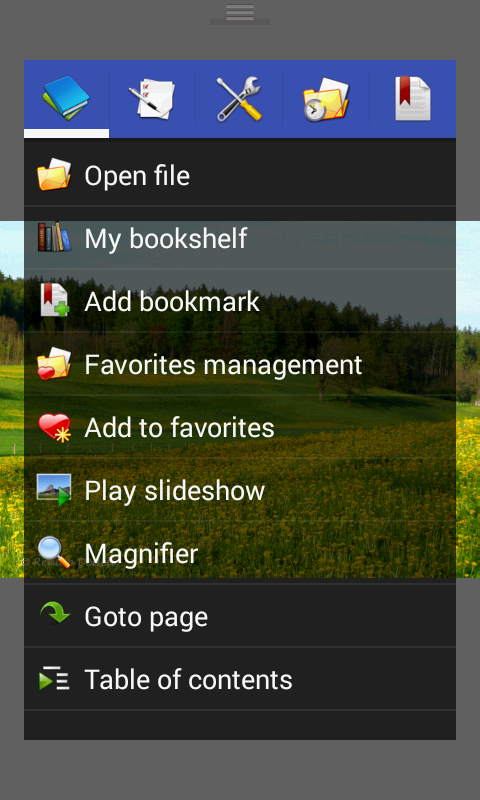
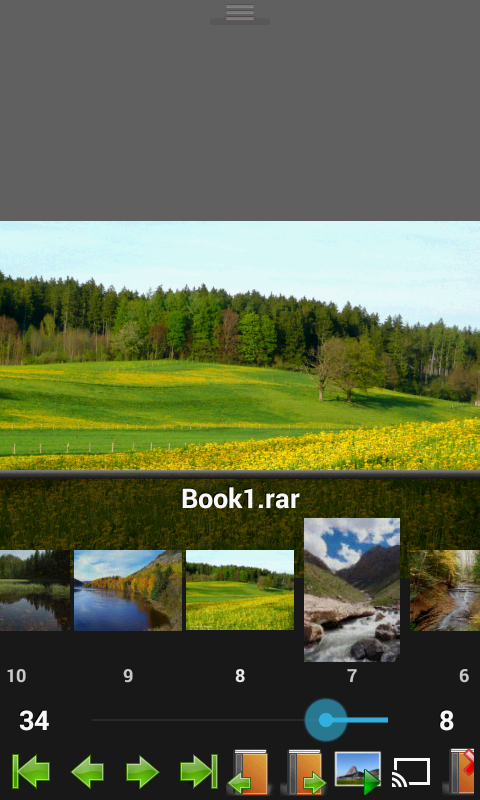
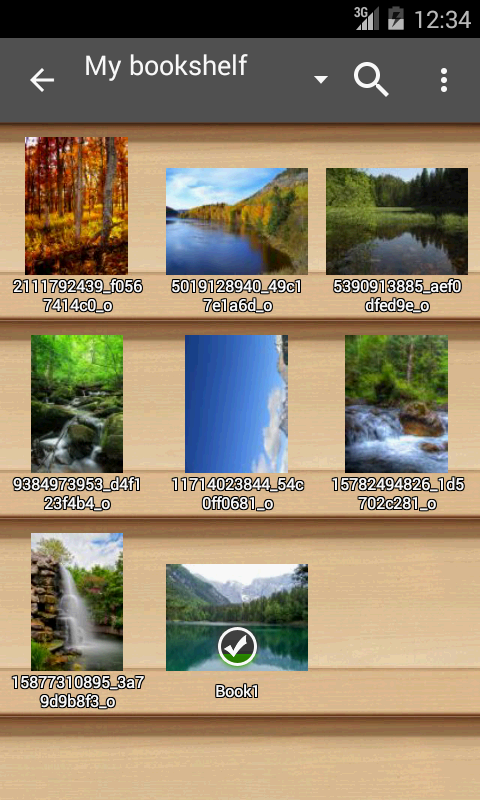
If you're the kind of reader who keeps large image libraries and digital comics on your device, Perfect Viewer will feel immediately useful as a single app that handles picture collections, archives and ebooks with minimal fuss. The interface is focused and fast, letting you open multi-page comics, long manga scans or EPUB/TXT stories and move through them without lag. Perfect Viewer supports a broad mix of file types and network sources, and it offers flexible page layouts so you can tailor reading to the material and your screen.
Install and permissions: Download the main APK and any optional plugins you need; network access may be required if you plan to open files over LAN or cloud services.
Add your files: Point the app at folders, open archive files like CBZ or RAR directly, or use a source plugin to connect cloud storage.
Choose a layout: Set single-page, dual-page, or automatic switching by orientation depending on whether you read mangas, Western comics or long text files.
Enable plugins: If you need PDF, XPS or DJVU support, install the matching plugin; some advanced features, such as cloud sources, require their specific add-ons.
Broad format support: The app reads common image formats and several ebook and archive types so you rarely need to convert files first.
Multiple viewing modes: Page mode, vertical scroll for long strips or webtoon-style content, and horizontal scroll give you control over how pages flow.
Flexible page handling: Auto single, auto dual and orientation-aware page switching make reading two-page spreads or single panels comfortable on tablets and phones.
Network and cloud access: Open files from local network shares, FTP/SFTP servers or cloud services after installing the appropriate source plugin; some services require account permissions for access.
Optional enhancements: A donation unlock adds experimental tools like colorizing monochrome images, while separate plugins extend support for PDFs and other document types.
Fast rendering: Designed to load pages quickly and smoothly so navigation stays responsive even with large archives.
If you want a no-nonsense viewer that handles comics, image archives and basic ebooks in one place, Perfect Viewer delivers a capable, customizable experience; explore plugin options to match the file types and storage services you use. Try it on a weekend to import a backlog of scanned comics or set it up before a trip so you have a large offline library ready to read.
Bluestacks Emulator Launcher
Size:12.52M ToolsOKOK International
Size:98.34M ToolsPerfect Viewer
Size:12.70M ToolsdynamicSpot
Size:9.80M ToolsPhoto Lab PRO Picture Editor
Size:40.51M ToolsFloating Apps
Size:65.25M Tools112 India
Size:29.24M ToolsBaba: English & Hindi Typing
Size:7.87M ToolsGame Controller Tester
Size:2.83M ToolsXaeros Minimap Minecraft
Size:2.08M ToolsRawBT
Size:8.70M ToolsBAT BMS
Size:11.55M ToolsApril 2024 Clash of Clans Update: Unveiling a Fresh Companion, Enhanced Levels, Chat Tagging, and Be
2024-04-16Arrival of Genshin Impact 4.6 Update: 'Embers of Two Realms, Twilight of Crimson'
2024-04-16V2.2 of the Farlight 84 update introduces an overhauled Season structure, fresh in-game currency, an
2024-04-16Monster Never Cry is now accessible on both Android and iOS mobile devices.
2024-04-18PUBG Mobile Teams Up with Bentley Motors: Luxury Cars, Exclusive Collectibles, and Beyond
2024-04-18March 2024 Free Redemption Codes for Honkai: Star Rail
2024-04-18