English
Weather Live Wallpapers brings dynamic, animated weather scenes to your Android home screen, reflecting current conditions with live rain, snow, clouds, and sunlight effects while remaining lightweight and customizable for everyday use.
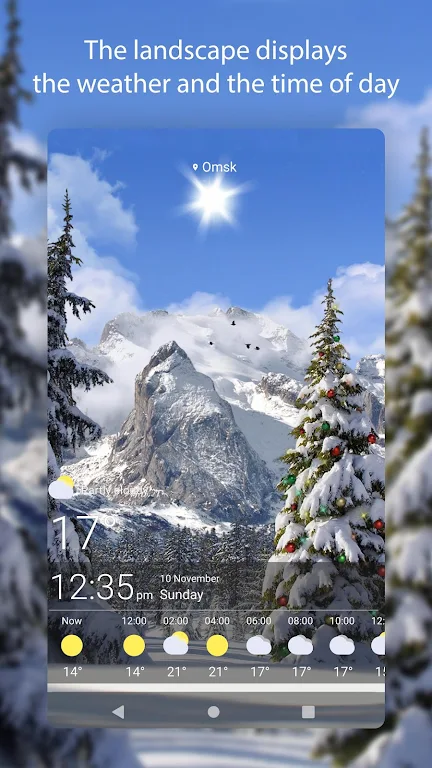
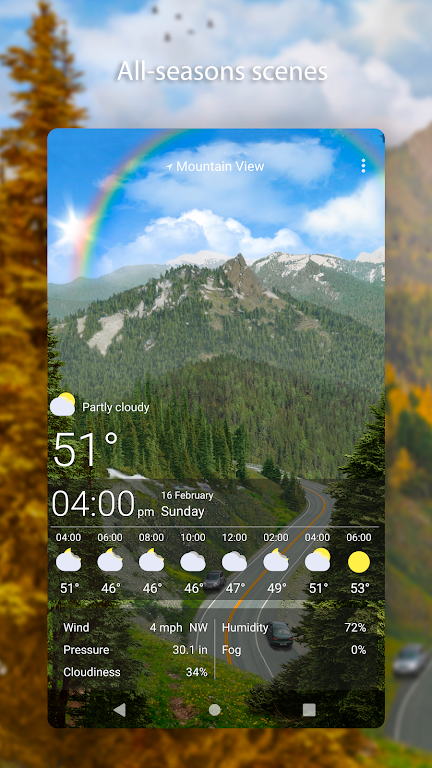
Weather Live Wallpapers syncs with real-time meteorological data to render backgrounds that change according to temperature, precipitation, wind, and time of day. Instead of static images, expect subtle motion: drifting clouds, falling raindrops, glints of sunshine at dawn and dusk, or gentle snowfall that accumulates visually on the scene.
The app offers an array of features designed for flexibility and performance:
Customization is central to the experience. You can fine-tune how much animation appears, change color palettes, and adjust effect intensity to balance aesthetics and battery life. Presets help you switch between modes quickly — for instance, a low-power mode reduces frame rates and disables minor effects, while a vivid mode enables full visual detail.
Weather Live Wallpapers is engineered to minimize resource usage. It uses hardware acceleration when available and limits background updates to reasonable intervals. The app includes a battery saver option that detects low charge and automatically scales back animations or pauses them until the device is plugged in. Users with older devices can choose static fallback images to avoid performance slowdowns.
The interface is straightforward: a clean main screen lists active wallpapers and available themes, while settings are grouped by category — appearance, data source, update frequency, and power management. Most adjustments apply instantly, and a preview pane shows how a change will look on your home screen before you apply it.
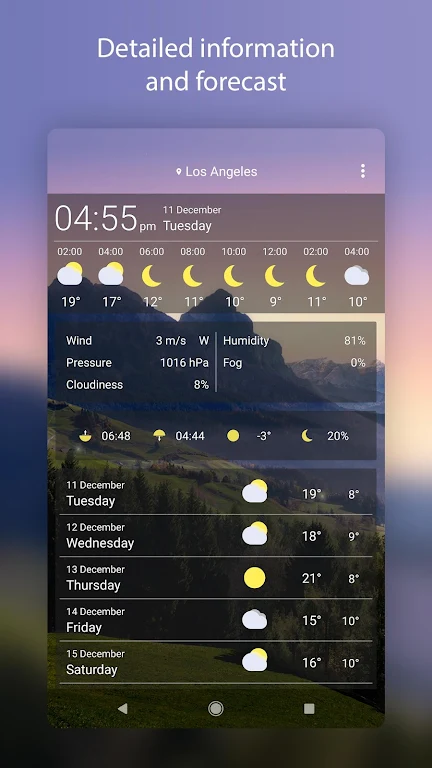
Weather Live Wallpapers can pull forecasts from multiple reliable providers. You can set priority for a preferred service or allow automatic selection based on location accuracy. Data caching helps keep animations consistent when connectivity is low, and the app logs the last update time so you know how fresh the displayed conditions are.
The app supports a wide range of Android versions and adapts to different screen sizes and aspect ratios, including tablets and foldables. Installation is straightforward: grant location permission for automatic updates or enter a city manually, select a wallpaper theme, and apply. No complex setup is required, and reverting to your previous wallpaper is a single tap action.
Beyond aesthetics, Weather Live Wallpapers can add useful context to your daily routine: a quick glance at your home screen shows whether you should grab an umbrella or expect windy conditions. Designers and casual users alike appreciate how the app blends useful data with polished visuals, enhancing both productivity and device personalization.
Weather Live Wallpapers provides a customizable way to keep your phone environment in sync with the sky. With adjustable effects, efficient performance options, and reliable data sourcing, the app is suitable for users who want a living backdrop that informs as well as delights.
Headunit Reloaded
Size:40.90M LifestyleWatchMaker Watch Faces
Size:69.20M LifestyleEarth 3D Map
Size:86.90M LifestylePlugShare
Size:29.40M LifestyleWeather Live Wallpapers
Size:44.30M LifestyleZalando
Size:268.83M LifestyleTalkIt!
Size:4.87M LifestyleResilio Sync
Size:24.60M LifestyleMy V3 Ads
Size:21.02M LifestyleAccuWeather
Size:112.80M LifestyleFreePrints
Size:144.52M LifestyleDAFFH LITE Navigator
Size:8.62M LifestyleApril 2024 Clash of Clans Update: Unveiling a Fresh Companion, Enhanced Levels, Chat Tagging, and Be
2024-04-16Arrival of Genshin Impact 4.6 Update: 'Embers of Two Realms, Twilight of Crimson'
2024-04-16V2.2 of the Farlight 84 update introduces an overhauled Season structure, fresh in-game currency, an
2024-04-16Monster Never Cry is now accessible on both Android and iOS mobile devices.
2024-04-18PUBG Mobile Teams Up with Bentley Motors: Luxury Cars, Exclusive Collectibles, and Beyond
2024-04-18March 2024 Free Redemption Codes for Honkai: Star Rail
2024-04-18