English
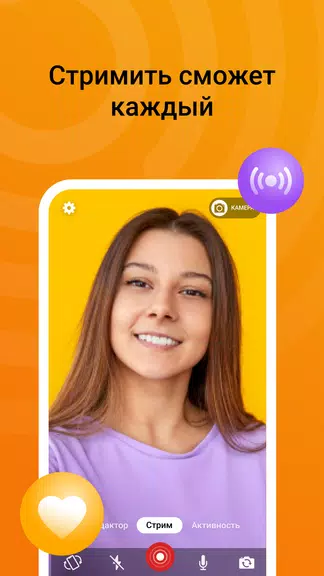
DonationAlerts Studio is a desktop and mobile companion that helps streamers manage real-time donations, alerts, and overlays with minimal setup. It centralizes viewer interactions, integrates popular payment providers, and offers customizable widgets to display alerts on live streams, making monetization and audience engagement straightforward for creators.
DonationAlerts Studio brings donation tracking, alert management, and overlay control into one place. Designed for live broadcasters, it syncs with common streaming platforms and payment gateways, so contributions show up instantly on screen. The app focuses on reliability and quick configuration, letting hosts keep attention on content rather than technical details.
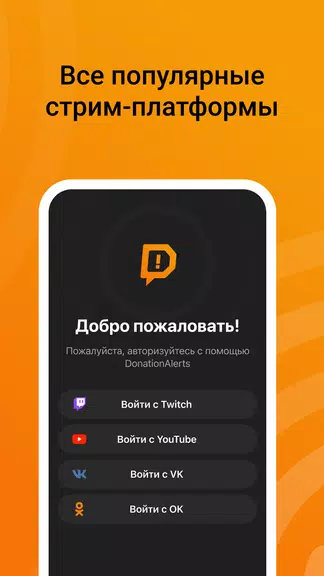
The workflow is straightforward: install the client, link your streaming account and payment methods, then add widgets to your scene. Alerts are triggered when a viewer donates or interacts, and the Studio routes that event to the overlay. Most components support hotkeys and scene switching, so automation blends smoothly with manual control.
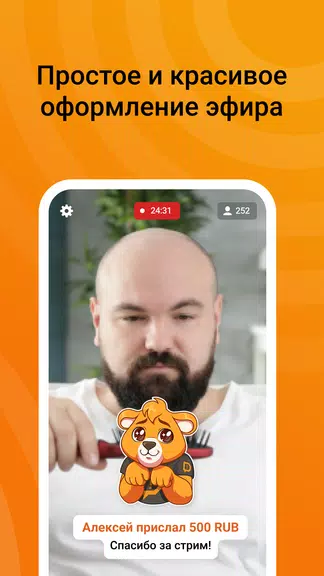
Visual customization is a strong suit. Users can mix and match overlay elements, change color schemes, tweak fonts, and set how each alert behaves. For creators who prefer a unique look, the app supports importing assets and modifying animation timing. DonationAlerts Studio also lets you set tiered alerts and special effects for large contributions, helping to spotlight high-value supporters.
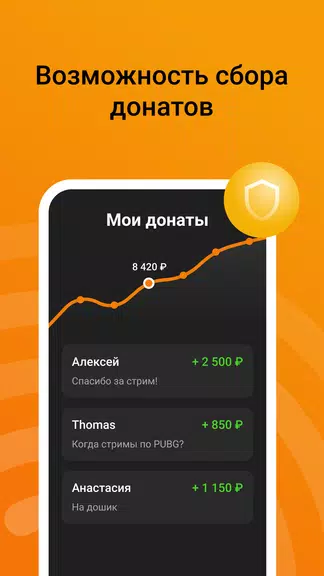
DonationAlerts Studio includes utilities that make routine tasks faster. You can schedule donation goals, rotate sponsor messages, and archive alert histories for accounting. Built-in analytics display top donors, peak contribution times, and conversion metrics, useful for refining fundraising strategies. These tools are meant to reduce manual bookkeeping and increase transparency with audiences.
The interface balances functionality with accessibility. Panels are arranged logically, and common actions are reachable in a few clicks. The desktop client is optimized to run alongside popular broadcasting software without heavy CPU or memory usage. Mobile companion features allow streamers to monitor alerts and approve interactions on the go, which is handy during multi-tasked streams.
Getting started takes only a few steps: download the client, sign in or create an account, connect your streaming platform, and add your preferred payment method. After that, place widgets into your broadcasting scenes and run a test alert. DonationAlerts Studio supports automatic updates, so you’ll receive performance improvements and new templates without manual downloads.
For streamers focused on community growth and monetization, DonationAlerts Studio provides a compact, practical toolset. It reduces setup friction, offers detailed controls for alerts and overlays, and keeps valuable viewer interactions visible and engaging during live sessions.
DonationAlerts Studio
Size:7.20M ToolsWeb Browser & Explorer
Size:19.20M ToolsNekoBox
Size:39.45M Toolsgogoanime
Size:10.60M ToolsApp Hider
Size:28.40M ToolsQuick Launcher for Android 17
Size:35.10M ToolsiTranslate Translator
Size:299.50M ToolsmyIM3
Size:65.06M ToolsGoogle Home
Size:93.70M ToolsFaceFlip
Size:49.83M ToolsUPX Slot
Size:159.30M ToolsKeys Cafe
Size:20.10M ToolsApril 2024 Clash of Clans Update: Unveiling a Fresh Companion, Enhanced Levels, Chat Tagging, and Be
2024-04-16Arrival of Genshin Impact 4.6 Update: 'Embers of Two Realms, Twilight of Crimson'
2024-04-16V2.2 of the Farlight 84 update introduces an overhauled Season structure, fresh in-game currency, an
2024-04-16Monster Never Cry is now accessible on both Android and iOS mobile devices.
2024-04-18PUBG Mobile Teams Up with Bentley Motors: Luxury Cars, Exclusive Collectibles, and Beyond
2024-04-18March 2024 Free Redemption Codes for Honkai: Star Rail
2024-04-18