English
UPX Slot is a privacy-focused mobile browser and proxy utility for Android that combines fast browsing with built-in encryption and global server access. With UPX Slot you can route your traffic through high-speed proxy servers to get a new IP address, reduce tracking, and access region-restricted content; the UPX Slot interface keeps these controls close at hand so you can switch servers or enable private modes quickly. This editor introduction explains what the app does, how it behaves in everyday use, and which trade-offs to expect when you use it as your primary browser on mobile networks.
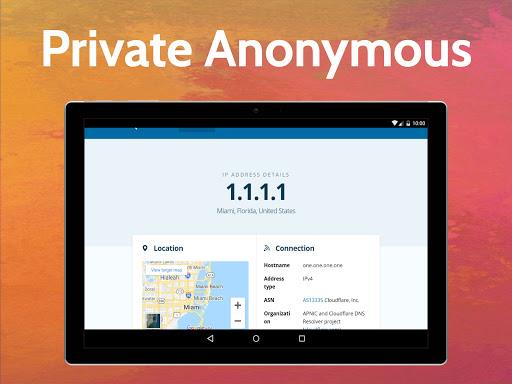
UPX Slot integrates a Chromium-based browser with a proxy/VPN-style tunnel and a built-in ad blocker so you can browse with fewer interruptions. The app funnels traffic from its in-app browser through remote servers that aim to replace your visible IP and prevent direct tracker access. Encryption is applied to connections inside the app to protect sessions on public Wi‑Fi, and a strict no-logs claim is presented in the settings for users who want reduced retention of browsing metadata. The combined toolset is designed for private web access, light streaming, and social media browsing without installing multiple separate utilities.
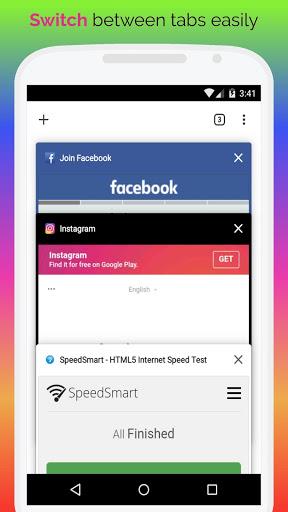
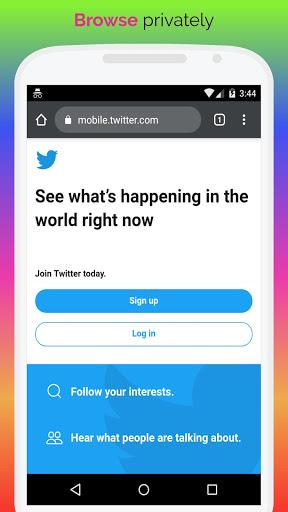
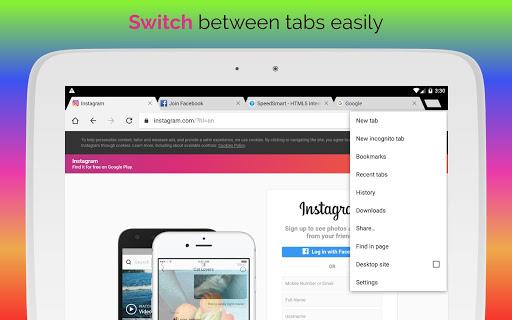
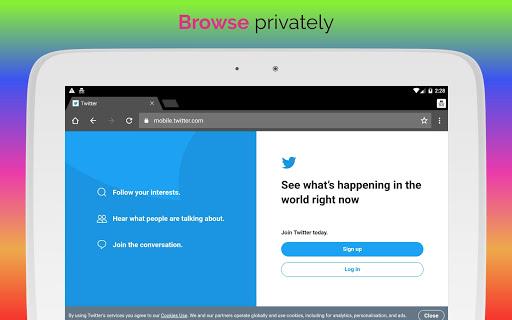
The in-app browser uses familiar Chromium navigation and supports tabbed browsing, private tabs, and basic page controls such as reload, forward/back, and URL editing. Users can select from multiple server locations in the global proxy network; server selection is stored as a preference so your chosen exit location is used for subsequent sessions until you change it. An integrated adblocker filters many pop-ups and common ad formats to reduce distracting elements and speed up page rendering. Encryption uses industry-standard ciphers to secure the app’s traffic channel, and the app exposes a no-logs setting and privacy toggles so you can control what data is kept locally.
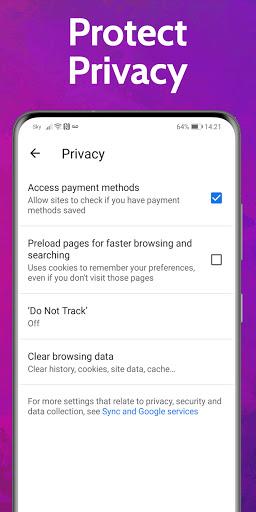
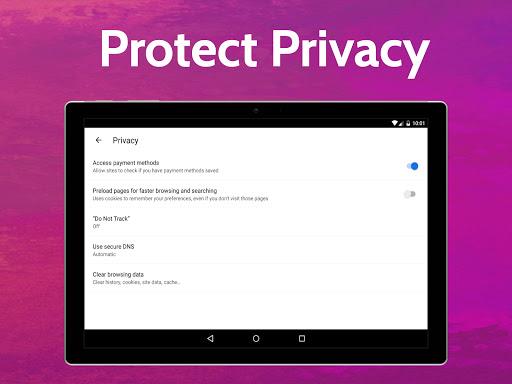
UPX Slot offers straightforward touch controls and a small set of interface options rather than deep customization. Swipe and tap gestures match native Android conventions: tap the tab strip to open a new tab, long-press a link to copy or open in a new private tab, and use the address bar for quick search or direct URL entry. Customizable elements include the default search engine, whether adblocking is enabled by default, and a list of favorite servers for fast switching. Cache management, cookie clearing, and per-site privacy rules are available from the browser settings so you can tune behavior without leaving the app.
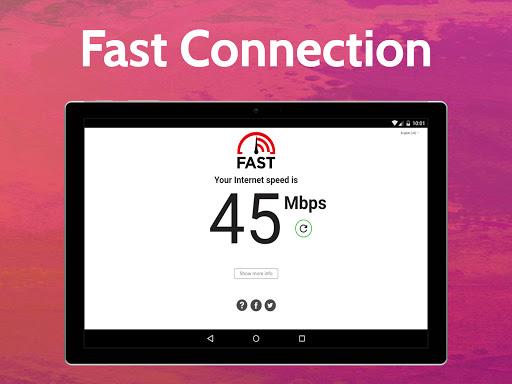
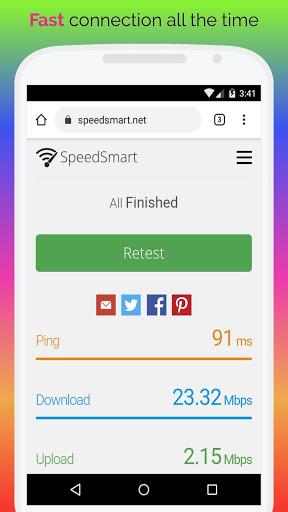
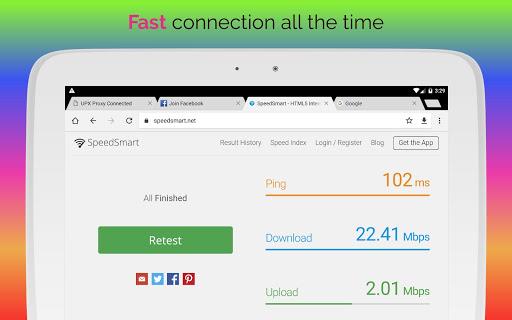
Performance depends on network conditions and the chosen server; UPX Slot attempts to prioritize low-latency routes but speeds are not guaranteed. The app provides simple progression in the sense of familiarity and efficiency: new users typically start with a single server and then add favorites as they test different locations, using built-in latency indicators or diagnostics to choose servers that work best for their needs. When connections drop or a selected server becomes slow, automatic reconnection options and an on-demand speed check help you diagnose issues. These lightweight challenge systems are meant for practical troubleshooting rather than gamified progression.
The visual presentation is functional and minimalist, with focus on readable typography, clear icons for privacy and connection state, and a dark mode for low-light use. The app’s structure is organized into a small number of screens: the main browser (tabbed view), server selection, privacy settings, and diagnostics. This level-based organization helps users move from browsing to connection management without navigating through deep nested menus.
Customization centers on privacy and browsing preferences rather than cosmetic skins: you can enable or disable the adblocker, choose whether to use private tabs by default, and pick preferred server locations. Replay value comes from repeated, practical uses—switching servers to view geofenced content, testing which locations provide the best streaming performance, or using private tabs for sensitive searches. Accessibility features include adjustable font size in the browser, high-contrast theme options, and compatibility with Android accessibility services; these help the app remain usable for a wide range of users.
Because UPX Slot is a browser that routes traffic through remote servers, its core features require a working internet connection. Offline use is limited to local cached pages and previously downloaded content; pages explicitly saved for offline reading will remain accessible but real-time browsing, proxy routing, and ad filtering need connectivity. Users should also note that privacy protections apply to activity inside the app’s built-in browser and not to system-wide traffic from other apps. Some streaming services and websites may detect and block proxy IPs, and speeds can vary by server and network.
For best results, try a few server locations when you first install the app and save those that consistently show lower latency. Use the private tab option for sessions where you prefer minimal local traces, and regularly clear cached data if you work on shared devices. Treat the no-logs claim as a policy preference—review the app’s privacy settings and diagnostic pages to understand what is retained locally. Together these practices make UPX Slot a useful single-app solution for private browsing, region-aware access, and a cleaner web experience on Android devices.
Quick Launcher for Android 17
Size:35.10M ToolsiTranslate Translator
Size:299.50M ToolsmyIM3
Size:65.06M ToolsGoogle Home
Size:93.70M ToolsFaceFlip
Size:49.83M ToolsUPX Slot
Size:159.30M ToolsKeys Cafe
Size:20.10M ToolsPvP Skins for Minecraft PE
Size:12.80M ToolsEmojimix wasticker
Size:7.04M ToolsBluestacks Emulator Launcher
Size:12.52M ToolsOKOK International
Size:98.34M ToolsPerfect Viewer
Size:12.70M ToolsApril 2024 Clash of Clans Update: Unveiling a Fresh Companion, Enhanced Levels, Chat Tagging, and Be
2024-04-16Arrival of Genshin Impact 4.6 Update: 'Embers of Two Realms, Twilight of Crimson'
2024-04-16V2.2 of the Farlight 84 update introduces an overhauled Season structure, fresh in-game currency, an
2024-04-16Monster Never Cry is now accessible on both Android and iOS mobile devices.
2024-04-18PUBG Mobile Teams Up with Bentley Motors: Luxury Cars, Exclusive Collectibles, and Beyond
2024-04-18March 2024 Free Redemption Codes for Honkai: Star Rail
2024-04-18