English
only is a compact communications extension for teams that integrates with your PBX to bring together voice, messaging and basic collaboration tools in a single app. only appears at the top of a stack when you need one place to manage one-to-one chats, topic channels and scheduled phone or video conferences while still leveraging your existing telephony infrastructure. This editor introduction explains what the app does, how it is controlled, and what to expect from daily use.
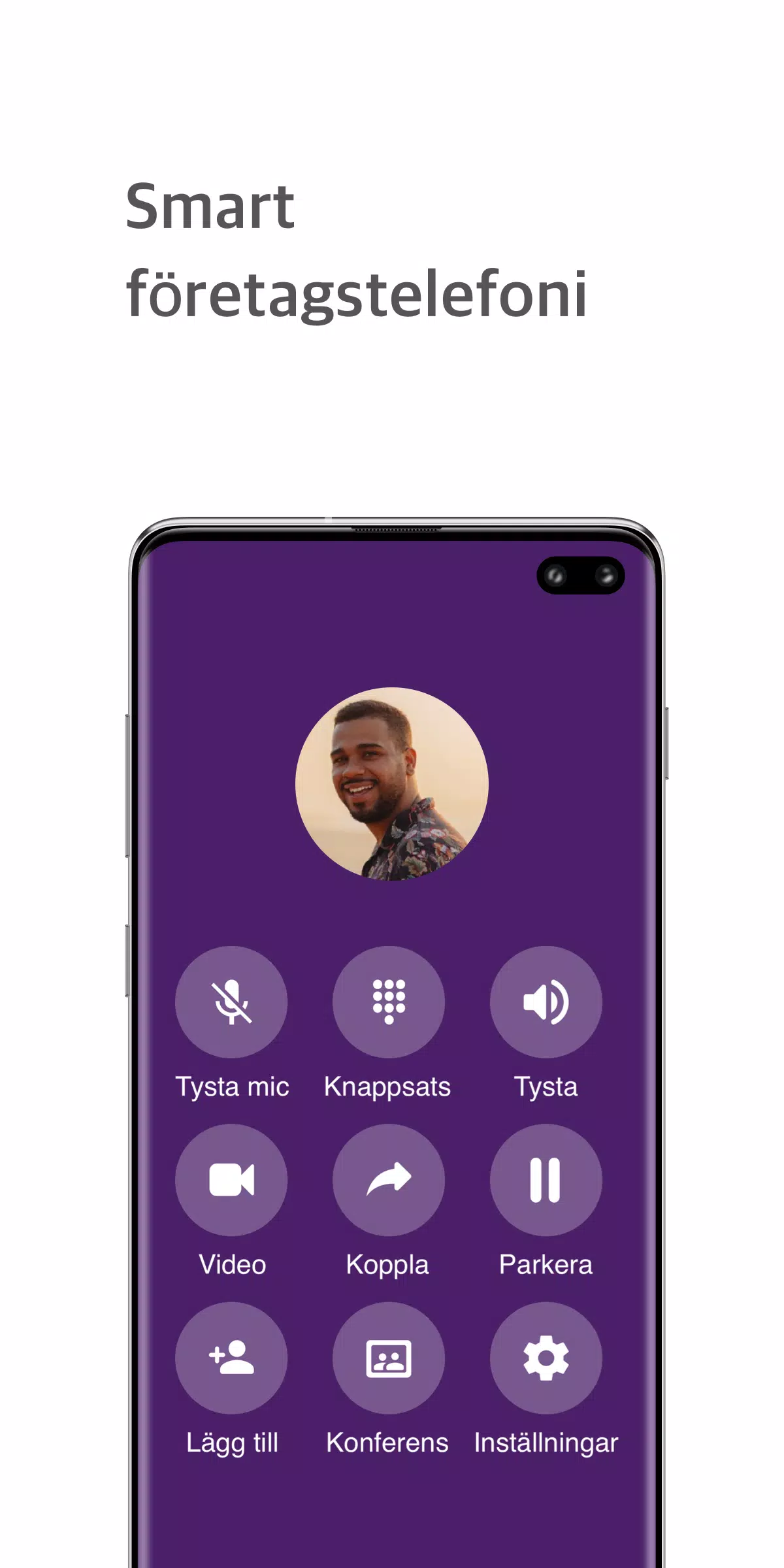
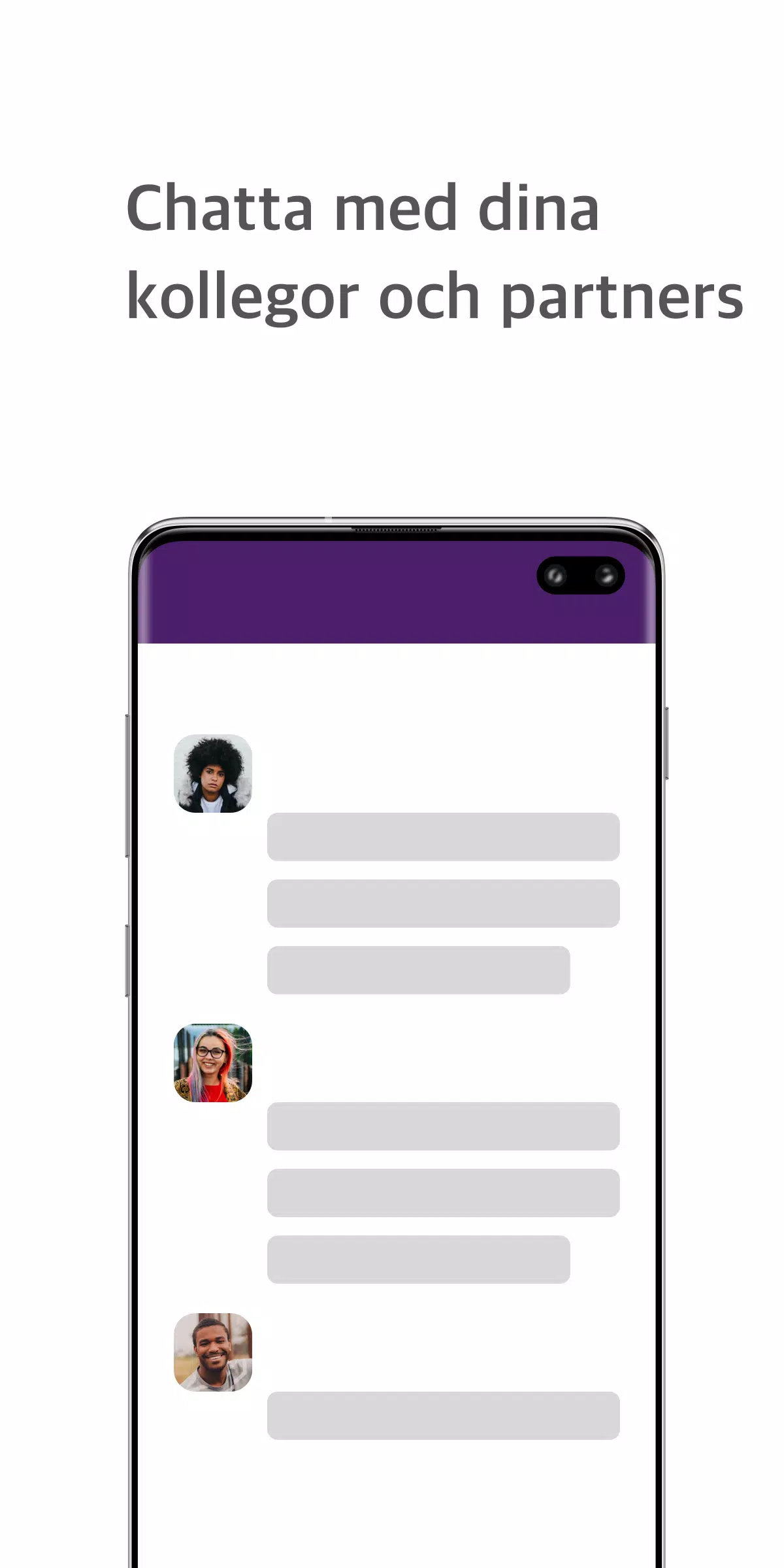
At its core, only centralizes messaging and call management alongside file sharing. The app supports direct messaging between colleagues, persistent channels for departments or projects, call recording at both individual and group levels, and a real-time call dashboard for monitoring incoming and outgoing traffic. Booking a phone or video conference is done through an embedded scheduler that places calls through your PBX; document sharing is available within channels so context stays with the conversation. The real-time dashboard presents a compact list view with quick actions to answer, forward or join calls without leaving the main interface.
only is designed around straightforward touch and pointer controls: swipe or tap to open channels, long-press messages for message-level options such as pin, forward or start a call, and tap avatars to view contact details and presence. Desktop users will find keyboard shortcuts for navigation and call control to speed frequent tasks. Settings allow administrators to control who can start recordings, schedule conferences, or create channels, while user-level controls manage notifications, presence status and personal call handling preferences.
Getting started with only typically follows a short onboarding flow: connect the app to your PBX using provided configuration parameters, assign user roles, and import or create channels. Admins can progressively enable features such as call recording or screen sharing as the team adopts the platform. There is a natural progression from simple chat usage to scheduled meetings and then to advanced monitoring and reporting as teams grow more comfortable with the tool and adjust permissions and workflows.
The visual design favors clarity: a compact, list-driven layout shows recent conversations, active calls and scheduled events with clear labels and timestamps. Users can choose between a light or dark theme, adjust text size for readability, and pin important channels or contacts. Channel topics and pinned documents keep recurring information easy to access, and small thumbnails indicate shared files. These customization options let teams adapt the look and workspace density to match different roles, from heavy call handlers to project-based collaborators.
only supports collaboration by keeping messages, shared files and scheduled calls together so context is preserved over time. Call recording and channel archives create a playback history that teams can revisit for onboarding, compliance reviews or project reference, providing long-term value beyond the moment of conversation. The app’s replay value comes from searchable history, threaded discussions and a predictable channel structure that scales with ongoing projects.
The app includes accessibility considerations such as adjustable font sizes, clear contrast themes and touch targets sized for mobile use. When connectivity is limited, only provides cached message viewing and queued outgoing messages that transmit once a connection is restored; live call features will depend on PBX availability and network conditions. The app is optimized to run on a range of Android devices and supports both phone and tablet layouts.
Enterprise controls let administrators enforce permissions for call recording, screen sharing and access to shared documents. only requires appropriate PBX configuration and user consent where call recording is enabled, and organizations should align recording and data retention with local regulations. Transport encryption and role-based access help protect conversations and files, but some features will only work when corresponding PBX or exchange settings are enabled.
only is designed to complement an existing PBX or exchange system rather than replace a standalone phone service; certain telephony features depend on the capabilities and permissions of that backend. Screen sharing and recording require explicit permissions and may be subject to local law. The app works best for businesses that want to centralize communication streams—voice, messaging and shared documents—without migrating away from their established telephony platform.
For teams seeking a lightweight way to unify messaging and call oversight while keeping telephony under existing infrastructure, only offers a practical, configurable option that balances day-to-day collaboration with administrative control and compliance considerations.

BIG Phone for Seniors
Size:10.01M CommunicationFree Adblocker Browser
Size:188.40M CommunicationSoundCloud
Size:95.60M CommunicationInst Saver Post Story Saver
Size:11.13M CommunicationVani Dialer
Size:35.25M CommunicationSimple SMS Messenger
Size:19.80M CommunicationOH Web Browser - Safe & Simple
Size:11.00M CommunicationOpera Browser
Size:81.10M CommunicationLearna AI
Size:69.30M CommunicationNext SMS
Size:32.34M CommunicationWhatsAuto - Reply App
Size:17.10M CommunicationTumblr
Size:24.10M CommunicationApril 2024 Clash of Clans Update: Unveiling a Fresh Companion, Enhanced Levels, Chat Tagging, and Be
2024-04-16Arrival of Genshin Impact 4.6 Update: 'Embers of Two Realms, Twilight of Crimson'
2024-04-16V2.2 of the Farlight 84 update introduces an overhauled Season structure, fresh in-game currency, an
2024-04-16Monster Never Cry is now accessible on both Android and iOS mobile devices.
2024-04-18PUBG Mobile Teams Up with Bentley Motors: Luxury Cars, Exclusive Collectibles, and Beyond
2024-04-18March 2024 Free Redemption Codes for Honkai: Star Rail
2024-04-18