
English
Next SMS is a full-featured Android messaging replacement that combines secure messaging, deep customization, and cross-device texting into a single, practical app. Next SMS handles standard SMS and MMS, offers optional encryption-like privacy tools, and keeps sensitive conversations tucked away in a passcode-protected Private Box so you can manage personal and everyday threads in one place. This editor introduction describes how the app feels to use, how its controls work, and what you can expect from daily messaging, synchronization, and multimedia handling.
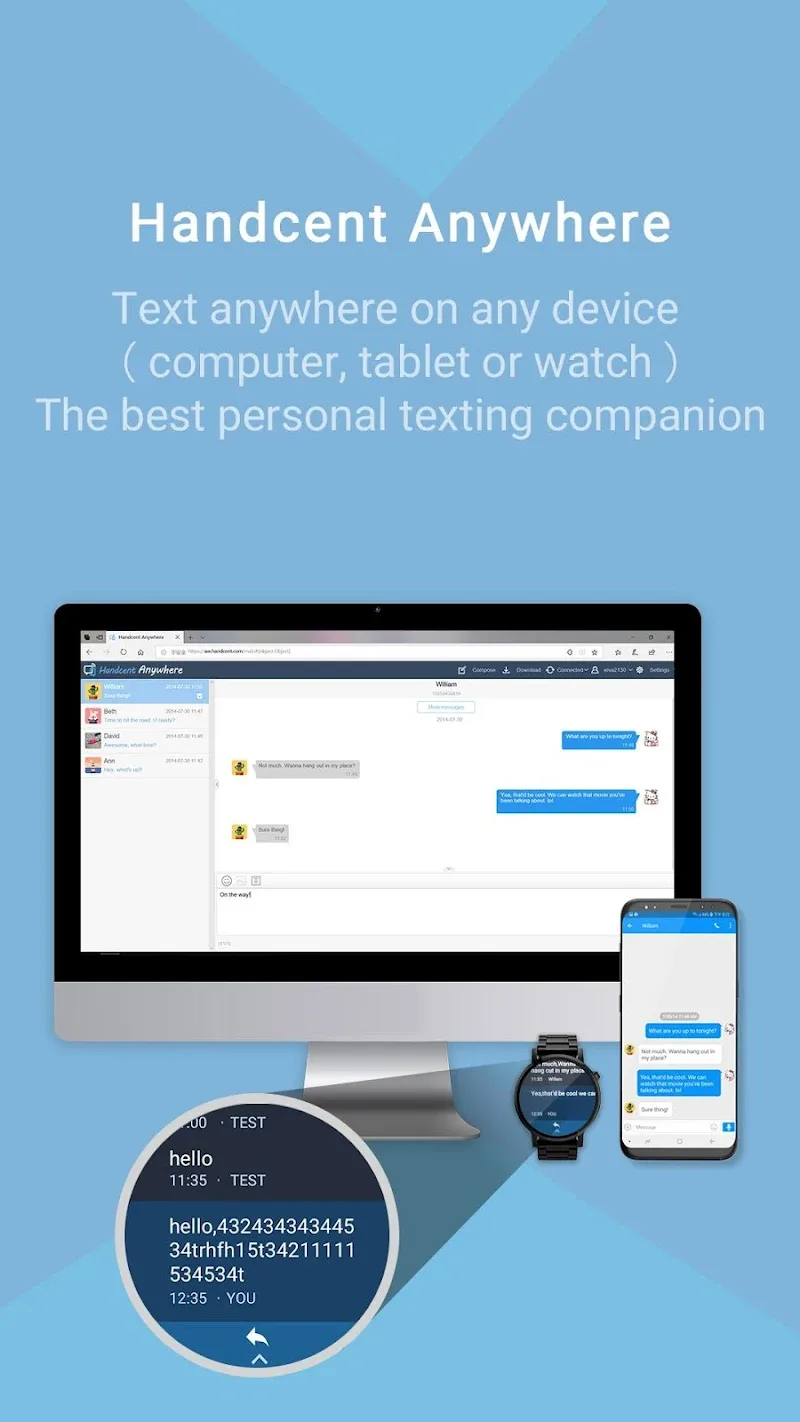
The app places familiar controls up front: swipe gestures archive or delete conversations, long-press selects multiple messages for bulk actions, and a compact compose panel makes quick replies effortless. Users have access to scheduled messages, message search, spam blocking, and on-demand backups; these tools are intended to reduce friction for everyday use rather than add complexity. Cross-device sync through Handcent Anywhere and desktop access lets you read and respond from a browser or tablet; when that sync is configured, notifications and read states are maintained across paired devices for continuity. For smartwatch owners, Wear OS support allows reading and replying directly from the wrist, with voice-to-text available as an option when the phone app is running.
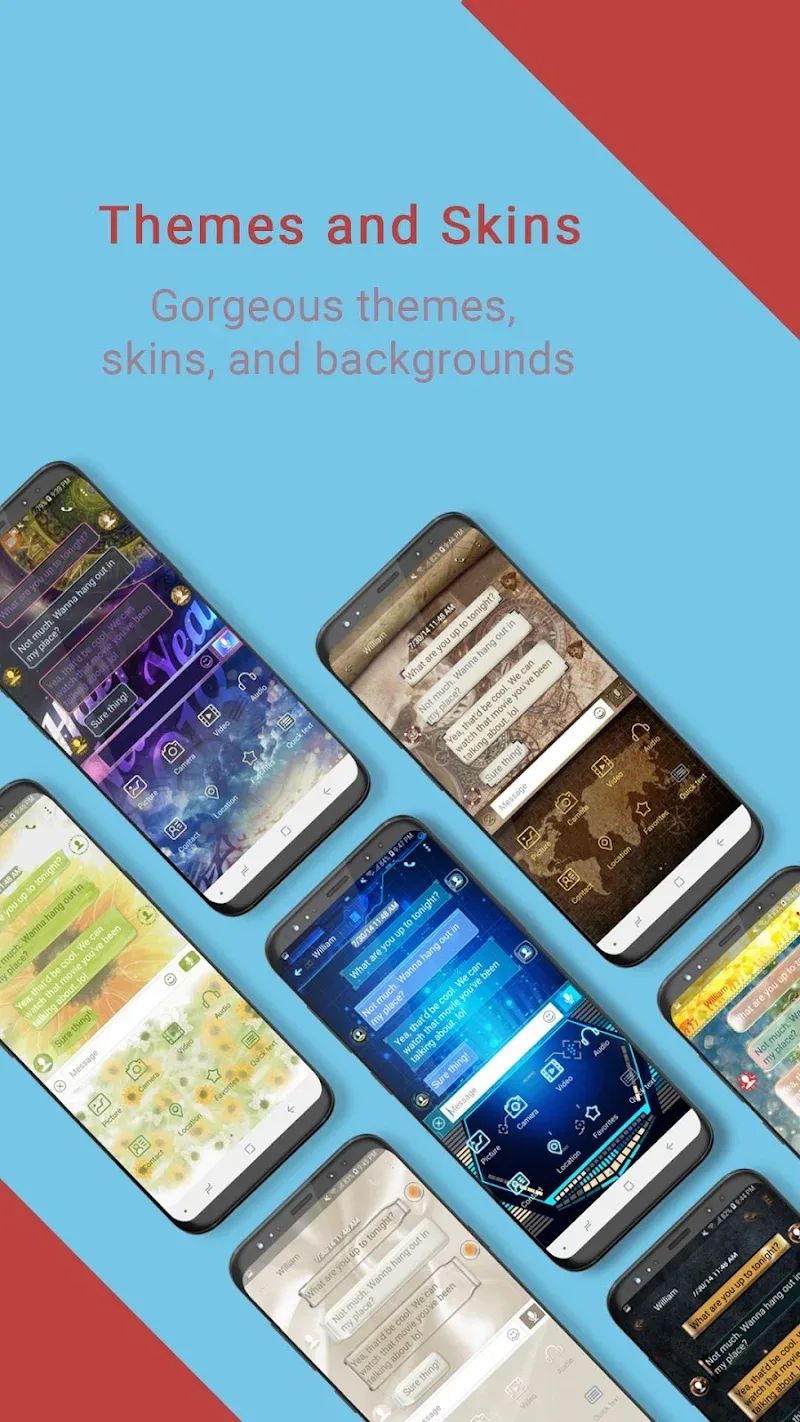
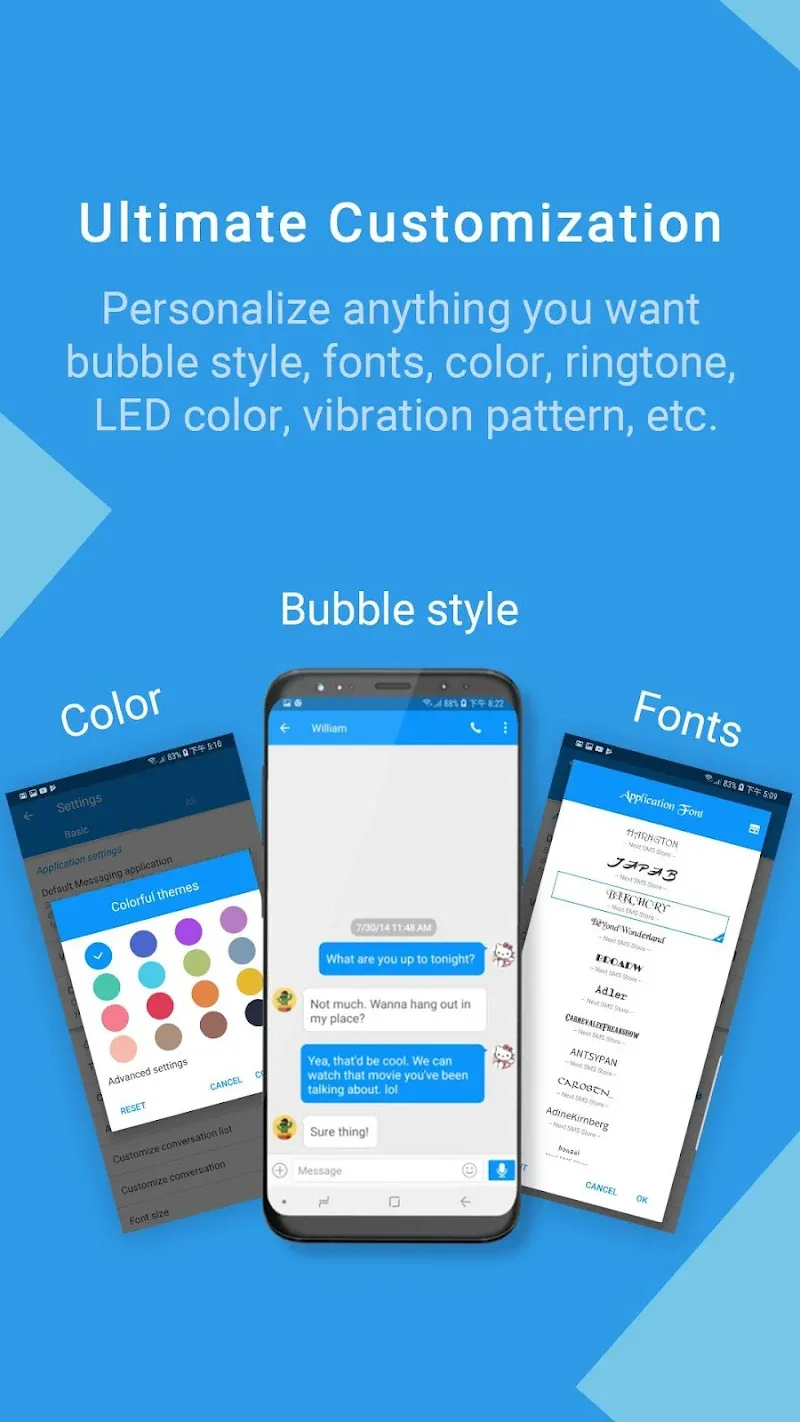
Next SMS includes a large theme catalog and visual options so you can alter conversation bubbles, fonts, and notification styles to match your preferences. Themes are organized by color palette and layout type; users can set a global theme or apply different looks to individual conversations for quicker visual scanning. Font sizes and contrast settings improve readability, and layout toggles change message density for compact or spacious views. The theme library receives regular refreshes so there is ongoing variety, and settings allow users to preview themes before applying them.
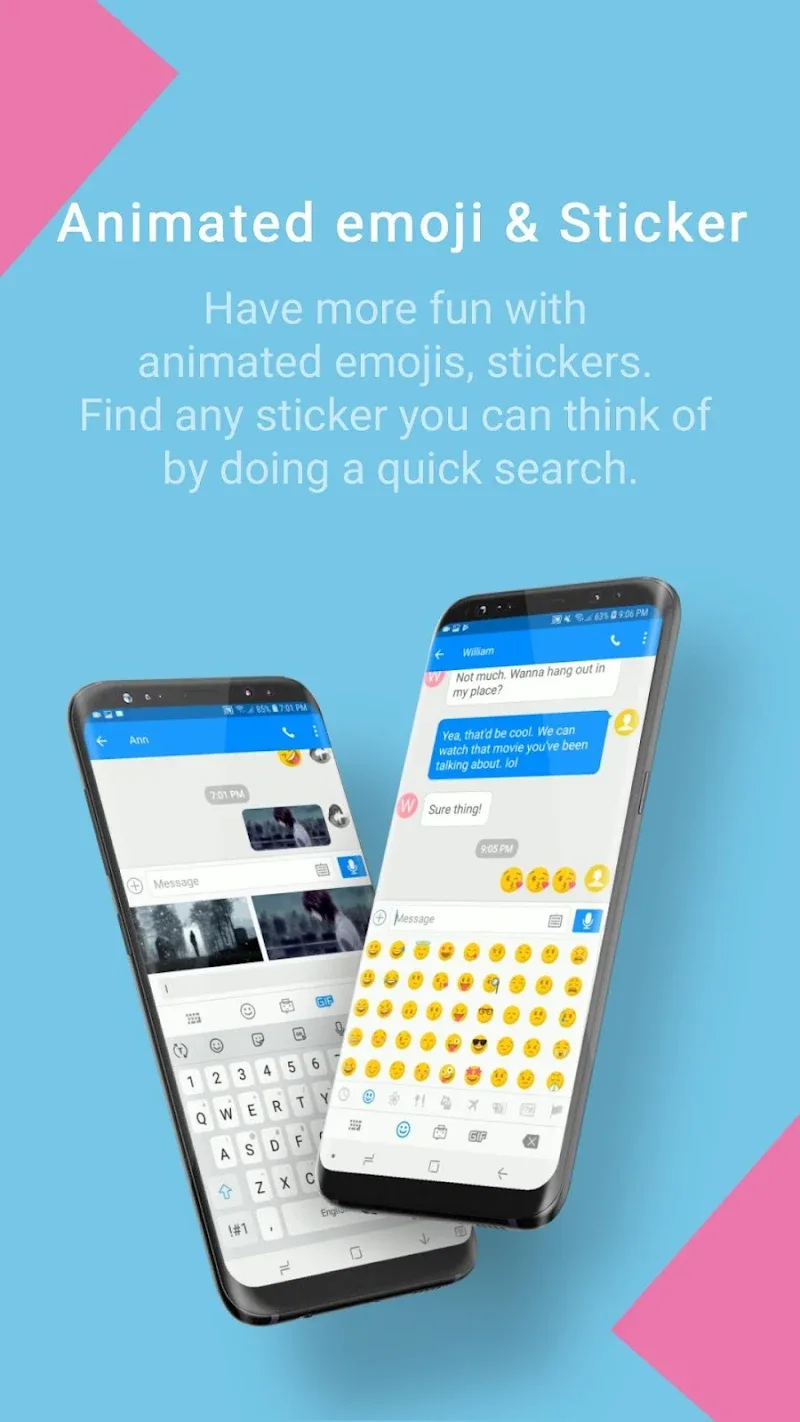
Rather than a game-like progression, personalization in Next SMS unfolds through gradual refinement: save favorite themes, create message templates for repeated replies, and assemble sticker or GIF collections you use most often. As you customize reply shortcuts, notification rules, and gallery presets, the app adapts to your routine and reduces the time spent on repetitive tasks. Regular updates and weekly theme additions keep the experience feeling fresh, encouraging occasional revisits to try new looks and reorganize conversation groups.
Robust MMS support ensures photos, videos, and audio are shared reliably; attachments can be previewed inline and saved to the device gallery with a single tap. Download behavior is configurable so large files do not consume mobile data without permission; you can restrict automatic downloads to Wi-Fi or choose manual retrieval for each attachment. Built-in compression options and background transfer help keep large conversations manageable while preserving usability for recipients on slower networks.
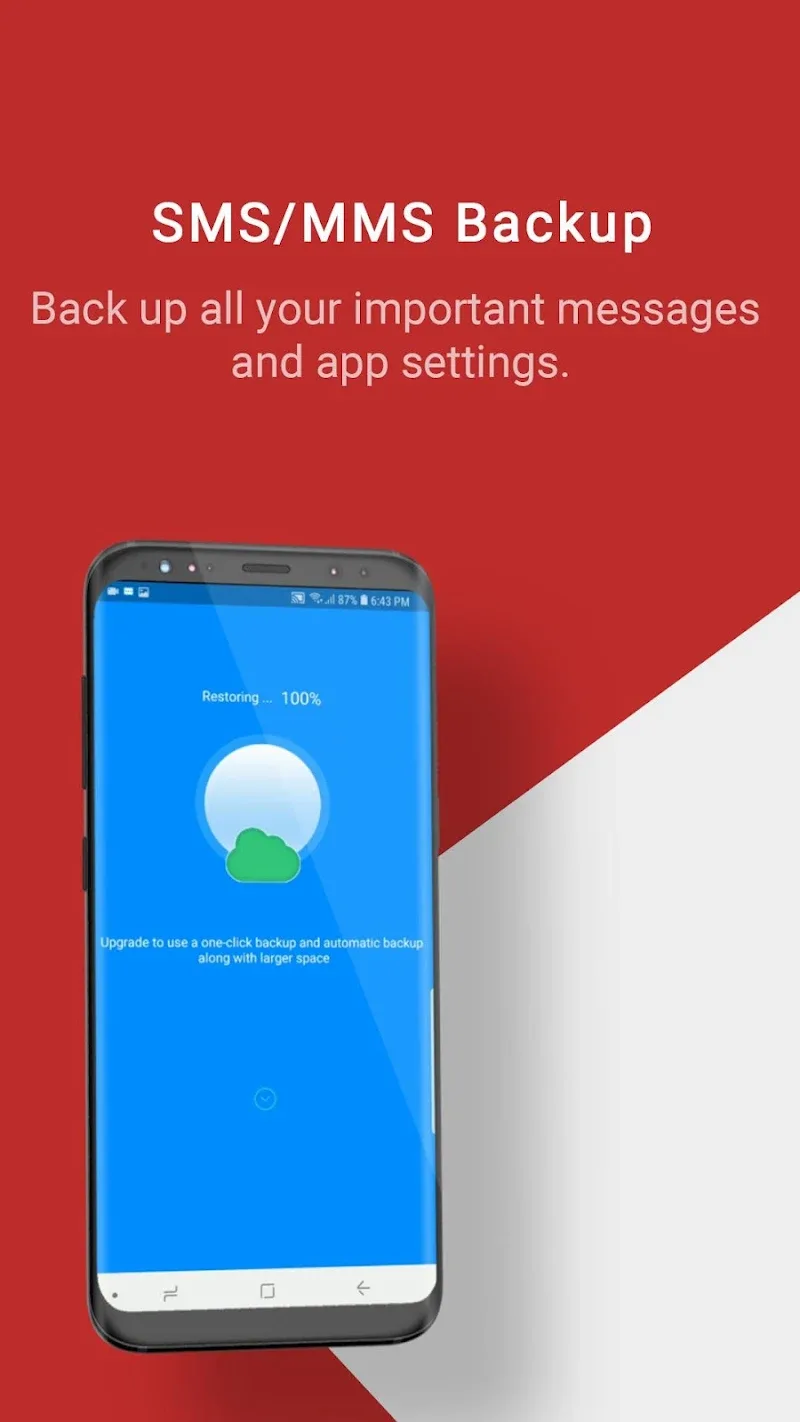
Searchable message history, scheduled replies, and message templates help maintain productivity when communication volumes are high. Thread-level mute, priority notifications, and spam filters let you focus on important conversations, while archiving and an easily accessible Private Box cleanly separate active chats from stored or sensitive threads. Backup and restore tools support local exports and imports so you can move messages between devices without losing history; regular backups are recommended to protect long-term records.
Privacy is a central element: optional encryption-like protections and a Private Box with passcode guard selected conversations, while permission controls limit access to contacts, storage, and microphone features. Accessibility settings include scalable fonts, high-contrast themes, and screen reader friendliness to make the app usable for a wide range of users. When used offline, standard SMS and MMS functionality remains operational, so you can send and receive messages without a continuous internet connection when necessary.
Next SMS supports a broad range of Android devices and integrates with Wear OS and desktop sync tools, but some companion features require the phone app to be installed and running for full functionality. Cross-device features may need initial configuration steps for pairing or account setup, and those prompts appear during the first launch. Each release is scanned with more than 60 antivirus engines and the app receives frequent content updates, including weekly theme refreshes and stability fixes, to ensure a secure and evolving messaging experience.
BIG Phone for Seniors
Size:10.01M CommunicationFree Adblocker Browser
Size:188.40M CommunicationSoundCloud
Size:95.60M CommunicationInst Saver Post Story Saver
Size:11.13M CommunicationVani Dialer
Size:35.25M CommunicationSimple SMS Messenger
Size:19.80M CommunicationOH Web Browser - Safe & Simple
Size:11.00M CommunicationOpera Browser
Size:81.10M CommunicationLearna AI
Size:69.30M CommunicationNext SMS
Size:32.34M CommunicationWhatsAuto - Reply App
Size:17.10M CommunicationTumblr
Size:24.10M CommunicationApril 2024 Clash of Clans Update: Unveiling a Fresh Companion, Enhanced Levels, Chat Tagging, and Be
2024-04-16Arrival of Genshin Impact 4.6 Update: 'Embers of Two Realms, Twilight of Crimson'
2024-04-16V2.2 of the Farlight 84 update introduces an overhauled Season structure, fresh in-game currency, an
2024-04-16Monster Never Cry is now accessible on both Android and iOS mobile devices.
2024-04-18PUBG Mobile Teams Up with Bentley Motors: Luxury Cars, Exclusive Collectibles, and Beyond
2024-04-18March 2024 Free Redemption Codes for Honkai: Star Rail
2024-04-18

















