
English
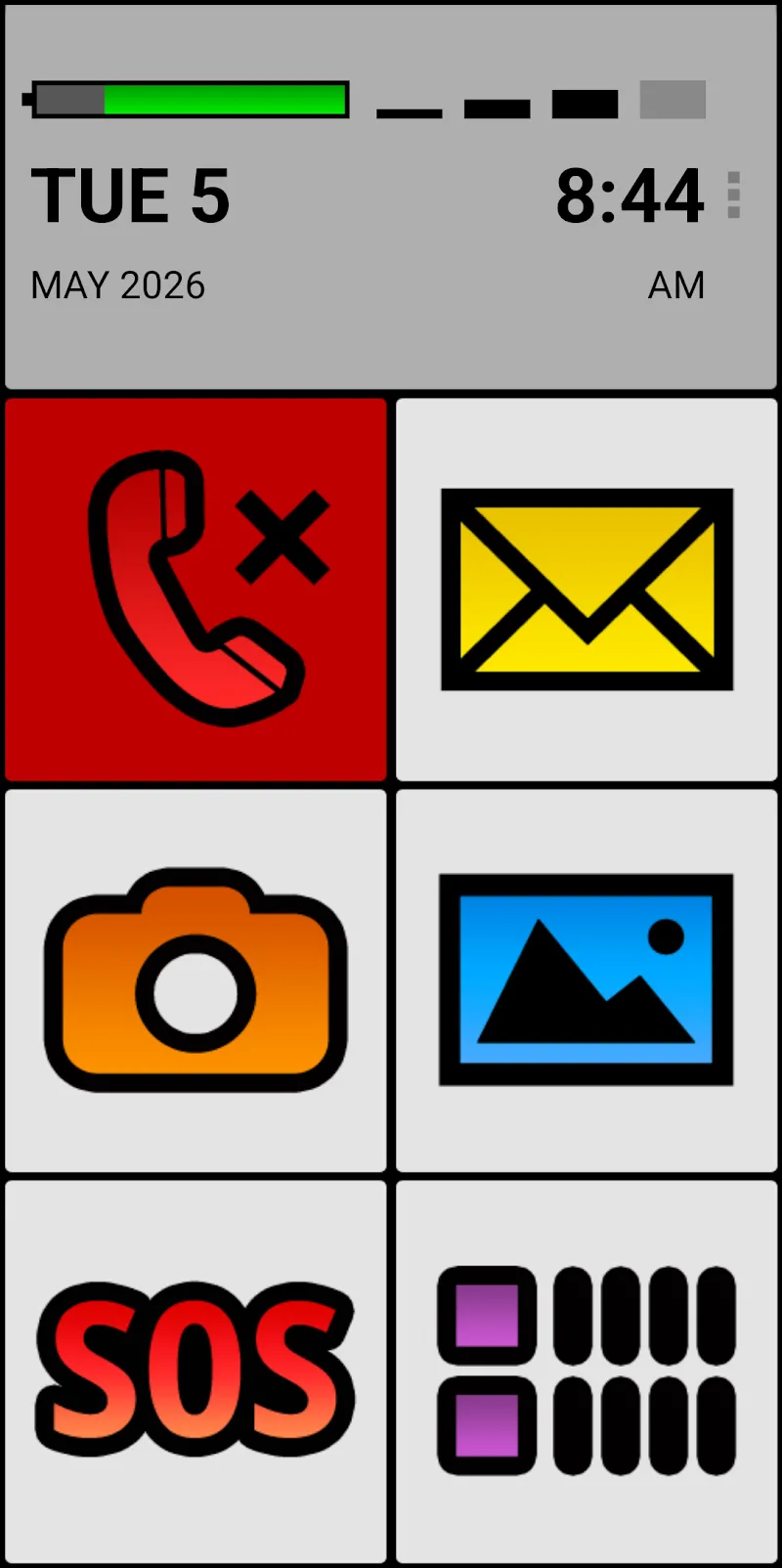
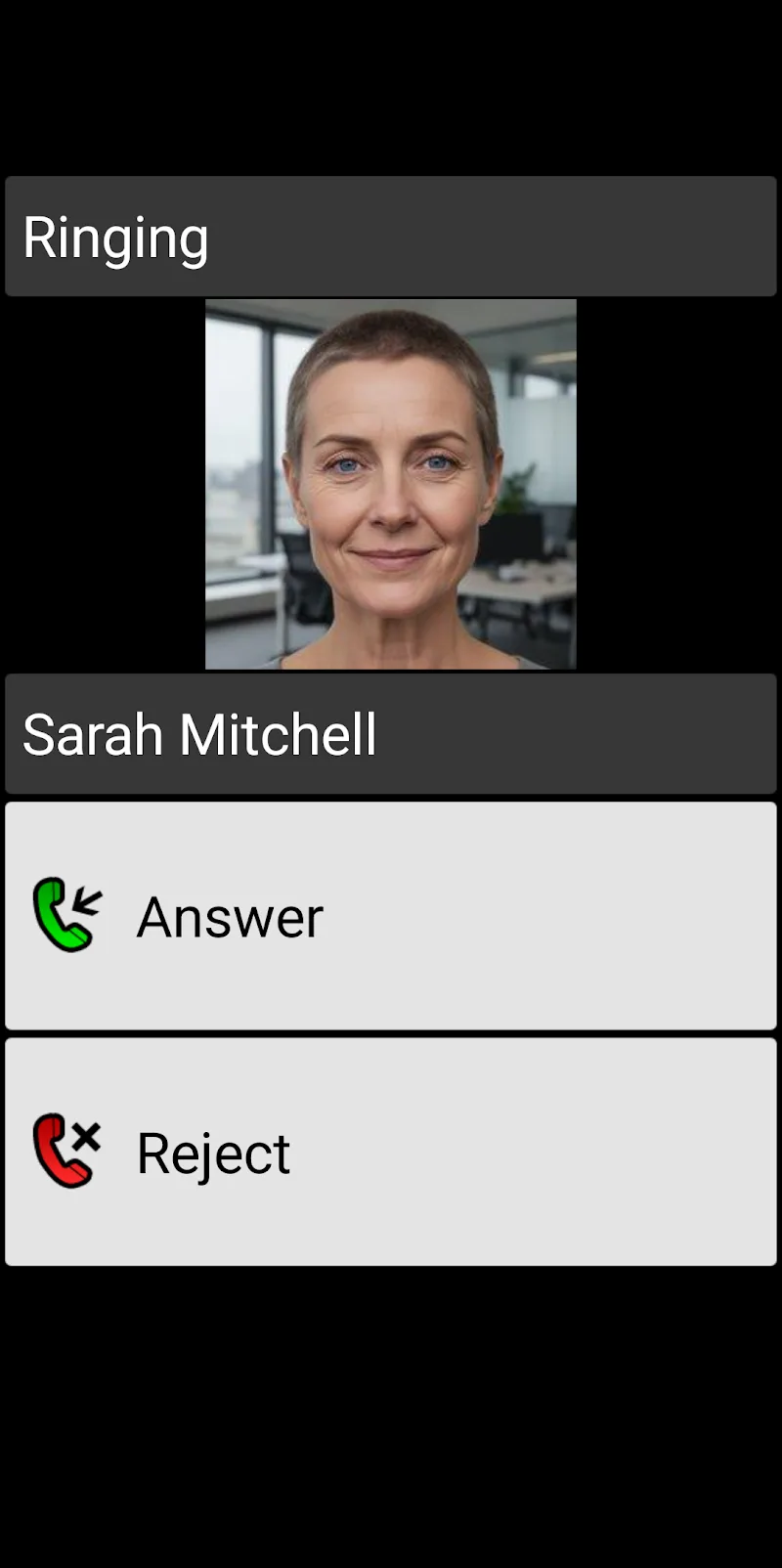
BIG Phone for Seniors is a simplified smartphone interface created to help older adults interact with mobile devices more comfortably and confidently. The app places oversized text, clear icons and a decluttered home screen front and center to reduce visual confusion and make routine tasks easier to complete. Designed for people who find standard interfaces too small or too busy, BIG Phone for Seniors emphasizes readability, straightforward navigation and immediate access to essential functions such as calls, messaging and emergency contacts.
The core of BIG Phone for Seniors is a pared-down launcher that replaces typical app-heavy home screens with a calmer, task-focused layout. Large touch targets and simplified menus minimize accidental taps while one-touch controls put the most-used actions within thumb reach. For many users the experience feels less like learning a new device and more like returning to a familiar, readable control panel for communications and basic utilities.
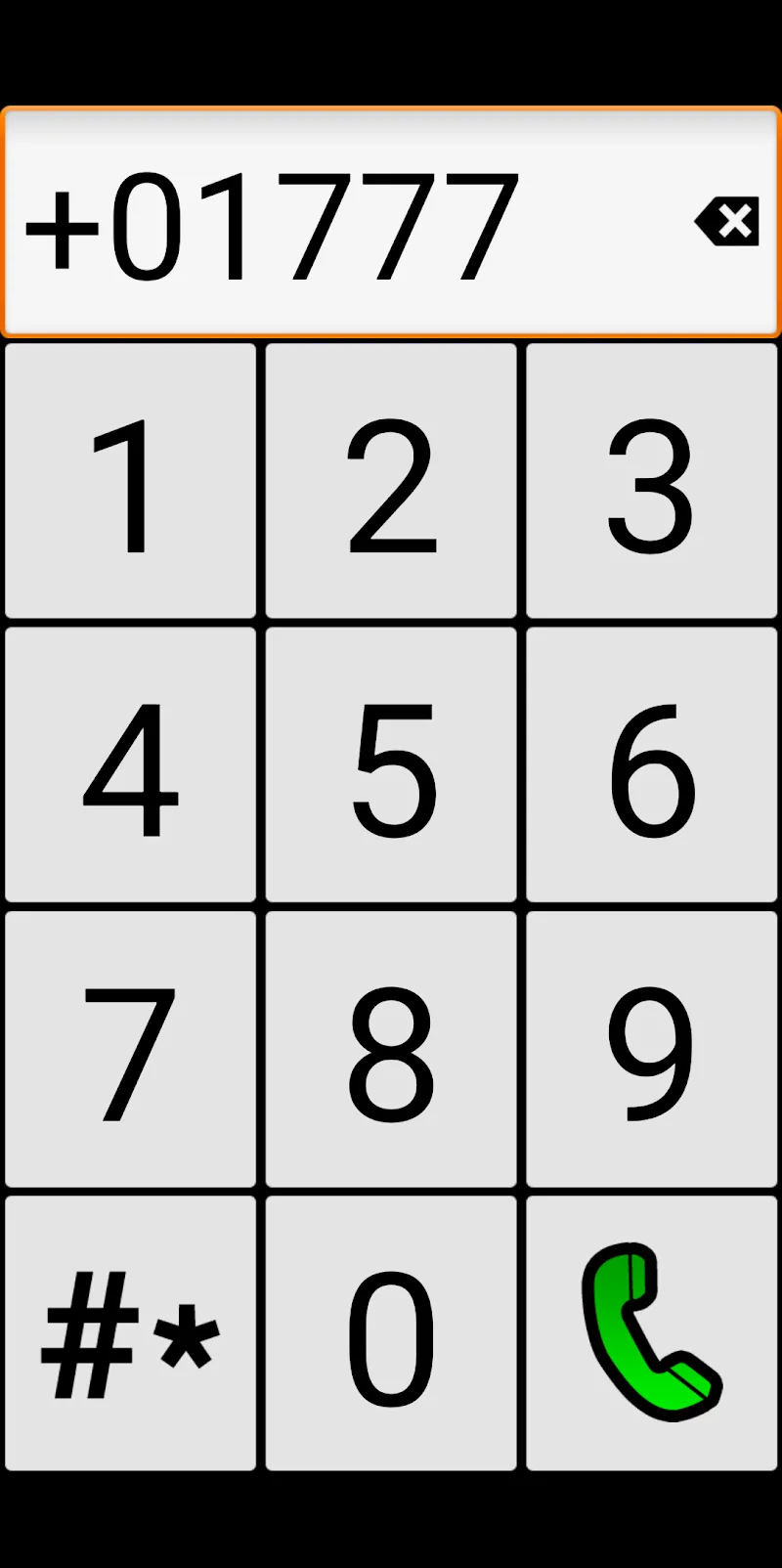
Interaction is optimized around direct touch gestures and obvious visual feedback. Buttons are larger than typical app interfaces so tapping, swiping and returning to the home view are forgiving and predictable. On-screen controls favor single-step actions rather than deep, multi-level settings; this reduces the chance of becoming lost in menus and makes it easier to complete a call or send a message in a few simple taps. Haptic and visual cues can reinforce successful actions for users who benefit from multimodal confirmation.
The app assumes learners may prefer a gradual introduction to features. Initial setup focuses on the essentials: configuring emergency contacts, selecting preferred text size and choosing which core apps appear on the home screen. From there, complexity can be increased slowly by exposing additional items as confidence grows. This progression helps users and caregivers monitor comfort levels and expand functionality at a manageable pace rather than overwhelming someone with every option at once.
Visual design favors contrast, generous spacing and a limited palette so important information stands out. High-contrast text and large icons improve legibility in varied lighting conditions, and a calmer background reduces eye strain. Home screen pages are organized by task rather than by all installed apps, so calling, messaging and emergency access are presented prominently while less critical items remain accessible but unobtrusive.
BIG Phone for Seniors allows caregivers or users to tailor the experience without diving into deep system settings. Adjustable display options let you increase font sizes, change icon scale and choose simplified color schemes. You can also customize which apps appear on the primary screen and set up an emergency dialer that is always visible. These lightweight customization choices help match the interface to different vision needs and personal preferences without introducing complicated menus.
The launcher is designed to work reliably whether a device is online or offline: core functions such as phone calls, SMS and emergency access remain available without a network connection. This focus on basic telephony and local functionality helps maintain independence in low-connectivity scenarios and reduces reliance on cloud services for day-to-day operation. Standard privacy expectations apply; the app does not require unnecessary online accounts to function.
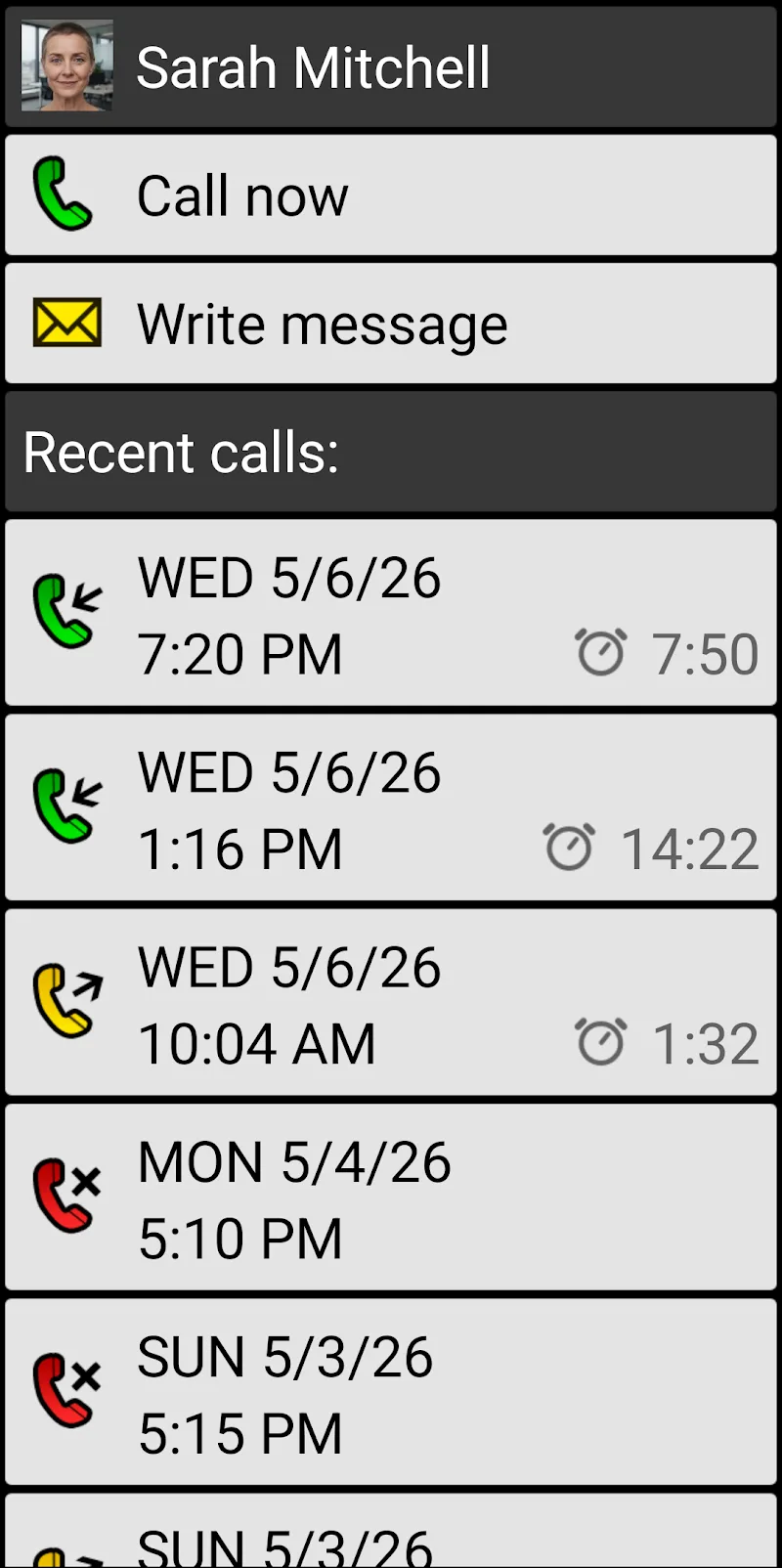
BIG Phone for Seniors is helpful both for individuals seeking a less complex daily driver and for caregivers aiming to prepare a phone that is simple to manage. The simplified interface makes it easier to place calls, respond to messages and find contacts quickly, which can be especially valuable during appointments, travel or when coordinating care. It is also useful as a transition tool for users who want to regain confidence after struggling with more modern, dense interfaces.
The focused approach intentionally reduces access to advanced or niche features; users who prefer a deeply customizable or feature-rich smartphone experience may find the simplified environment restrictive. BIG Phone for Seniors is best suited to people who prioritize clarity, immediate access to essential tools and a low-friction daily workflow rather than full access to every app and setting.
BIG Phone for Seniors
Size:10.01M CommunicationFree Adblocker Browser
Size:188.40M CommunicationSoundCloud
Size:95.60M CommunicationInst Saver Post Story Saver
Size:11.13M CommunicationVani Dialer
Size:35.25M CommunicationSimple SMS Messenger
Size:19.80M CommunicationOH Web Browser - Safe & Simple
Size:11.00M CommunicationOpera Browser
Size:81.10M CommunicationLearna AI
Size:69.30M CommunicationNext SMS
Size:32.34M CommunicationWhatsAuto - Reply App
Size:17.10M CommunicationTumblr
Size:24.10M CommunicationApril 2024 Clash of Clans Update: Unveiling a Fresh Companion, Enhanced Levels, Chat Tagging, and Be
2024-04-16Arrival of Genshin Impact 4.6 Update: 'Embers of Two Realms, Twilight of Crimson'
2024-04-16V2.2 of the Farlight 84 update introduces an overhauled Season structure, fresh in-game currency, an
2024-04-16Monster Never Cry is now accessible on both Android and iOS mobile devices.
2024-04-18PUBG Mobile Teams Up with Bentley Motors: Luxury Cars, Exclusive Collectibles, and Beyond
2024-04-18March 2024 Free Redemption Codes for Honkai: Star Rail
2024-04-18

















