
English
Free Adblocker Browser is a lightweight Android browser that blocks ads, trackers and unwanted pop-ups for a cleaner, faster browsing session. It combines privacy protections, data savings and a simple interface to reduce clutter while loading pages quicker. Ideal for users who want blocking without complex setup.
The app delivers a one-click ad blocking experience with several configurable options. Automatic ad filtering removes banners, video ads and intrusive pop-ups. Tracker blocking limits third-party scripts that follow your activity across sites. A built-in data saver compresses images and media to reduce bandwidth, while a reader mode strips pages down to their essential text for distraction-free reading.
The Free Adblocker Browser interface emphasizes simplicity. Tabs are presented in a compact layout with quick access to history, bookmarks and settings. Controls are positioned for one-handed use on phones, and a customizable home page lets you pin frequently visited sites. Menus are uncluttered, making the most common actions visible without deep digging.
Rather than relying on third-party add-ons, the browser integrates filtering lists directly into the app. Filters are regularly updated to keep pace with new ad patterns. When a page loads, the browser evaluates requests against its filter lists and blocks resources flagged as ads or trackers. This approach reduces the number of scripts executed and can shorten page load times.
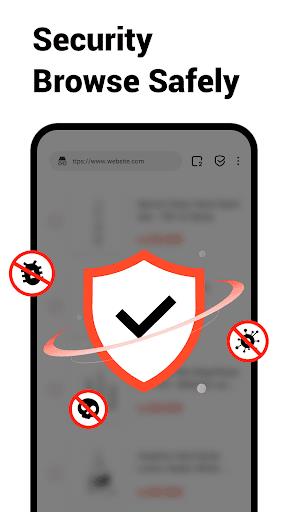
Privacy controls are built into the core experience. The browser can clear cookies and site data automatically when you exit, and an incognito mode prevents browsing history from being stored. Blocking trackers reduces targeted advertising and cross-site profiling. The app also avoids invasive permissions, requesting only those necessary for browsing, downloads and optional features.
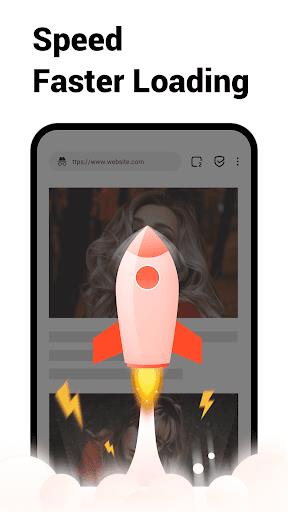
Because the browser prevents heavy ad networks and resource-hungry scripts from loading, it often uses less CPU and consumes less battery than standard browsers on ad-heavy sites. Pages can render faster without media autoplay and background requests. Compatibility is broad: the browser supports standard web technologies and adapts to most mobile sites, while occasional edge cases can be handled with the whitelist or a temporary toggle to allow blocked content.
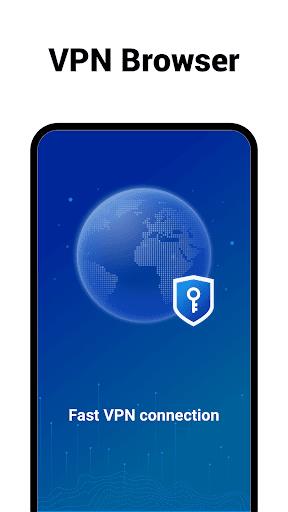
To begin, install the Free Adblocker Browser and open its welcome screen to review basic privacy options. Toggle ad blocking on or off with a single switch, then visit a few websites to see the difference in load time and layout. Add trusted sites to the whitelist if you want to support specific publishers. Bookmark and sync options simplify transferring favorites between devices when supported.
Advanced users can fine-tune the experience through detailed filter lists and toggle settings for JavaScript, images or video autoplay. The browser may offer import and export of filters, letting you carry over preferred rules from other ad-blocking solutions. Shortcuts, gestures and homepage widgets provide faster access to actions you use most.
Free Adblocker Browser balances effective ad blocking with a familiar browsing workflow, making it a practical choice for users who want faster pages, reduced tracking and a cleaner mobile browsing experience. Its combination of ease-of-use and configurable tools suits both casual users and those who prefer to tweak privacy and performance settings.
BIG Phone for Seniors
Size:10.01M CommunicationFree Adblocker Browser
Size:188.40M CommunicationSoundCloud
Size:95.60M CommunicationInst Saver Post Story Saver
Size:11.13M CommunicationVani Dialer
Size:35.25M CommunicationSimple SMS Messenger
Size:19.80M CommunicationOH Web Browser - Safe & Simple
Size:11.00M CommunicationOpera Browser
Size:81.10M CommunicationLearna AI
Size:69.30M CommunicationNext SMS
Size:32.34M CommunicationWhatsAuto - Reply App
Size:17.10M CommunicationTumblr
Size:24.10M CommunicationApril 2024 Clash of Clans Update: Unveiling a Fresh Companion, Enhanced Levels, Chat Tagging, and Be
2024-04-16Arrival of Genshin Impact 4.6 Update: 'Embers of Two Realms, Twilight of Crimson'
2024-04-16V2.2 of the Farlight 84 update introduces an overhauled Season structure, fresh in-game currency, an
2024-04-16Monster Never Cry is now accessible on both Android and iOS mobile devices.
2024-04-18PUBG Mobile Teams Up with Bentley Motors: Luxury Cars, Exclusive Collectibles, and Beyond
2024-04-18March 2024 Free Redemption Codes for Honkai: Star Rail
2024-04-18

















