English
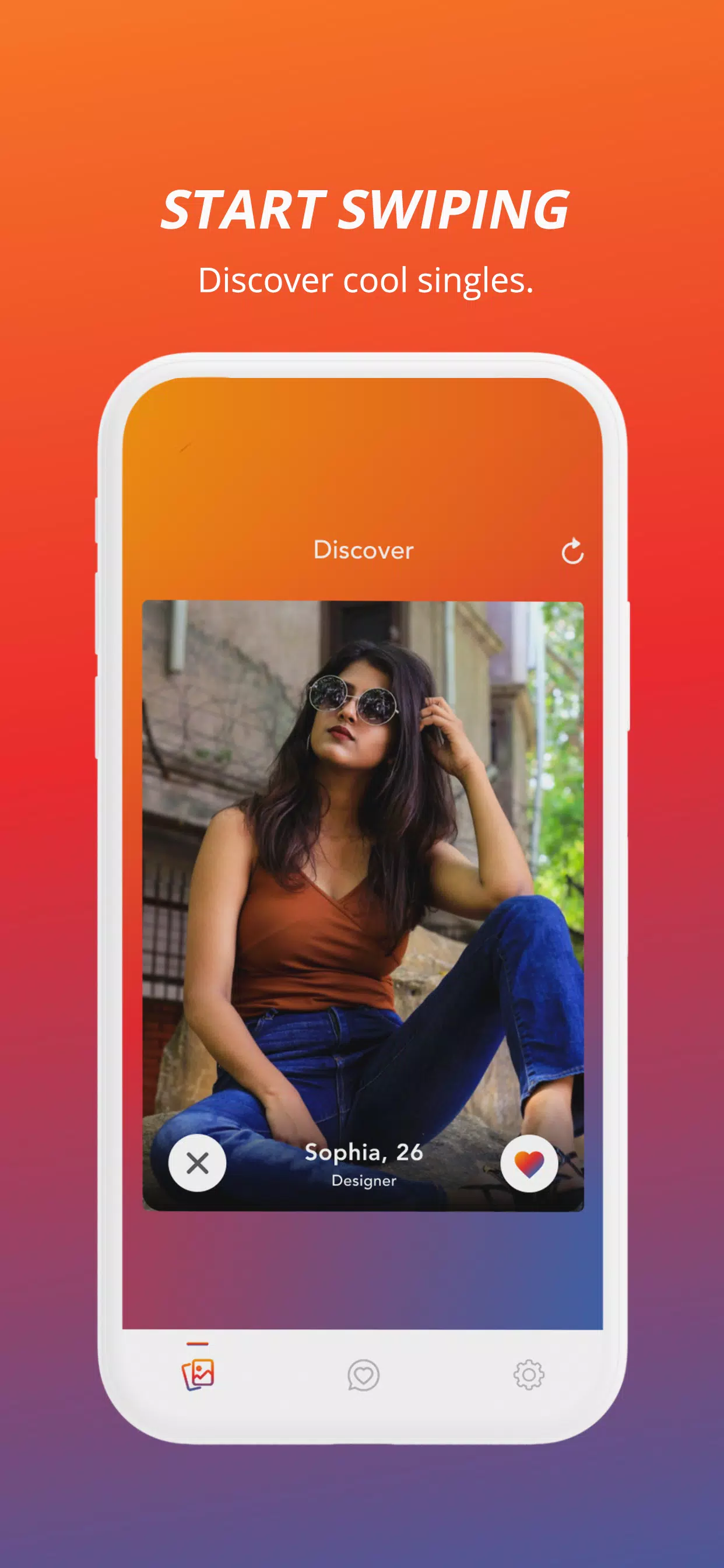
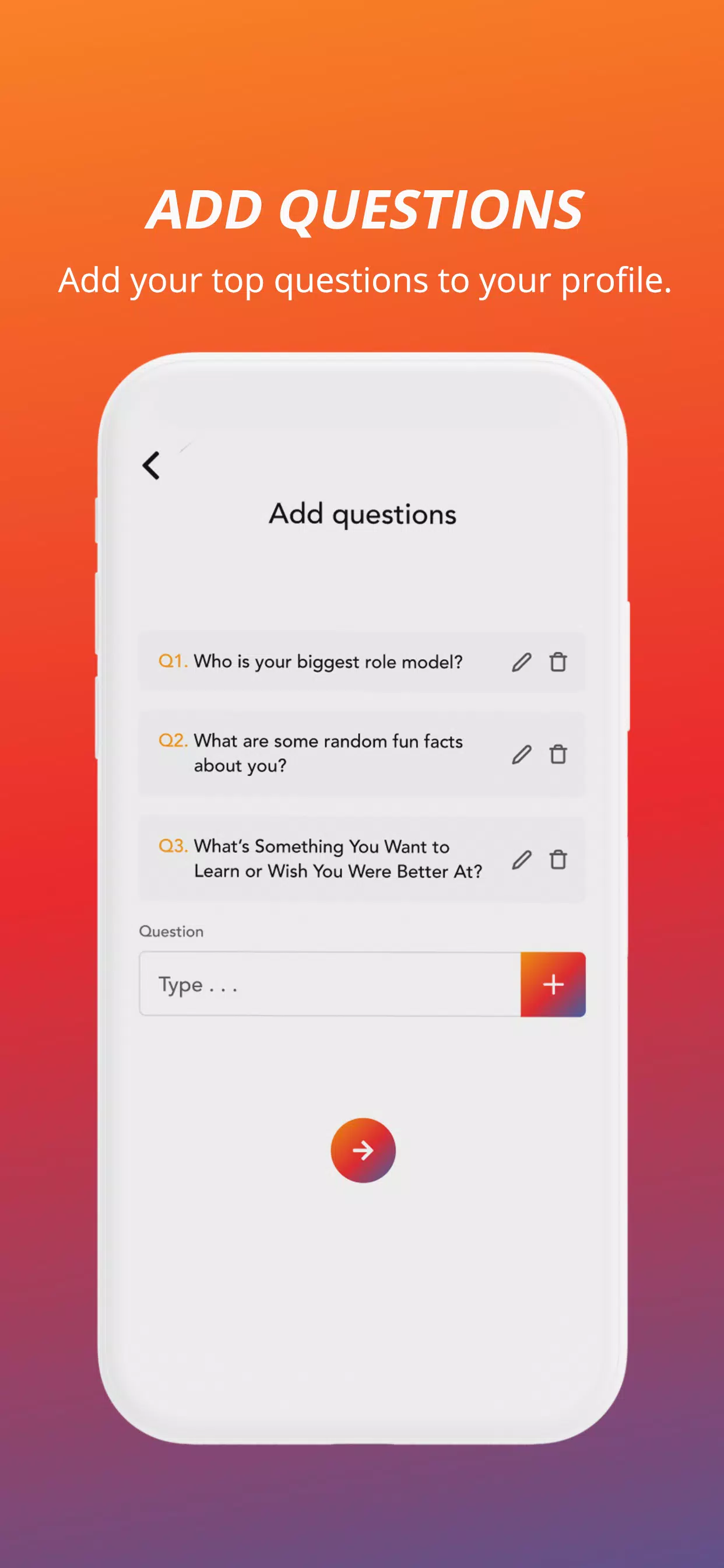
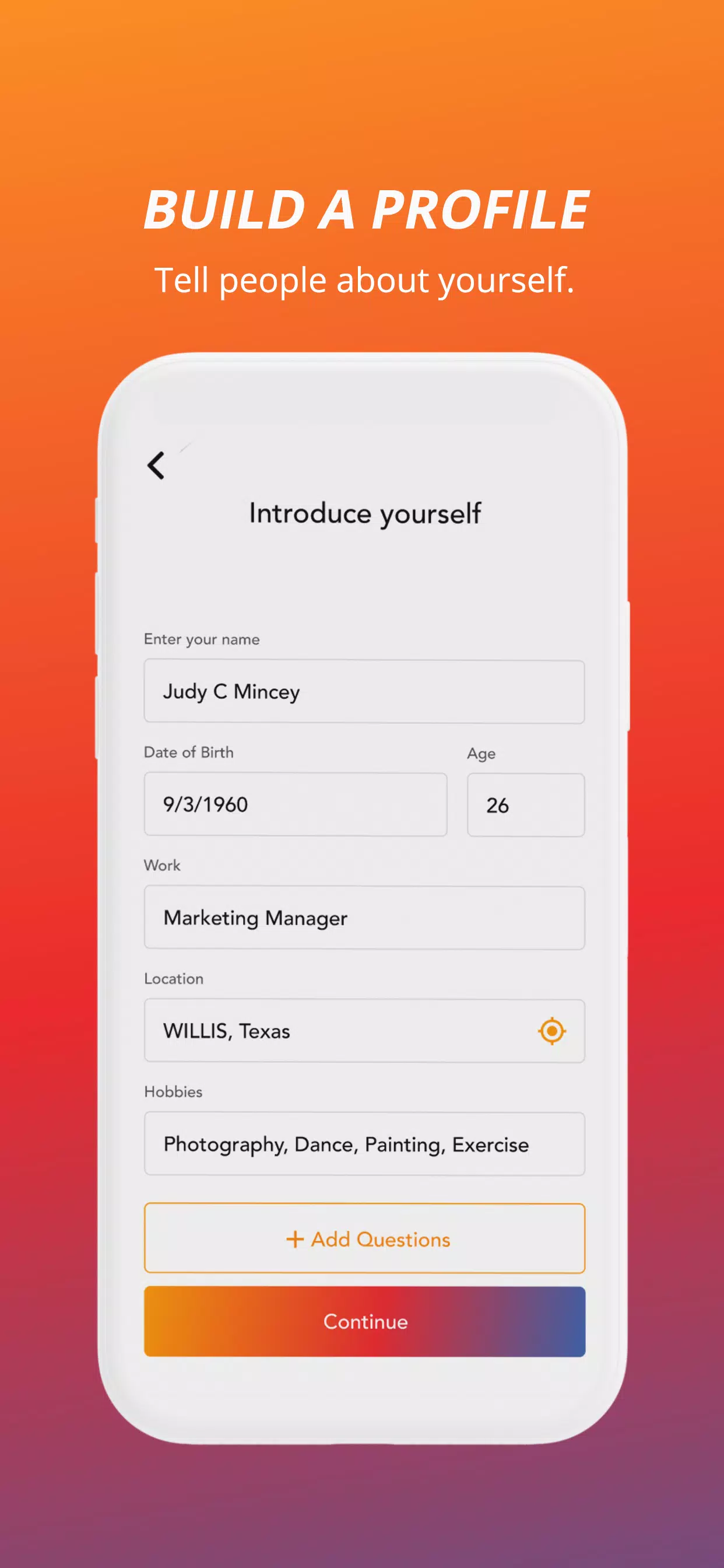
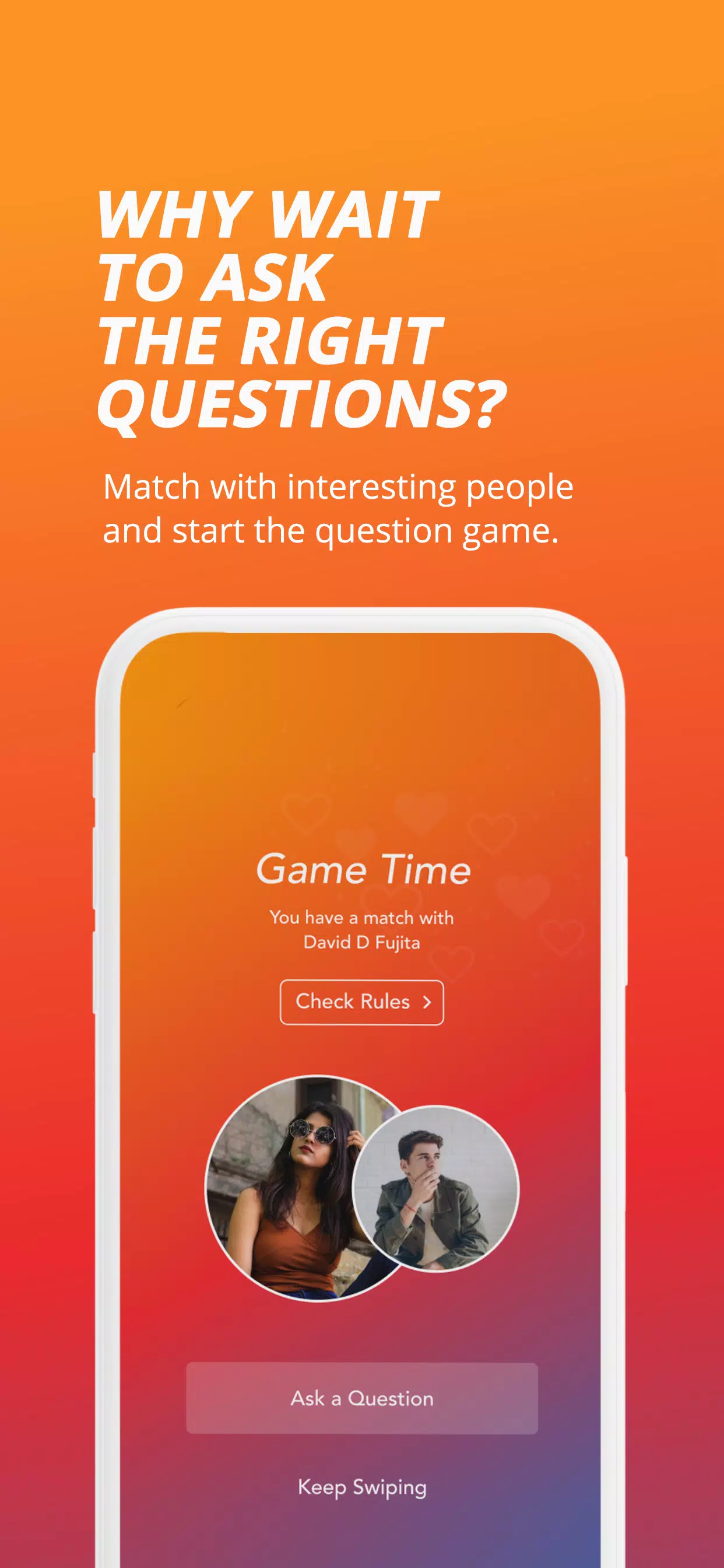
Question is a streamlined knowledge-management app designed to capture ideas, organize notes, and turn research into actionable insights. With flexible tagging, fast search, and cross-device syncing, Question helps users collect information from multiple sources and build structured knowledge bases for study, work, and creative projects.
Question combines a lightweight editor with a set of productivity tools to keep information tidy and easy to retrieve. The app supports rich text notes, embedded images and files, voice memos, and automatic OCR for scanned documents. A powerful search index and customizable tags make it simple to locate specific entries across large collections.
At its core, Question uses a layered structure: notes live inside collections, collections are organized by tags and folders, and links between notes create contextual networks. This design enables both linear notebooks for project work and nonlinear knowledge graphs for research. The app's timeline view and version history help track changes and restore earlier edits when needed.
The interface prioritizes clarity: a left-hand navigation bar lists collections and frequently used tags while the main pane shows note previews and the editor. Keyboard shortcuts and gesture controls speed up routine tasks. Question also includes configurable themes and font settings so you can tailor the reading experience for long study sessions.
Designed for Android devices, Question supports background sync to the cloud and local storage options for offline access. It integrates with common workflows via share intents and supports export formats like Markdown and PDF. If you rely on external tools, the app provides import routines for notes from other services and simple ways to forward content into specific collections.
Question is optimized for a range of Android hardware: from phones to large tablets. It minimizes battery drain by batching network activity and compressing attachments during sync. Large notebooks remain responsive thanks to incremental indexing and lazy-loading of heavy media. The app is compatible with recent Android releases and scales its layout for different screen sizes.
Protecting user data is a priority. Question offers optional passcode locks for the app, encrypted backups, and selective sync so sensitive collections can remain local. Clear permission prompts explain when the app needs access to storage, microphone, or camera. For users who demand extra control, offline-only mode prevents any network communication.
For power users, Question includes templating for recurring note types, automated rules that tag incoming content, and a simple scripting interface to extract data from notes. These tools allow teams to standardize meeting notes, track tasks, or generate study flashcards directly from highlighted passages.
Begin by creating a few collections that match your main activities—work, study, projects—and import or clip one week’s worth of content. Use tags sparingly at first, then refine them as your library grows. Regular maintenance—archiving completed items and merging duplicate tags—keeps retrieval times fast and your knowledge graph meaningful.
Question fits anyone who needs a reliable place to gather and structure information: students consolidating course materials, professionals managing research, or creatives sketching out ideas. Its mix of approachable design and advanced features makes it suitable for daily note-taking and long-term knowledge construction.
Install Question on your Android device, connect your preferred sync option, and try a week-long experiment to move recurring tasks and reference materials into the app. After a short learning curve you’ll notice faster searches, fewer lost ideas, and a clearer overview of your ongoing projects.
BIG Phone for Seniors
Size:10.01M CommunicationFree Adblocker Browser
Size:188.40M CommunicationSoundCloud
Size:95.60M CommunicationInst Saver Post Story Saver
Size:11.13M CommunicationVani Dialer
Size:35.25M CommunicationSimple SMS Messenger
Size:19.80M CommunicationOH Web Browser - Safe & Simple
Size:11.00M CommunicationOpera Browser
Size:81.10M CommunicationLearna AI
Size:69.30M CommunicationNext SMS
Size:32.34M CommunicationWhatsAuto - Reply App
Size:17.10M CommunicationTumblr
Size:24.10M CommunicationApril 2024 Clash of Clans Update: Unveiling a Fresh Companion, Enhanced Levels, Chat Tagging, and Be
2024-04-16Arrival of Genshin Impact 4.6 Update: 'Embers of Two Realms, Twilight of Crimson'
2024-04-16V2.2 of the Farlight 84 update introduces an overhauled Season structure, fresh in-game currency, an
2024-04-16Monster Never Cry is now accessible on both Android and iOS mobile devices.
2024-04-18PUBG Mobile Teams Up with Bentley Motors: Luxury Cars, Exclusive Collectibles, and Beyond
2024-04-18March 2024 Free Redemption Codes for Honkai: Star Rail
2024-04-18