English
SOXO is a streamlined productivity app designed to centralize daily tasks, notes and quick reminders into a single responsive interface. It balances lightweight performance with powerful organization tools suitable for freelancers and teams, offering fast syncing, customizable workflows, and a clean layout that keeps focus on what matters most.
Approaching task management with simplicity, SOXO positions itself as a flexible hub for personal and professional routines. It avoids cluttered menus while still providing advanced options when you need them. The app supports local and cloud storage, integrates with common calendars, and places emphasis on quick-access features that shave minutes off repetitive workflows.
Users will find the essentials—task lists, note-taking, reminders—implemented with small productivity touches: swipe gestures, smart sorting, and an adaptive search bar. SOXO focuses on letting you capture ideas and convert them into actionable items without losing context or adding complexity.
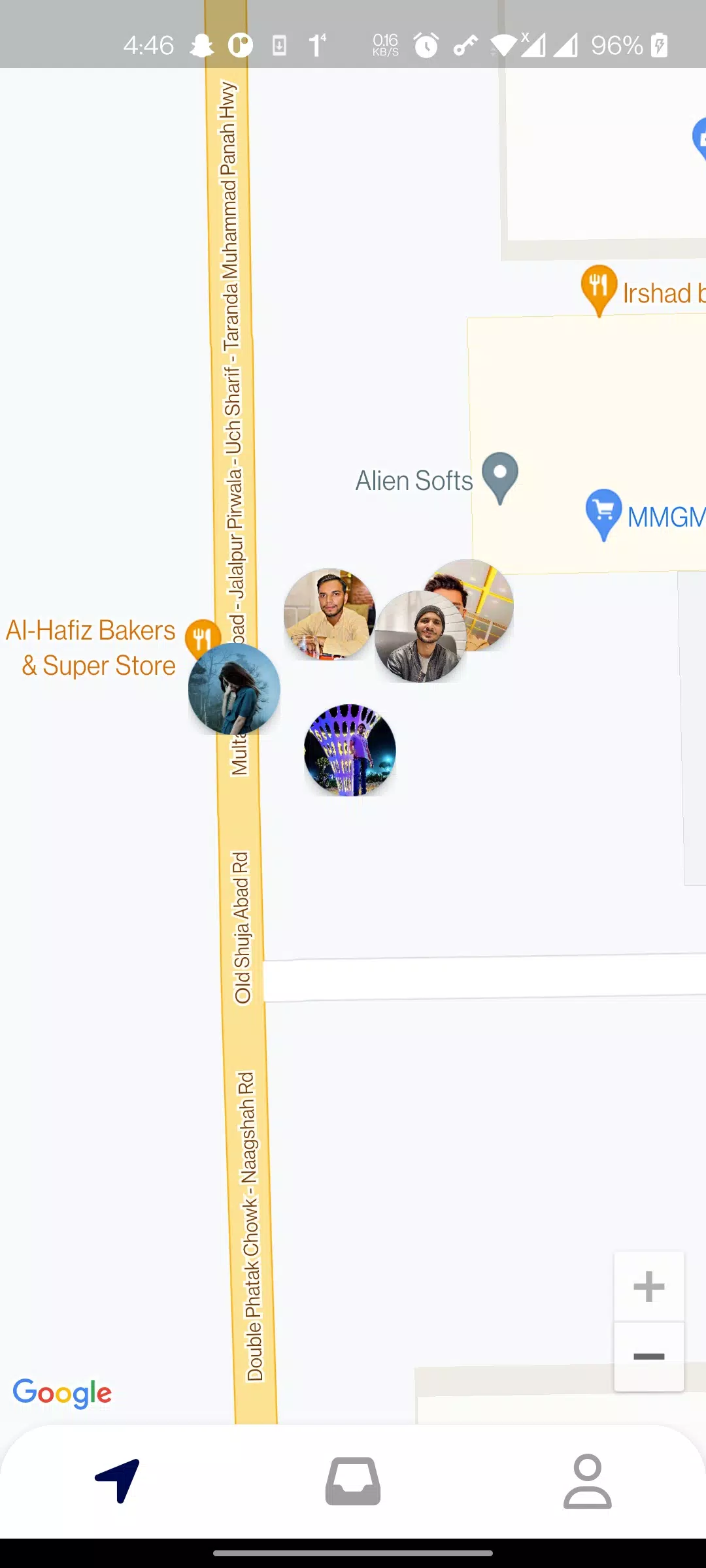
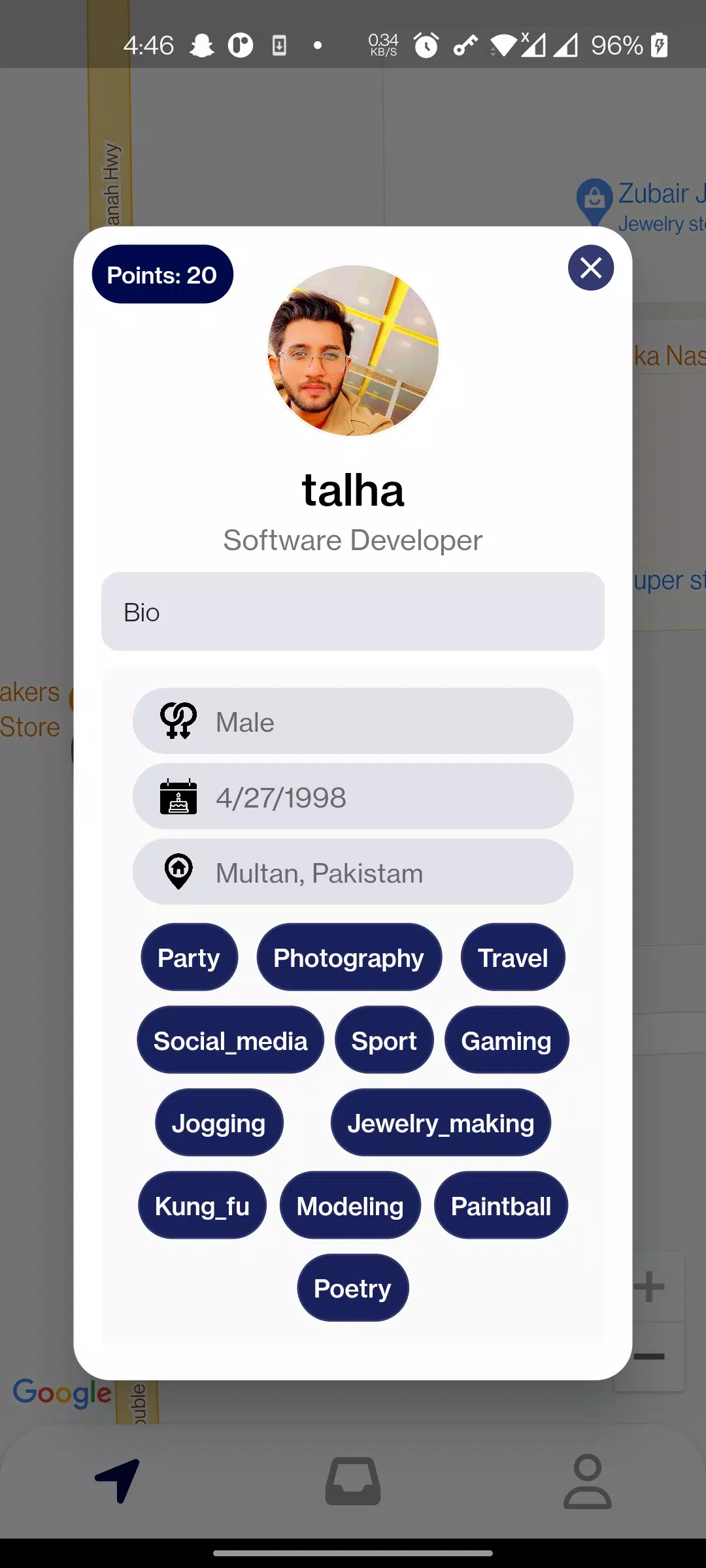
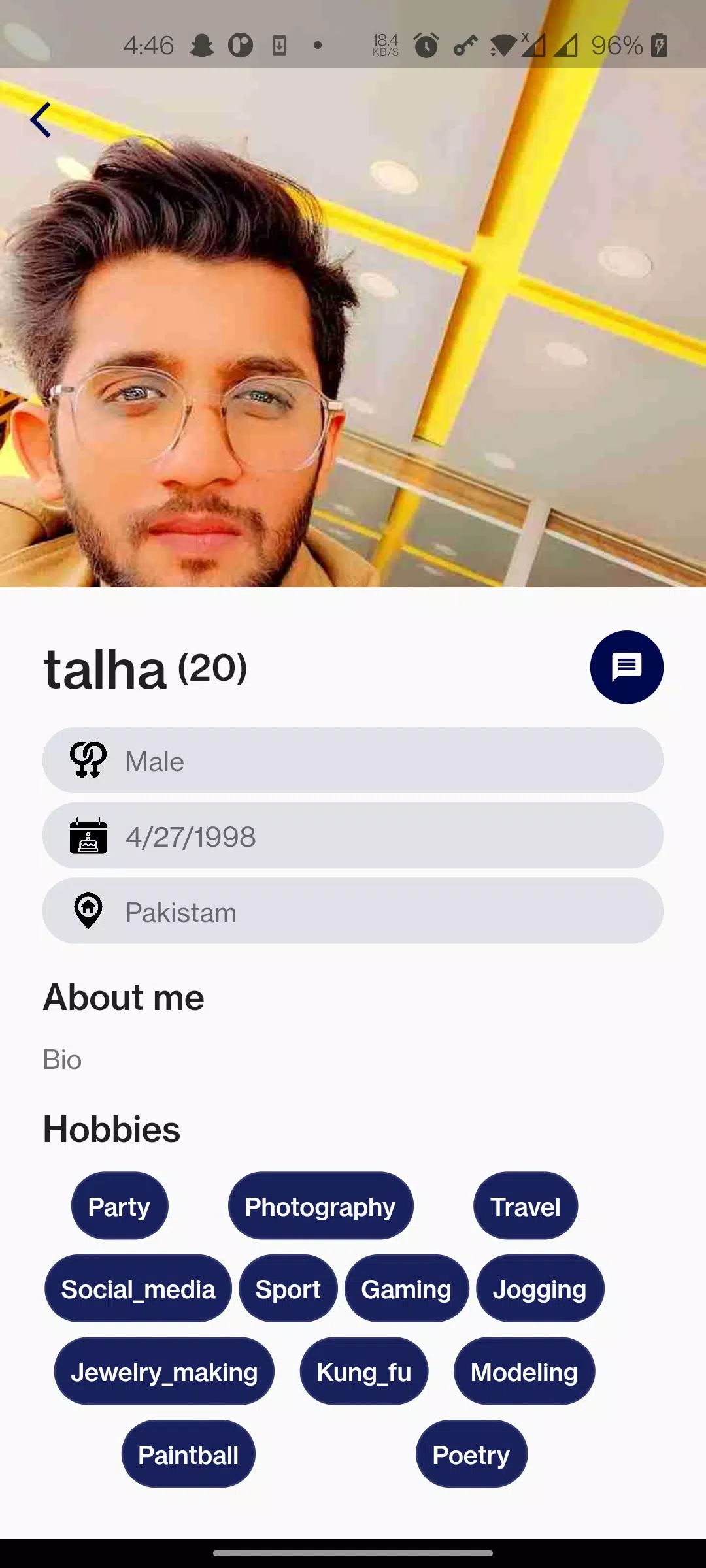
SOXO organizes content into flexible boards and lists. Start a new board for a project, add tasks and notes, then assign due dates and tags. The app uses a priority system that surfaces the most urgent tasks while letting low-priority items remain tucked away. A compact editor supports attachments, checklists, and inline formatting.
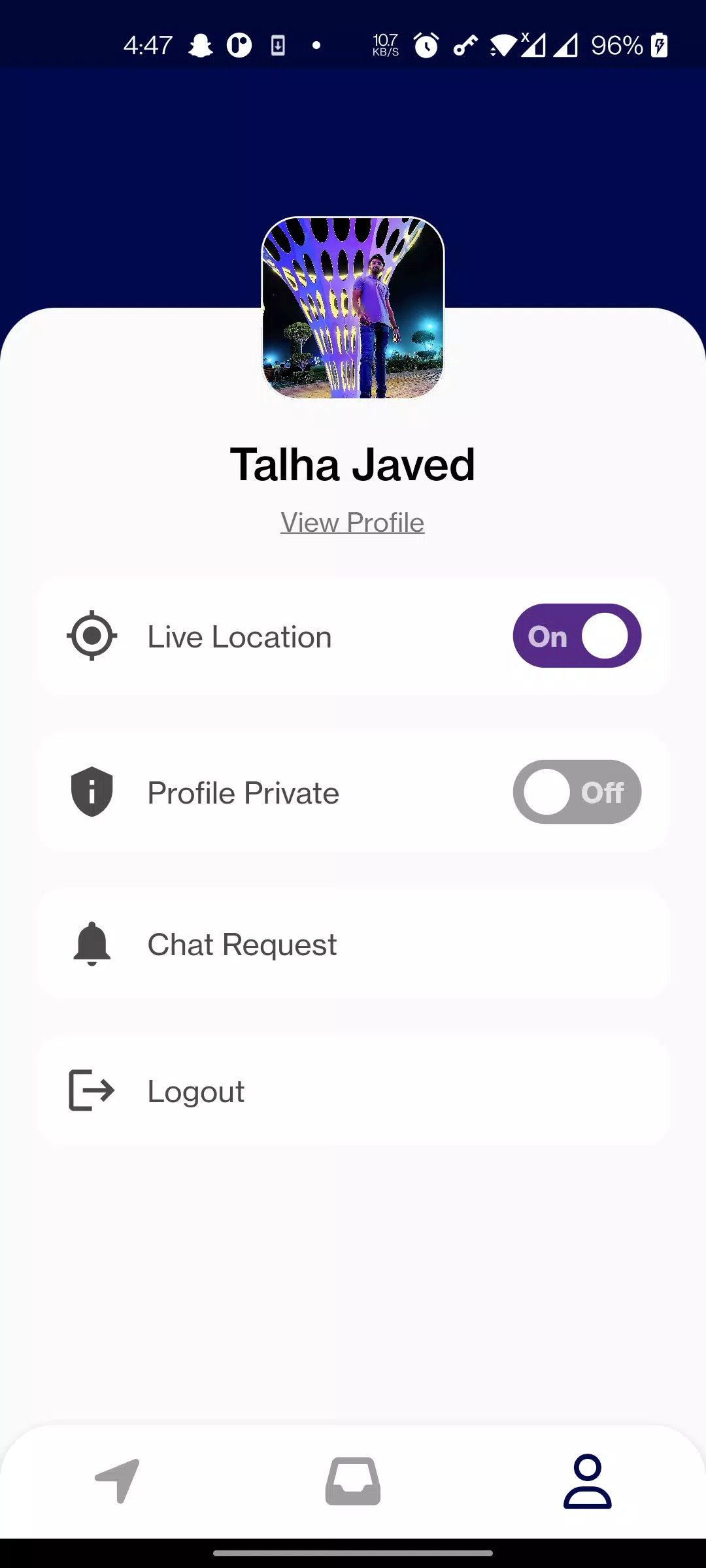
The interface is intentionally minimal. Large tap targets and clear typography make navigation fast, while a dark mode reduces eye strain in low light. SOXO is optimized for battery efficiency and runs smoothly on a wide range of Android devices, even older models. Animations are subtle and purposeful, helping orientation without slowing productivity.
Customization is one of SOXO’s practical strengths. Choose custom themes, reorder task fields, and create templates for repeating project types. The app also supports custom notification tones and allows you to hide sections you don’t use, which keeps the main workspace uncluttered.
SOXO integrates with popular calendar apps and supports exporting to common file formats. Workflow automation is available through built-in rules: automatically tag incoming items, move completed tasks to archives, or trigger reminders based on conditions you define. For many users, these automations replace tedious manual upkeep.
Privacy-conscious users will appreciate local encryption options and selective sync controls. You can choose which boards are shared to the cloud and which remain on-device. Permission prompts are straightforward, and data export facilitates migration if you decide to switch apps later.
First-time adopters often report improved clarity after a week of consistent use. SOXO’s design nudges you toward keeping tasks small and actionable, which helps maintain momentum without micromanagement.
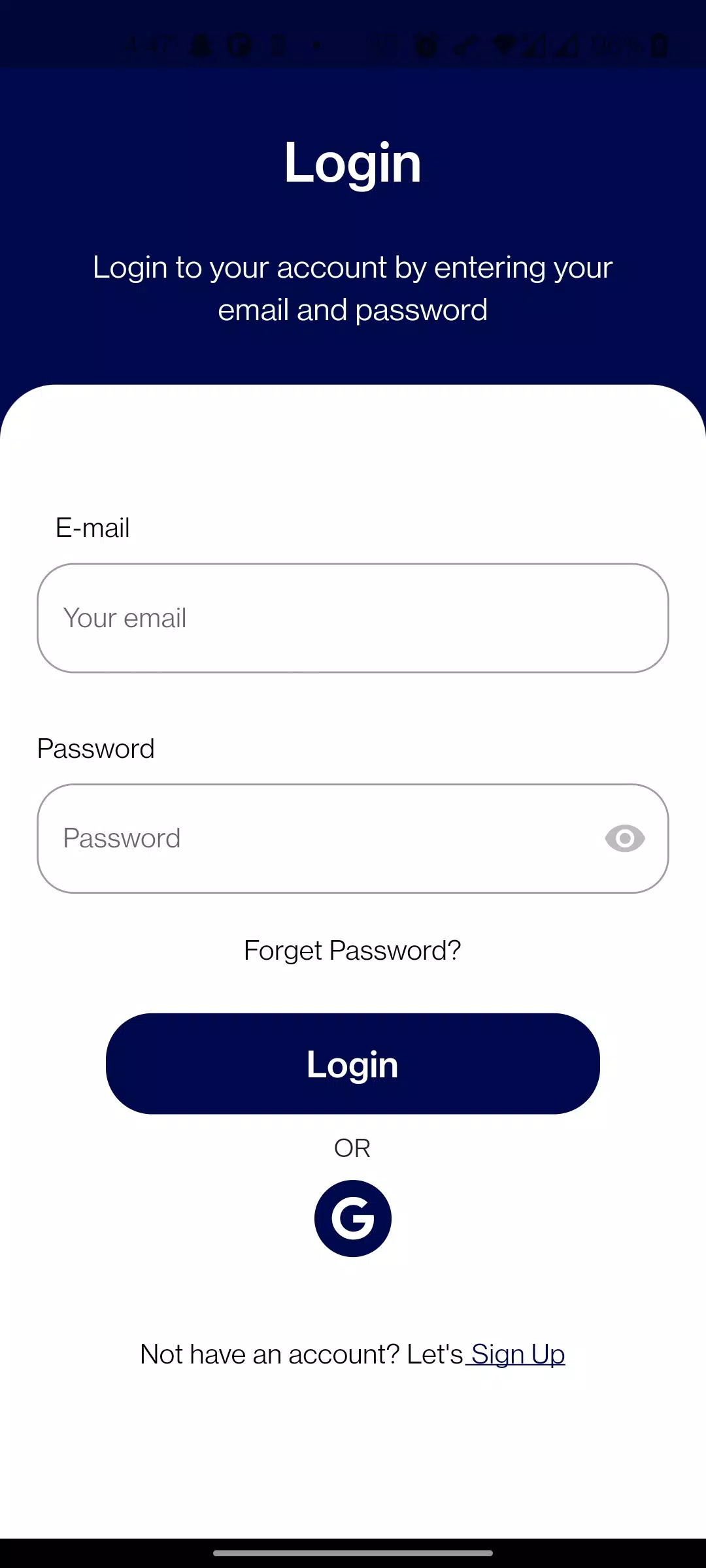
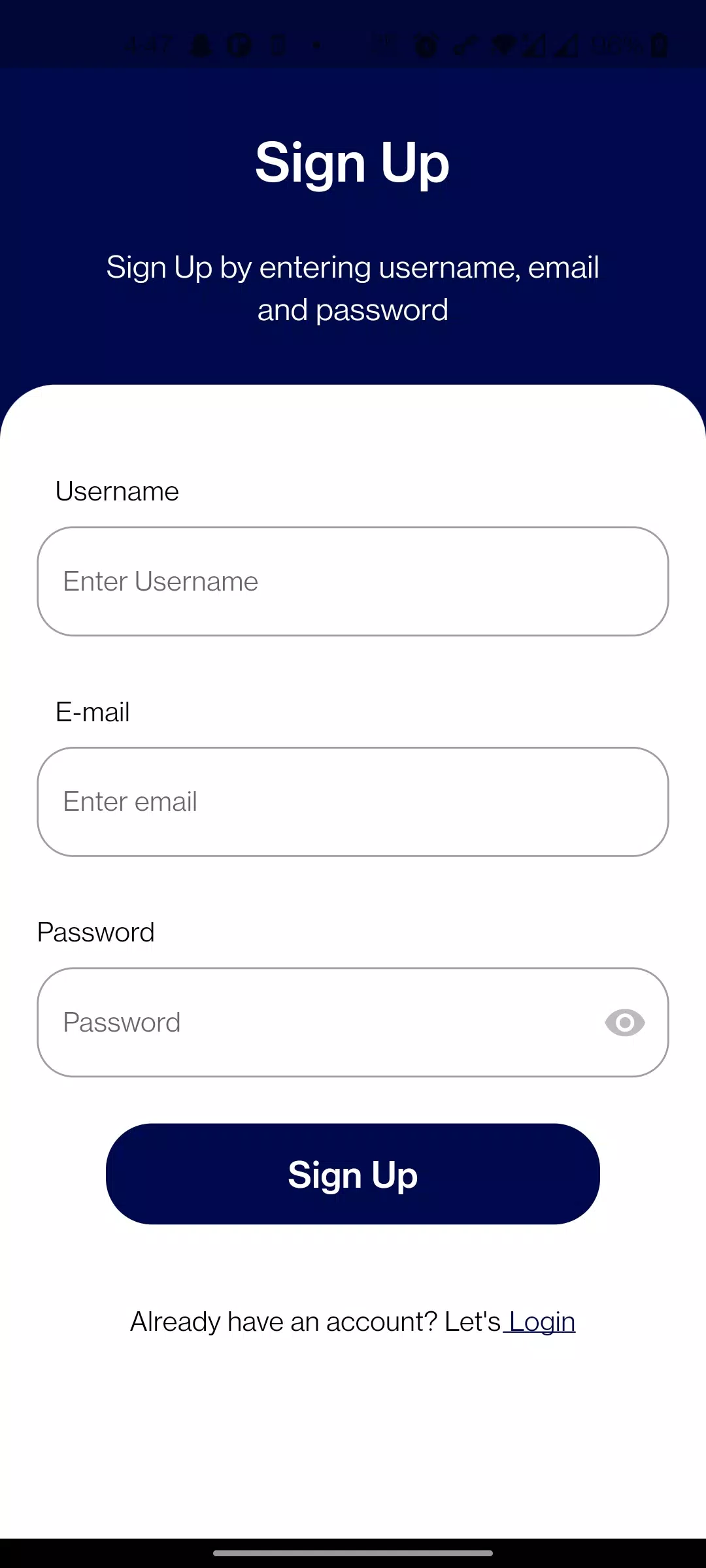
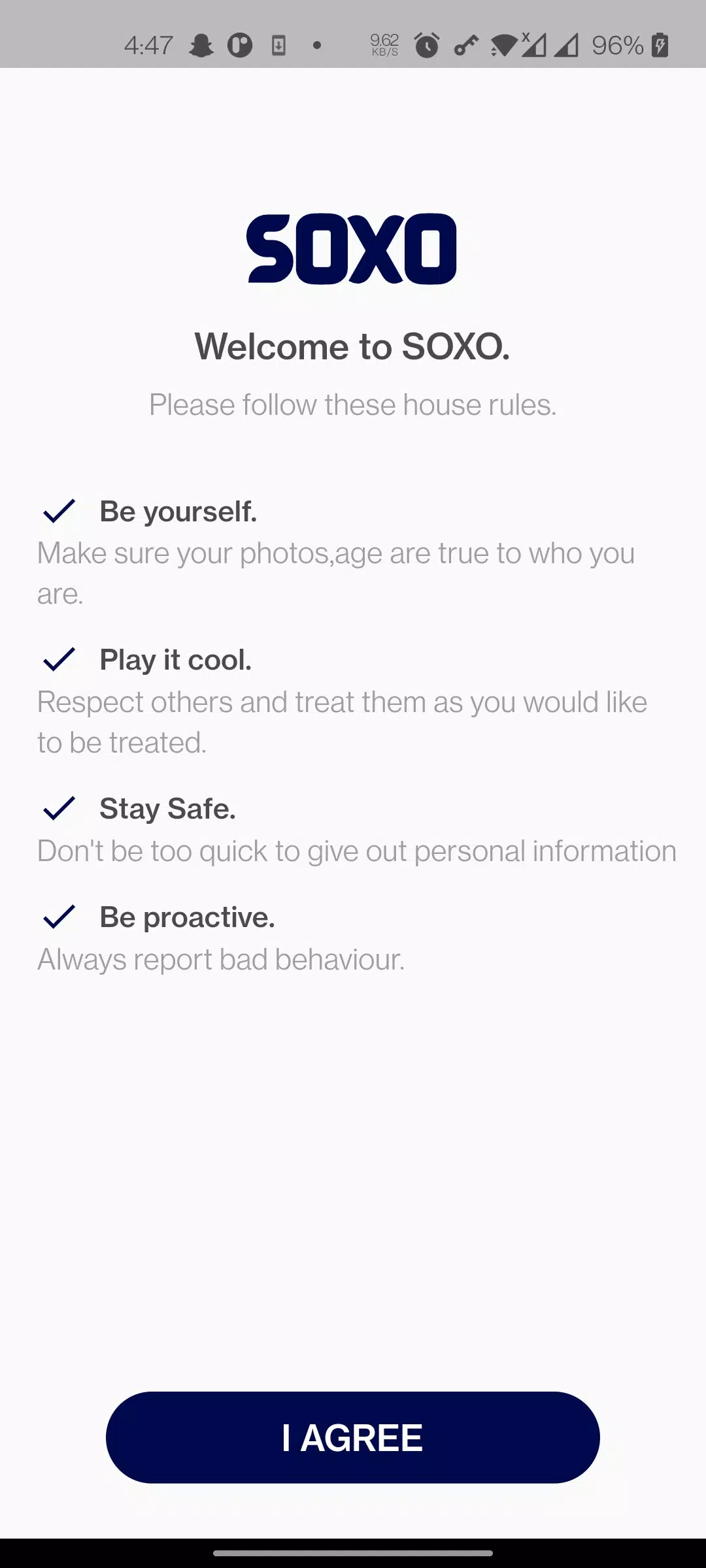
Download and sign in with a minimal setup flow. The onboarding tutorial highlights core gestures and shows how to create your first board. If you prefer, skip onboarding and explore the app with a sample project. Premium features are optional and clearly marked, so basic users can benefit without a subscription.
For users who want a compact, responsive organizer with enough depth to handle complex projects, SOXO blends simplicity and capability. It’s built to improve daily routines while staying out of the way of focused work.

BIG Phone for Seniors
Size:10.01M CommunicationFree Adblocker Browser
Size:188.40M CommunicationSoundCloud
Size:95.60M CommunicationInst Saver Post Story Saver
Size:11.13M CommunicationVani Dialer
Size:35.25M CommunicationSimple SMS Messenger
Size:19.80M CommunicationOH Web Browser - Safe & Simple
Size:11.00M CommunicationOpera Browser
Size:81.10M CommunicationLearna AI
Size:69.30M CommunicationNext SMS
Size:32.34M CommunicationWhatsAuto - Reply App
Size:17.10M CommunicationTumblr
Size:24.10M CommunicationApril 2024 Clash of Clans Update: Unveiling a Fresh Companion, Enhanced Levels, Chat Tagging, and Be
2024-04-16Arrival of Genshin Impact 4.6 Update: 'Embers of Two Realms, Twilight of Crimson'
2024-04-16V2.2 of the Farlight 84 update introduces an overhauled Season structure, fresh in-game currency, an
2024-04-16Monster Never Cry is now accessible on both Android and iOS mobile devices.
2024-04-18PUBG Mobile Teams Up with Bentley Motors: Luxury Cars, Exclusive Collectibles, and Beyond
2024-04-18March 2024 Free Redemption Codes for Honkai: Star Rail
2024-04-18