English
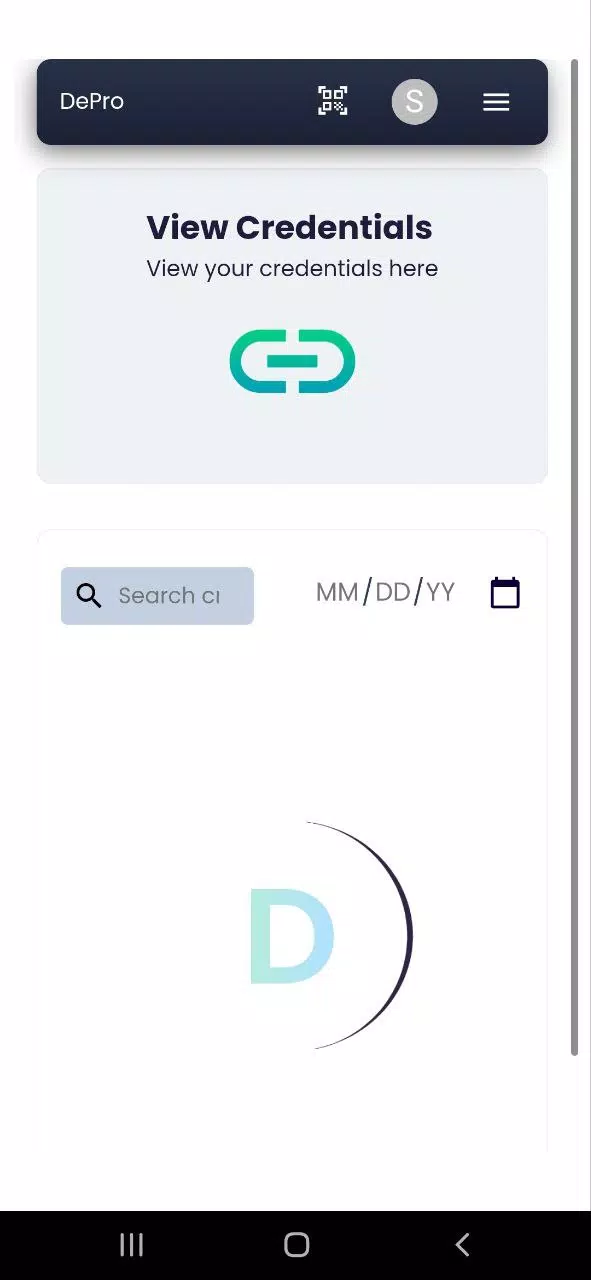
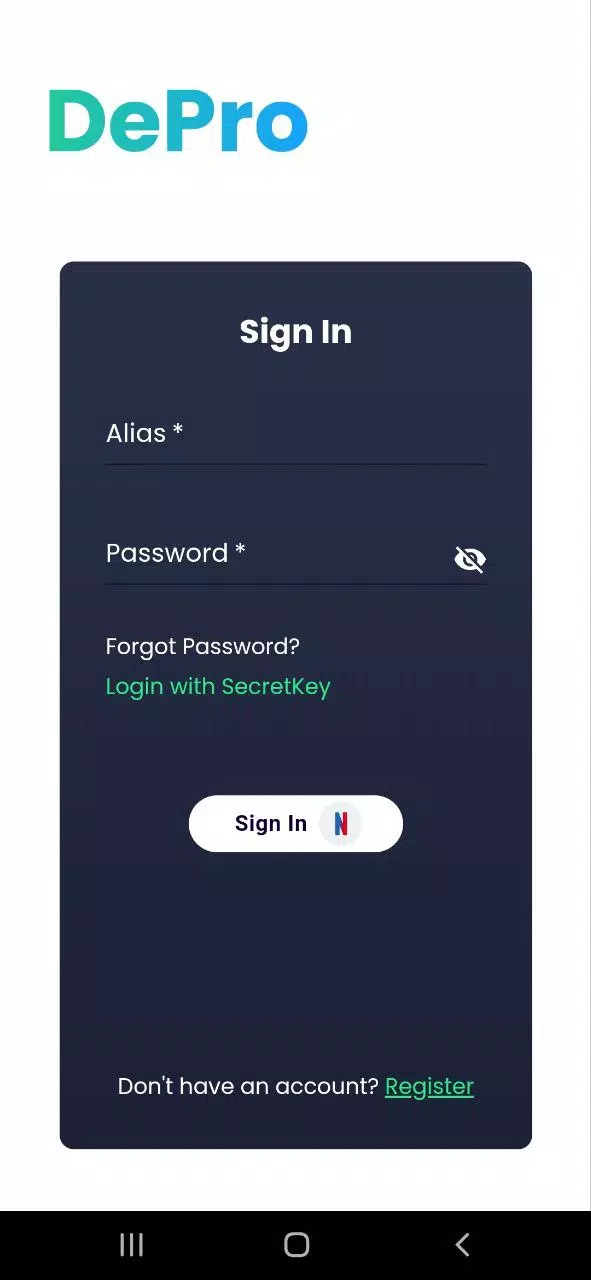
DePro is a productivity-focused Android app that centralizes task management, document scanning, and quick automation into a single, lightweight interface. It streamlines daily workflows with smart templates, offline capabilities and simple integrations, making repetitive tasks faster for professionals, students, and anyone juggling multiple projects.
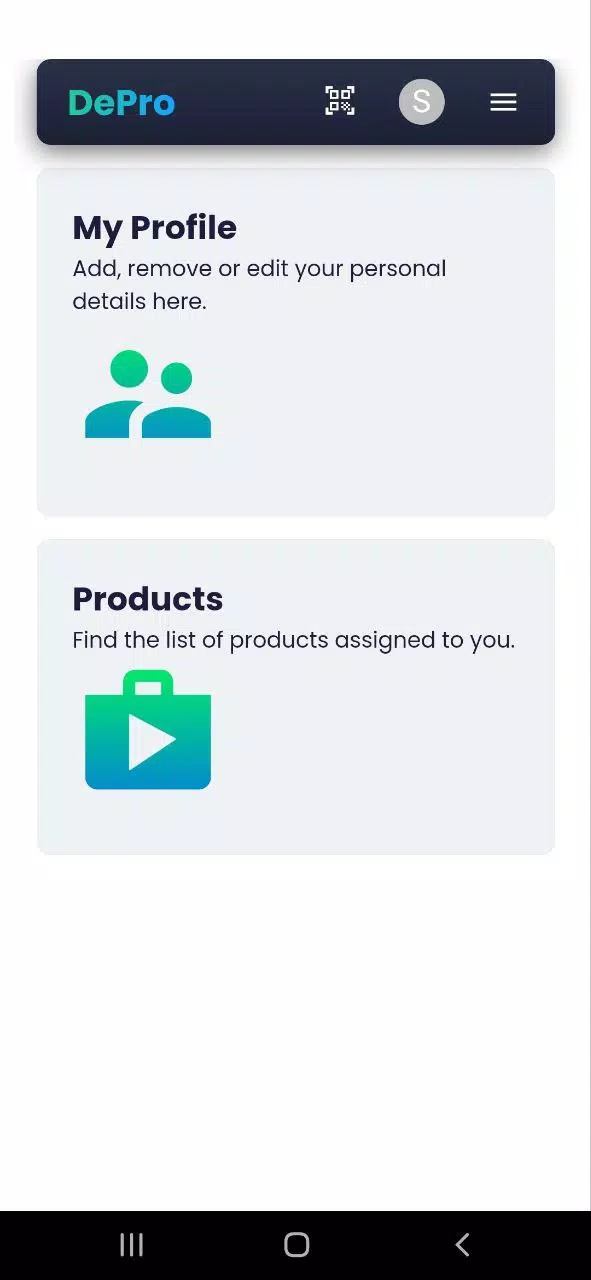
DePro combines common workplace utilities into one coherent package. Rather than switching between separate apps for notes, scans, and reminders, you get a unified environment that prioritizes speed, low resource use, and reliable sync. The app targets users who want structure and automation without a steep learning curve.
Start by adding a project or workspace, then populate it with tasks, attachments, and templates. Templates can be reused for weekly reports, meeting agendas, or study plans. DePro supports drag-and-drop reordering and gesture shortcuts for faster navigation, so frequent actions become muscle memory.
Files and tasks can be exported to common formats or shared via email and cloud services. Built-in OCR converts scanned documents into editable text. The app connects to popular calendar apps to reflect deadlines and offers shareable task links for team collaboration without requiring everyone to create an account.
The user interface focuses on clarity: a muted color scheme, readable typography, and minimal chrome. Performance is optimized for lower-end devices; the app uses efficient caching and background processing to keep battery impact low. Smooth animations and immediate feedback make the app feel responsive when switching between sections.
Users can tailor DePro to their workflow by creating custom templates, color tags, and notification rules. Themes are limited but practical, emphasizing contrast and legibility. Notification settings allow quiet hours and task batching, so alerts arrive when you need them rather than continuously interrupting flow.
Local encryption is available for sensitive documents and notes. Sync operations use secure channels and offer selective folder sync for users who prefer partial cloud storage. DePro provides export and backup options so you retain control over your data and can migrate content easily if you decide to stop using the app.
DePro stands out because it reduces app switching and encourages consistency. The combination of scanning, task automation, and light project management makes it useful for freelancers, students, and small teams that need efficiency without complexity. Support documentation is concise and practical, helping new users adapt quickly.
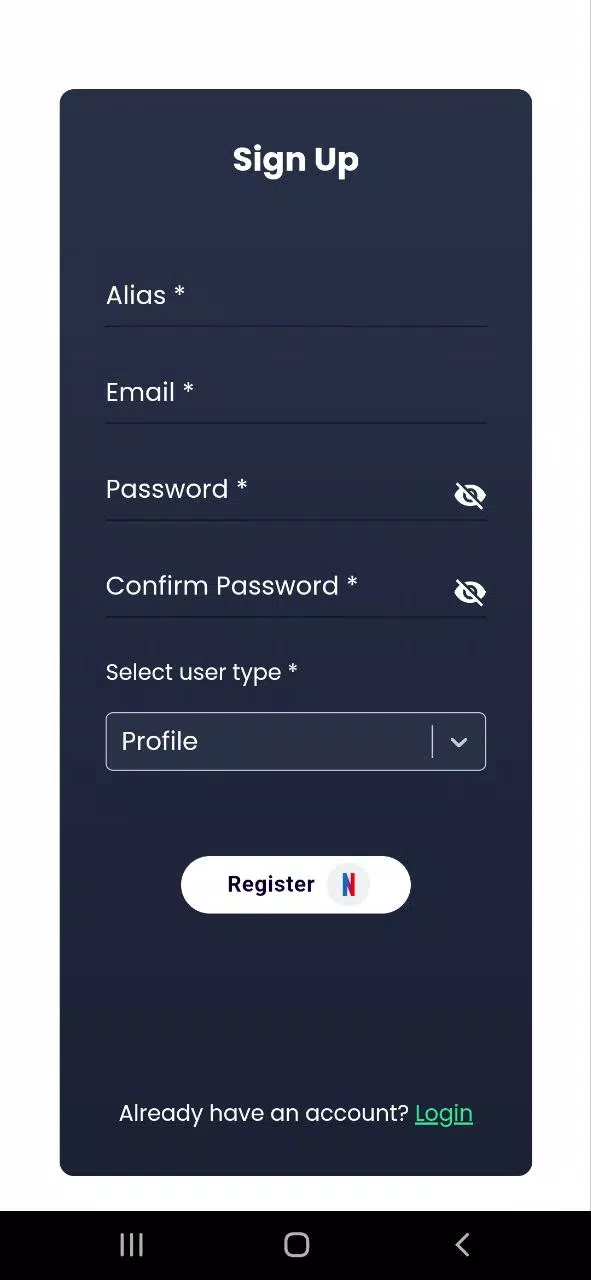
Installation is straightforward: download from the Play Store, grant camera and storage permissions for full functionality, and set up a workspace. A short onboarding tour highlights core features and helps import tasks from CSV files or other apps. For privacy-minded users, selective sync and local backups provide peace of mind.
Whether you need a compact productivity hub or a reliable companion for everyday work, DePro offers a balanced mix of speed, utility, and customization. Its emphasis on real-world workflows makes it a solid choice for anyone wanting to do more with less friction on Android.
BIG Phone for Seniors
Size:10.01M CommunicationFree Adblocker Browser
Size:188.40M CommunicationSoundCloud
Size:95.60M CommunicationInst Saver Post Story Saver
Size:11.13M CommunicationVani Dialer
Size:35.25M CommunicationSimple SMS Messenger
Size:19.80M CommunicationOH Web Browser - Safe & Simple
Size:11.00M CommunicationOpera Browser
Size:81.10M CommunicationLearna AI
Size:69.30M CommunicationNext SMS
Size:32.34M CommunicationWhatsAuto - Reply App
Size:17.10M CommunicationTumblr
Size:24.10M CommunicationApril 2024 Clash of Clans Update: Unveiling a Fresh Companion, Enhanced Levels, Chat Tagging, and Be
2024-04-16Arrival of Genshin Impact 4.6 Update: 'Embers of Two Realms, Twilight of Crimson'
2024-04-16V2.2 of the Farlight 84 update introduces an overhauled Season structure, fresh in-game currency, an
2024-04-16Monster Never Cry is now accessible on both Android and iOS mobile devices.
2024-04-18PUBG Mobile Teams Up with Bentley Motors: Luxury Cars, Exclusive Collectibles, and Beyond
2024-04-18March 2024 Free Redemption Codes for Honkai: Star Rail
2024-04-18