English
AutoResponder for FB Messenger is a productivity tool that automates replies to incoming Facebook messages, letting you set rules, quick replies, and away responses without needing to monitor chats constantly. It simplifies busy inboxes and ensures timely, consistent communication for personal or small business use in just a few taps.
AutoResponder for FB Messenger focuses on cutting down manual messaging chores by providing scheduled responses, keyword triggers, and conditional replies. The app targets people who manage high volumes of chat — customer support agents, freelancers, and social media managers — and anyone who wants to maintain responsiveness while staying focused on other tasks.
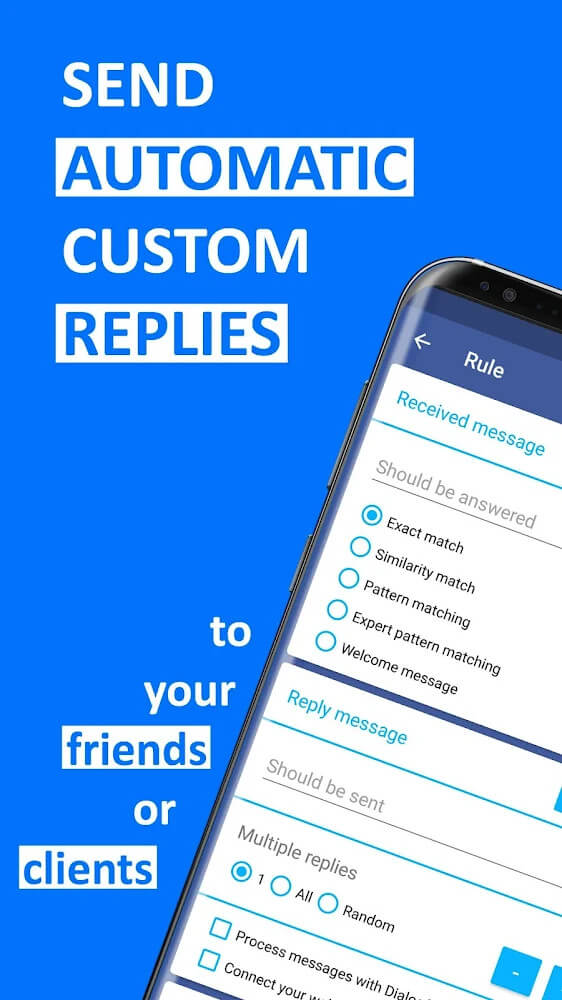
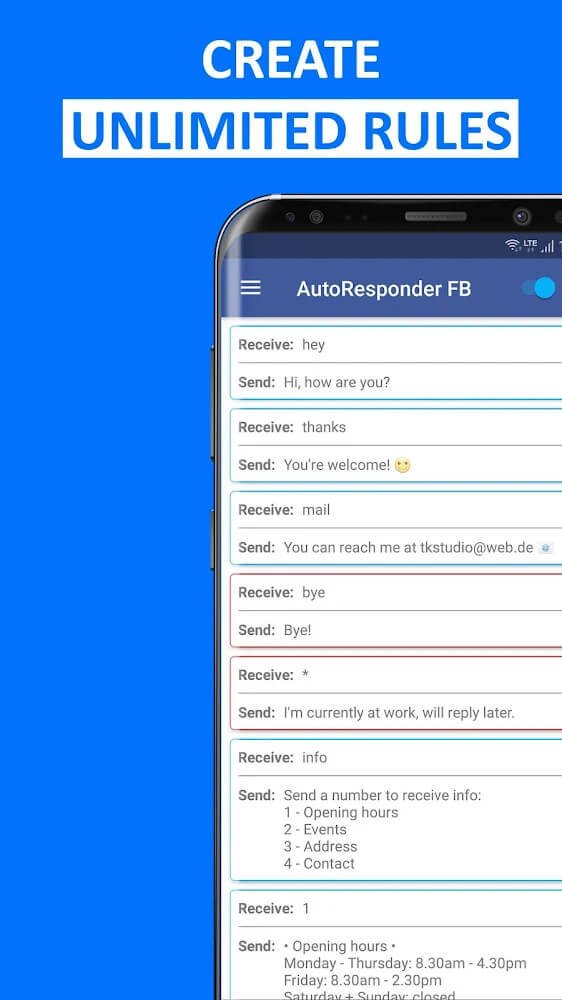
The core strengths lie in automated rules and workflow integration. You can create message templates, assign triggers based on keywords or senders, and chain responses so the next message depends on prior interaction. AutoResponder for FB Messenger supports both single-message replies and multi-step exchanges, enabling basic conversation flows without human oversight.
After granting the necessary permissions, you define triggers through an intuitive UI and attach corresponding responses. The app monitors incoming Facebook messages in real time and matches them to your rules. When a match occurs, the selected reply is sent automatically. For businesses, this means rapid acknowledgement of customer queries and a reduced response backlog.
Customization is a major advantage. AutoResponder for FB Messenger lets you adjust response timing, set maximum reply counts to avoid spamming, and personalize messages using placeholders like the sender’s name. You can also prioritize rules so more specific triggers take precedence over general ones, giving you granular control over automated behavior.
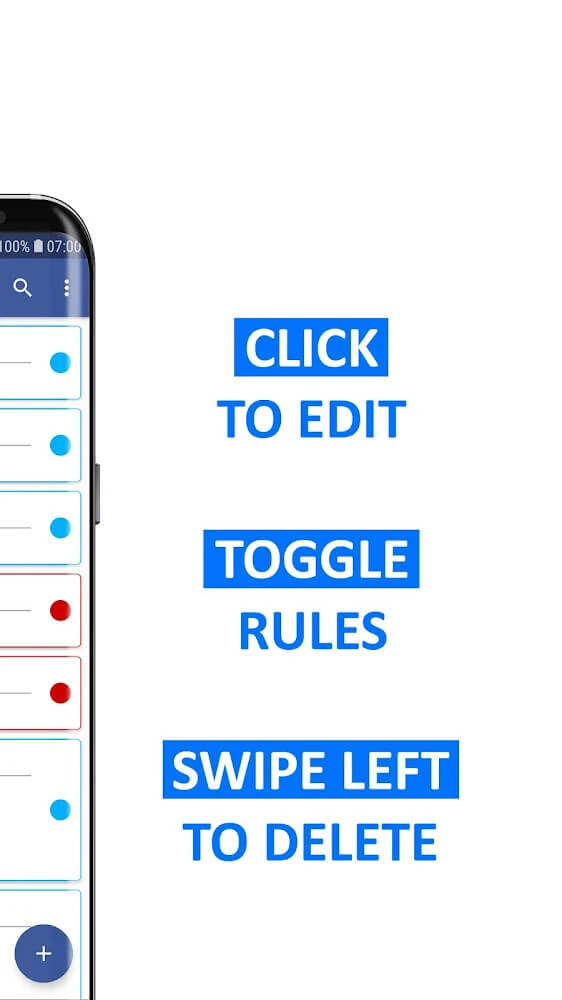
The interface is designed for clarity: rule lists, active/inactive toggles, and a preview pane make setup straightforward. Performance is light on system resources; background monitoring is optimized to avoid battery drain or slow device operation. Updates focus on stability and compatibility with Facebook’s messaging APIs to minimize interruptions.
To get the most from AutoResponder for FB Messenger, start with a few common scenarios: order confirmations, out-of-office replies, and quick FAQ answers. Test triggers with sample messages and monitor logs to refine conditions. Use concise templates and rotate scheduled messages to keep interactions fresh and avoid sounding robotic.
Since the app interacts with messages, review permission settings and privacy policies carefully. The best practice is to limit access to necessary features only and avoid storing sensitive data in message templates. Regularly update the app to ensure compliance with platform changes and security patches.
Installation is straightforward from standard app stores. After installing, follow the setup wizard to grant notification and messaging access, create your first rule, and run a test conversation. The setup typically takes under ten minutes for basic functionality, though advanced workflows may require additional tuning.
Many users pick AutoResponder for FB Messenger because it balances powerful automation with a simple setup. It saves time, keeps communication consistent, and scales for small teams without requiring complex integrations. Whether you manage sales inquiries or personal contacts, it helps maintain a professional presence in Messenger.
BIG Phone for Seniors
Size:10.01M CommunicationFree Adblocker Browser
Size:188.40M CommunicationSoundCloud
Size:95.60M CommunicationInst Saver Post Story Saver
Size:11.13M CommunicationVani Dialer
Size:35.25M CommunicationSimple SMS Messenger
Size:19.80M CommunicationOH Web Browser - Safe & Simple
Size:11.00M CommunicationOpera Browser
Size:81.10M CommunicationLearna AI
Size:69.30M CommunicationNext SMS
Size:32.34M CommunicationWhatsAuto - Reply App
Size:17.10M CommunicationTumblr
Size:24.10M CommunicationApril 2024 Clash of Clans Update: Unveiling a Fresh Companion, Enhanced Levels, Chat Tagging, and Be
2024-04-16Arrival of Genshin Impact 4.6 Update: 'Embers of Two Realms, Twilight of Crimson'
2024-04-16V2.2 of the Farlight 84 update introduces an overhauled Season structure, fresh in-game currency, an
2024-04-16Monster Never Cry is now accessible on both Android and iOS mobile devices.
2024-04-18PUBG Mobile Teams Up with Bentley Motors: Luxury Cars, Exclusive Collectibles, and Beyond
2024-04-18March 2024 Free Redemption Codes for Honkai: Star Rail
2024-04-18