English
SHARE: Share it, File Transfer is a fast, free utility that moves photos, videos, apps and documents between devices without cables or mobile data, using secure local Wi-Fi or hotspot connections. It's built for straightforward operation, reliable speeds and broad compatibility with Android, Windows and macOS systems.
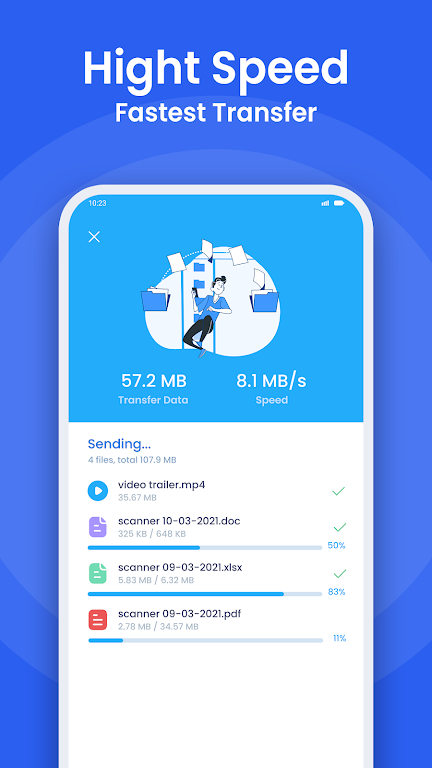
The app concentrates on core file-sharing tools: send and receive large files, copy installed APKs, migrate entire folders, and transfer app data where supported. SHARE: Share it, File Transfer supports batch transfers, resumable sessions after interruptions, and shows clear progress indicators so you can manage multi-file jobs efficiently. Built-in controls let you select file types, sort by size or date, and preview content before sending.
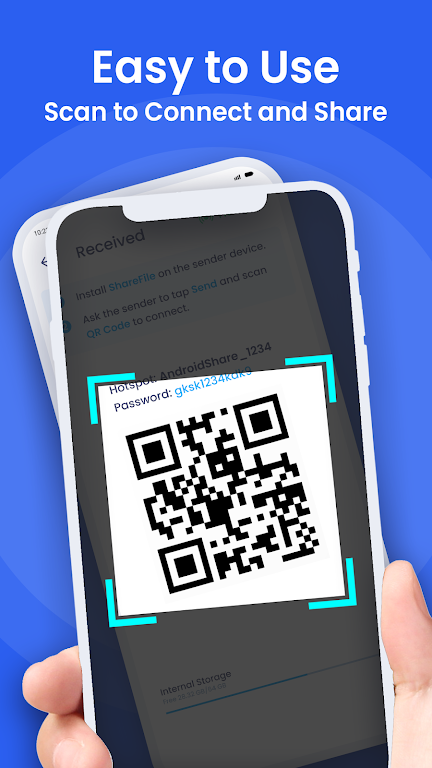
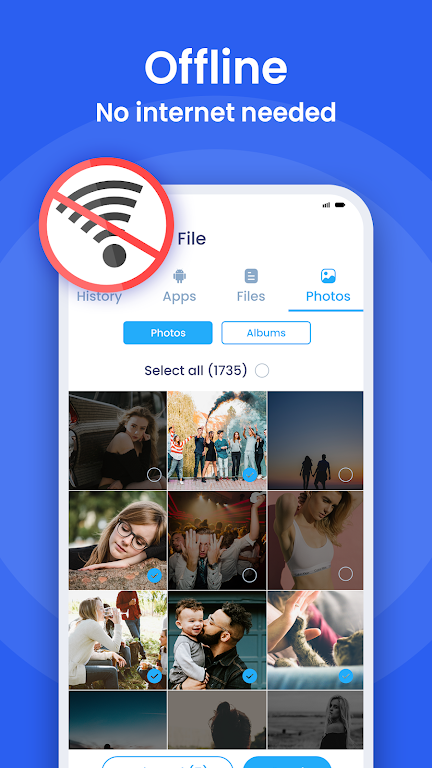
Instead of relying on cloud services or mobile data, transfers use a direct local connection. One device creates a hotspot that the other device joins, or both connect to the same Wi-Fi network. The sender selects items and generates a share link or QR code; the receiver scans or taps to accept. This peer-to-peer model delivers faster speeds and keeps traffic off the internet.
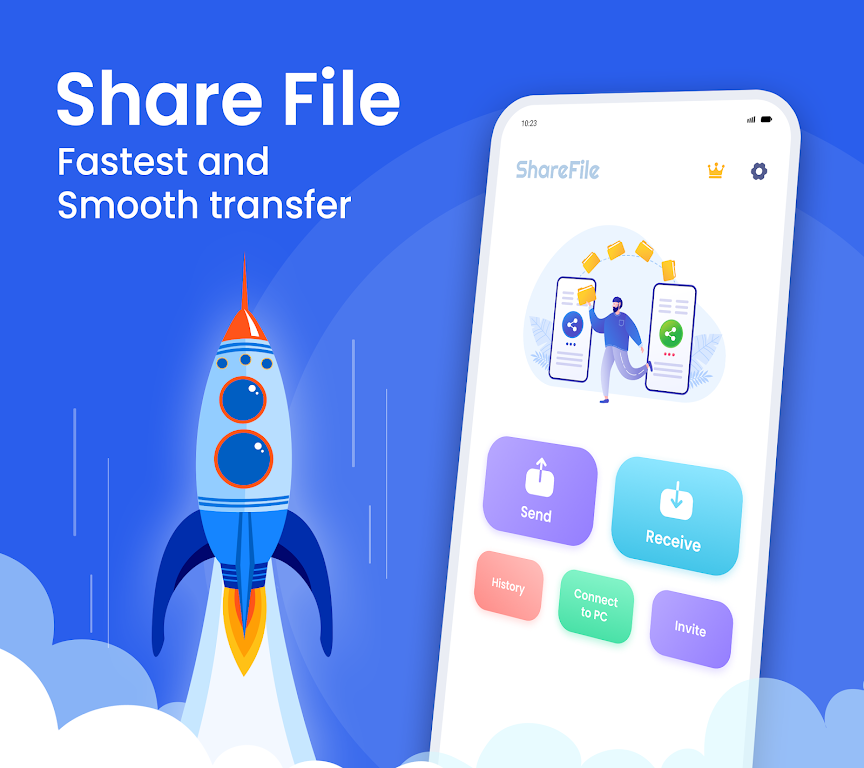
The interface favors minimal steps. A prominent Send/Receive home screen directs newcomers, while an integrated file browser exposes internal storage, SD cards and media libraries. A recent activity log and intelligently grouped categories speed up repeated tasks. Drag-and-drop style selection, simple confirmation dialogs, and clear transfer history help users complete operations without confusion.
Performance focuses on maximizing local bandwidth for quick transfers of multi-gigabyte files. Under ideal Wi-Fi conditions, large media moves in seconds rather than minutes. SHARE: Share it, File Transfer offers clients for Windows and macOS in addition to Android, so you can move photos and documents between phones and desktop machines without intermediaries. The app is optimized for low CPU overhead and minimal battery drain during short bursts of data exchange.
Privacy is handled with local-only transfers that avoid uploading your files to remote servers. Connections can be authenticated with a temporary access code or QR pairing, and transfers terminate automatically when sessions end. Permissions are requested at the point of use, and the app minimizes retained user data by keeping short transfer logs and optional file deletion controls after completion.
Beyond simple file moves, the app supports application sharing by packaging APKs for transfer, selective folder sync for repeated backups, and clipboard synchronization for copying text between devices. Some versions include a built-in media player for quick previews and a gallery-style sharing experience for images and videos. Developers and power users will appreciate support for large file chunks and error-correction that restarts incomplete packets rather than restarting whole transfers.
Install the app, grant storage and network permissions, then open the Send side and pick files or folders. On the receiving device, tap Receive and scan the displayed QR code or accept the incoming request. A single notification shows progress and completion status. The learning curve is minimal, and routine tasks become faster once templates and recent lists are populated.
If you need a dependable, quick way to move content between phones, tablets and computers, SHARE: Share it, File Transfer offers a practical balance of speed, simplicity and privacy. Its focus on local, peer-to-peer transfers makes it a useful tool for everyday media exchange, device migrations and offline sharing needs.
Smart Keyboard Pro
Size:23.22M ToolsMyScript Math: Solve & Plot
Size:108.76M ToolsText Repeater
Size:11.73M Tools3Dcalc+
Size:12.59M ToolsMyScoreTracker
Size:80.28M ToolsPanda Touch Pro
Size:18.13M ToolsDual Space : Multi App
Size:7.23M ToolsSound Recorder Plus: Voice Rec
Size:20.50M ToolsVoice Notebook
Size:2.54M ToolsVPN Australia
Size:18.00M ToolsMulti Parallel
Size:7.00M ToolsRemote for Smart Samsung TV
Size:53.60M ToolsApril 2024 Clash of Clans Update: Unveiling a Fresh Companion, Enhanced Levels, Chat Tagging, and Be
2024-04-16Arrival of Genshin Impact 4.6 Update: 'Embers of Two Realms, Twilight of Crimson'
2024-04-16V2.2 of the Farlight 84 update introduces an overhauled Season structure, fresh in-game currency, an
2024-04-16Monster Never Cry is now accessible on both Android and iOS mobile devices.
2024-04-18PUBG Mobile Teams Up with Bentley Motors: Luxury Cars, Exclusive Collectibles, and Beyond
2024-04-18March 2024 Free Redemption Codes for Honkai: Star Rail
2024-04-18